 ProMapRanker
Best WordPress Hosting Companies in 2026


Small business sites that want strong support · Pricing starts at: $2.99 per month
Key takeaways
- Introductory prices can be far lower than renewal prices, so check the second year cost before you sign up.
- Managed hosts handle updates, caching, and backups for you, while budget shared hosts ask you to do more yourself.
- Visit limits, storage caps, and email hosting differ a lot between plans, and those limits matter more than headline speed claims.
- Our pick for most small business sites is SiteGround for its support and managed features, with Hostinger as the budget pick.
Quick comparison
| Pick | Great for | Pricing starts at | Free tier | |
|---|---|---|---|---|
| SiteGround | Small business sites that want strong support | $2.99 per month | No | Visit |
 Hostinger | Beginners on a tight budget | $2.99 per month | No | Visit |
 Bluehost | First-time site owners | $3.99 per month | No | Visit |
 Kinsta | High-traffic sites that need premium performance | $35 per month | No | Visit |
 WP Engine | Agencies managing several client sites | $35 per month | No | Visit |
 DreamHost | Simple sites that want monthly billing | See website | No | Visit |
 Cloudways | Flexible cloud hosting without a long contract | $11 per month | Free trial | Visit |
 Pressable | WordPress sites that use Jetpack | $25 per month | No | Visit |
 Rocket.net | Speed-focused sites on a flat monthly price | See website | No | Visit |
 IONOS | Low-cost first-year hosting | See website | No | Visit |
The best wordpress hosting companies
WordPress hosting is not one product. It ranges from cheap shared plans to fully managed platforms with staging, daily backups, and WordPress-focused support. The right choice depends on your traffic, your comfort with technical work, and how much you want to pay after the first year.

SiteGround is our pick for most small business owners because it pairs managed WordPress features with support that is easy to reach. Plans include free SSL, daily backups, caching, and a guided WordPress setup, so a new site can go live without extra plugins for the basics. The StartUp plan starts at $2.99 per month for a 12-month term, which keeps the first year affordable.
The catch is the renewal price, which rises to $17.99 per month for StartUp. Storage is also modest at 10 GB on the entry plan, so image-heavy sites may need GrowBig. Still, for a business site where support matters when something breaks, SiteGround is a solid middle ground between budget hosting and premium managed hosting.
- Google Cloud infrastructure
- Daily backups
- WordPress-focused support by chat and phone
- Renewal prices rise sharply
- Entry plan covers one site only
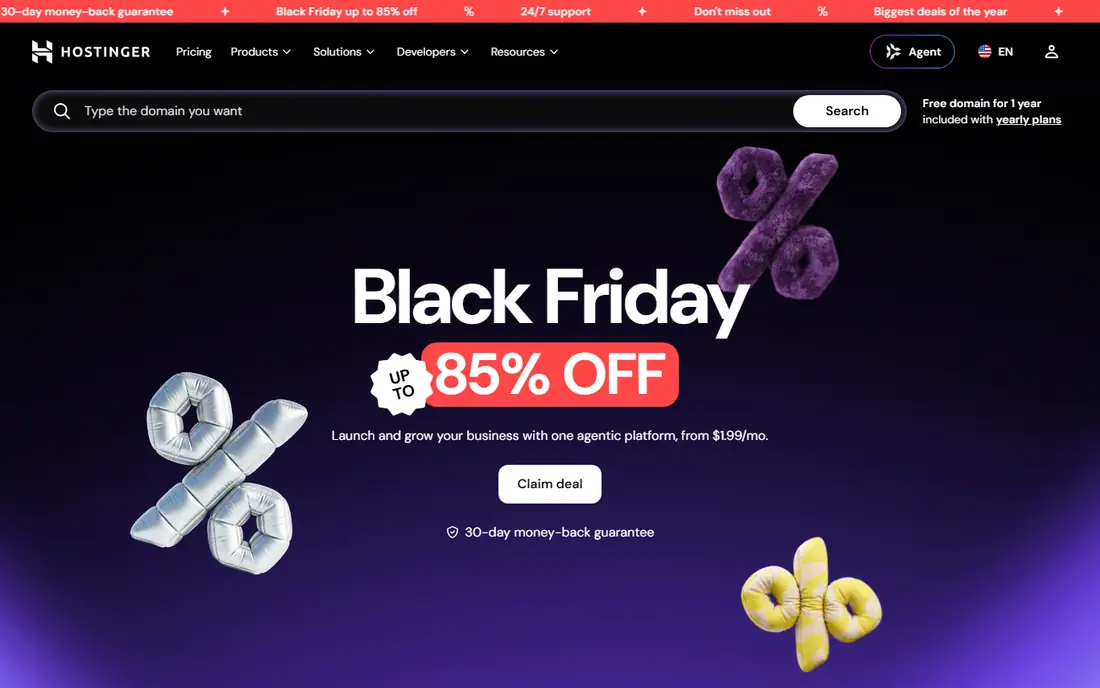
Hostinger wins on price, plain and simple. Its Premium plan starts at $2.99 per month on a 48-month term, and the panel is one of the easiest we have seen for a first-time site owner. You get LiteSpeed caching, free SSL, weekly backups on the entry plan, and a free domain for the first year, which covers the basics for a blog or small business site.
The trade-offs are the long term needed for the best price and the lack of phone support. Renewal is around $10.99 per month, which is still cheaper than most managed hosts. If you are comfortable with chat support and you want the lowest long-term cost, Hostinger is hard to beat.
- Very low introductory price
- Simple custom control panel
- Free domain for the first year on many plans
- Best price needs a 48-month term
- No phone support
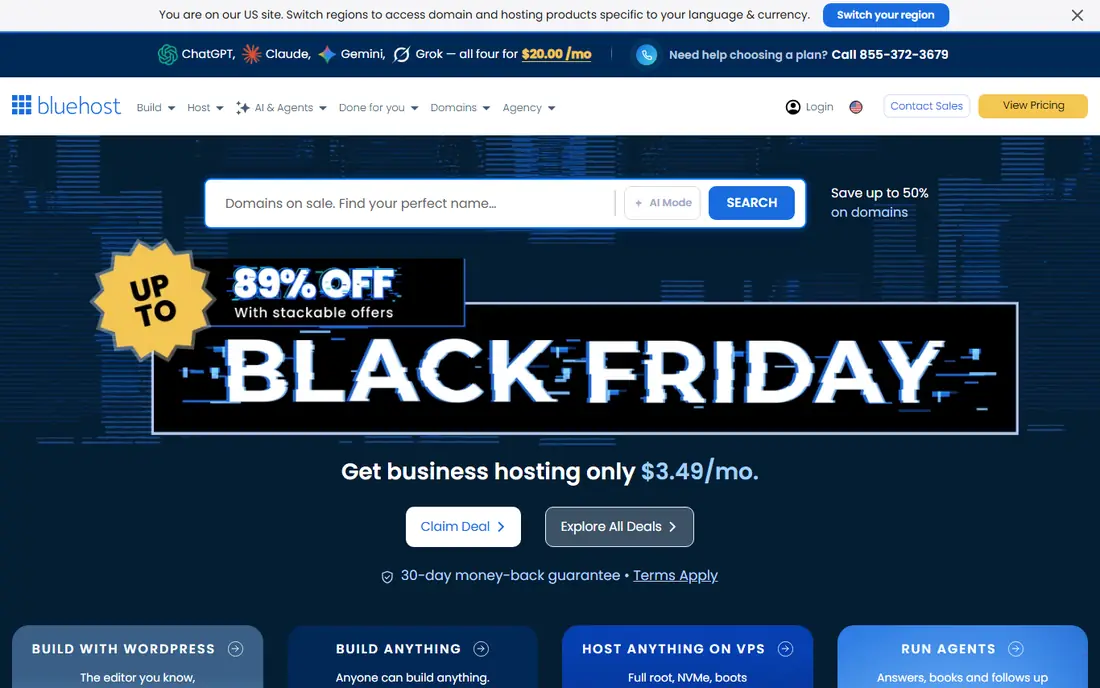
Bluehost has long been a default recommendation for a first WordPress site, and the reason is onboarding. The setup flow walks you through domain choice, WordPress installation, and theme selection without technical jargon. Plans start at $3.99 per month on a 36-month term, renewing at $9.99 per month, and include free SSL and a free domain for the first year.
The entry plan is best for a single simple site. Backups are weekly rather than daily, and email is a trial on some plans, so check the details before you commit. For a first site where you want a guided start and a well-known brand, Bluehost remains a sensible choice.
- Beginner-friendly onboarding
- Free domain for the first year
- Phone support on higher plans
- Best price needs a 36-month term
- Weekly backups on the entry plan
Kinsta is a premium managed host built only for WordPress, and it shows in the tooling. Every plan runs on Google Cloud with server-level caching, a Cloudflare CDN, daily backups, and the MyKinsta dashboard with performance monitoring. The Starter plan costs $35 per month, or $30 per month billed annually, for one site, 25,000 monthly visits, and 10 GB of storage.
That price is overkill for a hobby blog, but it makes sense for a store or publication where slow pages cost sales. The main gaps are email hosting, which you must buy separately, and visit limits that can add overage costs on a traffic spike. If your site earns money, Kinsta is worth the premium.
- Google Cloud infrastructure with Cloudflare CDN
- Daily backups
- Free migrations
- Expensive for small sites
- No email hosting included
WP Engine is built for teams that run WordPress as a business. Its Essential plans include staging and development environments, platform caching, a CDN, daily backups, and support from WordPress specialists. A single site costs $35 per month on monthly billing, and multi-site tiers bring the per-site cost down sharply, which is why agencies like it.
Read the pricing fine print. First-year annual pricing is lower, and renewal is at the then-current rate, so budget for the full price from year two. WP Engine also restricts some plugins for performance and security reasons, so check the list if you rely on a specific plugin. For agencies, those trade-offs are usually worth it.
- Strong developer tools including staging and Git workflows
- Good multi-site value
- Daily backups
- First-year discount ends and renewal rises
- No email hosting
- Some plugins are restricted
DreamHost suits people who do not want to prepay for years to get a fair price. Its shared and DreamPress managed WordPress plans can be billed monthly, and shared plans carry a long money-back period. Managed DreamPress plans add daily backups, caching, and WordPress-focused support, which removes much of the maintenance work from a small site owner.
DreamHost will not match Kinsta or WP Engine on developer tooling or raw performance tuning. It is a steadier, simpler option for a blog, portfolio, or small business site that does not need agency tooling. Check the current plan page, since DreamHost changes plan names and prices from time to time.
- Month-to-month billing available
- Daily backups on managed plans
- Long money-back period on shared plans
- Entry plans are less feature-rich than premium managed hosts
- Support can be slower at peak times
Cloudways adds a managed layer on top of cloud providers such as DigitalOcean, Vultr, AWS, and Google Cloud. You pick the server size and provider, and Cloudways handles server setup, caching, backups, and security patching. Pricing starts at $11 per month for a small DigitalOcean server, billed monthly with no long contract, which makes it easy to scale up or down.
The catch is that Cloudways expects more from you than a shared host does. Email hosting and domain registration are not included, and you need to understand server sizing to avoid paying for resources you do not use. For developers, agencies, and site owners with several WordPress installs, that flexibility is a real advantage.
- Choice of cloud providers
- Pay-as-you-go billing
- Unlimited applications per server
- No email or domain included
- More technical than shared hosting
Pressable is a managed WordPress host from the team behind WordPress.com, and its pricing is refreshingly simple. The entry Signature plan costs $25 per month with no annual lock-in required, covering one install, 30,000 visits, and 20 GB of storage. Jetpack Security is included, and every plan gets staging, which makes testing changes safer.
Pressable does not offer phone support, and its brand is less well known than the biggest managed hosts. For a single WordPress site where you want managed features, Jetpack tooling, and a price that does not jump after year one, it is one of the best values in this list.
- Flat monthly pricing with no annual lock-in
- Jetpack Security included
- Staging on all plans
- Smaller brand than Kinsta or WP Engine
- Phone support is not offered
Rocket.net targets site owners who care about speed above all else. Its platform combines managed WordPress hosting with an enterprise CDN, edge caching, and daily backups, and it markets unmetered visits on its plans. That combination suits content sites and stores where traffic can spike without warning.
The entry price is higher than budget shared hosting, so it is not the pick for a first blog. Check the current pricing page, since Rocket.net prices its plans monthly and annually at different rates. If you already have a busy site and you want speed without managing caching plugins yourself, Rocket.net deserves a shortlist spot.
- Built-in enterprise CDN and caching
- Daily backups
- Flat pricing without visit-based surprises on some plans
- Higher entry price than shared hosting
- One site on the entry plan
IONOS is the cheapest way to get a WordPress site online for a year. Its WordPress plans start at a low promotional price for the first year, with daily backups and a simple setup flow. The short commitment is a plus if you are testing an idea and you do not want to prepay for three or four years.
The limits are clear: one site per plan, and migration help is a paid extra. Renewal pricing is higher, so treat the first year as a trial and decide before renewal whether the service earns a second year. For a low-risk first site, IONOS is a fair starting point.
- Very low first-year price
- Short initial commitment
- Daily backups
- One site per WordPress plan
- Paid migration
- Renewal price rises
How we picked these
We compared official pricing pages, plan limits, and feature lists for the best-known WordPress hosts, plus public reviews and performance reports from independent testers. We kept only hosts that are live in October 2026, offer a WordPress-specific plan, and publish enough plan detail to compare fairly. We weighted support access, backup frequency, visit and storage limits, and the gap between introductory and renewal prices, because those are the factors that most affect a real site owner over two years.
What to check before you buy WordPress hosting
Start with the renewal price, not the headline price. A $2.99 per month plan that renews at $17.99 per month costs far more over three years than a $10 per month plan with a flat rate. Write down the term length, the renewal rate, and the refund window before you enter payment details.
Next, match the plan to your site. A blog with a few thousand visits a month fits a shared or entry managed plan. A store needs daily backups, staging, and enough PHP resources for checkout traffic. Check the visit limit, storage cap, and backup frequency on the plan page, and ask whether email hosting is included, since premium managed hosts often leave it out.
Finally, test support before you need it in a crisis. Open a chat session with a real question about staging or backups and note how long a useful answer takes. A host with fast, WordPress-literate support is worth more than a small speed edge, because most site problems are configuration problems, not server problems.
Frequently asked questions
What is the best wordpress hosting company for most people?
For most small business sites, we point to SiteGround for its managed features and accessible support, with Hostinger as the budget alternative. The right pick still depends on your traffic, your budget after year one, and how much technical work you want to do yourself.
How much should WordPress hosting cost?
Budget shared hosting starts around $3 per month on long introductory terms, while premium managed hosting starts around $25 to $35 per month. The honest comparison is the renewal price and the limits on visits and storage, not the first-year headline price alone.
Is managed WordPress hosting worth it?
Managed hosting is worth it if you would rather pay for updates, caching, backups, and security patching than handle them yourself. It is less worth it for a hobby site with almost no traffic, where a basic shared plan covers the same needs for less money.
Do I need email hosting from my WordPress host?
Not always. Several premium managed hosts do not include email, so you may need Google Workspace, Microsoft 365, or another mailbox provider. Budget shared hosts more often include email, which can make them cheaper overall for a small business.
Can I move my WordPress site to a new host later?
Yes, in most cases. Many hosts offer free migration, and WordPress migration plugins can move a standard site. Check whether migration is free, how long it takes, and whether your email and domain move with the site or need separate steps.
Sources
- https://www.siteground.com/wordpress-hosting.htm
- https://www.hostinger.com/wordpress-hosting
- https://www.bluehost.com/wordpress-hosting
- https://kinsta.com/wordpress-hosting/
- https://wpengine.com/
- https://www.dreamhost.com/wordpress-hosting/
- https://www.cloudways.com/en/wordpress-hosting.php
- https://pressable.com/
- https://rocket.net/
- https://www.ionos.com/hosting/wordpress-hosting
See where you really rank - block by block
ProMapRanker scans Google Maps across a grid of your service area. Simple monthly plans from $19, white-label on every plan.
Start freeKeep reading
 zscaler alternatives
Best Zscaler Alternatives in 2026
Looking for zscaler alternatives? We compare 9 SASE and zero trust platforms on architecture, data protection, pricing, and fit for your network and team.
Read → zapier alternatives free
Best Zapier Alternatives Free in 2026
Nine automation tools for zapier alternatives free in 2026, all with genuinely free tiers, plus free plan limits, starting prices and upgrade paths explained.
Read → which platform is best for online reputation
Which Platform Is Best for Online Reputation in 2026
Wondering which platform is best for online reputation? We compare 8 review, listing, and response tools for small and multi-location businesses and agencies.
Read →