 ProMapRanker
Best Wireframe Tools in 2026


Team design from wireframe to handoff · Pricing starts at: $16 per editor per month
Key takeaways
- Figma is the default for most teams, since a wireframe can grow into a finished design in the same file.
- Balsamiq and Whimsical are fastest for early ideas, keeping feedback on structure rather than colours and polish.
- Axure RP suits complex products with conditional flows, while Uizard suits non-designers who want a fast first draft.
- Miro and MockFlow work well when wireframes sit beside flows, notes, and workshops rather than in a design file alone.
Quick comparison
| Pick | Great for | Pricing starts at | Free tier | |
|---|---|---|---|---|
| Figma | Team design from wireframe to handoff | $16 per editor per month | Yes | Visit |
 Balsamiq | Fast low-fidelity wireframes | See website | Free trial | Visit |
 Axure RP | Logic-heavy enterprise prototypes | $29 per user per month | Free trial | Visit |
 Sketch | Mac-based UI design teams | $12 per editor per month | Free trial | Visit |
 MockFlow | Quick wireframes with component libraries | $14 per month | Yes | Visit |
 Miro | Workshops with wireframes beside flows | $8 per member per month | Yes | Visit |
 Whimsical | Fast wireframes and flowcharts | $10 per editor per month | Yes | Visit |
 Uizard | AI-assisted wireframes for non-designers | $12 per creator per month | Yes | Visit |
The best wireframe tools
Wireframing is about deciding structure before polish: what goes on a screen, in what order, and how screens connect. The tools below differ in fidelity, collaboration, and how far a wireframe can go toward a real prototype, so we note each tool's natural stopping point.
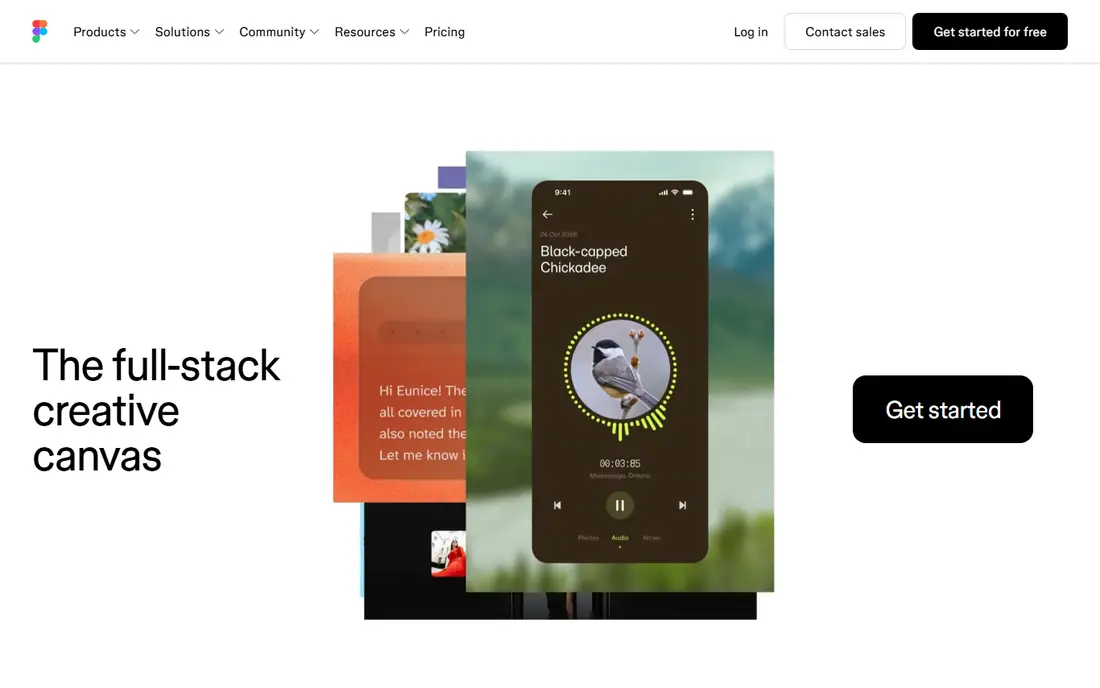
Figma is where most product design now happens, and wireframing is simply its lowest-fidelity mode. You can sketch boxes and labels, share a link for comments, then refine the same file into polished screens and a clickable prototype without exporting to another tool. That continuity is the main reason teams standardise on it, even when they only need wireframes at first.
The cost is scope. Figma has separate seat types, with Professional Full seats at $16 per editor per month billed annually, and the free plan limits the number of files. A solo founder who only needs rough layouts may find Balsamiq or Whimsical faster. For a product team that will design, prototype, and hand off to developers, Figma is the safest default on this list.
- Real-time collaboration in the browser
- Wireframe grows into high-fidelity design and prototype in one file
- Large community library
- More tool than pure wireframing needs
- Free plan limits files
- Per-seat pricing adds up for larger teams
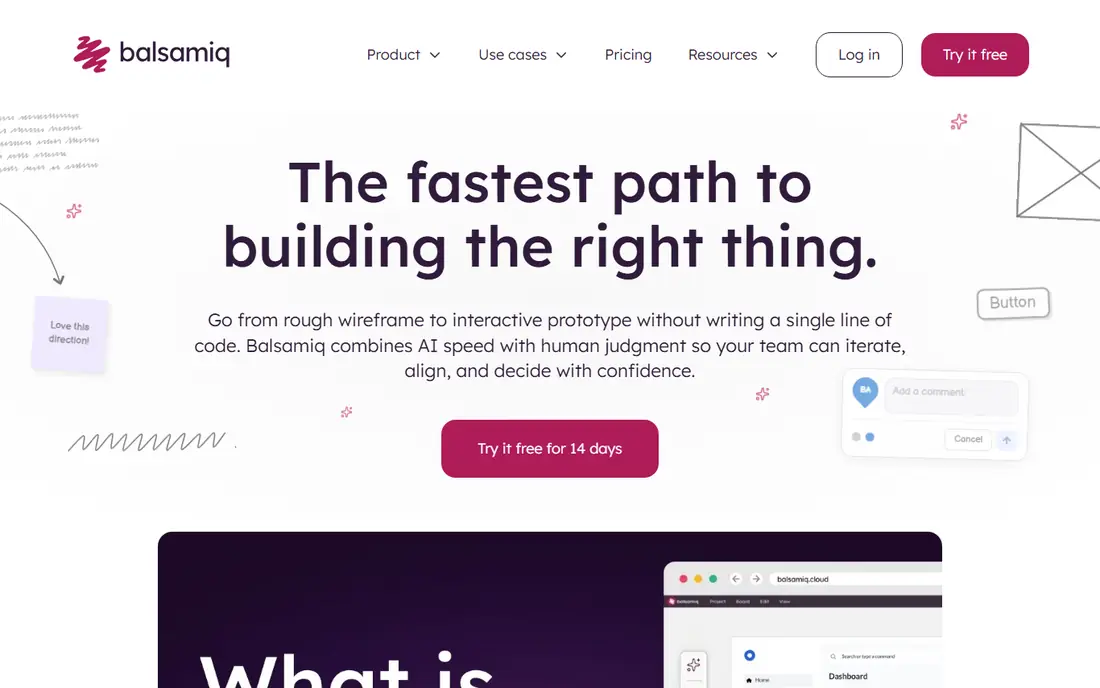
Balsamiq renders everything in a hand-drawn style on purpose. When stakeholders see a rough sketch, they talk about layout, order, and missing screens instead of arguing about colours and fonts. That constraint makes it one of the fastest tools for turning a conversation into a screen layout, and it is easy enough for non-designers to use in a meeting.
Balsamiq will not take you to a finished design, so teams that need high fidelity will move to Figma or Sketch later. Pricing has also varied across sources in 2026, with reports ranging from $9 to $16 per editor per month, so we list See website and recommend checking the current pricing page. Note too that Balsamiq has been sunsetting its desktop app, with sales stopping at the end of 2026, so cloud plans are the forward path.
- Sketch style keeps feedback on structure
- Very fast to learn
- Good for founders and product managers
- Cannot progress to high-fidelity design
- Published prices have varied across sources
- Desktop app sales ending in 2026
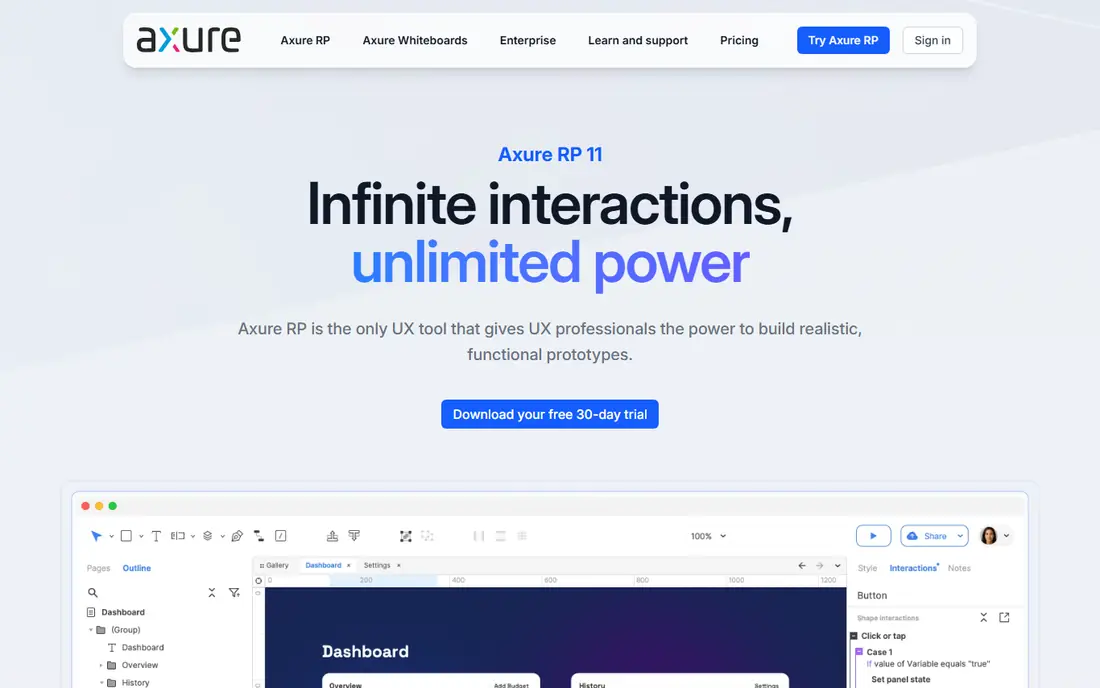
Axure RP is the tool for prototypes that need to behave like real software. Conditional flows, variables, and adaptive layouts let you test multi-role products, complex forms, and state changes before any code is written. Reviewers open a shared link in a browser, so non-designers can click through a realistic flow without installing anything.
That power comes with effort. Axure takes longer to learn than Balsamiq or Whimsical, and Pro pricing starts at $29 per user per month billed annually. For a simple landing page, it is far more tool than needed. For an enterprise product with many user roles and edge cases, Axure catches logic problems early, when they are still cheap to fix.
- Conditional logic, variables, and adaptive layouts
- Detailed specs and notes
- Browser sharing for reviewers
- Steeper learning curve
- Higher price than sketch tools
- Overkill for simple marketing pages
Sketch remains a solid choice for Mac-based design teams that prefer a native app over a browser tool. Symbols, libraries, and a mature plugin set make it fast for building consistent screens, and wireframes can grow into polished UI in the same file. Teams that have used Sketch for years will find its workflow familiar and quick.
The limits are platform and collaboration. Sketch runs on Mac only, so mixed-platform teams need another tool, and real-time collaboration is not as central as in Figma. Pricing starts at $12 per editor per month billed annually, with a 30-day trial and no permanent free plan. If your whole team is on Mac and values a native app, Sketch still earns its place.
- Fast native Mac app
- Strong symbol and library system
- Mature plugin community
- Mac only, which excludes Windows teams
- Collaboration is weaker than Figma for real-time work
- No permanent free plan
MockFlow is a dedicated wireframing tool with a broad library of ready-made UI components, so you can assemble a screen quickly without drawing every button from scratch. Revision history tracks iterations, and built-in feedback tools let reviewers comment on specific areas of a wireframe. That focus makes it good for product managers who wireframe often but do not want a full design platform.
MockFlow is not a deep prototyping engine. Complex conditional logic and realistic interactions are better handled in Axure or Figma, and paid pricing depends on editors and plan, with reports around $14 per month for entry tiers. The free Basic plan covers personal use with limited projects. For fast, component-based wireframes with team feedback, MockFlow is a practical middle ground.
- Large UI component library
- Revision history for iterations
- Built-in feedback and presentation features
- Published pricing varies by plan and editor count
- Less depth for interactive prototyping than Axure or UXPin
Miro is a whiteboard first and a wireframe tool second, and that order suits discovery work. User flows, research notes, sticky notes, and rough screens can live on one canvas, so a workshop moves from problem to layout without switching tools. Wireframe components and templates give enough structure for early screens, and everyone can comment in real time.
Miro wireframes stay rough. They will not become polished designs or developer-ready specs without moving to Figma or Sketch, and very large boards can feel slow. Starter pricing starts at $8 per member per month billed annually, with a free plan covering a few editable boards. If your wireframes emerge from workshops and sprints, Miro keeps that early thinking in one place.
- Infinite canvas for flows, notes, and wireframes together
- Strong workshop and facilitation features
- Free plan for small use
- Not a dedicated design tool
- Large boards can slow down
- Wireframes stay rough compared with Figma or Sketch
Whimsical is built for speed. Wireframes, flowcharts, sticky notes, and mind maps share one simple interface, so a product team can map a flow and sketch its screens in the same session. Viewers are always free, which helps when many stakeholders need to read a board but only a few need to edit it. That pricing model keeps costs down for teams with lots of reviewers.
The free plan limits team boards, and Whimsical is not a high-fidelity design tool, so polished UI still needs Figma or Sketch. Pro pricing starts at $10 per editor per month billed annually. For early-stage product work, where the goal is a clear structure that everyone can agree on quickly, Whimsical is one of the fastest tools on this list.
- Very fast for wireframes, flowcharts, and mind maps
- Viewers are free
- Clean and simple interface
- Free plan limits team boards
- Less depth for high-fidelity design
- Best for early-stage work
Uizard suits people who need a credible first draft without design training. Sketch an interface on paper, describe a screen in words, or start from a template, and Uizard turns that input into an editable wireframe you can refine. That shortcut helps founders, marketers, and product managers test an idea with stakeholders before hiring a designer.
AI output is a starting point, not a finished design. Layouts, spacing, and copy still need a human pass, and designers who need precise control over a design system will prefer Figma or Sketch. Paid plans start at $12 per creator per month, with a free plan covering a few projects and limited AI runs. For a fast, editable first draft, Uizard removes the blank canvas problem.
- Turns sketches and text prompts into editable screens
- Templates for apps and websites
- Easy for founders and marketers
- Less precise manual control than Figma or Sketch
- AI output still needs editing
- Free plan limits projects and AI runs
How we picked these
We compared official feature and pricing pages, plus public reviews, and kept only tools that are live in October 2026 and genuinely support wireframing, whether as a dedicated tool or as a core mode of a design platform. We excluded retired tools and general whiteboards with no wireframe components. Where prices conflicted across sources, we wrote See website rather than publishing a disputed figure.
How to choose the right fidelity
Start with the question your wireframe must answer. If the question is structure and flow, a low-fidelity tool like Balsamiq or Whimsical will get better feedback, since reviewers focus on layout instead of polish. If the question is how a complex product behaves, Axure RP earns its learning curve. If the wireframe must grow into a shipped design, Figma or Sketch saves a rebuild later.
Keep collaboration in mind too. Browser tools with link sharing and comments, like Figma and Miro, suit distributed teams, while a Mac-only tool like Sketch suits a co-located Mac team. Try the free plan or trial on a real screen from your own product, not a template, and check export options before you build a library of files in a tool you may leave. A wireframe tool should speed up decisions, not become another file format to manage.
Frequently asked questions
What is the best wireframe tool for beginners?
Balsamiq and Whimsical are the easiest starting points, since both focus on fast, rough layouts with little learning curve. Uizard is also beginner friendly, since it can turn a sketch or prompt into an editable first draft. Figma is more powerful but takes longer to learn, so start simple if you only need early structure.
What is the best free wireframe tool?
Figma, Miro, Whimsical, MockFlow, and Uizard all offer free plans, but each limits files, boards, projects, or AI use. Figma is the strongest free option for a team that will later move to full design, while Whimsical is fastest for free flowchart and wireframe work. Check current free limits on each pricing page before building a large project on a free plan.
What is the best wireframe tool for complex apps?
Axure RP is the strongest pick for complex apps with conditional logic, multiple user roles, and adaptive layouts. Figma handles prototypes with basic variables and conditions, but Axure goes further on logic, specs, and documentation. For most consumer apps, Figma is enough, while enterprise software with many edge cases benefits from Axure.
Do I need a separate wireframe tool if I use Figma?
No, for most teams Figma covers wireframing, prototyping, and final design in one file, which is why it is the default here. A separate tool helps when you want deliberately rough feedback, as with Balsamiq, or when wireframes emerge from workshops, as with Miro. If Figma already works for your team, adding another tool may slow you down rather than help.
How much do wireframe tools cost?
Free plans cover light use on several tools here, while paid plans range from $8 per member per month for Miro Starter to $29 per user per month for Axure RP Pro, all billed annually in most cases. Figma Professional Full seats start at $16 per editor per month, and Balsamiq pricing should be checked on its site since published figures varied in 2026. Per-editor pricing means team size matters more than the headline price.
Sources
See where you really rank - block by block
ProMapRanker scans Google Maps across a grid of your service area. Simple monthly plans from $19, white-label on every plan.
Start freeKeep reading
 zoho inventory alternatives
6 Alternatives to Zoho Inventory, Compared on Price and Fit
Zoho Inventory alternatives: 6 tools compared on price, free plans and fit. Katana leads the list for manufacturers. Fit and flaws are laid out for each entry.
Read → zoho crm alternatives
Best Zoho CRM Alternatives (2026)
Need Zoho CRM alternatives? We compare 7 tools on cost, free access and who each suits. Every pick gets a straight assessment. Built for quick decisions.
Read → zelle alternatives
Best Zelle Alternatives in 2026
Compare the best Zelle alternatives for sending money to friends, paying sellers and moving funds abroad, with honest notes on fees, speed and safety in 2026.
Read →