 ProMapRanker
Best Windows Patch Management Software in 2026


Dedicated budget patching · Pricing starts at: $245 per year
Key takeaways
- ManageEngine Patch Manager Plus is the best dedicated patching pick for budget-conscious small business IT teams.
- Action1 is the standout free option, with full patching free for the first 100 endpoints.
- NinjaOne, Atera, and PDQ Connect suit teams that want patching inside a wider endpoint management system.
- Ivanti and Qualys suit larger teams that want patching tied to vulnerability management.
- Patch approval, reboot control, and reporting matter more than the number of third-party apps listed.
Quick comparison
| Pick | Great for | Pricing starts at | Free tier | |
|---|---|---|---|---|
| ManageEngine Patch Manager Plus | Dedicated budget patching | $245 per year | Yes | Visit |
 NinjaOne | Endpoint management plus patching | See website | Free trial | Visit |
 Automox | Cloud patching for remote fleets | See website | Free trial | Visit |
 Action1 | Free patching for small fleets | Free | Yes | Visit |
 Atera | MSP and IT teams per technician | $129 per month | Free trial | Visit |
 PDQ Connect | Windows-heavy small teams | $12 per device per year | Free trial | Visit |
 Ivanti Neurons for Patch Management | Vulnerability-led patching | See website | No | Visit |
 Qualys Patch Management | Security-led patching | See website | Free trial | Visit |
 Patch My PC | Third-party app patching | See website | Free trial | Visit |
The best Windows patch management software
Windows patch management means finding missing operating system and third-party patches, testing and approving them, deploying them on a schedule, and reporting which devices are still behind. The tools below do that job in different ways, from a dedicated patching tool to a full endpoint management platform. We compared official pricing pages, datasheets, and current comparisons to check prices, free tiers, and Windows focus.
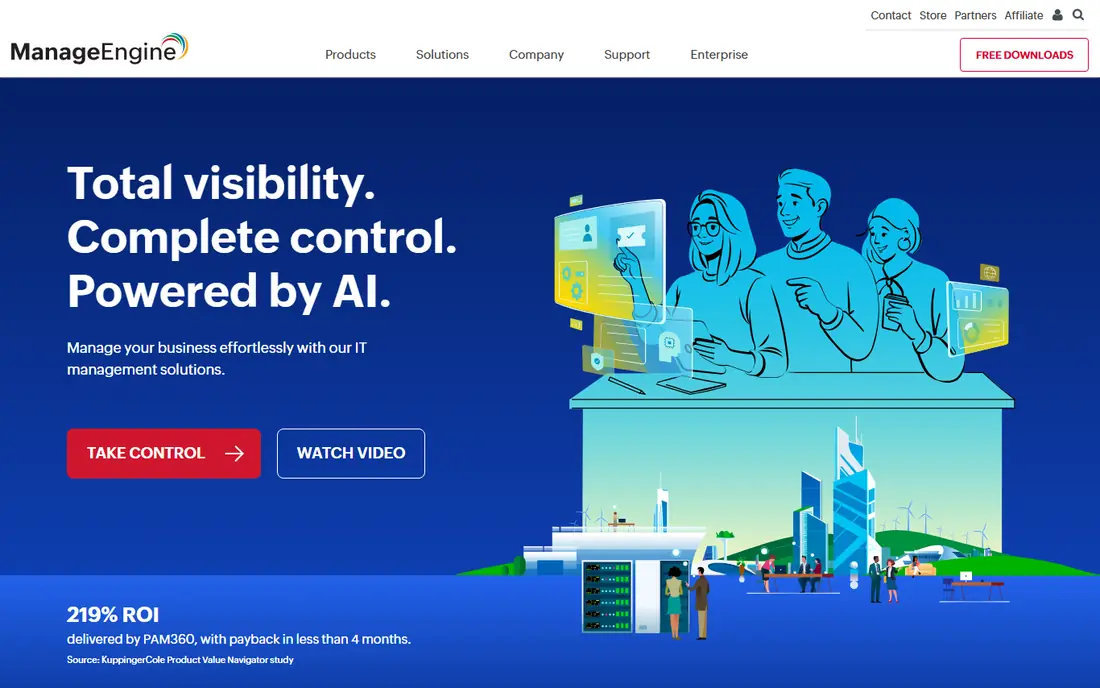
Patch Manager Plus is a dedicated patching tool, which is its strength. It covers Windows operating system patches and a wide range of third-party applications, with automated deployment, reboot control, and compliance reports. The free edition covers up to 25 computers, which lets a small IT team test real patching before buying.
Paid pricing starts at $245 per year for 50 computers on the on-premises Professional edition, with higher prices for cloud and Enterprise editions. That makes it one of the cheapest dedicated options for a small business. The interface is less polished than newer cloud tools, but the patching depth is the reason to choose it.
- Dedicated patching for Windows, Mac, and Linux
- Free edition for up to 25 computers
- Automated patch deployment and reports
- Interface feels dated in places
- Full depth takes time to configure
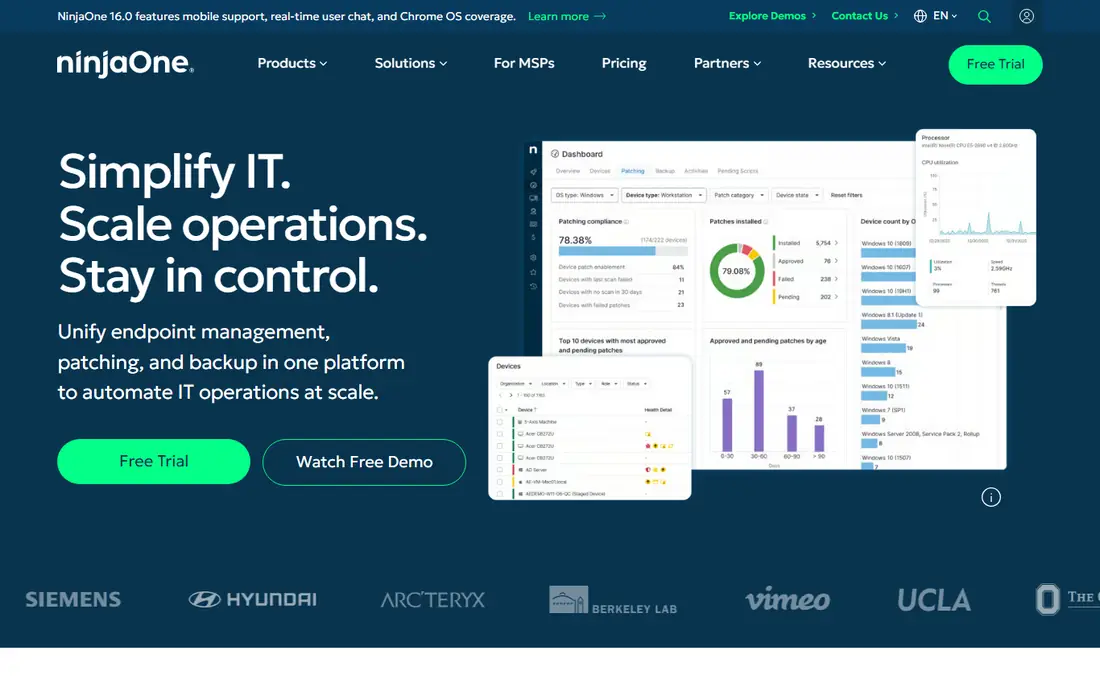
NinjaOne is a unified endpoint management platform with patching as a core part of the system. You can automate Windows patches, monitor device health, run scripts, and provide remote support from the same console. That combination suits an IT team or MSP that manages the full endpoint lifecycle, not just patches.
Pricing is quote-based and varies by endpoint count and modules, so get a written quote for your fleet size. If you only need patching and nothing else, a dedicated tool may be cheaper. If you need monitoring, backup, and remote access as well, NinjaOne brings those together in one platform.
- Patching plus monitoring, backup, and remote access
- Clean interface for IT teams
- Scales from small teams to MSPs
- Quote-based pricing
- Patching is part of a larger platform, not a standalone tool
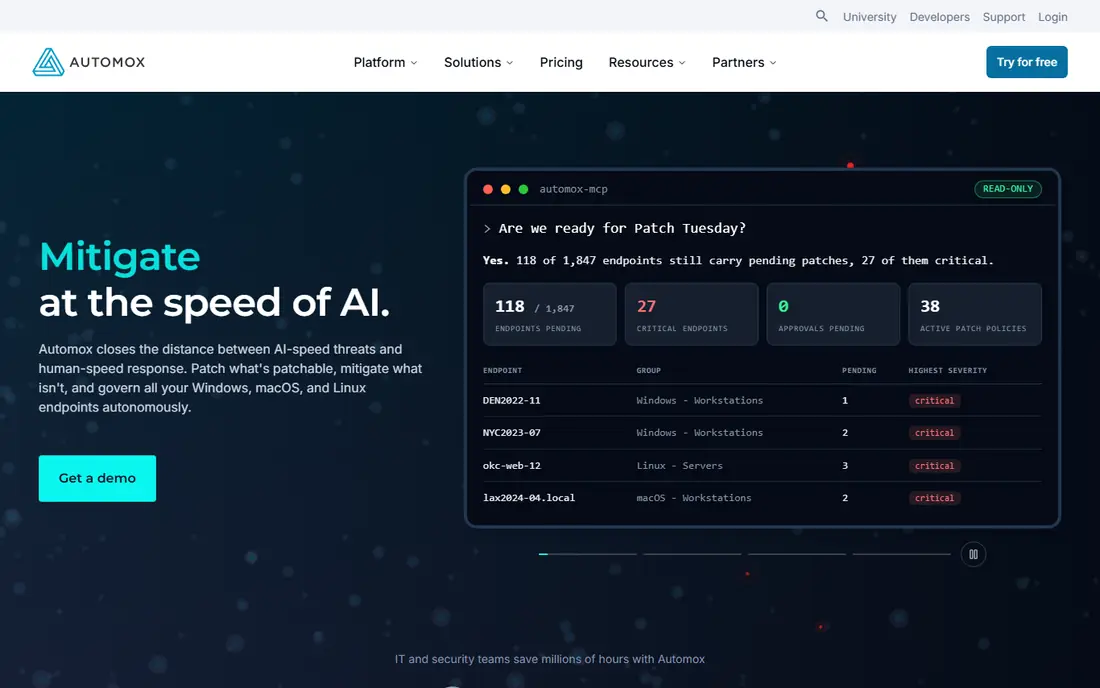
Automox is built for distributed and remote fleets, where devices rarely sit on a corporate network. Its cloud platform patches Windows, Mac, and Linux devices, enforces configuration policies, and uses Worklets for custom remediation tasks. That cloud-first design helps when staff work from home or across sites.
Pricing is quote-based, and the platform rewards teams that invest in policy setup. A small team with a simple patch schedule may find a dedicated tool easier. A team with remote devices and varied configurations will get more value from Automox policy control.
- Cloud-native patching for remote devices
- Policy-based patch and configuration control
- Worklets for custom remediation
- Quote-based pricing
- Needs setup for policy and Worklet workflows
Action1 stands out because its full platform is free for the first 100 endpoints, with no functional limits stated for that tier. For a small business or startup with under 100 Windows devices, that means real patch management, reporting, and remote tools without a subscription. It is a genuine free tier, not a trial with a cut-down feature set.
Beyond 100 endpoints, paid pricing is quote-based, so check the cost before you grow past that limit. Action1 is less of a full RMM suite than NinjaOne or Atera, but for patching-focused small teams, the free tier is hard to beat.
- Full platform free for the first 100 endpoints
- Real patch management, not a limited demo
- Cloud-based for remote devices
- Paid pricing is quote-based beyond 100 endpoints
- Smaller ecosystem than larger RMM platforms
Atera prices per technician rather than per device, which can be cost-effective for a team managing many endpoints with few technicians. Patching, remote access, monitoring, and ticketing sit in one platform, with a straightforward setup for MSPs and internal IT teams. The Pro plan starts at $129 per month per technician when billed annually.
That model works best when the endpoint-to-technician ratio is high. A large team with many technicians will pay more, and a team that only needs patching may prefer a dedicated tool. For an MSP or a lean IT team, Atera's per-technician model is a practical advantage.
- Per-technician pricing, not per-device
- Patching plus remote access and ticketing
- Simple setup for MSPs
- Per-technician cost rises with team size
- Patching depth is part of a wider platform
PDQ Connect is a Windows-focused tool for small IT teams and MSPs, with patching and software deployment at a low per-device price. Basic starts at $12 per device per year, with higher tiers adding more features. That simplicity suits a team that manages mostly Windows devices and wants patching without a large platform.
Mixed fleets with many Mac or Linux devices will need another tool or a broader platform. PDQ's strength is doing the Windows job well and cheaply, not covering every endpoint type. For a Windows-heavy small business, that focus is a plus, not a limit.
- Windows-focused patching and deployment
- Low per-device price
- Simple for small IT teams and MSPs
- Windows focus means less for mixed Mac and Linux fleets
- Wider RMM features are lighter
Ivanti Neurons for Patch Management links patching to vulnerability intelligence, so you can prioritize patches that fix real risk rather than patching in date order. That risk-based view suits mid-market and enterprise security teams that need to show which vulnerabilities are closed and which remain. Reporting and automation support compliance work as well as day-to-day patching.
Pricing is quote-based, and the platform is heavier than a small business tool. A small team with a simple fleet will find ManageEngine or Action1 easier. A larger team with a security-led patching program will get more value from Ivanti's vulnerability focus.
- Patching tied to vulnerability data
- Risk-based prioritization
- Suits mid-market and enterprise teams
- Quote-based pricing
- More complex than a small business patch tool
Qualys Patch Management sits inside the wider Qualys vulnerability management platform, so patching and vulnerability scanning share the same asset and risk view. That unity helps a security team close the loop: find a vulnerability, deploy the patch, and confirm the fix in one workflow. It suits organizations that already treat patching as part of vulnerability management.
Pricing is quote-based and per-asset, so get a quote for your fleet size. A team without a vulnerability program may not use the full platform, and a simpler patch tool may be cheaper. For a security-mature team, Qualys turns patching into a measurable risk reduction process.
- Patching inside a vulnerability management platform
- Unified view of vulnerabilities and patches
- Strong for security-mature teams
- Quote-based pricing
- Needs vulnerability management maturity to get full value
Patch My PC focuses on third-party application patching, which is often the gap in a Windows patching program. Windows Update covers the operating system, but browsers, PDF readers, and other apps need their own updates. Patch My PC automates that catalog through Microsoft Configuration Manager or Intune, which suits teams already using Microsoft endpoint tools.
It is best seen as a complement, not a standalone patching system for every team. If you already use Intune or Configuration Manager, Patch My PC fills the third-party gap cleanly. If you need a standalone patching console, start with a dedicated tool on this list and add Patch My PC only if third-party coverage is weak.
- Strong third-party application catalog
- Works with Microsoft Configuration Manager and Intune
- Automated app updates
- Pricing is quote-based
- Best as a complement to Windows Update or a patch platform
How we picked these
We compared official pricing pages, datasheets, and feature pages for tools that patch Windows operating systems and third-party apps. We kept tools that are live in October 2026 and that serve small business IT teams through enterprise teams, and we left out general RMM tools with only basic patching and no clear Windows patch workflow. Where pricing was quote-based or varied by source, we wrote See website rather than publishing a figure we could not verify.
How to choose a patch management tool
Start with fleet size and location. Under 100 endpoints, Action1's free tier or ManageEngine's free edition may cover you. For remote fleets, favor a cloud tool like Automox or NinjaOne. For Windows-only fleets, PDQ Connect offers a low per-device price, while mixed fleets need a cross-platform tool.
Test patch approval and reboot control before you buy. You need to approve patches, schedule them outside work hours, control reboots, and see which devices failed. Run a pilot on a small group, check the report, and confirm that failed patches are easy to retry. A tool that patches silently but reports poorly will hide problems until they become incidents.
Frequently asked questions
What is the best Windows patch management software?
ManageEngine Patch Manager Plus is a strong dedicated pick for small business teams, Action1 is best for free patching under 100 endpoints, and NinjaOne is best for teams that want patching inside a wider endpoint platform.
What is the best patch management tool for small business?
Action1 for fleets under 100 endpoints, ManageEngine Patch Manager Plus for dedicated patching on a budget, and PDQ Connect for Windows-heavy small teams are the strongest small business picks. Compare free tiers and per-device costs for your fleet size.
What is the best automated patch management tool?
Automox, NinjaOne, and ManageEngine all offer automated patch deployment with approval and scheduling controls. The best automation depends on whether your fleet is remote, Windows-only, or mixed, and whether you need policy-based remediation.
Is there free Windows patch management software?
Yes. Action1 is free for the first 100 endpoints, and ManageEngine Patch Manager Plus offers a free edition for up to 25 computers. Both are real patching tools, not just trials, but check limits before you rely on them.
How does patch management software handle reboots?
Most tools let you schedule patches, control reboot timing, and warn users before a reboot. Check reboot settings in a pilot, because forced reboots during work hours are a common complaint with poorly configured patching.
Do I need third-party patching as well as Windows Update?
Yes, for most businesses. Windows Update covers the operating system, but browsers, office tools, and other apps need separate updates. Tools like Patch My PC, ManageEngine, and NinjaOne cover third-party apps alongside Windows patches.
Sources
See where you really rank - block by block
ProMapRanker scans Google Maps across a grid of your service area. Simple monthly plans from $19, white-label on every plan.
Start freeKeep reading
 zscaler alternatives
Best Zscaler Alternatives in 2026
Looking for zscaler alternatives? We compare 9 SASE and zero trust platforms on architecture, data protection, pricing, and fit for your network and team.
Read → zapier alternatives free
Best Zapier Alternatives Free in 2026
Nine automation tools for zapier alternatives free in 2026, all with genuinely free tiers, plus free plan limits, starting prices and upgrade paths explained.
Read → which platform is best for online reputation
Which Platform Is Best for Online Reputation in 2026
Wondering which platform is best for online reputation? We compare 8 review, listing, and response tools for small and multi-location businesses and agencies.
Read →