 ProMapRanker
Best Window Cleaning Software in 2026


Solo window cleaners and small crews · Pricing starts at: $29 per month
Key takeaways
- Jobber is our pick for most small window cleaning businesses, because it covers quotes through payment at a lower entry price.
- Housecall Pro leads on online booking and dispatch, while ZenMaid leads on low-cost recurring residential routes.
- ServiceM8 offers a genuine free start for a very small team, and Gorilla Desk charges no per-user fee on entry.
- Quote-based tools such as ServiceTitan suit larger crews, not a solo cleaner starting out.
Quick comparison
| Pick | Great for | Pricing starts at | Free tier | |
|---|---|---|---|---|
| Jobber | Solo window cleaners and small crews | $29 per month | Free trial | Visit |
 Housecall Pro | Window cleaners who want online booking first | $59 per month | Free trial | Visit |
 ZenMaid | Recurring residential cleaning routes | $19 per month | Free trial | Visit |
 Workiz | Phone-driven booking teams | See website | Free trial | Visit |
 ServiceM8 | Small field teams who want a free start | Free | Yes | Visit |
 Gorilla Desk | Simple scheduling for small service teams | $49 per month | Free trial | Visit |
 FieldPulse | Crews that need estimates and CRM together | See website | Free trial | Visit |
 Kickserv | Growing teams that want a full job platform | See website | Free trial | Visit |
 ServiceTitan | Larger multi-crew operations | See website | No | Visit |
The best window cleaning software
Window cleaning software is really job software: booking, routes, quotes, invoices and payments for a business that cleans windows. The tools below do that job for solo cleaners and for crews, and we note where a tool is built for general home services rather than cleaning alone.
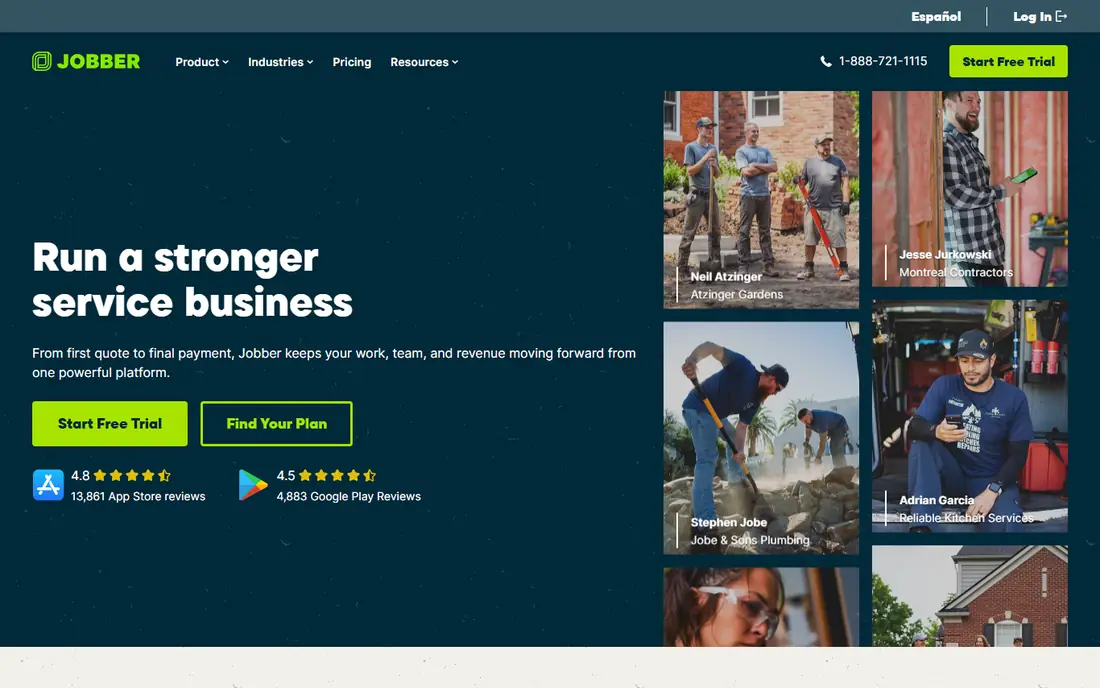
For teams that need solo window cleaners and small crews, Jobber is a practical starting point. Jobber covers the full quote-to-payment chain for a window cleaning business, from online booking to a paid invoice. Starting pricing is listed as $29 per month, with higher tiers for larger teams or heavier use. The entry plan is built for one user, so add the cost of extra seats when your crew grows. That trade-off is worth weighing against what your team will actually use each week, rather than the longest feature list. If the core job fits, a simpler plan often serves better than a broad plan that stays half used.
- Quotes, scheduling, invoicing and payments in one app
- Client hub
- Strong mobile app
- Cleaning-specific workflows need setup
- Higher tiers add marketing tools
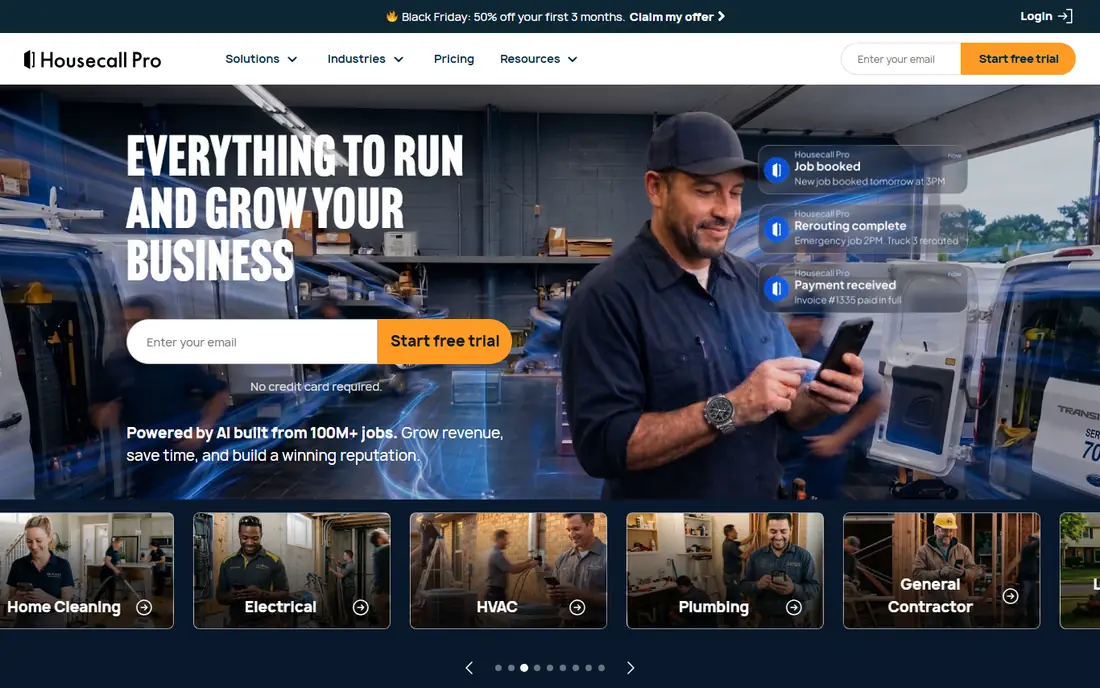
If window cleaners who want online booking first is your main need, Housecall Pro deserves a close look. Housecall Pro is a strong fit when most jobs arrive through online booking and dispatch matters more than deep cleaning-specific reports. Starting pricing is listed as $59 per month, with higher tiers for larger teams or heavier use. Budget for the tier that includes the tools you need, because the entry plan leaves out items such as QuickBooks sync and GPS tracking. That trade-off is worth weighing against what your team will actually use each week, rather than the longest feature list. If the core job fits, a simpler plan often serves better than a broad plan that stays half used.
- Online booking and dispatch
- Review management
- Price book on higher plans
- Higher entry price than Jobber
- Key tools sit on higher tiers
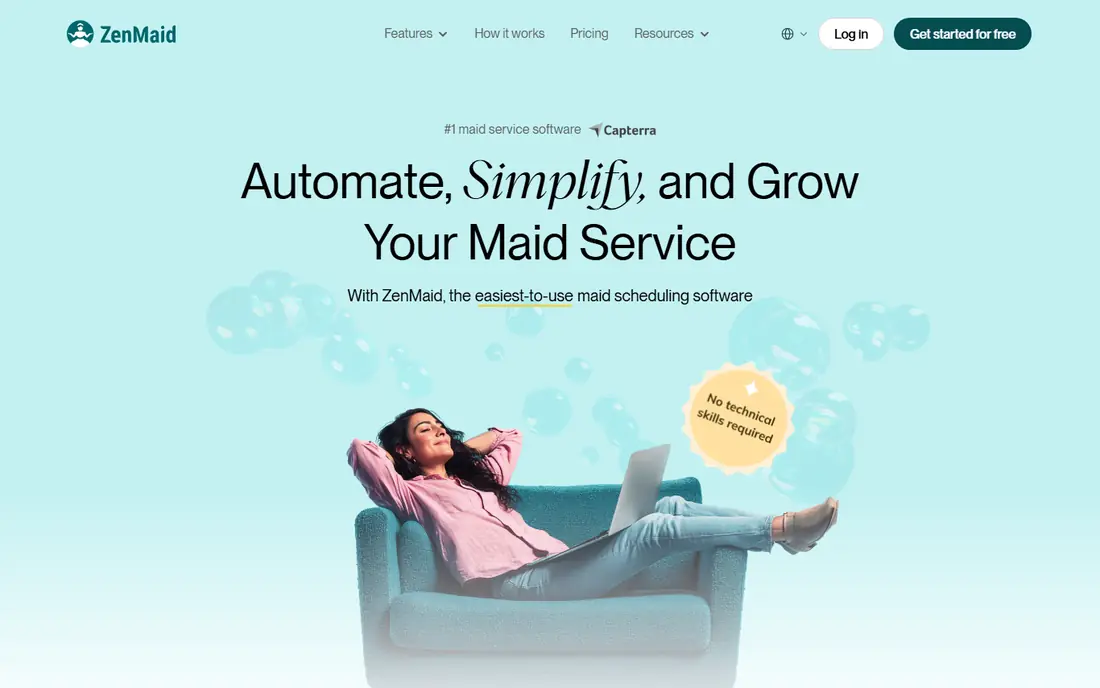
ZenMaid stands out for recurring residential cleaning routes. ZenMaid fits a window cleaning round built on repeat residential visits, with reminders that cut no-shows. Starting pricing is listed as $19 per month, with higher tiers for larger teams or heavier use. The 40-appointment cap on Starter means a busy round will need Pro, so model a normal month before you choose. That trade-off is worth weighing against what your team will actually use each week, rather than the longest feature list. If the core job fits, a simpler plan often serves better than a broad plan that stays half used.
- Built for recurring cleans
- Automated reminders
- Low entry price
- Starter caps appointments
- Commercial job tools are thin
We put Workiz on this list for phone-driven booking teams. Workiz suits a team that books most window jobs by phone and needs that call turned into a scheduled job without retyping. Pricing is not stated as a single starting figure on the vendor site we checked, so check the current pricing page before you budget for it. Because pricing varies, get a written quote for your seat count and add-ons before comparing it with Jobber or Housecall Pro. That trade-off is worth weighing against what your team will actually use each week, rather than the longest feature list. If the core job fits, a simpler plan often serves better than a broad plan that stays half used.
- Call-centre style booking
- Scheduling and invoicing
- Job tracking
- Pricing is not a simple public starting figure in our checks
- Setup takes time
For small field teams who want a free start, ServiceM8 offers a clear and direct path. ServiceM8 is a low-risk way to move off paper, with a free plan that covers a small number of jobs each month. Starting pricing is listed as Free, with higher tiers for larger teams or heavier use. Once job volume grows, the paid tiers are priced by jobs, so track your monthly count during the trial. That trade-off is worth weighing against what your team will actually use each week, rather than the longest feature list. If the core job fits, a simpler plan often serves better than a broad plan that stays half used.
- Free plan for one user
- Clear dispatch and checklists
- Job history on site
- Free plan caps jobs per month
- Larger plans rise with job volume
For teams that need simple scheduling for small service teams, Gorilla Desk is a practical starting point. Gorilla Desk keeps scheduling simple and does not charge per user on its entry plan, which helps a crew of window cleaners. Starting pricing is listed as $49 per month, with higher tiers for larger teams or heavier use. It is less deep on marketing and reporting than Jobber, so it fits teams that want dispatch done well rather than a full growth suite. That trade-off is worth weighing against what your team will actually use each week, rather than the longest feature list. If the core job fits, a simpler plan often serves better than a broad plan that stays half used.
- Simple scheduling
- Recurring jobs
- Invoicing
- Unlimited users on entry plan
- Fewer deep integrations than leaders
- Roots in pest control show in places
If crews that need estimates and CRM together is your main need, FieldPulse deserves a close look. FieldPulse pairs estimates with customer records, so a window quote, job history and invoice stay tied to the same client. Pricing is not stated as a single starting figure on the vendor site we checked, so check the current pricing page before you budget for it. Ask for total pricing including seats and payments, because a quote-based price is hard to compare at a glance. That trade-off is worth weighing against what your team will actually use each week, rather than the longest feature list. If the core job fits, a simpler plan often serves better than a broad plan that stays half used.
- Estimates, scheduling, CRM and invoicing in one app
- Mobile field app
- Pricing needs a quote in our checks
- Smaller community than leaders
Kickserv stands out for growing teams that want a full job platform. Kickserv gives a growing window cleaning team a shared view of jobs, clients and payments without juggling separate apps. Pricing is not stated as a single starting figure on the vendor site we checked, so check the current pricing page before you budget for it. Set aside setup time to import clients and build estimate templates, or the first month will feel slower than paper. That trade-off is worth weighing against what your team will actually use each week, rather than the longest feature list. If the core job fits, a simpler plan often serves better than a broad plan that stays half used.
- Scheduling, estimates, invoicing and customer history
- Team views
- Pricing is quote based in our checks
- Learning curve for setup
We put ServiceTitan on this list for larger multi-crew operations. ServiceTitan fits a larger window cleaning operation with several crews, where dispatch, price book and reporting must work together. Pricing is not stated as a single starting figure on the vendor site we checked, so check the current pricing page before you budget for it. It is too much for a solo cleaner, and its cost and onboarding only make sense when volume and team size justify them. That trade-off is worth weighing against what your team will actually use each week, rather than the longest feature list. If the core job fits, a simpler plan often serves better than a broad plan that stays half used.
- Deep dispatch, price book and reporting
- Strong for larger operations
- Enterprise pricing and onboarding
- More than a solo cleaner needs
How we picked these
We compared official pricing pages and recent field-service comparisons for tools live in October 2026 that handle scheduling, quotes, invoicing and payments for service businesses. We kept tools that fit window cleaning routes, including general home-service platforms used by window cleaners. We did not claim hands-on testing, and we wrote See website where pricing is quote based.
How to pick software for a window cleaning round
Count jobs and users first
A solo cleaner on a weekly round has different needs from a five-person crew. Check appointment caps, job limits and seat costs on a normal month, not a quiet one.
Test the route, not just the dashboard
Book a job, move it, assign a cleaner, send a reminder and take a payment during the trial. If any step needs a workaround, it will cost time every week.
Watch the add-on bill
Reminders by text, extra users and payment processing can add to the subscription. Ask for the full monthly total before you sign.
Frequently asked questions
What is the best window cleaning software?
For most small window cleaning businesses, Jobber is our pick, because it covers quotes, scheduling, invoicing and payments at 29 dollars per month on annual billing in our checks. Housecall Pro is a strong alternative when online booking drives most jobs.
What is the best tool for cleaning windows routes?
For repeat residential rounds, ZenMaid is built around recurring appointments and automated reminders. For mixed home-service work, Jobber or Housecall Pro handle routes plus quotes and payments in one place.
Is there free window cleaning software?
ServiceM8 offers a free plan for one user with a monthly job cap. Other tools offer trials, usually 14 days, but not a permanent free plan.
How much does window cleaning software cost?
Entry prices in our checks run from free on ServiceM8 and 19 dollars per month for ZenMaid Starter to 59 dollars per month for Housecall Pro Basic on annual billing. Larger crews pay more for seats, jobs or higher tiers.
Do I need cleaning-specific software?
Not always. General field-service tools work well for window cleaning if they handle recurring jobs and routes. Cleaning-specific tools help most when repeat residential visits and reminders dominate the schedule.
Sources
See where you really rank - block by block
ProMapRanker scans Google Maps across a grid of your service area. Simple monthly plans from $19, white-label on every plan.
Start freeKeep reading
 zscaler alternatives
Best Zscaler Alternatives in 2026
Looking for zscaler alternatives? We compare 9 SASE and zero trust platforms on architecture, data protection, pricing, and fit for your network and team.
Read → zapier alternatives free
Best Zapier Alternatives Free in 2026
Nine automation tools for zapier alternatives free in 2026, all with genuinely free tiers, plus free plan limits, starting prices and upgrade paths explained.
Read → which platform is best for online reputation
Which Platform Is Best for Online Reputation in 2026
Wondering which platform is best for online reputation? We compare 8 review, listing, and response tools for small and multi-location businesses and agencies.
Read →