 ProMapRanker
Best Wiki Software in 2026: 8 Tools Compared

Key takeaways
- Confluence and Notion suit teams that want a hosted wiki with little setup, while MediaWiki, BookStack, DokuWiki, and XWiki suit teams that want full control.
- Free plans are real for Confluence, Notion, GitBook, and Nuclino, but each one limits users, storage, history, or team features in a different way.
- Open source tools cost nothing for the software itself, yet hosting, updates, and backups still take time or money.
- GitBook is the strongest pick for public product documentation, while Nuclino is the easiest starting point for a small internal wiki.
- Pick by who will edit the wiki and where it will live, not by feature count alone.
Quick comparison
| Pick | Great for | Pricing starts at | Free tier | |
|---|---|---|---|---|
 Confluence | Large teams using Atlassian tools | Free | Yes | Visit |
 Notion | Flexible wikis with databases | Free | Yes | Visit |
 MediaWiki | Large public or internal wikis | Free | Yes | Visit |
 BookStack | Simple self-hosted documentation | Free | Yes | Visit |
 DokuWiki | Lightweight plain-text wikis | Free | Yes | Visit |
 XWiki | Structured wikis and custom apps | Free | Yes | Visit |
 GitBook | Public product documentation | Free | Yes | Visit |
 Nuclino | Small teams wanting a fast wiki | Free | Yes | Visit |
The best wiki software
We compared official feature pages, pricing pages, and documentation for these tools, and we focused on how each one handles structure, permissions, search, and long-term upkeep. A good wiki is one your team will still update in a year, so ease of editing matters as much as power.
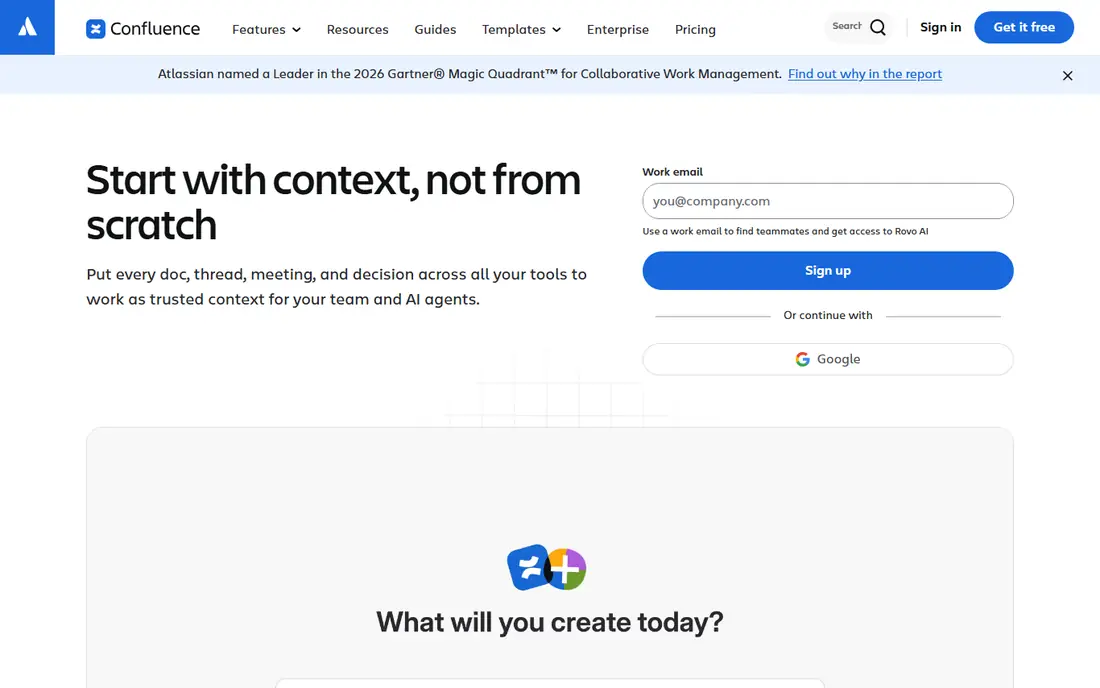
Confluence is our pick for most larger teams, especially those already using Jira. Pages, spaces, and databases give a clear home for meeting notes, project docs, and company policies, and templates help new pages start in a consistent shape. The editor is familiar enough that non-technical staff can contribute without learning wiki markup.
The catch is cost at scale. The free plan covers up to 10 users, and the Standard plan starts at $5.42 per user per month, with Premium at $10.44 per user per month. A team of 50 will feel that difference quickly, and marketplace apps can add more. If your team is small and not tied to Atlassian, a lighter tool may fit better.
- Strong templates and page structure
- Good permissions and search
- Deep Jira integration
- Per-user pricing adds up fast
- Free plan caps users at 10 and storage at 2 GB
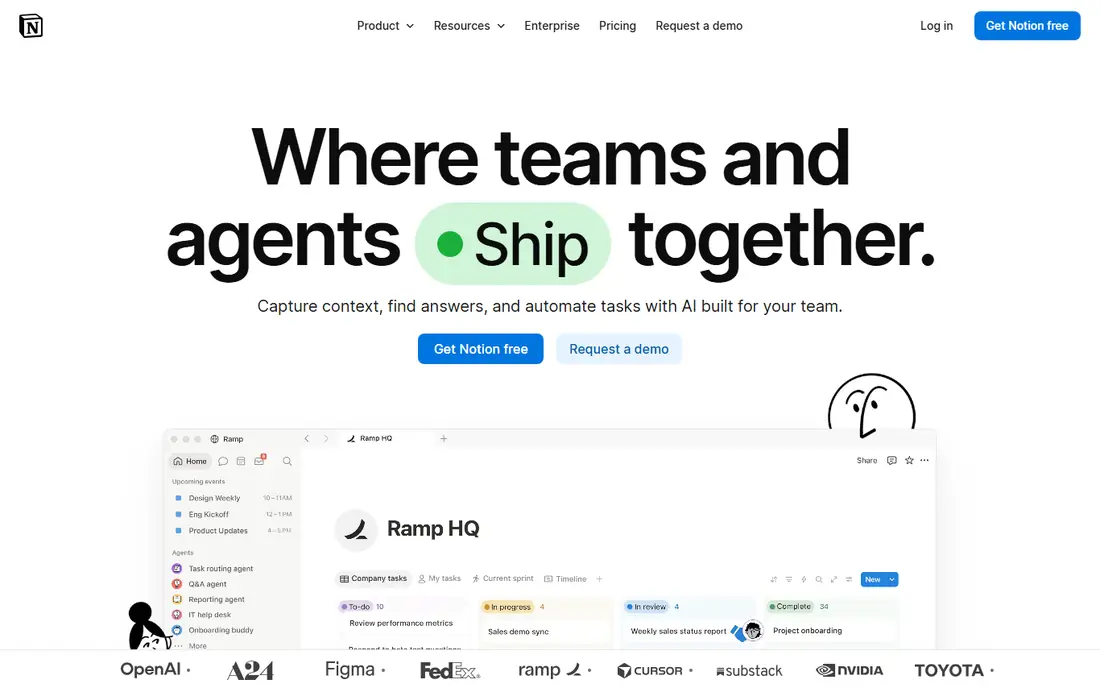
Notion works well when a wiki is only part of the job. A team can keep a wiki, a task tracker, and a simple database in the same workspace, and link between them without moving to another tool. That flexibility is why many small businesses and startups choose it first, and why it often replaces a pile of separate docs.
The free plan is genuinely useful for one person, with unlimited blocks for a single owner, but teams hit limits sooner. File uploads are capped at 5 MB, page history runs to 7 days, and guests are capped at 10. Plus starts at $10 per member per month billed annually, and Business starts at $20. Check those limits before you build a large team wiki on the free tier.
- Pages, databases, and templates in one workspace
- Easy sharing and publishing
- Strong mobile apps
- Free plan limits file size, history, and guests
- Full AI features need the Business plan
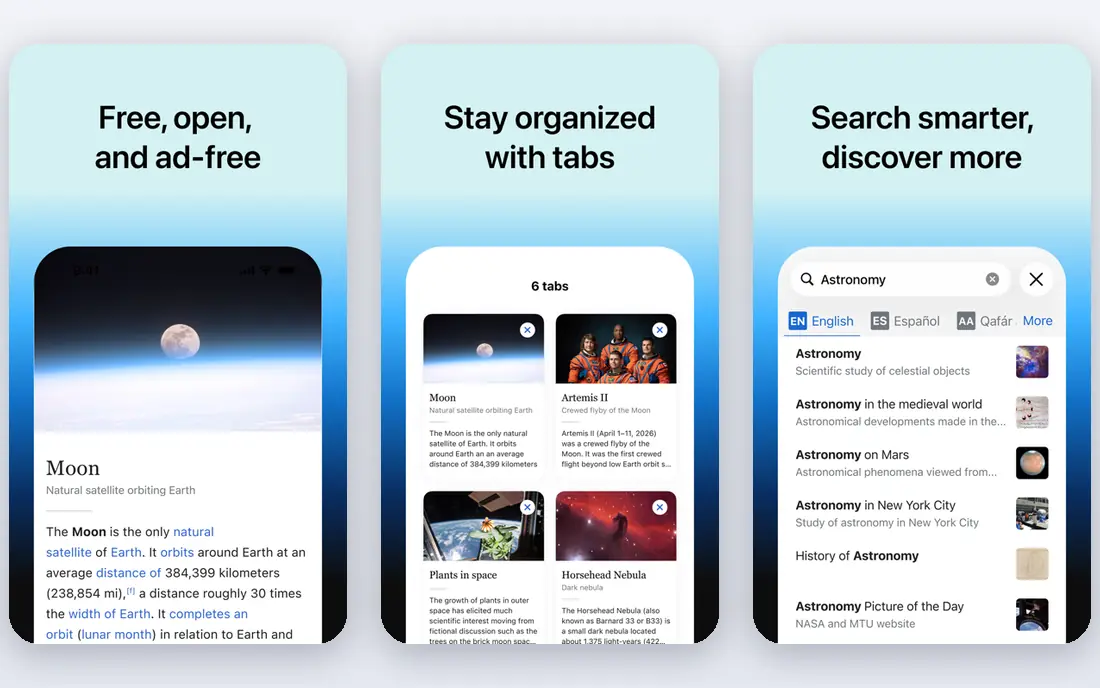
MediaWiki is the software behind Wikipedia, and that history shows in its strengths. It handles huge volumes of pages, supports many languages, and offers a very large extension library for categories, forms, maps, and more. If you plan a public knowledge base that may grow for years, this is a solid foundation.
It is less friendly as a private company wiki out of the box. MediaWiki was built for open content, so restricting parts of a wiki takes extra setup and care. Installation, upgrades, and security patches are your responsibility, and the default look feels plain until you theme it. Teams with a capable administrator get the most from it.
- Free and open source
- Proven at very large scale
- Hundreds of extensions available
- Setup and upkeep need technical skill
- Access control is weaker than business wikis
BookStack is our pick for teams that want a clean self-hosted wiki without a steep learning curve. Content sits in books, then chapters, then pages, which makes it easy to find a procedure or a guide without guessing where someone filed it. Search covers the whole wiki, and exports make it simple to hand a manual to someone outside the system.
The software is free and MIT licensed, and it runs on a modest server. That low cost comes with upkeep: you install updates, manage backups, and handle user accounts. BookStack does not try to be a full project platform, and that restraint is part of its appeal for documentation teams.
- Clear books, chapters, and pages structure
- Full-text search
- PDF, HTML, and plain-text export
- Self-hosting is your responsibility
- Fewer workflow features than Confluence
DokuWiki suits small companies and groups that need a simple wiki on a small server. It stores pages as plain-text files rather than in a database, which makes backups and moves straightforward, and the files remain readable even outside the wiki. Syntax is simple, and the plugin library adds features such as forms, diagrams, and authentication as needed.
The trade-off is polish and scale. A fresh DokuWiki install looks basic, and very large wikis benefit from careful plugin and caching choices. It is a good fit for internal manuals, team notes, and documentation for a small product, rather than a flashy public help center.
- No database required
- Plain-text files stay readable outside the wiki
- Light on server resources
- Plain look by default
- Large wikis need plugin choices and care
XWiki is for teams that need more than pages. It lets you build structured applications inside the wiki, such as a ticket list, a product catalog, or a form-driven register, using its scripting and data tools. Rights can be set at wiki, space, and page level, which helps larger organizations control who sees and edits sensitive content.
That power brings complexity. Installation and configuration take more effort than BookStack or DokuWiki, and new editors may need training before they feel at home. XWiki also offers a hosted cloud option, with pricing shown on its own site, so teams that want its features without running a server can check that route.
- Strong rights management
- Structured data and app building
- Version history and exports
- Setup can be complex
- Interface feels less modern than newer tools
GitBook is built for documentation that customers actually read. The editor produces clean, readable pages, and sync with GitHub or GitLab fits teams that already keep docs near their code. Visitors reading a published site do not count as paid collaborators, which keeps the cost model clear for public docs.
Pricing needs a careful read. The free plan covers one user per site, while Essential starts at $65 per site per month and Ultimate at $249 per site per month when billed annually, plus $12 per user per month for additional team members. That structure can grow quickly for teams with many sites, so count sites as well as editors before you commit.
- Clean published docs
- GitHub and GitLab sync
- Readers do not count as paid collaborators
- Paid plans charge per site plus per user
- Custom domains need a paid plan
Nuclino is the easiest wiki on this list to start. The interface is light, search is fast, and content can be viewed as a nested list, a board, a table, or a graph without rebuilding it. Teams use it for internal wikis, onboarding guides, and project docs, and real-time editing keeps small groups in step.
The free plan includes up to 50 items, which is enough to test the tool but not to run a large wiki for long. Paid plans start at $6 per user per month, and they add fuller permissions, version history, and public wiki publishing. If your database needs are complex, Notion or XWiki will give you more room.
- Very fast and easy to learn
- List, board, table, and graph views
- Real-time collaboration
- Free plan caps items at 50
- Databases are simpler than Notion
How we picked these
We compared official pricing pages, feature pages, and documentation, and we checked that each tool is still offered and maintained in October 2026. We favored tools that cover a distinct need, from large enterprise wikis to small self-hosted docs, and we left out tools that had shut down or changed into a different product. Prices shown here are starting prices from vendor pages and third-party checks of those pages, and they can change, so confirm the checkout price before you buy.
What to check before you choose a wiki
Start with who edits and who reads. A wiki for five engineers can live on a self-hosted tool, while a wiki for a whole company needs clear permissions, search, and an owner who keeps pages current. If only a few people will maintain it, pick the simplest tool they will actually use.
Next, check hosting and exit. Hosted tools save setup time but charge per user, while open source tools save license fees but need updates and backups. Make sure you can export your content in a usable form, such as Markdown, HTML, or PDF, before you invest months of writing. A wiki that traps your docs is a poor long-term home.
Finally, run a short pilot with real content. Move one real manual or one real project guide into your top two choices, and ask the people who will use it daily to find, edit, and link a page. The tool that survives that test with the least friction is usually the right one, even if another tool lists more features.
Frequently asked questions
What is the best wiki software for a small team?
For a small team, Nuclino or Notion is often the best starting point, since both are easy to learn and offer a free plan. BookStack is a strong choice if you prefer to host your own wiki and keep costs low. Pick the one your team will update without prompting.
What is the best open source wiki software?
MediaWiki, BookStack, DokuWiki, and XWiki are all strong open source wiki options, and the best one depends on scale and skill. MediaWiki suits very large wikis, BookStack suits clear documentation, DokuWiki suits light setups, and XWiki suits structured data. All four need someone to handle hosting and updates.
What is the best wiki platform for public documentation?
GitBook is a strong choice for public product documentation, since it produces clean published sites and syncs with GitHub or GitLab. MediaWiki also works well for large public knowledge bases. Check whether you need custom domains, search, and reader analytics before you choose.
What is the best wiki app for a company intranet?
Confluence is a common choice for a company intranet, especially for teams already using Jira, since it offers spaces, permissions, and templates in one place. Notion and Nuclino also work well for smaller intranets. Larger firms with strict access needs should look closely at XWiki or Confluence Premium.
Is there a free wiki tool that works well?
Yes. MediaWiki, BookStack, and DokuWiki are free to download and use, and Confluence, Notion, GitBook, and Nuclino all offer free plans with limits. Free hosted plans cap users, storage, history, or items, so read those limits before you build a large wiki on one.
Sources
See where you really rank - block by block
ProMapRanker scans Google Maps across a grid of your service area. Simple monthly plans from $19, white-label on every plan.
Start freeKeep reading
 zoho inventory alternatives
6 Alternatives to Zoho Inventory, Compared on Price and Fit
Zoho Inventory alternatives: 6 tools compared on price, free plans and fit. Katana leads the list for manufacturers. Fit and flaws are laid out for each entry.
Read → zoho crm alternatives
Best Zoho CRM Alternatives (2026)
Need Zoho CRM alternatives? We compare 7 tools on cost, free access and who each suits. Every pick gets a straight assessment. Built for quick decisions.
Read → zelle alternatives
Best Zelle Alternatives in 2026
Compare the best Zelle alternatives for sending money to friends, paying sellers and moving funds abroad, with honest notes on fees, speed and safety in 2026.
Read →