 ProMapRanker
Best Whiteboard App in 2026: 9 Apps Compared


All-round workshops and planning · Pricing starts at: $8 per member per month
Key takeaways
- Miro is the best all-round whiteboard for workshops and planning, starting at $8 per member per month on annual billing, with a free tier limited to three editable boards.
- FigJam is the best pick for Figma teams, with a low collaborator seat price, while Microsoft Whiteboard is the best no-extra-cost pick for Microsoft 365 organisations.
- Excalidraw and tldraw are the best free, simple sketching tools, with no account needed for basic use in Excalidraw case.
- Free tiers from Miro, Mural, and Lucidspark all cap editable boards at three, so a team that whiteboards weekly will hit that limit quickly.
Quick comparison
| Pick | Great for | Pricing starts at | Free tier | |
|---|---|---|---|---|
| Miro | All-round workshops and planning | $8 per member per month | Yes | Visit |
 FigJam | Figma design and product teams | $3 per month | Yes | Visit |
 Mural | Facilitated workshops | $9.99 per member per month | Yes | Visit |
 Microsoft Whiteboard | Microsoft 365 organisations | Free | Yes | Visit |
 Lucidspark | Diagram-heavy whiteboarding | See website | Yes | Visit |
 Excalidraw | Fast open-source sketching | Free | Yes | Visit |
 Canva Whiteboard | Visual and marketing teams | Free | Yes | Visit |
 ClickUp Whiteboards | Teams already using ClickUp | See website | Yes | Visit |
 tldraw | Simple, fast, embeddable sketching | Free | Yes | Visit |
The best whiteboard app
A whiteboard app gives a team a shared, infinite canvas for brainstorming, planning, diagramming, and workshops. The best choice depends less on drawing tools and more on your existing software, your workshop style, and how many boards your team actually keeps.

Miro is the benchmark whiteboard for many teams. Its free tier covers three editable boards, and the Starter plan costs $8 per member per month on annual billing, with unlimited boards and more AI credits. Business adds stronger access controls and more AI capacity at $20 per member per month on annual billing. Templates cover retros, roadmaps, journey maps, org charts, and design sprints, which saves setup time for recurring workshops.
The catch is the free limit and the per-member cost. A team that whiteboards weekly will pass three boards within a month, and inviting many members adds cost even if some only view occasionally. Miro earns its price when whiteboarding is a core weekly activity. For occasional brainstorms, a free tool or a tool already included in your stack may be enough.
- Very large template library
- Strong workshop tools including voting, timers, and frames
- Many integrations
- Free tier limited to three editable boards
- Costs grow quickly for large teams
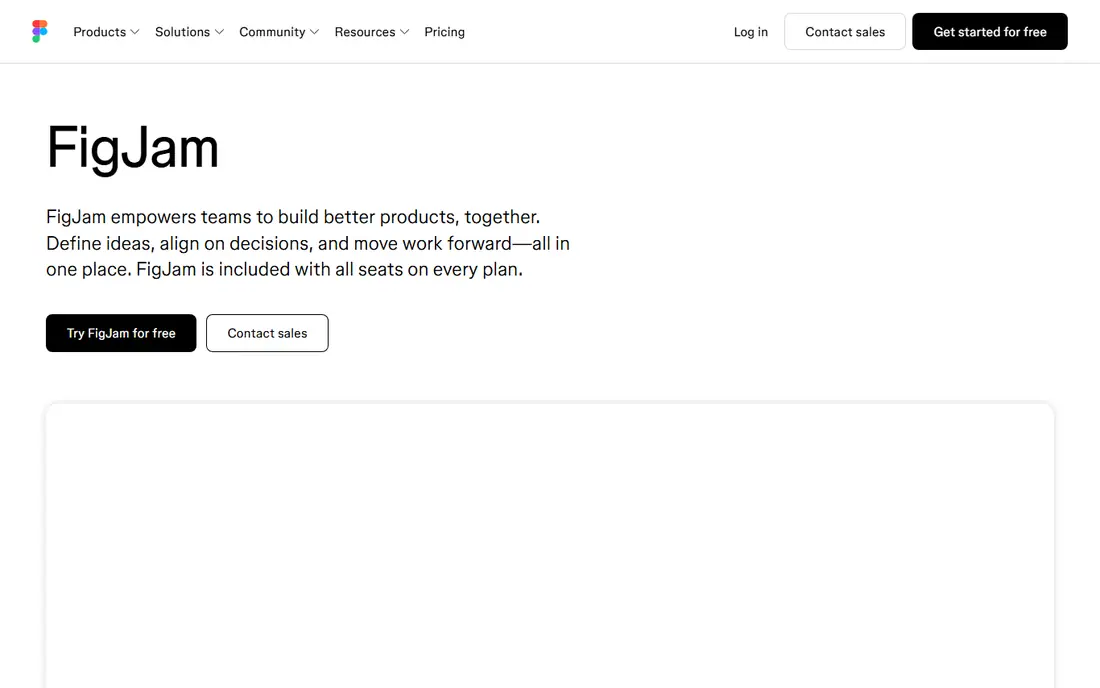
FigJam is Figma whiteboard, and it suits product and design teams who already work in Figma. Its Starter tier offers unlimited drafts, and paid Figma seats include FigJam, with collaborator seats listed at $3 per month in current pricing summaries, full seats higher. That low collaborator price makes it cheap to invite stakeholders who only comment and brainstorm, rather than editing design files.
FigJam feels lighter than Miro, which is a strength for quick brainstorms and a limit for large facilitated workshops with complex frameworks. Teams that do not use Figma will get less value from FigJam, since its main advantage is staying close to design work. Figma teams should try FigJam before paying for a separate whiteboard.
- Low collaborator seat price
- Playful, fast interface
- Sits inside Figma alongside design files
- Fewer enterprise workshop controls than Miro
- Best value requires a Figma setup
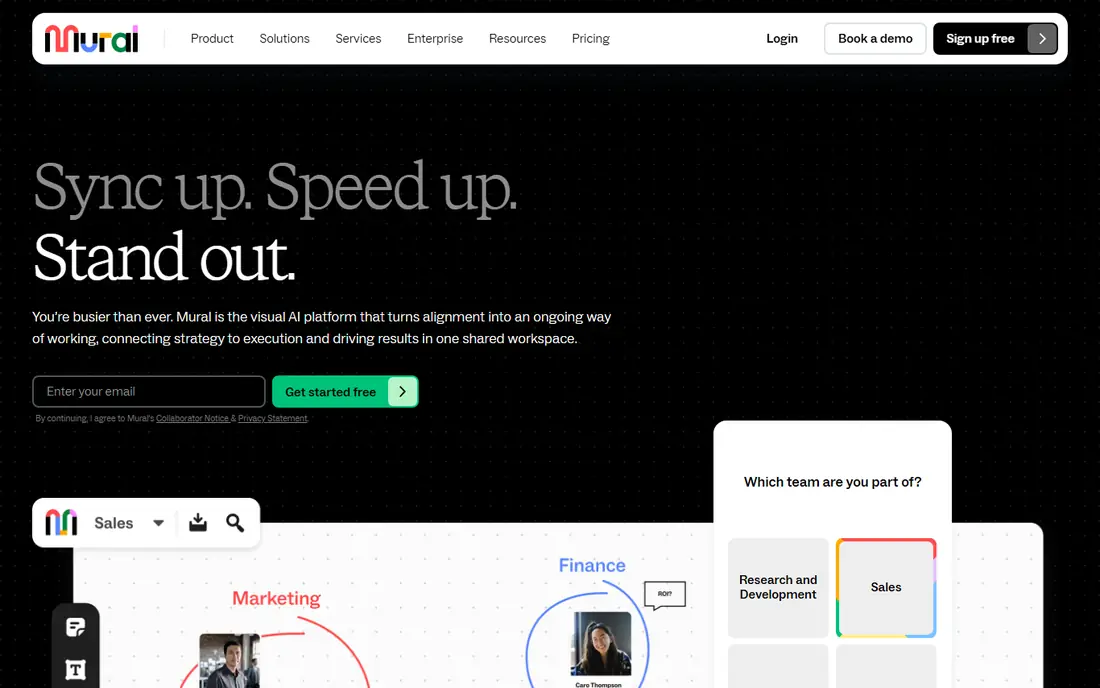
Mural is built for facilitated workshops, consulting sessions, and innovation teams. Its free tier allows unlimited murals with three editable at a time, and Team+ costs $9.99 per member per month on annual billing, with unlimited editable murals and Mural AI. Facilitation features such as private mode, voting, and timers help a facilitator guide a group without losing control of the board.
Casual users may find Mural more structured than Miro or FigJam, and its price sits above Miro Starter. That structure is exactly why consulting and enterprise innovation teams choose it. For a team that runs workshops as a service, Mural facilitation model is a real advantage. For a team that only brainstorms occasionally, it may feel heavy.
- Strong facilitation tools including private mode and timers
- Good templates for consulting and innovation work
- Free tier limited to three editable murals at a time
- Interface takes learning for casual users
Microsoft Whiteboard is free with a Microsoft account or any Microsoft 365 account, with no separate whiteboard-only paid tier. It continues in Teams and on the web after its standalone mobile and Windows apps retired on 16 October 2026, so existing users should use the Teams or web version going forward. Its tools cover pens, sticky notes, shapes, and images, which suit meetings and classroom brainstorms.
Template depth and workshop controls lag behind Miro and Mural, and the retirement of standalone apps may affect users who relied on them. For an organisation already paying for Microsoft 365, Whiteboard is still the sensible first try, because it costs nothing extra and sits where meetings already happen. Pay for Miro or Mural only when Whiteboard limits start to block real work.
- Free with a Microsoft account or Microsoft 365 account
- Works in Teams and on the web
- Simple, familiar tools
- Standalone Windows, iOS, and Android apps retired on 16 October 2026
- Fewer templates than Miro
Lucidspark comes from Lucid, the maker of Lucidchart, and it blends freeform whiteboarding with structured diagramming. Its free tier covers a small number of editable boards, and paid Individual, Team, and Enterprise plans add more boards, controls, and integrations. Voting and timers support workshops, while Lucidchart integration helps teams turn a rough whiteboard sketch into a formal diagram without redrawing it.
Pricing clarity is a weakness, since Lucid pricing pages have been hard to read in third-party checks, so we list the starting price as See website. Teams already using Lucidchart get the most value, because the two tools share an ecosystem. Teams that only need freeform brainstorming may prefer Miro or FigJam for clearer pricing.
- Strong diagramming heritage
- Voting, timers, and collaboration tools
- Converts rough ideas into Lucidchart diagrams
- Pricing is not always clearly published
- Free tier caps editable boards
Excalidraw is a free, open-source whiteboard with a hand-drawn look that suits architecture diagrams, flowcharts, and quick sketches. The hosted site is free with no account for a basic scene, and Excalidraw Plus costs $6 per user per month on monthly billing for extra collaboration and library features. The core editor is MIT-licensed and can be self-hosted, which appeals to developers and privacy-conscious teams.
It lacks the template library, voting, and facilitation controls of Miro and Mural. That is a deliberate trade for speed and simplicity. For a developer sketching a system, a teacher drawing a diagram, or a small team brainstorming without a workshop framework, Excalidraw is often faster than any paid tool.
- Free with no account for basic use
- Hand-drawn style suits diagrams and sketches
- Open-source core can be self-hosted
- Fewer workshop templates and facilitation tools
- Plus features need a paid tier
Canva Whiteboard brings an infinite canvas into Canva, so a marketing team can brainstorm campaign ideas and then turn the best ideas into branded presentations, social graphics, and documents without switching tools. The free tier covers basic whiteboarding, and Canva Pro commonly costs about $15 per month for an individual, with team pricing per seat, although exact team prices vary by region and plan.
Technical teams that need precise diagrams, data-linked shapes, or deep workshop facilitation will find Miro, Lucidspark, or Excalidraw stronger. Visual teams whose output is marketing content will find Canva Whiteboard natural, because the whiteboard is a starting point for design work, not a separate destination.
- Whiteboarding inside Canva design ecosystem
- Brainstorms flow into presentations and social graphics
- Free tier covers basic use
- Less suited to technical diagramming
- Full Canva Pro features need a subscription
ClickUp Whiteboards sit inside ClickUp project management, so a brainstorm can become tasks, docs, and timelines without exporting to another tool. That link is the main reason to choose it. A product team that already tracks work in ClickUp can sketch a roadmap on a whiteboard, convert sticky notes into tasks, and track progress in the same workspace.
ClickUp pricing varies by plan and by whether whiteboards are included in a free or paid workspace, so we list the starting price as See website. Teams that do not use ClickUp should not adopt it for whiteboarding alone, since Miro, FigJam, or Excalidraw offer stronger standalone boards. ClickUp users, by contrast, should try its whiteboards before buying a second tool.
- Whiteboards link directly to ClickUp tasks and docs
- Good for turning brainstorms into assigned work
- Best value requires a ClickUp setup
- Standalone whiteboard features lag behind Miro
tldraw is a tiny, fast, open-source whiteboard that focuses on drawing well rather than on workshop management. It is free to use for basic sketching, and developers can embed it into their own apps and documents. That makes it a good choice for a team that wants a sketching surface inside a product, a doc, or a simple brainstorm, without a large platform around it.
It does not offer Miro template depth, Mural facilitation tools, or Canva design output. For a quick diagram in a meeting, a sketch in a spec, or a classroom drawing, that simplicity is an advantage. For a multi-day design sprint with voting, breakout groups, and structured frameworks, a dedicated workshop tool fits better.
- Very fast and simple
- Open-source core
- Embeds well into other apps and docs
- No large template library
- No full workshop facilitation suite
How we picked these
We compared vendor pricing pages, October 2026 whiteboard pricing summaries, and product documentation, and we kept only tools that are still offered in October 2026 and that provide a real shared canvas. We excluded Google Jamboard, which Google discontinued, and we noted the Microsoft Whiteboard standalone app retirement, since both facts change what a new buyer should choose. Where pricing was unclear or varied by plan, we wrote See website rather than guessing a figure.
How to choose a whiteboard by team type
Start with the software you already pay for. Figma teams should start with FigJam, Microsoft 365 organisations should start with Microsoft Whiteboard, Canva teams should start with Canva Whiteboard, and ClickUp teams should start with ClickUp Whiteboards. Only pay for Miro or Mural when the included tool blocks a real workshop need, such as templates, facilitation controls, or board limits.
Count boards, not just seats. Free tiers that cap editable boards at three suit a team that brainstorms once a month, but not a team that runs weekly workshops and keeps boards as records. If your team keeps boards for reference, budget for a paid plan from the start, and archive old boards regularly so the canvas stays usable.
Run a real workshop in the trial
A whiteboard that feels good for one person can fail with twelve people drawing at once. During a trial, run a real meeting with sticky notes, voting, and a timer, and check that guests can join without a paid seat where that matters. Also check export to PDF or image, since a workshop output that cannot be shared cleanly loses value after the meeting ends.
Frequently asked questions
What is the best whiteboard app?
Miro is the best all-round whiteboard app, FigJam is the best for Figma teams, and Microsoft Whiteboard is the best free option for Microsoft 365 users. Excalidraw is the best free sketching tool for individuals and developers.
What is the best free whiteboard software?
Excalidraw and tldraw are the best fully free sketching tools, while Miro, FigJam, Mural, and Lucidspark offer free tiers capped at three editable boards or files. Microsoft Whiteboard is free with a Microsoft account, and Canva Whiteboard offers a free tier inside Canva.
What is the best online whiteboard tool for workshops?
Miro and Mural are the strongest workshop tools, with templates, voting, timers, and facilitation controls. Mural leans more toward facilitated consulting workshops, while Miro leans more toward broad team planning and product work.
Is Microsoft Whiteboard still available?
Yes, in Teams and on the web, with a Microsoft account or a Microsoft 365 account. Its standalone Windows, iOS, and Android apps retired on 16 October 2026, so users of those apps should move to the Teams or web version.
Which whiteboard app is best for diagrams?
Lucidspark and Excalidraw suit diagram-heavy work, with Lucidspark offering a path to formal Lucidchart diagrams and Excalidraw offering fast, hand-drawn sketches. Miro also handles diagrams well when the diagram sits inside a broader workshop or roadmap.
Sources
See where you really rank - block by block
ProMapRanker scans Google Maps across a grid of your service area. Simple monthly plans from $19, white-label on every plan.
Start freeKeep reading
 zscaler alternatives
Best Zscaler Alternatives in 2026
Looking for zscaler alternatives? We compare 9 SASE and zero trust platforms on architecture, data protection, pricing, and fit for your network and team.
Read → zapier alternatives free
Best Zapier Alternatives Free in 2026
Nine automation tools for zapier alternatives free in 2026, all with genuinely free tiers, plus free plan limits, starting prices and upgrade paths explained.
Read → which platform is best for online reputation
Which Platform Is Best for Online Reputation in 2026
Wondering which platform is best for online reputation? We compare 8 review, listing, and response tools for small and multi-location businesses and agencies.
Read →