 ProMapRanker
8 Whiteboard Animation Software Options Ranked for 2026


Turning scripts into videos with minimal work · Pricing starts at: $5.99 a month (billed per month)
Direct answer
simpleshow is the first pick on this list for turning scripts into videos with minimal work. Powtoon is the stronger choice for teams mixing whiteboard with other video styles, while Renderforest suits template-driven explainers with minimal effort. Prices, free plans and limits for all 8 tools follow.
Key takeaways
- Number one here is simpleshow, a fit for turning scripts into videos with minimal work.
- The lowest published monthly entry price here is $5.99 per month, from simpleshow.
- One limit worth knowing about Renderforest: less control than dedicated whiteboard tools.
- 4 of 8 tools offer a free plan: simpleshow, Powtoon, Renderforest, Animaker.
Quick comparison
| Pick | Great for | Pricing starts at | Free tier | |
|---|---|---|---|---|
| simpleshow | Turning scripts into videos with minimal work | $5.99 a month (billed per month) | Yes | Visit |
 Powtoon | Teams mixing whiteboard with other video styles | $15 per month (billed yearly) | Yes | Visit |
 Renderforest | Template-driven explainers with minimal effort | See website | Yes | Visit |
 VideoScribe | Teams that explain complicated topics on a regular basis | $43 a month (billed per month) | Free trial (7 days) | Visit |
 Animaker | Beginners who want the cheapest premium start | $19 per month (billed annually) | Yes | Visit |
 Biteable | Business teams that want speed over craft | $29 a month | Free trial | Visit |
 Explaindio | Freelancers producing client videos | $37 a month (billed per month) | Free trial (14 days) | Visit |
 Doodly | Marketers who want whiteboard plus more | $49 a month | Free trial (14 days) | Visit |
Tool-by-tool breakdown
This ProMapRanker guide covers 8 options for whiteboard animation software. Each profile lists a starting price, free plan details, strengths and drawbacks, so you can drop poor fits quickly.
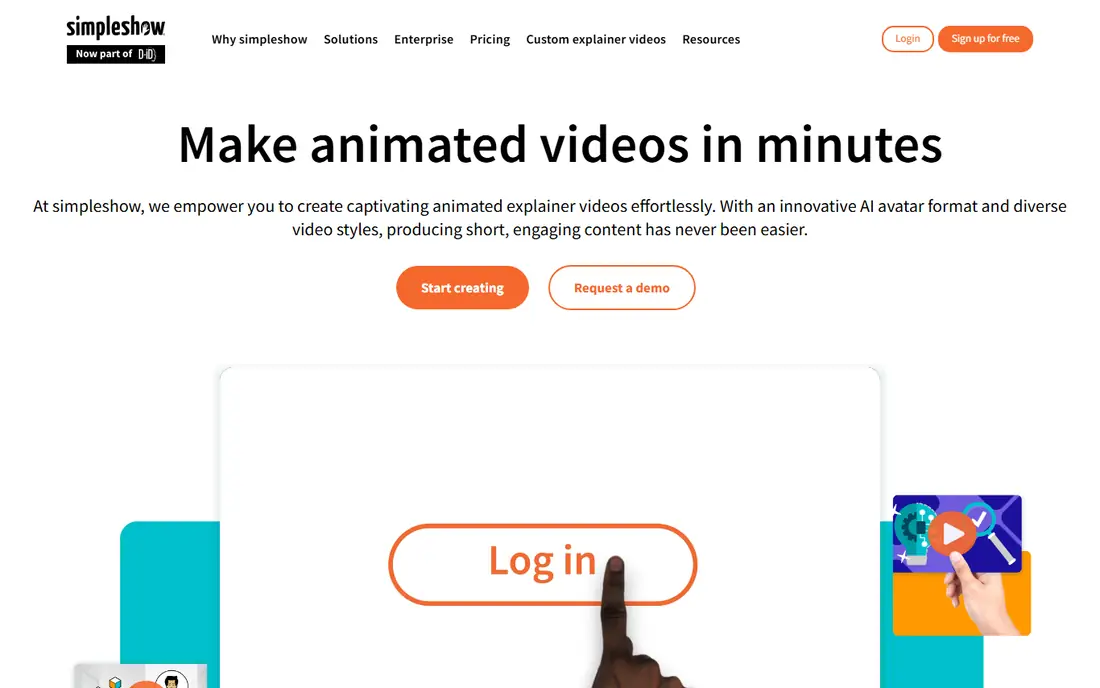
simpleshow makes the most sense for turning scripts into videos with minimal work. simpleshow, which absorbed mysimpleshow, takes the most automatic approach: you write or paste a script. The product produces an illustrated explainer video with timed visuals and voiceover.
The main drawbacks: Illustration style is fixed to the product's look.
More specifically, you guide the script and pick from the platform's illustration styles, but you are not directing individual drawing animations the way VideoScribe or Doodly allow. In daily use, the price of that simplicity is control. In practice, for busy managers and educators, that automation is the product. In practice, buy simpleshow when you want finished explainers with minimum effort; buy a practical tool when the craft is the point. On cost, simpleshow starts like this: $5.99 per month. You can start on simpleshow without paying.
- Script-to-video automation does the heavy lifting
- Free version and free education plan
- Less practical control over the animation

Powtoon targets teams mixing whiteboard with other video styles. Powtoon is a general video system that happens to bundle solid whiteboard templates, which makes it the right pick when whiteboard is one format in a bigger content mix. Premium plans start at $15 a month billed yearly for Lite, with Pro at $40 and higher levels beyond.
A marketing team can produce a whiteboard explainer, a product demo. A social ad in the same tool, with shared brand assets, character builders, and AI voiceovers. The free plan lets you test the workflow with watermarks before spending anything. Powtoon pricing: $15 per month. Powtoon offers a free plan.
Trade-offs to know: Whiteboard is one style among numerous, not the specialty.
- Whiteboard templates inside a broader video product
- Free plan to start
- Premium plans jump rapidly for full features
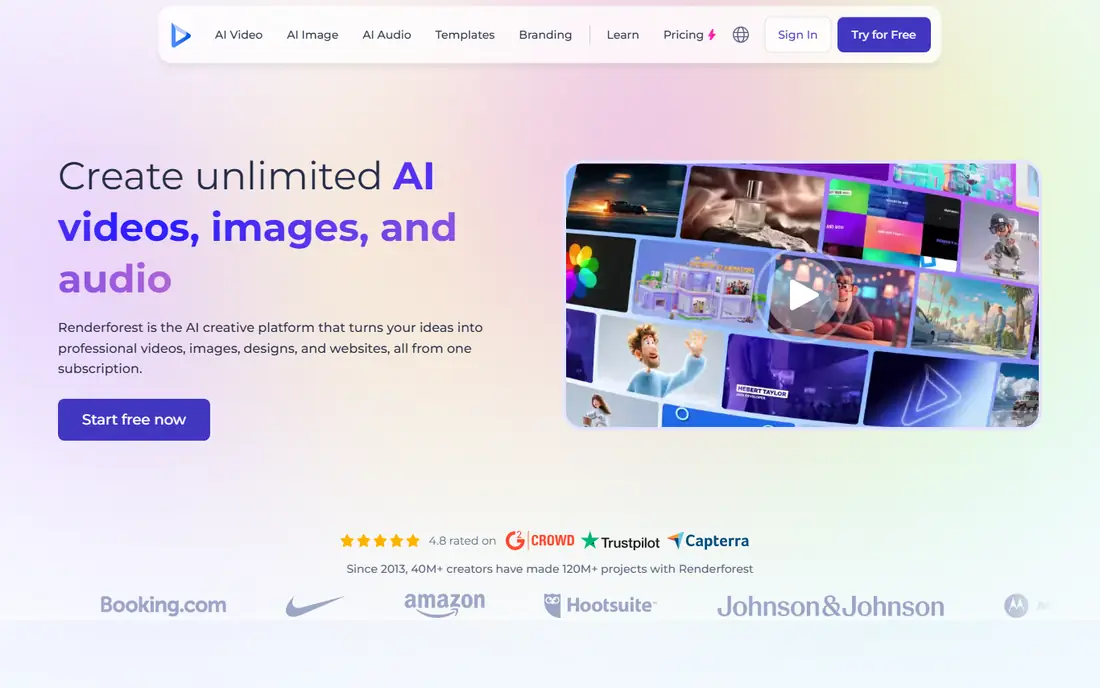
Renderforest makes the most sense for template-driven explainers with minimal effort. Renderforest is a template product first and a whiteboard tool second. For everyday use, premium plans remove watermarks and add HD and 4K exports, with pricing varying by export quality and video length, so check the current plans page for your use case.
It is the fastest route to a finished whiteboard-style video, just not the most distinctive one. Also, you are customizing templates, not directing a drawing hand, so videos can feel similar to other Renderforest output. As for the details, you pick a whiteboard explainer template, drop in your text and logo, and the product assembles the video. Check the vendor site for Renderforest pricing; none is listed in this comparison. Renderforest has a free plan.
Drawbacks to consider: Free exports are watermarked at restricted resolution.
- Large template library beyond whiteboard
- Free plan for testing
- Less control than dedicated whiteboard tools
VideoScribe works best for teams that explain complicated topics regularly. VideoScribe is the closest thing this category has to a standard. More specifically, the recurring complaint in reviews is render speed on longer projects, so keep videos tight.
Downsides: Expensive for solo creators.
More specifically, pricing is straightforward but not cheap: $43 a month on monthly billing, or $185 a year, with a 7-day free trial. For companies that publish explainers monthly, the maintainable library argument justifies the cost. VideoScribe pricing: $43 per month. Trial and free access: Free trial (7 days).
- Projects stay editable for simple updates
- Browser and desktop apps
- Rendering can be slow on long videos
Where Animaker fits: beginners who want the cheapest premium start. The free plan lets you build and export whiteboard explainers with watermarks, and premium levels start around $19 a month on annual billing. As for the details, Animaker's less expensive levels restrict commercial use, and watermark-free commercial exports need the higher plans.
As for the details, the product spans whiteboard, 2D, infographic, and presentation styles, with a character builder and AI voiceovers in 130+ languages. In practice, read the license terms before publishing. Treat Animaker as the place to learn and validate, then graduate to a specialist when the videos start earning their keep. Price to start with Animaker: $19 per month. Animaker has a free plan.
Trade-offs to know: Free exports are watermarked.
- AI voiceovers and subtitles included
- Whiteboard among numerous animation styles
- Cheapest premium levels limit commercial use
Biteable was built for business teams that want speed over craft. Biteable's strength is speed: paste a script, let the AI build a storyboard, pick an avatar and voice, and export. More specifically, marketing teams producing varied video content weekly will find the speed worth it.
Honest limits: Targeted at general business video, not animation specialists.
On top of that, the honest assessment: Biteable is here for buyers who want whiteboard as an occasional format inside a general business video tool. In daily use, for internal communications, sales outreach, and social ads, that workflow beats hand-crafting every scene. Starting cost for Biteable: $29 per month. As for free access: Free trial.
- Clean modern templates
- AI-assisted video building from scripts
- Whiteboard choices are restricted
Explaindio is built with freelancers producing client videos in mind. The honest downside is polish: the app and its marketing feel like an earlier era of software, and the sales pages push upsells hard. But the output quality holds up, the 600 pre-made scenes and 500 doodle images provide you plenty to start with, and offline desktop editing appeals to anyone tired of browser tabs.
Explaindio takes a different approach from the browser-first crowd: it is a desktop app for Windows and Mac that merges doodle sketch videos with 2D animation, 3D animation, and full-motion video editing. Beyond that, pricing runs $37 a month after a 14-day trial, or $67 a year on the annual choice, which is notably cheap for what it includes. From a buyer's view, for a freelancer selling explainer videos to local firms, that range matters, since clients ask for different styles and you do not want five subscriptions. Explaindio cost at the entry level: $37 per month. Free options: Free trial (14 days).
What to check first: Upsell-heavy sales pages.
- Desktop app works offline
- Whiteboard plus 2D, 3D
- Interface looks dated next to browser rivals
Doodly serves Marketers who want whiteboard plus more. Doodly's pitch is simplicity: drag a doodle image onto the canvas and the software draws it for you, with a choice of hand types across ethnicities and ages. In practice, if you only want whiteboard videos, you are paying for a suite.
In daily use, the Smart Draw feature goes further, letting you upload your own images and define custom draw paths, which is genuinely handy for branded explainers that stock art cannot include. It installs on Mac and PC, exports up to 1080p, and bundles royalty-free music. Doodly now sells through Voomly Cloud at $49 a month after a 14-day free trial, which bundles Toonly for cartoon explainers, Talkia for AI voiceovers, People Builder for custom characters, and video hosting with 7TB of storage. On cost, Doodly starts like this: $49 per month. Free options: Free trial (14 days).
What Doodly does well: video hosting.
Trade-offs to know: Sold as part of Voomly Cloud, so you pay for tools you may not use.
- Unlimited videos
- Bundled with Toonly, Talkia
- No free plan
Our selection method
Selection started from tools commonly considered for whiteboard animation software, then narrowed to 8 that have clear pricing information or a clear quote process. Treat prices as a snapshot: vendors change plans often, so check the vendor site for the figure that applies today. We ordered the tools by general fit, then by how clearly pricing is shown, then by free access. A buyer with unusual needs may reorder them.
Questions to settle before buying
- Ask Renderforest for a written quote, since no starting price is shown.
- Check what the free option really includes: simpleshow, Powtoon, Renderforest and Animaker offer a free plan, and usage caps differ.
- Run a trial of VideoScribe, Biteable, Explaindio and Doodly with real work before paying for a year; your own workflow is the best test.
- Read the limits listed for simpleshow first: less practical control over the animation.
- Find out whether the entry plan of Powtoon covers your must-haves or only a trimmed-down version.
- Price Renderforest for your actual team size; headline prices rarely include add-ons or overage.
Frequently asked questions
What is the cheapest option for whiteboard animation software in this list?
On published monthly entry prices, simpleshow is the lowest here at $5.99 per month. Entry price is only part of the cost, because seats, add-ons and billing terms can change the total.
Do whiteboard videos still work in 2026?
Whiteboard is a clarity format, not a trend format: it excels at explaining processes, products, and ideas that need step-by-step understanding. For pure entertainment or brand emotion, cartoon or live video normally performs better.
Is simpleshow the right pick for everyone comparing whiteboard animation software?
No single tool suits every team. simpleshow comes first because it fits turning scripts into videos with minimal work, while Powtoon suits teams mixing whiteboard with other video styles and Renderforest suits template-driven explainers with minimal effort. Match the tool to your own size, budget and workflow before deciding.
How long should a whiteboard explainer video be?
Aim for 60 to 90 seconds for marketing and up to 3 minutes for training. Whiteboard holds attention well, but every additional minute needs a more solid script.
Which tool is a good match for teachers?
For most readers this guide would start with simpleshow, built for turning scripts into videos with minimal work. Powtoon is the alternative for teams mixing whiteboard with other video styles, and Renderforest for template-driven explainers with minimal effort. The right answer depends on budget and workflow.
Which options for whiteboard animation software have a free plan?
On this list, simpleshow, Powtoon, Renderforest and Animaker include a free plan. Caps on seats, usage or features are common, so test the free plan against your real workload. Several others offer a trial instead.
Sources
See where you really rank - block by block
ProMapRanker scans Google Maps across a grid of your service area. Simple monthly plans from $19, white-label on every plan.
Start freeKeep reading
 zscaler alternatives
Best Zscaler Alternatives in 2026
Looking for zscaler alternatives? We compare 9 SASE and zero trust platforms on architecture, data protection, pricing, and fit for your network and team.
Read → zapier alternatives free
Best Zapier Alternatives Free in 2026
Nine automation tools for zapier alternatives free in 2026, all with genuinely free tiers, plus free plan limits, starting prices and upgrade paths explained.
Read → which platform is best for online reputation
Which Platform Is Best for Online Reputation in 2026
Wondering which platform is best for online reputation? We compare 8 review, listing, and response tools for small and multi-location businesses and agencies.
Read →