 ProMapRanker
Best Website Traffic Analysis Tools in 2026

Key takeaways
- Own-site tools measure real visits, while competitor tools estimate traffic, so the two types answer different questions.
- Google Analytics 4 and Search Console remain the free starting point for almost every site owner.
- Privacy-first tools suit sites that want simple stats without heavy cookies, but they offer less depth than GA4.
- Competitor estimates are least reliable for small sites, so use them for direction and trends, not exact totals.
- Pair one tracking tool with one competitor tool, plus a behaviour tool, rather than buying several tools that overlap.
Quick comparison
| Pick | Great for | Pricing starts at | Free tier | |
|---|---|---|---|---|
 Google Analytics 4 | Full own-site tracking | Free | Yes | Visit |
 Google Search Console | Google search performance | Free | Yes | Visit |
 Similarweb | Competitor benchmarking | $125 per month | Yes | Visit |
 Semrush | Competitor traffic and SEO | See website | Yes | Visit |
 Ahrefs | Organic traffic and backlinks | $129 per month | Yes | Visit |
 Matomo | Privacy-first full analytics | Free | Yes | Visit |
 Plausible | Simple privacy-first stats | $9 per month | Free trial | Visit |
 Fathom | Simple cookie-free stats | $15 per month | Free trial | Visit |
 Microsoft Clarity | Free behaviour insight | Free | Yes | Visit |
 PostHog | Product and web analytics | Free | Yes | Visit |
The best website traffic analysis tools
These tools cover your own traffic, competitor traffic and visitor behaviour, and the best stack usually mixes more than one type.
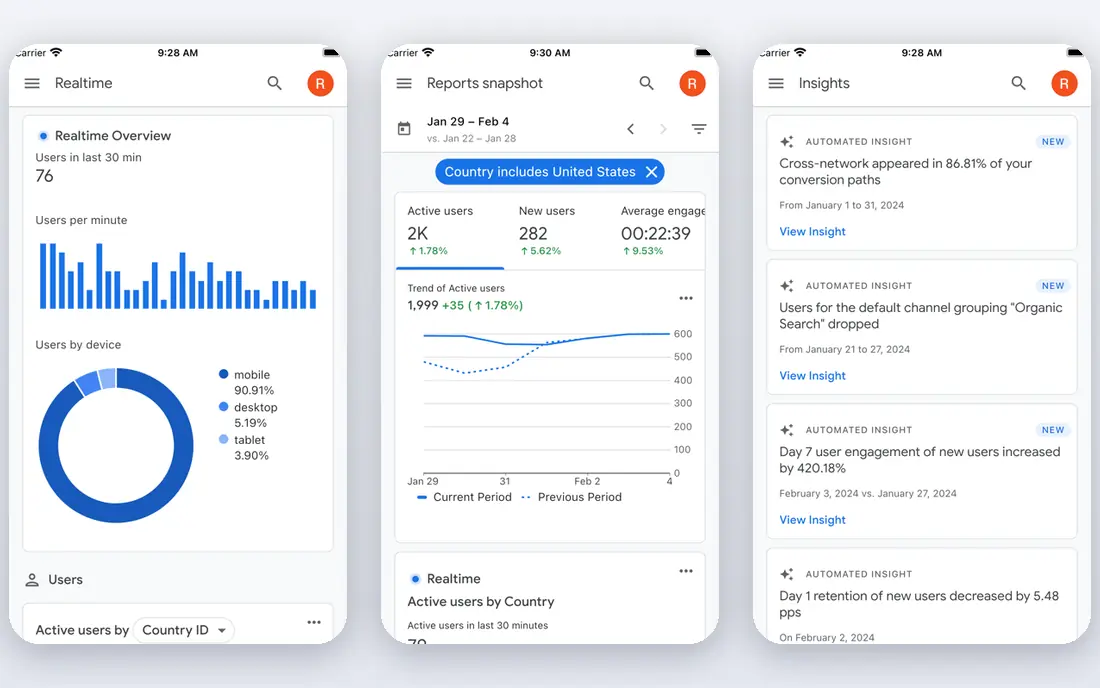
Google Analytics 4, usually called GA4, is the default tracking tool for most sites. It measures users, sessions, sources, landing pages, events and conversions, and it links to Google Ads and Search Console. For a small business, that depth at no cost is hard to beat, and most reporting guides assume GA4 as the baseline.
The cost is complexity. Setup, data retention, event naming and consent handling all need attention, especially in the EU and UK. Set data retention to 14 months early, mark key events such as signups or purchases, and check that traffic sources are tagged cleanly. Done well, GA4 remains the most complete free picture of your own traffic.
- Free
- Deep traffic, event and conversion reports
- Strong Google integrations
- Complex setup
- Consent rules apply in many regions
- Learning curve for beginners
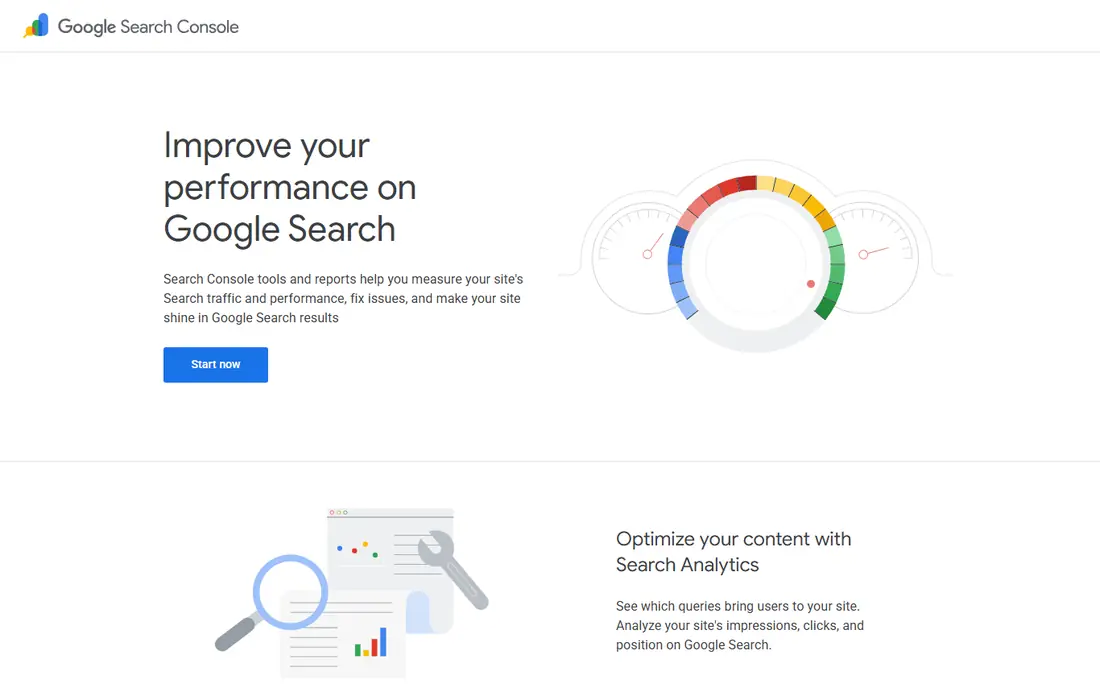
Google Search Console shows how your site performs in Google Search: which queries bring clicks, which pages rank, and whether pages have indexing problems. That data is measured, not estimated, and it is free for any verified site owner. For an SEO-led site, it is essential, not optional.
It only covers Google Search, so it cannot explain social, direct or paid traffic on its own. Use it beside GA4: Search Console for search detail, GA4 for the full traffic picture. Together, the two free Google tools cover most of what a small site needs to know.
- Free
- Real Google clicks and queries
- Ranking and indexing insight
- Search only
- No paid or social traffic detail
- Limited history
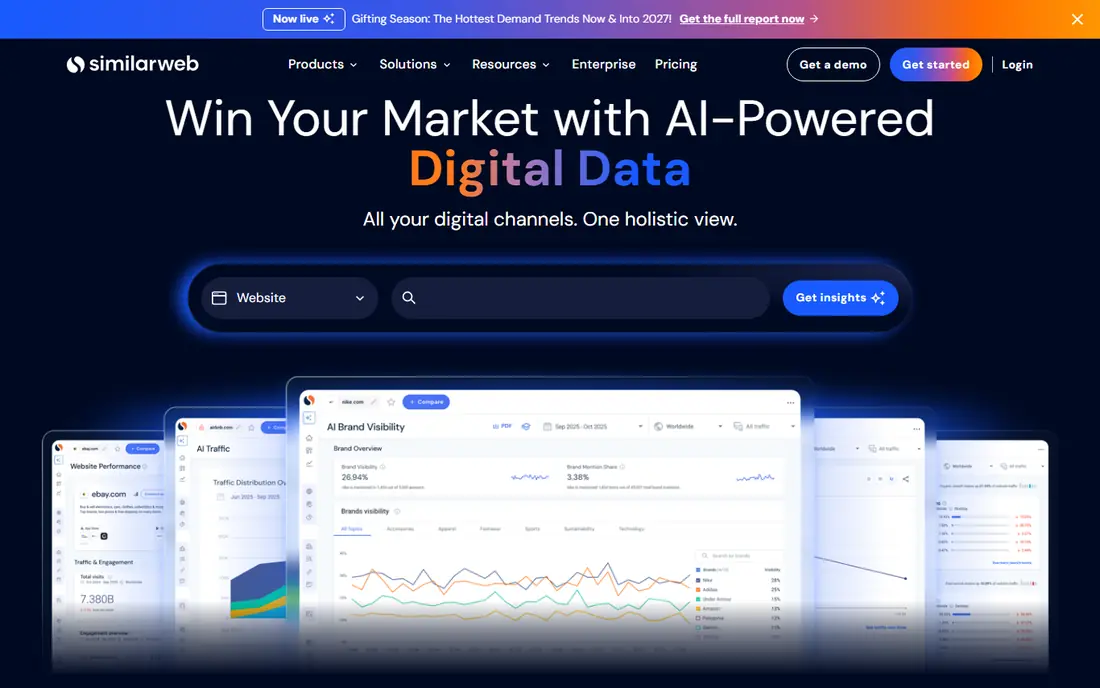
Similarweb is the best-known tool for checking a competitor, total traffic and channel mix. It estimates visits, sources, geography and engagement for large sites, and its free checker gives a limited view before paying. For market research and benchmarking, that external view is something own-site tools cannot provide.
The key limit is accuracy. Similarweb estimates traffic from panels and models, so small sites can show large errors, and even large sites should be treated as directional. Use it for trends, shares and comparisons, not for claiming an exact rival total. For a team that benchmarks regularly, it is still the standard choice.
- Total visits and channel mix for rivals
- Global rankings
- Audience and engagement data
- Estimates, not measured data
- Costly for small teams
- Less reliable for small sites
Semrush combines competitor traffic estimates with keyword research, backlink data and site audits. Its Traffic Analytics tool shows visits, sources and audience overlap, which helps a team understand where a rival, audience comes from and how it differs from their own. That context is useful for content and campaign planning.
The catch is plan scope. Full traffic features sit in higher toolkits, and a team that only wants traffic data may pay for a wider SEO suite. For an SEO-led team that already uses Semrush, adding traffic analysis is a natural step. For traffic alone, compare it with Similarweb before committing.
- Traffic Analytics plus keyword and backlink research
- Audience overlap
- Broad SEO suite
- Full traffic features need higher plans
- Suite can be costly for a single need
Ahrefs is best known for SEO, but its traffic estimates are widely used for competitor research. Site Explorer shows estimated organic traffic, top pages and keywords, plus backlink data that helps explain why a rival ranks. Its free tools, including web analytics for your own site, give a useful entry point before paying.
It estimates search traffic best, rather than total traffic across all channels. For a content or SEO team, that focus is ideal. For a team that needs total visits across social, paid and direct, pair Ahrefs with Similarweb or Semrush for a fuller picture.
- Strong organic estimates
- Backlink and keyword data
- Free traffic checker options
- Traffic estimates focus on search
- Full plans are costly for small sites
Matomo offers a full analytics suite with a privacy-first approach and a self-hosted option that keeps data on your own server. That ownership appeals to organisations with strict privacy rules or a wish to avoid third-party data sharing. Its reports cover visits, sources, pages, goals and behaviour in a familiar GA-style layout.
Self-hosting needs technical work, and cloud plans are paid. For a team that can manage hosting, or that values data ownership enough to pay for cloud hosting, Matomo is a strong GA4 alternative. For a small blog, a simpler tool may be enough.
- Full GA-style reports
- Self-hosted option with data ownership
- Privacy controls
- Self-hosting needs technical setup
- Cloud plans cost extra
Plausible suits site owners who want clear, simple stats without cookies or a complex dashboard. It shows visits, sources, pages and goals in a clean view, and its light script has little effect on page speed. That simplicity helps small teams and publishers who check stats daily but do not need deep event analysis.
The trade-off is depth. Plausible will not match GA4 for custom events, funnels and integrations. If your main need is a quick, honest view of traffic without privacy trade-offs, Plausible is a good pick. If you need deep conversion analysis, keep GA4 beside it.
- Simple dashboard
- Cookie-free tracking
- Light script
- Privacy friendly
- Less depth than GA4
- No free hosted plan beyond trial
Fathom is similar to Plausible in spirit: simple, privacy-first analytics without cookies. It reports visits, sources, pages and events in a clean dashboard, and setup is short. That makes it a good choice for small businesses, agencies and publishers that want stats without a consent-heavy setup.
Like Plausible, it trades depth for simplicity. Complex funnels and deep Google integrations are not its strength. Choose Fathom when clarity and privacy matter more than exhaustive reporting, and keep a free tool such as Search Console for search detail.
- Simple, privacy-first dashboard
- Cookie-free
- Easy setup
- Less depth than GA4
- Paid from the start after trial
Microsoft Clarity is free and answers a different question: what do visitors actually do on a page. Heatmaps show where people click and scroll, and session recordings show real journeys, including rage clicks and dead clicks. That insight can explain why a page with good traffic converts poorly.
It is not a full traffic tool, so it works best beside GA4 or Plausible. Privacy care matters too, because recordings can capture personal details if forms are not masked. Used with care, Clarity is one of the best free additions to any analytics stack.
- Free
- Heatmaps and session recordings
- Useful for conversion problems
- Behaviour only, not a full traffic suite
- Recordings need privacy care
PostHog combines web analytics with product analytics, session replay, feature flags and surveys. That range suits SaaS teams and apps that need to track user journeys, not just page visits. Its free event allowance makes it possible to start without paying, which helps small product teams.
For a simple blog or brochure site, PostHog is more than needed, and its setup takes more thought than Plausible or Fathom. For a product team that wants traffic, behaviour and product data in one place, PostHog is a strong, flexible choice.
- Web plus product analytics
- Session replay
- Generous free event allowance
- More complex than simple stats tools
- Product focus may be more than a blog needs
How we picked these
We compared official feature pages, pricing pages and public product descriptions, and we kept only tools that are live in October 2026 and measure or estimate website traffic in a useful way. We separated own-site tracking from competitor estimation, because confusing the two leads to bad decisions. We weighed accuracy type, privacy approach, depth, integrations and price. We did not claim hands-on testing, and where pricing was not published clearly, we wrote See website.
How to build a traffic stack that works
Start with measurement, add estimation only when you need it, and add behaviour tools when a conversion question needs an answer.
Start free, then pay for a gap
Begin with GA4, Search Console and Clarity. That free stack covers traffic, search and behaviour for most small sites. Pay only when a clear gap appears, such as competitor benchmarking or a privacy-first dashboard. That order keeps costs down and avoids buying overlapping tools.
Treat competitor numbers as estimates
Competitor tools estimate traffic, and small sites can be far off. Use them to compare trends, channel shares and relative size, not to quote exact monthly visits. When a decision depends on an exact number, such as a partnership or ad buy, ask for measured data or use several tools and note the range.
Tag and check your own data
Clean tagging matters more than a new tool. Use consistent source, medium and campaign tags, check that key events are marked, and compare GA4 totals with Search Console clicks for search traffic. If the two disagree sharply, check date ranges, filters and metric definitions before blaming a tool.
Respect visitor privacy
Choose tools that match your privacy duties, use consent banners where required, mask sensitive fields in recordings, and set data retention deliberately. Privacy-first tools help, but they do not remove the need for a clear privacy notice and careful handling of visitor data.
Frequently asked questions
What is the best website traffic analysis tool for a small business?
Start free with Google Analytics 4, Google Search Console and Microsoft Clarity. That stack covers traffic, search and behaviour at no cost. Add a paid tool only when you need competitor data or a simpler privacy-first dashboard.
Can I check a competitor, website traffic for free?
Yes, with limits. Similarweb, Semrush and Ahrefs offer free checkers or limited free accounts, but full history, channel detail and exports need paid plans. Free checks are useful for a quick view, but not for regular benchmarking.
Are competitor traffic numbers accurate?
They are estimates, not measured totals, and accuracy is best for large sites. Small sites can show large errors, so use competitor tools for trends and comparisons, not exact totals. Cross-check with more than one tool when a decision depends on the number.
Is Google Analytics 4 really free?
GA4 is free for standard use, with a paid GA4 360 version for very large enterprises. Most small and mid-sized sites will never need the paid version. The main costs are setup time and consent handling, not a subscription fee.
Do I need a privacy-first tool instead of GA4?
It depends on your privacy duties and your reporting needs. Privacy-first tools such as Plausible, Fathom and Matomo offer simpler, cookie-free stats and stronger data ownership. GA4 offers deeper analysis. Many sites use both: GA4 for depth and a privacy tool for a simple public-facing view.
What is the difference between sessions, users and pageviews?
Users count distinct visitors, sessions count visits, and pageviews count pages loaded. One user can have several sessions, and one session can include several pageviews. Check the metric definition in your tool before comparing numbers across tools, because definitions differ.
Sources
See where you really rank - block by block
ProMapRanker scans Google Maps across a grid of your service area. Simple monthly plans from $19, white-label on every plan.
Start freeKeep reading
 zscaler alternatives
Best Zscaler Alternatives in 2026
Looking for zscaler alternatives? We compare 9 SASE and zero trust platforms on architecture, data protection, pricing, and fit for your network and team.
Read → zapier alternatives free
Best Zapier Alternatives Free in 2026
Nine automation tools for zapier alternatives free in 2026, all with genuinely free tiers, plus free plan limits, starting prices and upgrade paths explained.
Read → which platform is best for online reputation
Which Platform Is Best for Online Reputation in 2026
Wondering which platform is best for online reputation? We compare 8 review, listing, and response tools for small and multi-location businesses and agencies.
Read →