 ProMapRanker
Best Website Platforms in 2026


Blogs and flexible content sites · Pricing starts at: $4 per month
Key takeaways
- Our pick for most readers is WordPress.com, because it covers the core job well without a steep learning curve.
- Wix is a strong second choice when you need more control or a different way of working.
- Prices and free tiers change often, so check the vendor pricing page before you pay for a plan.
- The right choice depends more on your workflow and budget than on any single headline feature.
Quick comparison
| Pick | Great for | Pricing starts at | Free tier | |
|---|---|---|---|---|
| WordPress.com | Blogs and flexible content sites | $4 per month | Yes | Visit |
 Wix | Easy all-in-one small business sites | $17 per month | Yes | Visit |
 Squarespace | Design-led portfolios and services | See website | Free trial | Visit |
 Shopify | Online stores at scale | $29 per month | Free trial | Visit |
 Webflow | Custom design and marketing sites | $15 per month | Yes | Visit |
 Framer | Fast landing pages and startup sites | $10 per month | Yes | Visit |
 GoDaddy | Fast setup for very small businesses | See website | Free trial | Visit |
 Hostinger | Low-cost simple sites and hosting | $2.99 per month | No | Visit |
 Weebly | Simple sites for beginners | See website | Yes | Visit |
 Duda | Agencies building client sites | See website | Free trial | Visit |
The best website platforms
We compared website builders and platforms on ease of use, design control, commerce tools, SEO basics, and price, so owners can pick a platform that fits their site type.

WordPress.com suits bloggers, publishers, and small businesses that want flexible content tools and room to grow.
Its strength is content depth, with strong blogging, SEO settings, and a large theme range that covers most site types. Paid plans add plugins and customisation, which helps a simple blog grow into a full business site without migrating.
The honest catch is upkeep, since plugins, themes, and settings need attention, so it suits owners who will maintain the site or pay someone to do so. Before you commit, try the free tier or trial on a small real project and check export, sharing, and billing terms.
- Large theme and plugin range
- Strong blogging tools
- Scalable plans
- Maintenance grows with plugins
- Design needs more setup

Wix suits beginners and small businesses that want a site live quickly with little technical work.
Its strength is ease, because drag and drop editing, templates, and built-in tools cover bookings, stores, and contact forms in one place. That helps owners who update a site themselves and do not want to manage hosting or code.
The honest catch is portability, since moving a Wix site elsewhere is limited, so treat it as a long-term home for the site. Before you commit, try the free tier or trial on a small real project and check export, sharing, and billing terms.
- Drag and drop editor
- Many templates
- Built-in apps
- Site portability is limited
- Advanced control is thinner
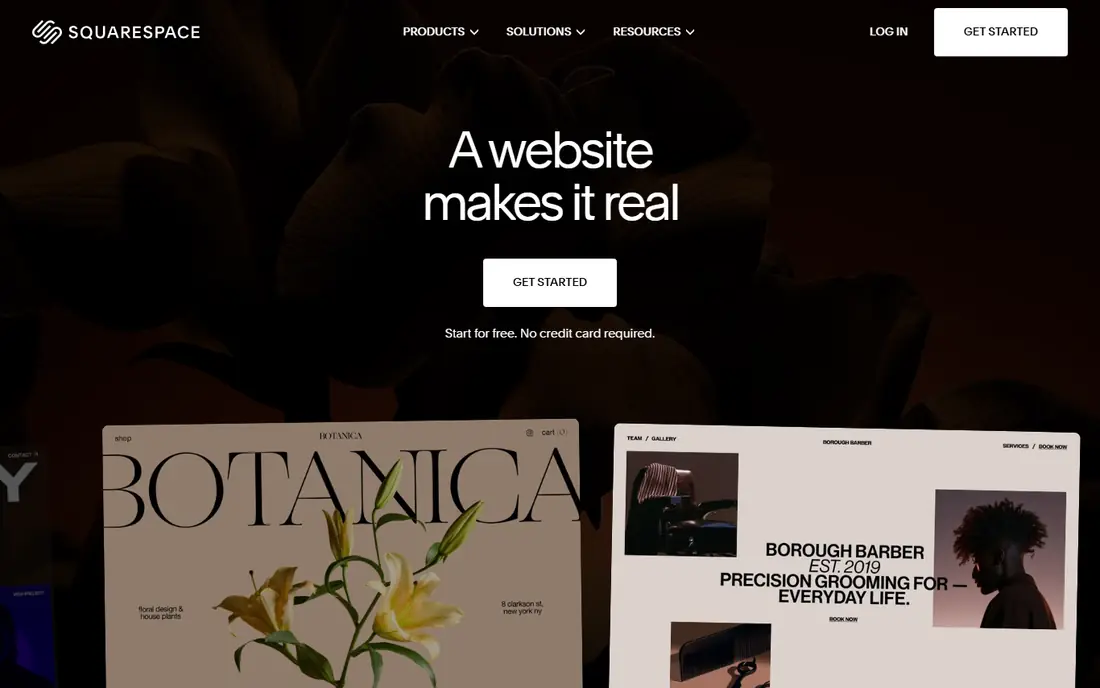
Squarespace suits creatives, service businesses, and portfolios where design quality matters from the first visit.
Its strength is templates, which look polished with less tweaking, and built-in tools for blogging, commerce, and appointments. That helps photographers, consultants, and restaurants present a clean brand without hiring a designer for every page.
The honest catch is range, since template choice is smaller and very large catalogues may need a dedicated store platform. Before you commit, try the free tier or trial on a small real project and check export, sharing, and billing terms.
- Polished templates
- Built-in blogging and commerce
- Scheduling tools
- Fewer templates than Wix
- Large stores may outgrow it
Shopify suits businesses where selling online is the main job, from a first store to a large catalogue.
Its strength is commerce depth, with product, discount, shipping, payment, and POS tools built around selling. That focus helps stores handle orders, inventory, and customer accounts in one system as sales grow.
The honest catch is total cost, since apps and transaction fees can add up, so model app needs before you choose a plan. Before you commit, try the free tier or trial on a small real project and check export, sharing, and billing terms.
- Strong commerce tools
- Payments
- POS and app ecosystem
- Content pages are less flexible
- App costs add up
Webflow suits designers and marketing teams that want precise visual control without writing all code by hand.
Its strength is design freedom, with a visual editor, CMS collections, and publishing tools that suit custom marketing sites. That helps teams that need distinct layouts, landing pages, and content hubs rather than a standard template look.
The honest catch is learning time, since layout and CMS concepts take study, so beginners should allow time for tutorials. Before you commit, try the free tier or trial on a small real project and check export, sharing, and billing terms.
- Visual design control
- CMS
- Clean hosting and publishing
- Learning curve
- Ecommerce is separate from site plans
Framer suits startups and creators who need a fast, modern landing page or small marketing site.
Its strength is speed and motion, with templates and animation tools that make a launch site feel polished quickly. Publishing is quick, which helps teams test a message, pricing page, or waitlist without a long build.
The honest catch is scope, since native ecommerce and large CMS needs are limited, so larger sites may need another platform. Before you commit, try the free tier or trial on a small real project and check export, sharing, and billing terms.
- Fast publishing
- Animation tools
- Modern templates
- Native ecommerce is limited
- CMS caps vary by plan
GoDaddy suits very small businesses that want a domain, hosting, and a simple site from one provider.
Its strength is speed of setup, with guided tools that help an owner publish basic pages, contact details, and services fast. That bundle helps owners who want one bill and one support contact for domain and site basics.
The honest catch is flexibility, since design control is thinner than Wix or Webflow, so check templates against your brand first. Before you commit, try the free tier or trial on a small real project and check export, sharing, and billing terms.
- Quick AI-assisted setup
- Domain and hosting bundle
- Simple editor
- Design flexibility is limited
- Upsells need care
Hostinger suits budget-conscious owners who need a simple site and hosting at a low entry price.
Its strength is value, because the builder and hosting bundle keeps the first bill low for a basic business site. An AI generator can produce a starting draft, which helps owners who are unsure where to begin.
The honest catch is renewal pricing, since intro prices differ from renewal rates, so check the full term cost before you buy. Before you commit, try the free tier or trial on a small real project and check export, sharing, and billing terms.
- Low entry price
- AI site generator
- Hosting included
- Designs can feel generic
- Renewal prices differ from intro prices
Weebly suits beginners who want a simple site with basic pages and a small store, without a steep learning curve.
Its strength is simplicity, because the editor stays approachable and publishing takes few steps. That helps hobby sites, clubs, and very small businesses that need an online presence rather than advanced features.
The honest catch is growth, since larger stores and custom features may outgrow it, so check app and design limits early. Before you commit, try the free tier or trial on a small real project and check export, sharing, and billing terms.
- Simple editor
- Basic store tools
- Easy publishing
- Feature range is thinner than larger builders
- Growth limits apply
Duda suits agencies and freelancers who build and manage sites for many clients.
Its strength is client workflow, with tools for managing multiple sites, permissions, and white-label presentation. That saves time for teams that launch similar business sites repeatedly and need consistent processes.
The honest catch is audience, since single-site owners may pay for agency features they never use, so compare it with Wix or Squarespace first. Before you commit, try the free tier or trial on a small real project and check export, sharing, and billing terms.
- Client management tools
- White-label options
- Fast site builds
- Less suited to single hobby sites
- Pricing is agency focused
How we picked these
We compared official pricing pages, feature pages, and plan docs for platforms live in October 2026. We checked free plans and trials, entry paid prices, commerce and blogging tools, and what happens when a site grows. Where entry prices varied by billing term or region, we wrote See website rather than guess a single figure.
How to choose a website platform
Start with the main job of the site. A store needs commerce depth, a blog needs content tools, and a portfolio needs design control. A platform that does everything may do your main job less well than a focused choice.
Check total cost over two years, not only the first month. Include domain renewal, paid plans, apps, transaction fees, and any design help you may need. Intro prices often differ from renewal prices.
Test the editor with a real page before you pay. Build a homepage, a contact page, and a product or service page, then check mobile view, load speed, and SEO settings. Moving a site later costs time, so a short test now saves a rebuild later.
Frequently asked questions
What is the best platform for a website?
For most small businesses, Wix or Squarespace is a strong start. WordPress.com suits content-heavy sites, Shopify suits stores, and Webflow suits custom marketing sites.
What is the best website app for beginners?
Wix, Squarespace, and Weebly are among the easiest for beginners, with templates and guided editors. Hostinger is a low-cost option, while Webflow needs more learning time.
Is there a free website platform?
Yes. Wix, WordPress.com, Webflow, Framer, and Weebly offer free plans, though free sites usually carry branding or a subdomain. A paid plan is usually needed for a custom domain.
Which website platform is best for selling online?
Shopify is the strongest dedicated store platform in this list, with payments, inventory, and POS tools. Wix and Squarespace also sell online, but large catalogues usually suit Shopify better.
Can I move my website to another platform later?
Sometimes, but not always cleanly. WordPress.com offers more portability than closed builders, while Wix and similar builders limit direct migration, so choose with growth in mind.
Sources
- https://wordpress.com/pricing
- https://www.wix.com/pricing
- https://www.squarespace.com/pricing
- https://www.shopify.com/pricing
- https://webflow.com/pricing
- https://www.framer.com/pricing
- https://www.godaddy.com/websites/website-builder
- https://www.hostinger.com/website-builder
- https://www.weebly.com/pricing
- https://www.duda.co/pricing
See where you really rank - block by block
ProMapRanker scans Google Maps across a grid of your service area. Simple monthly plans from $19, white-label on every plan.
Start freeKeep reading
 zscaler alternatives
Best Zscaler Alternatives in 2026
Looking for zscaler alternatives? We compare 9 SASE and zero trust platforms on architecture, data protection, pricing, and fit for your network and team.
Read → zapier alternatives free
Best Zapier Alternatives Free in 2026
Nine automation tools for zapier alternatives free in 2026, all with genuinely free tiers, plus free plan limits, starting prices and upgrade paths explained.
Read → which platform is best for online reputation
Which Platform Is Best for Online Reputation in 2026
Wondering which platform is best for online reputation? We compare 8 review, listing, and response tools for small and multi-location businesses and agencies.
Read →