 ProMapRanker
Best Website Monitoring Tool in 2026

Key takeaways
- Start with uptime checks from several locations, then add SSL, speed, and transaction checks only where they change what you do.
- Free plans cover a small site well, but check frequency, monitor limits, and status page terms before you rely on one for a business site.
- Alert quality matters more than check count: multi-location confirmation cuts false alarms that teams learn to ignore.
- Our pick for most small sites is UptimeRobot for free uptime checks, with Better Stack as the stronger pick when you need status pages and incident tools.
Quick comparison
| Pick | Great for | Pricing starts at | Free tier | |
|---|---|---|---|---|
 UptimeRobot | Free uptime checks | See website | Yes | Visit |
 Pingdom | Simple uptime and speed checks | $10 per month | Free trial | Visit |
 StatusCake | Free monitoring with SSL checks | $20.41 per month | Yes | Visit |
 Better Stack | Uptime plus status pages | See website | Yes | Visit |
 Datadog Synthetics | Full observability teams | See website | Free trial | Visit |
 New Relic Synthetics | Full-stack monitoring teams | See website | Free trial | Visit |
 Site24x7 | All-in-one infrastructure monitoring | See website | Free trial | Visit |
 Checkly | Monitoring as code | See website | Free trial | Visit |
 Oh Dear | Simple site and SSL monitoring | See website | Free trial | Visit |
The best website monitoring tools
We compared official pricing pages, check types, alert options, and status page terms. Prices for usage-based tools depend on check frequency and locations, so we list those as See website and focus on fit and limits you can verify on each pricing page.
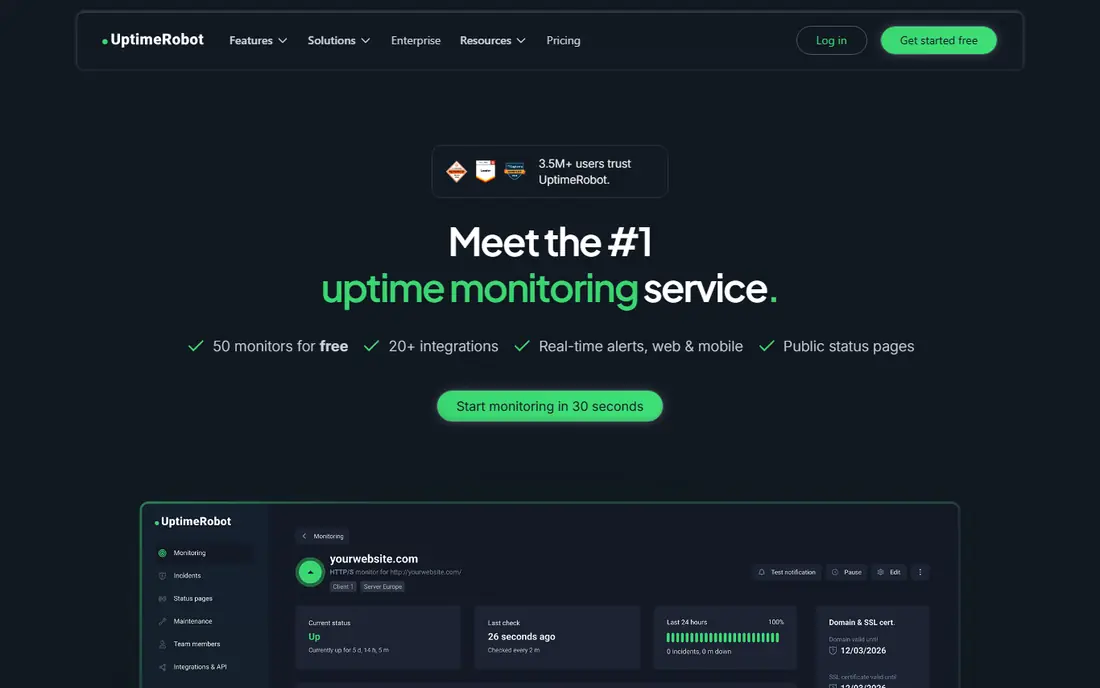
UptimeRobot is the simplest starting point for a personal site or a small project. Its free plan covers a set of monitors with checks every few minutes, plus email and chat alerts, which is enough to catch most outages. Setup takes minutes: add a URL, pick a check type, and set an alert contact.
The free plan is aimed at personal projects, and paid plans add faster checks, SSL monitoring, and more monitors. Check the current free plan terms before you rely on it for a business site, since terms and limits change. For a first monitor, though, it is hard to beat for simplicity.
- Free plan for personal projects
- HTTP, ping, port, and keyword checks
- Simple setup
- Free plan limits and check intervals
- Business use may require a paid plan
Pingdom, now part of SolarWinds, is a long-running choice for uptime and performance checks. Its starter plan covers a set of monitors with checks from global locations, and higher plans add page speed, transaction monitoring, and real user monitoring. The interface stays simple, which suits small teams without a dedicated operations person.
The trade-off is cost at scale. There is no permanent free plan, and adding monitors or faster checks raises the price. For a small business site that needs reliable alerts and basic speed data, the starter plan is a clear and proven option.
- Easy setup
- Global check locations
- Page speed and transaction checks on higher plans
- No permanent free plan
- Costs rise with monitors and check frequency
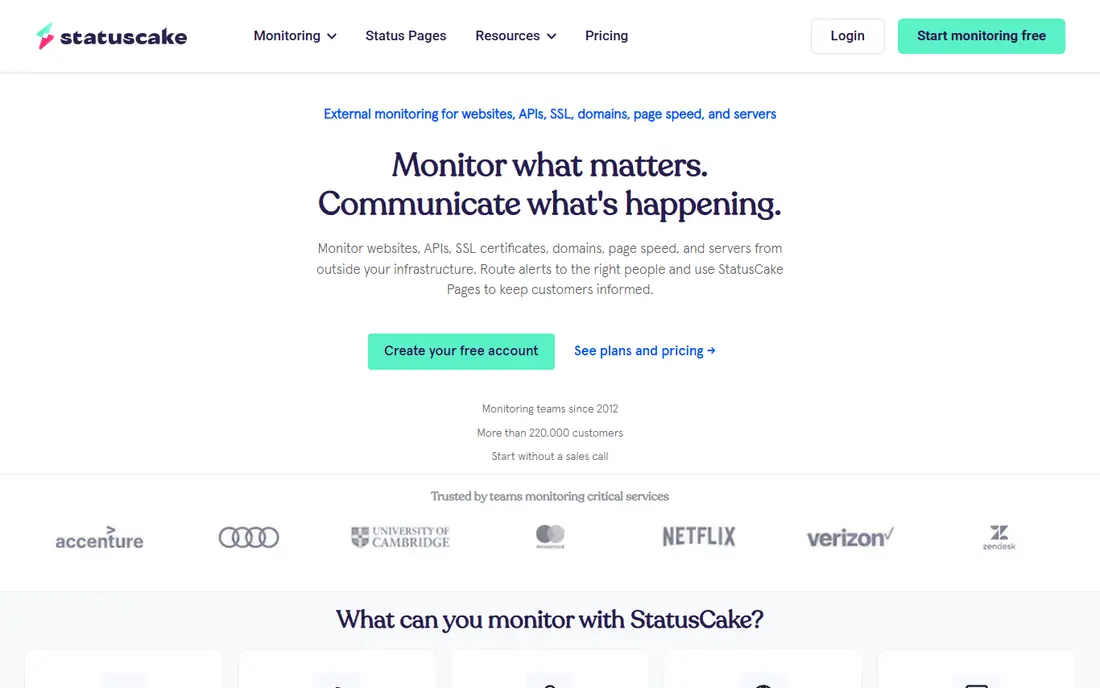
StatusCake is a strong free option for a business site, since its free plan includes uptime monitors, a limited SSL check, and alerts through email and chat tools. Paid plans raise monitor counts, shorten check intervals, and add more SSL and page speed checks. That makes it easy to start free and upgrade only when limits bite.
One catch is that status pages are sold separately from monitoring, so budget for that add-on if you need a public status page. The paid plan also costs more than some rivals at the entry tier. For free monitoring with SSL coverage, though, it is a solid pick.
- Free plan with uptime monitors
- SSL and domain checks
- Global test locations
- Status pages are a separate product
- Paid plan price is higher than some rivals
Better Stack, formerly Better Uptime, pairs uptime monitoring with status pages, incident management, and on-call tools. Its free plan covers a set of monitors with basic checks, while paid plans add faster intervals, more monitors, and status page customization. That combination suits small teams that want alerts and a public status page in one place.
Pricing depends on monitor blocks and responder seats, so check the current pricing page for your team size. Full log and observability features are a separate part of the platform and add cost. For uptime plus status pages, it is a well-rounded choice.
- Uptime, SSL, and heartbeat checks
- Status pages included on paid plans
- Incident management tools
- Pricing varies by monitors and seats
- Full observability features add cost
Datadog Synthetics suits teams already using Datadog for logs, metrics, and application monitoring. It runs API tests and browser tests that mimic real user flows, such as login and checkout, and it can run from private locations inside your network. Results tie into the same dashboards and alerts as the rest of your observability data.
The catch is per-run billing. Each test run from each location counts, so frequent checks from many locations add up quickly. For a simple uptime need, a flat-rate monitor is cheaper. For a team already on Datadog that needs transaction monitoring, the integration is worth the pricing care.
- API and browser synthetic tests
- Private locations for internal apps
- Ties to logs, metrics, and traces
- Per-run billing can grow fast
- Overkill for simple uptime checks
New Relic Synthetics fits teams that already monitor applications with New Relic. It runs scripted browser checks and API checks, and results sit alongside application performance, errors, and infrastructure data, which helps teams link a failed check to a code or service problem. The wider New Relic platform includes a free data allowance, though synthetic pricing depends on your plan.
Setup is heavier than adding a URL to UptimeRobot, since scripted checks need test design and maintenance. Small teams with one site may not need that depth. For full-stack teams, the shared context is the main advantage.
- Browser and API synthetics
- Ties to application performance data
- Generous free data allowance in the wider platform
- Pricing depends on users and usage
- Setup is heavier than a simple uptime tool
Site24x7 is an all-in-one monitoring platform that covers websites, servers, networks, cloud services, and applications. For website monitoring, it offers uptime, SSL, page speed, and real user monitoring, plus status pages and alerting. That breadth suits IT teams that want one vendor for many monitoring jobs.
The breadth is also the downside for a simple site owner, since the interface and pricing cover far more than uptime alone. Pricing depends on monitor types and counts, so check the plan that matches your website needs. For teams that already monitor infrastructure, adding website checks here is efficient.
- Website, server, network, and cloud monitoring in one tool
- Real user monitoring
- Status pages
- Broad feature set can feel complex
- Pricing depends on monitors and add-ons
Checkly is built for developer teams that want monitoring checks in code, alongside application code. You write API and browser checks in TypeScript, run them in CI, and deploy them as production monitors, which keeps checks in sync with code changes. Playwright browser checks can test full user flows, not just page loads.
That workflow needs developer time and skills, so it is not the best pick for a non-technical site owner. Pricing also depends on check runs, so frequent browser checks from many locations add cost. For engineering teams, though, monitoring as code reduces drift between tests and production.
- Checks written in code and stored in version control
- Playwright browser checks
- API and heartbeat checks
- Needs developer skills
- Pricing depends on check runs
Oh Dear is a focused monitoring tool for website owners who want uptime, SSL, DNS, and broken link checks without a large platform. Its dashboard is simple, alerts are clear, and status pages are available for public communication during outages. It also checks for mixed content and certificate expiry, which are easy to miss.
It does not try to replace full observability platforms, so teams that need deep application tracing will need another tool. Pricing per site can also add up if you monitor many sites. For one or a few sites, its focus and clarity are a strength.
- Uptime, SSL, DNS, and broken link checks
- Simple dashboard
- Status pages
- Smaller feature set than full observability tools
- Pricing per site can add up for many sites
How we picked these
We compared check types, check intervals, alert channels, status page terms, and pricing models, using vendor pricing pages and product documentation. We favored tools that are still offered in 2026 and that cover the core website monitoring job: uptime from multiple locations, SSL expiry, and clear alerts. We also kept a mix of free, flat-rate, and full observability tools.
We did not claim hands-on testing. Our comparison rests on vendor pages and public pricing guides, and prices for usage-based tools depend on your check settings. Test alert delivery to your own channels before you rely on any tool, since an alert you miss is the same as no alert.
How to set up website monitoring that helps
Check from more than one place
A single-location check can report an outage that only affects one region or network. Use several global locations and require confirmation from more than one before you alert, when your tool allows it. That simple rule cuts false alarms and keeps your team trusting the alerts.
Add SSL and speed checks where they matter
SSL expiry can take a site down just as surely as a server outage, so set expiry warnings well ahead of renewal. Page speed checks help on marketing pages and checkout flows, but do not monitor every page at high frequency. Focus speed checks on the pages that drive revenue or signups.
Test alerts and status pages before an outage
Send a test alert to each channel, including email, chat, and phone where available, and check that on-call rotations work. Prepare a status page template with plain language for outages, and practice posting an update. During a real outage, a short clear update helps users more than a detailed technical note.
Frequently asked questions
What is the best website monitoring tool for a small business?
UptimeRobot or StatusCake are strong free starting points, while Pingdom and Better Stack are strong paid picks for small business sites. Choose based on how many sites you monitor, whether you need a status page, and how fast you need checks. Start free, then upgrade when limits bite.
What are the best website monitoring tools for uptime?
UptimeRobot, Pingdom, StatusCake, and Better Stack all cover uptime well, with different free limits and check intervals. For simple uptime, pick the tool with the clearest alerts and the check interval you need. Add transaction checks only for login, signup, or checkout flows.
Is there a free website monitoring tool?
Yes, UptimeRobot and StatusCake both offer free plans, and Better Stack offers a free tier as well. Free plans limit monitor counts and check intervals, and some restrict business use, so read the terms. For a personal site or a single small site, a free plan is often enough.
How often should a website be checked?
Check critical pages every minute on a paid plan, and every few minutes on a free plan, when your tool allows it. Less critical pages can be checked every five to ten minutes. Faster checks catch outages sooner but can cost more on usage-based tools, so balance speed against price.
Do I need website monitoring if my host already monitors my site?
Host monitoring often checks the server, not the full user path through DNS, SSL, and your application. Independent monitoring from outside your host catches problems your host may miss, such as DNS failures or certificate expiry. Use both, with external checks as your early warning.
Sources
See where you really rank - block by block
ProMapRanker scans Google Maps across a grid of your service area. Simple monthly plans from $19, white-label on every plan.
Start freeKeep reading
 zscaler alternatives
Best Zscaler Alternatives in 2026
Looking for zscaler alternatives? We compare 9 SASE and zero trust platforms on architecture, data protection, pricing, and fit for your network and team.
Read → zapier alternatives free
Best Zapier Alternatives Free in 2026
Nine automation tools for zapier alternatives free in 2026, all with genuinely free tiers, plus free plan limits, starting prices and upgrade paths explained.
Read → which platform is best for online reputation
Which Platform Is Best for Online Reputation in 2026
Wondering which platform is best for online reputation? We compare 8 review, listing, and response tools for small and multi-location businesses and agencies.
Read →