 ProMapRanker
Best Website Live Chat Software in 2026


Dedicated live chat widget · Pricing starts at: $20 per agent per month
Key takeaways
- LiveChat and tawk.to are the simplest dedicated chat picks, while Zendesk and Intercom suit larger support teams.
- AI pricing is often separate from seat pricing, so model seat cost plus AI usage before you compare headline prices.
- Flat workspace pricing, such as Crisp, can save money for teams with many occasional responders.
- Free plans from tawk.to, Tidio, Crisp, and HubSpot are genuinely usable for a small site starting out.
- Test the widget on mobile, since a large share of website visitors will chat from a phone.
Quick comparison
| Pick | Great for | Pricing starts at | Free tier | |
|---|---|---|---|---|
| LiveChat | Dedicated live chat widget | $20 per agent per month | No | Visit |
 Zendesk | Enterprise omnichannel support | $55 per agent per month | Free trial | Visit |
 Intercom | AI first messaging for SaaS teams | $29 per seat per month | Free trial | Visit |
 Tidio | Small stores and startups | $29 per month | Yes | Visit |
 Crisp | Flat rate pricing for small teams | $45 per month | Yes | Visit |
 Freshchat | Freshworks teams and omnichannel inbox | Free | Yes | Visit |
 Zoho SalesIQ | Low cost chat for Zoho users | $7 per operator per month | Yes | Visit |
 HubSpot Live Chat | Free chat inside HubSpot CRM | Free | Yes | Visit |
 tawk.to | Free unlimited agents and chats | Free | Yes | Visit |
 Drift | B2B sales and pipeline generation | See website | No | Visit |
The best website live chat software
Website live chat software adds a chat widget to your site so visitors can message your team in real time instead of waiting for email. Modern tools add a shared inbox, chat routing, canned replies, visitor tracking, and an AI layer that answers routine questions or drafts replies for agents. We compared official pricing pages and 2026 roundups to build this list, with a focus on tools that are live in October 2026 and that fit different team sizes.
Watch the pricing model as you compare. Some tools charge per agent, some charge per workspace, and some charge per conversation, and AI features are often billed separately. A tool that looks cheap per seat can become expensive once AI usage is added, so check both numbers.
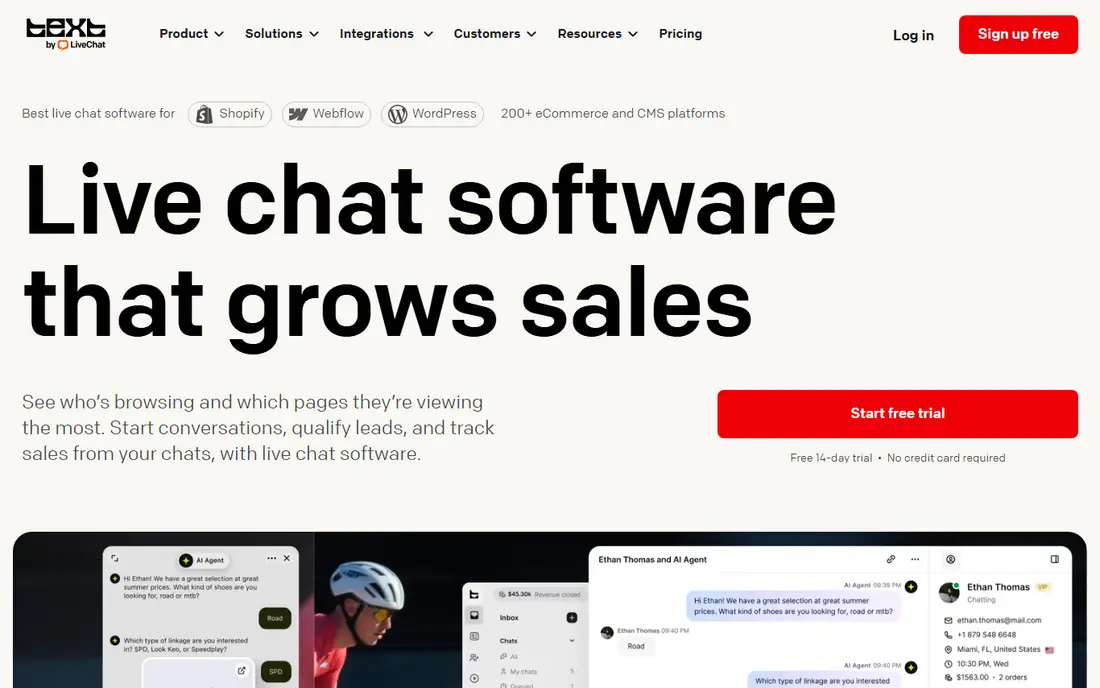
LiveChat is the pick if you want a dedicated chat tool and nothing else. Its Starter plan starts at $20 per agent per month billed annually in the sources we reviewed, with Team at $41 and Business at $59. The agent console is fast and clear, the widget is easy to customise, and chat analytics help a small team see response times and satisfaction without a complex setup.
The catch is scope. AI features and full ticketing sit in separate LiveChat products that cost extra, so a team that later needs a helpdesk may need a second tool. There is also no free plan, though a trial is offered. If chat is your main channel and you want the fastest agent experience, LiveChat remains a strong, focused choice.
- Polished agent console
- Fast widget
- Strong chat analytics
- AI and ticketing are separate products
- No free plan
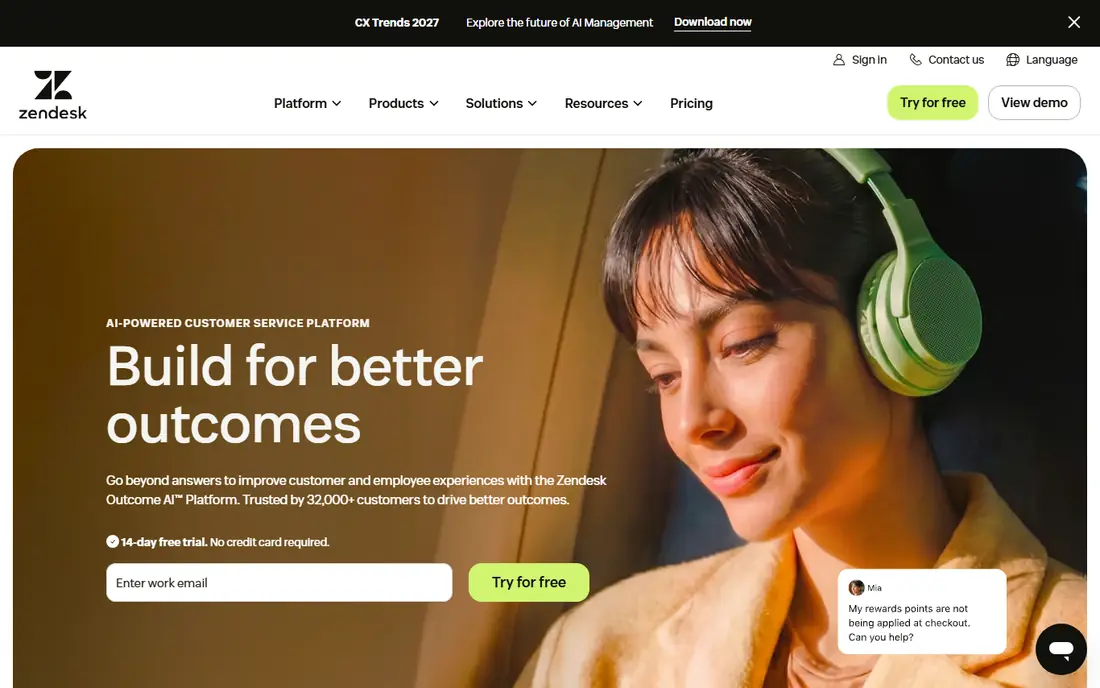
Zendesk suits larger support teams that need live chat inside a full omnichannel suite, with email, phone, social, and ticketing in one place. Suite Team starts at $55 per agent per month billed annually in the sources we reviewed, with Growth at $89 and Professional at $115. Routing, macros, reporting, and a large integration library make it a safe choice for a team that handles high chat volume alongside other channels.
The drawback is cost and complexity for small teams. Standalone support plans start lower, but the full Suite with messaging costs more, and AI agents are billed separately, reported at around $1.50 per resolution in some sources. A 14 day trial helps you test the agent workspace, but small sites should compare Zendesk against a dedicated chat tool before committing to Suite pricing.
- Full omnichannel suite
- Strong routing and reporting
- Large integration library
- Suite pricing is high for small teams
- AI agents are billed separately
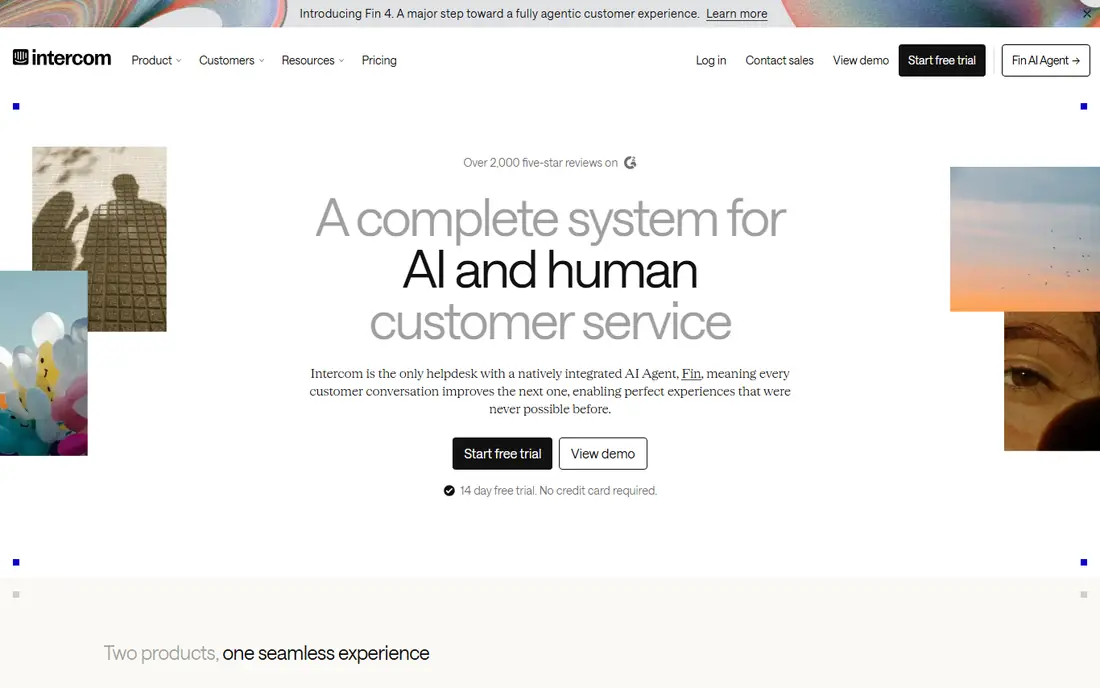
Intercom, now closely associated with its Fin AI agent, is the AI first pick for digital teams. Essential starts at $29 per seat per month billed annually in the sources we reviewed, with Advanced at $85 and Expert at $132, while Fin AI is billed separately at $0.99 per resolution. The messenger is polished, automation is strong, and handoff from AI to a human agent keeps context, which matters for customer experience.
The pricing model needs careful modelling. Seat fees plus per resolution AI fees can grow quickly once AI starts resolving many chats, and minimums may apply. For a SaaS team that wants AI to handle routine questions and agents to handle complex cases, that model can still pay for itself. For a small site with low volume, a simpler chat tool will usually cost less.
- Strong AI agent with human handoff
- Polished messenger
- Good for SaaS onboarding
- Seat plus AI usage pricing can grow quickly
- Smaller teams may find it expensive
Tidio suits small stores and startups that want live chat plus a chatbot without per seat billing. The free plan covers core chat, while Starter is reported at $29 per month and Growth from $49 per month billed annually, with conversation limits by tier. Its Lyro AI chatbot answers routine questions, and templates cover common store flows such as order status, shipping, and returns.
The catch is package pricing. Cost scales with conversations and features, not just seats, so a store with a traffic spike can hit tier limits faster than expected. Lyro AI is also billed separately on some plans, reported from $39 per month for a set number of conversations. For a small store starting out, the free plan is a low risk way to test whether live chat lifts sales.
- Free plan to start
- Lyro AI chatbot
- Good for ecommerce stores
- Pricing is package based, not per seat
- Conversation limits apply by tier
Crisp is the flat rate pick for teams with many occasional responders. Mini starts at $45 per month per workspace for up to four seats in the sources we reviewed, with Essentials at $95 and Plus at $295, rather than charging per agent. That model saves money when founders, support staff, and sales staff all dip into chat, and the shared inbox covers website chat plus email and social channels.
The free plan covers core chat, which is enough to test the widget. AI features are capped on lower tiers, with unlimited AI on Plus, so a team that wants heavy AI automation should price Plus, not Mini. For a startup that wants predictable chat costs, Crisp is one of the fairest pricing models in this list.
- Flat workspace pricing, not per agent
- Shared inbox across channels
- Good for founder led teams
- AI limits on lower tiers
- Higher tiers rise steeply for unlimited AI
Freshchat, from Freshworks, suits teams that already use Freshdesk or other Freshworks products, or that want an omnichannel inbox without a high starting price. The free plan covers up to 10 agents in the sources we reviewed, while paid plans start with Growth and Omni tiers, reported from $19 to $29 per agent per month depending on source and tier. It covers web chat, WhatsApp, Instagram, and email in one inbox.
The main drawback is that the best experience sits inside the Freshworks suite, and Freddy AI Copilot is an extra cost, reported at $29 per agent per month in some sources. Standalone teams should compare Freshchat against LiveChat and Tidio on widget quality alone. For a Freshworks team, though, keeping chat in the same suite is a clear win.
- Free plan for up to 10 agents
- Omnichannel inbox
- Freddy AI copilot on higher tiers
- Best value inside the Freshworks suite
- AI copilot costs extra
Zoho SalesIQ is the budget pick, especially for teams already using Zoho CRM or other Zoho apps. The free tier covers three operator licences and a visitor limit in the sources we reviewed, while Basic starts at $7 per operator per month billed annually, with Professional and Enterprise tiers above. Visitor tracking, proactive chat triggers, and bot flows help a small team start conversations at the right moment.
The interface is less polished than LiveChat or Intercom, and some advanced features need higher tiers. For a Zoho team on a tight budget, though, SalesIQ is hard to argue against on price. For a non Zoho team, compare it against tawk.to and Crisp before deciding, since the Zoho integration is its main edge.
- Very low starting price
- Visitor tracking and proactive triggers
- Free tier for small sites
- Interface feels less polished than LiveChat
- Best value inside Zoho
HubSpot Live Chat is the obvious pick for teams already on HubSpot CRM. The free tools include live chat, with conversations stored against the contact record, so sales and support can see chat history alongside deals and tickets. Setup is fast inside HubSpot, and the widget matches HubSpot branding without extra work.
Paid Service Hub tiers start from around $9 to $15 per seat per month in the sources we reviewed, depending on tier and source, and the Breeze AI agent is billed separately on eligible tiers. A team that does not use HubSpot CRM will get less value, since the CRM link is the main advantage. For a HubSpot team, starting free and upgrading only when volume grows is a sensible path.
- Free chat with HubSpot CRM
- Visitor history in the contact record
- Easy setup for HubSpot teams
- Full Service Hub features need paid tiers
- AI agent billed separately on higher tiers
tawk.to is the free pick in this list, and the best starting point for a bootstrapped site. Core live chat is free, with unlimited agents and chats, real time visitor monitoring, and a simple widget that takes minutes to install. Paid add ons, such as removing tawk.to branding for $29 per month and hiring chat agents, are optional, not required for core use.
The trade off is depth. Automation, AI, and advanced reporting are thinner than on LiveChat, Zendesk, or Intercom, and support is community led for free users. For a small site that mainly needs to answer visitor questions quickly, that is often enough. If chat volume grows and automation becomes essential, you can migrate to a paid tool later without losing the habit of live chat.
- Core live chat is free with unlimited agents
- Real time visitor monitoring
- Simple widget
- Branding removal and extras cost extra
- Fewer advanced automation features than paid rivals
Drift suits B2B companies that use live chat mainly to qualify leads and book meetings, rather than to handle general support tickets. Its playbooks route website visitors by company, role, or behaviour, and hand qualified leads to sales with meeting booking inside the chat. That sales focus is its clear difference from support led tools such as Zendesk and Freshchat.
Pricing is quote based in current sources, with older roundups placing entry plans well above small team chat tools, so Drift is not a budget pick. It also fits B2B sales better than ecommerce support or general helpdesk work. If your website goal is pipeline, not ticket deflection, Drift deserves a demo. If your goal is support, start with LiveChat, Tidio, or Zendesk instead.
- Strong B2B playbooks for lead qualification
- Meeting booking in chat
- CRM integration
- Quote based pricing
- Aimed at B2B sales, not general support
How we picked these
We compared official pricing pages, plan features, and 2026 roundups, and we favoured live chat tools that are live in October 2026, offer a website widget and a shared agent inbox, and fit a clear team size or use case. We left prices as See website where vendors publish no public price or where sources conflicted, and we noted where AI is billed separately. We did not claim hands on testing, and we treated pricing as a starting point to confirm on the vendor page before purchase.
How to choose live chat software for your website
Start with your main goal: support, sales, or both. A support team needs routing, macros, and ticket integration, which points to Zendesk, Freshchat, or Intercom. A sales team needs lead qualification and meeting booking, which points to Drift or Intercom. A small site that mainly needs to answer questions needs only a fast widget and a shared inbox, which points to LiveChat, Tidio, Crisp, or tawk.to.
Finally, test the visitor experience on mobile and desktop. Install the widget on a test page, start a chat from a phone, and check load speed, branding, offline messages, and handoff to email when no agent is online. A widget that looks good on desktop but feels cramped on mobile will lose the visitors most likely to chat.
Frequently asked questions
What is the best live chat software for a website?
LiveChat is the best dedicated live chat pick for most small and mid size sites, thanks to a polished agent console and fast widget. Zendesk suits larger support teams, Intercom suits AI first SaaS teams, and tawk.to is best if you want core live chat free.
What is the best free live chat software for a website?
tawk.to is the best free live chat software, since core chat is free with unlimited agents and chats. Tidio, Crisp, Freshchat, and HubSpot also offer free plans, which suit small sites that want to test live chat before paying.
How much does website live chat software cost?
Entry prices in this list range from free to $55 per agent per month, depending on the tool and tier. AI features are often billed separately, so check seat cost plus AI usage, and confirm whether pricing is per agent, per workspace, or per conversation.
Is live chat better than a chatbot for a website?
Live chat and chatbots serve different jobs, and most modern tools combine both. A chatbot answers routine questions instantly at any hour, while live chat handles complex, emotional, or high value conversations where a human answer matters. The best setup usually uses a bot for routine questions with a clear handoff to a human.
Can live chat software integrate with my CRM?
Yes, most tools in this list integrate with common CRMs, helpdesks, and ecommerce platforms, though depth varies by tier. HubSpot Live Chat is strongest inside HubSpot, Freshchat is strongest inside Freshworks, and RingCentral style integrations are strongest on larger platforms such as Zendesk and Intercom, so check your specific CRM before buying.
Do I need live chat if I already have email support?
Live chat helps visitors who would otherwise leave without asking a question, since it gives an instant answer during browsing. Email remains better for complex cases that need attachments or follow up, so most growing sites offer both, with chat for quick questions and email for detailed support.
Sources
See where you really rank - block by block
ProMapRanker scans Google Maps across a grid of your service area. Simple monthly plans from $19, white-label on every plan.
Start freeKeep reading
 zoho inventory alternatives
6 Alternatives to Zoho Inventory, Compared on Price and Fit
Zoho Inventory alternatives: 6 tools compared on price, free plans and fit. Katana leads the list for manufacturers. Fit and flaws are laid out for each entry.
Read → zoho crm alternatives
Best Zoho CRM Alternatives (2026)
Need Zoho CRM alternatives? We compare 7 tools on cost, free access and who each suits. Every pick gets a straight assessment. Built for quick decisions.
Read → zelle alternatives
Best Zelle Alternatives in 2026
Compare the best Zelle alternatives for sending money to friends, paying sellers and moving funds abroad, with honest notes on fees, speed and safety in 2026.
Read →