 ProMapRanker
Best Website Development Software in 2026

Key takeaways
- WordPress remains the most flexible choice for content-heavy sites, but you own hosting, updates, and security.
- Webflow and Framer suit design-led marketing sites where visual control matters more than plugins.
- Wix and Squarespace are fastest for small businesses that want hosting and updates handled for them.
- Visual Studio Code is free and remains the standard code editor for developers building custom sites.
Quick comparison
| Pick | Great for | Pricing starts at | Free tier | |
|---|---|---|---|---|
 WordPress | Content sites and full control | Free | Yes | Visit |
 Webflow | Design-led marketing sites | See website | Yes | Visit |
 Wix | Small businesses wanting an all-in-one builder | See website | Yes | Visit |
 Squarespace | Portfolios and polished small sites | See website | Free trial | Visit |
 Framer | Fast animated landing pages | See website | Yes | Visit |
 Visual Studio Code | Developers writing custom code | Free | Yes | Visit |
 Shopify | Online stores at any scale | See website | Free trial | Visit |
 Drupal | Complex sites with developer support | Free | Yes | Visit |
 Ghost | Publishers and newsletter sites | See website | Yes | Visit |
The best website development tools
These tools cover builders, content systems, and code editors for different skill levels. We compared official pricing pages, feature pages, and public documentation for each one.
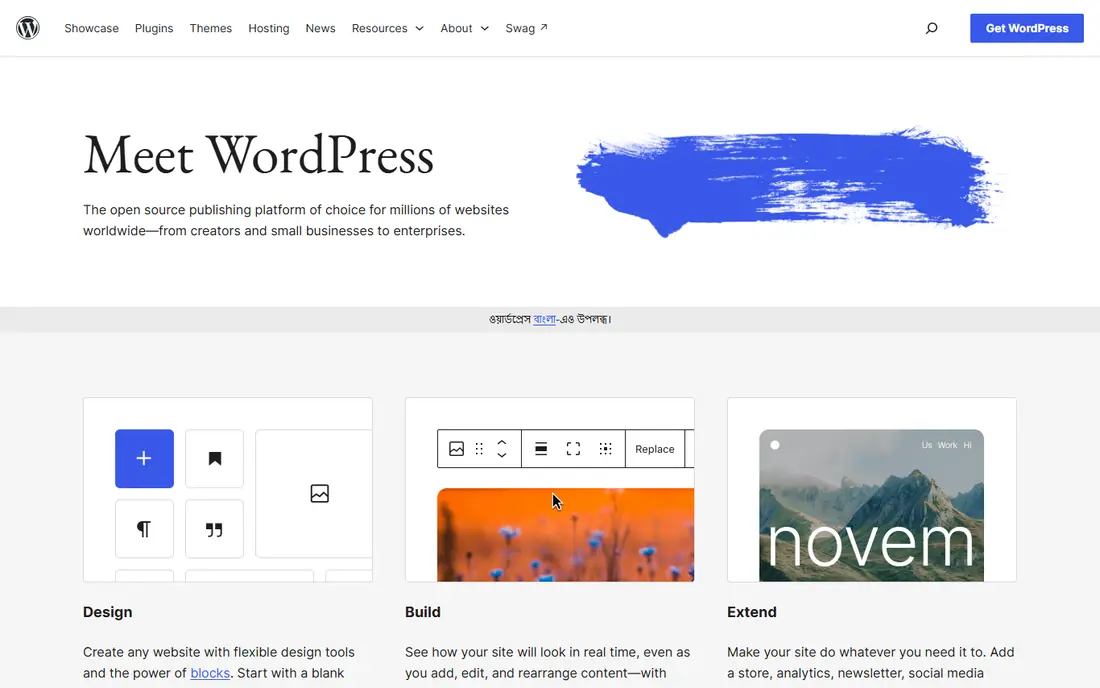
WordPress is our pick when flexibility matters more than simplicity. The software itself is free, and thousands of plugins cover stores, membership, multilingual content, and forms. Any developer can step in, since the code is open and widely known.
That freedom brings upkeep. You choose hosting, you run updates, and you handle backups and security, or you pay someone to do it. For a high-volume blog, a media site, or a project with unusual functional needs, that trade is worth it. For a simple brochure site, a hosted builder may save time.
- Huge plugin and theme ecosystem
- You choose hosting and code
- Strong fit for blogs and large content sites
- Updates, backups, and security are your job
- Too many plugins can slow a site
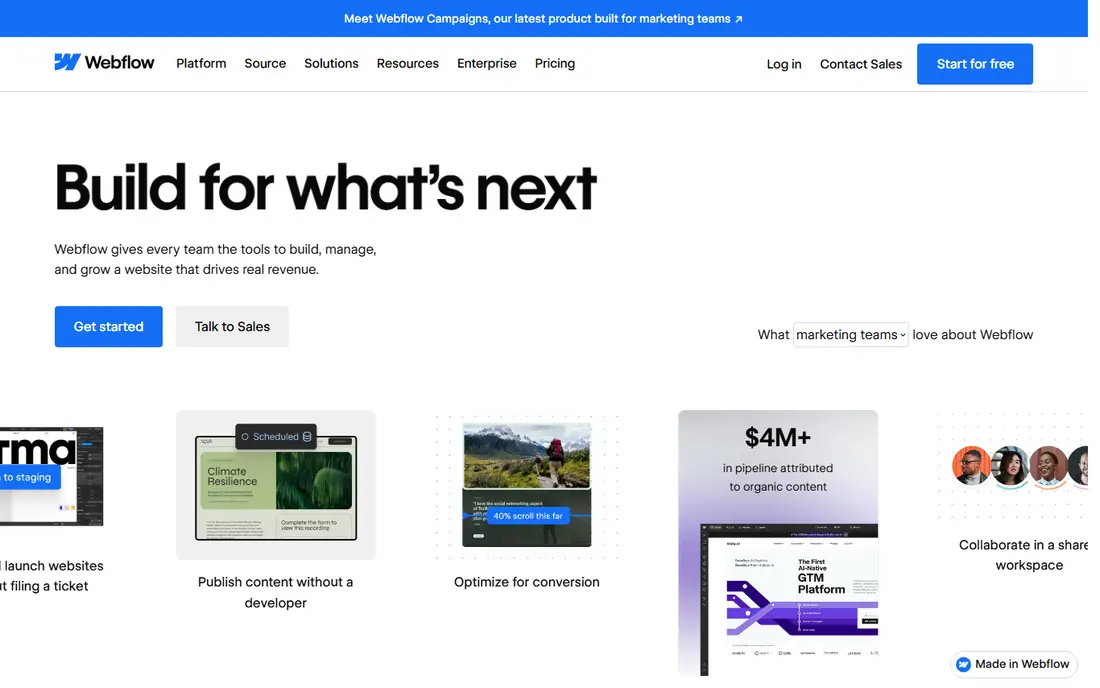
Webflow suits designers and marketing teams that want pixel-level control without writing every line of code. The visual canvas maps to real layout rules, the CMS handles blogs and case studies, and hosting is included, so publishing is a single step. That combination is why agencies use it for client marketing sites.
Beginners will need time to learn layout, classes, and CMS structure. Moving a finished site off Webflow is also harder than moving a WordPress site. If design control and a managed host matter more than portability, Webflow is a strong choice.
- Visual design with real CSS control
- Built-in CMS and hosting
- Clean published code for marketing sites
- Learning curve for beginners
- Hosting is tied to the platform
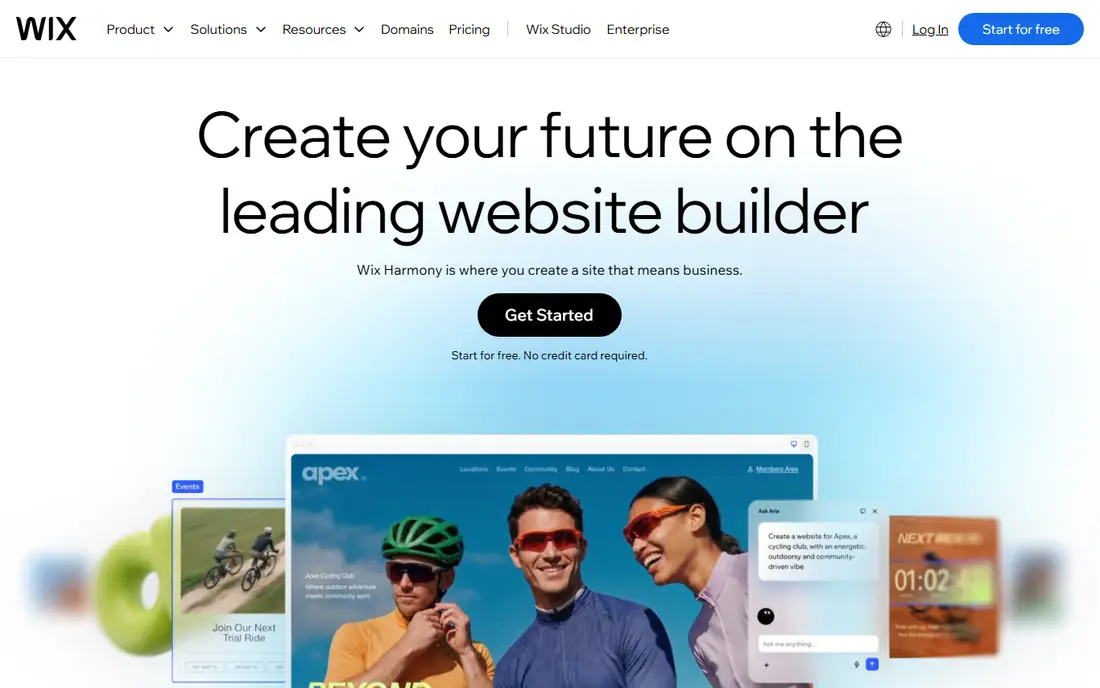
Wix is the fastest route to a live small-business site. The editor is easy to learn, hosting and security are handled, and built-in tools cover stores, bookings, and marketing. A free plan lets you build and test before paying for a custom domain.
The trade is portability and depth. A Wix site stays on Wix in practice, and very large or custom projects hit limits sooner than on WordPress or Webflow. For a typical small business site, that trade is reasonable, and the time saved is real.
- Easy drag-and-drop editor
- Hosting, security, and updates handled
- App market for stores and bookings
- Sites are hard to move elsewhere
- Design ceiling on very large projects
Squarespace is a good pick for creatives and small businesses that want a polished site with little fuss. Templates are curated rather than numerous, which helps a portfolio or service site look good quickly. Blogging, commerce, scheduling, and member areas are built in, so there are no plugins to maintain.
Customization is narrower than WordPress, and there is no free plan beyond a trial. If you want a refined look, managed hosting, and a simple editor, Squarespace delivers. If you need unusual features or deep customization, a more open system fits better.
- Curated, design-led templates
- Blogging, commerce, and scheduling built in
- No plugins to update
- No free plan, only a trial
- Fewer extensions than WordPress
Framer grew from a design tool into a full site builder, and that origin shows in its speed. Landing pages, startup sites, and portfolios can be designed, animated, and published quickly, with hosting included. For a launch site or a small marketing site, it is often faster than heavier platforms.
The CMS is capped on lower plans, so a large blog or resource library may outgrow it. There is also no native store to match Shopify. For design-led pages where speed and motion matter, Framer is hard to beat.
- Fast visual editor with strong animation
- Hosting included
- Good fit for startup and portfolio sites
- CMS limits on lower plans
- No native ecommerce of Shopify depth
Visual Studio Code is the standard free editor for developers building custom sites. It supports HTML, CSS, JavaScript, and most frameworks through extensions, and it works with any hosting provider. Debugging, version control, and terminal access sit in one window, which speeds up real development work.
It is not a builder. There are no templates, no drag-and-drop pages, and no hosting included, so beginners will not get a site from it alone. For developers and teams building custom front ends or full applications, it is the tool most of the industry already uses.
- Free and widely supported
- Huge extension library
- Works with any stack or host
- Requires coding skill
- No hosting, templates, or visual builder built in
Shopify is the right choice when selling is the main job of the site. Checkout, payments, discounts, inventory, and shipping tools are built for commerce, and the app store covers most store needs. Hosting is managed, so a store can handle traffic spikes without a separate hosting plan.
As a general content platform, Shopify is thinner than WordPress or Webflow. Blogs and complex content structures work, but they are not the strength. If the site exists to sell, start with Shopify and add content around the store, not the other way round.
- Strong checkout and payment tools
- Large app ecosystem
- Reliable hosting for stores
- Content pages are more constrained than a CMS
- App costs add up
Drupal suits organizations with developers and complex content needs. Content types, user roles, and permissions are more structured than in simpler builders, which helps universities, government sites, and large publishers manage many editors and content types safely.
That structure needs skill. Setup, theming, and maintenance are heavier than WordPress for a small team, and the module pool is smaller. For a team with developers and a complex site, Drupal offers control that hosted builders cannot match.
- Free open-source software
- Strong content modeling and permissions
- Good fit for large organizations
- Needs developer skill
- Smaller theme and plugin pool than WordPress
Ghost is built for publishing. Writing, newsletters, paid memberships, and member management are core, not add-ons, and pages load fast because the system stays focused. Publishers, blogs, and paid newsletters get a clean workflow without plugin sprawl.
General business sites with stores, bookings, and complex pages will find Ghost narrow. Self-hosting is free, while managed Ghost hosting is paid. For a publication where writing and subscribers are the business, Ghost is a focused and pleasant choice.
- Clean publishing and membership tools
- Fast pages
- Newsletter features built in
- Less suited to general business sites
- Theme and feature range is narrower than WordPress
How we picked these
We compared official pricing pages, feature pages, and public documentation for builders, content systems, and editors that are live in October 2026. We favored tools with a clear audience, from non-technical owners to professional developers, and we noted where pricing is published versus quoted. We left out tools that are only mockup or design apps without a path to a live site.
How to choose website development software
Start with who will maintain the site. Non-technical owners should pick a hosted builder where updates and security are handled. Content teams with growth plans should pick WordPress, Webflow, or Ghost, depending on whether plugins, design control, or publishing matters most. Developers building custom work should pick Visual Studio Code plus the framework and host that fit the project.
Check ownership before you build. Ask how you export content, whether you can move hosting, and what happens if you stop paying. A cheap builder that locks in your content can cost more later than a slightly pricier open system. Test the editor with a real page, not a demo template, and confirm that forms, mobile layout, and speed meet your needs.
Frequently asked questions
What is the best website development software?
WordPress is best for flexible content sites, Webflow and Framer for design-led marketing sites, and Wix or Squarespace for simple small-business sites. Developers building custom sites usually work in Visual Studio Code. The best tool depends on your skill level, content needs, and how much maintenance you want to handle.
What are the best website development tools for beginners?
Wix and Squarespace are easiest for beginners, since hosting, security, and updates are handled. Framer is also approachable for landing pages. WordPress is more powerful but needs more setup, so beginners should use managed WordPress hosting if they choose it.
Is WordPress still good for website development in 2026?
Yes, WordPress remains a strong choice for blogs, content sites, and projects that need plugins or custom code. The trade is maintenance: you or your host must handle updates, backups, and security. For many content-heavy sites, that trade is still worth it.
What is the best software for website development without coding?
Wix, Squarespace, Webflow, and Framer all let you build sites without writing code, with different levels of design control. Wix and Squarespace are simplest, while Webflow gives more layout control at the cost of a steeper learning curve. Shopify is the no-code choice for stores.
How much does website development software cost?
WordPress, Visual Studio Code, and Drupal software are free, but hosting is extra. Hosted builders range from free plans with limits to paid plans that vary by vendor, so check the current pricing page for the plan you need. Always add hosting, domain, and any paid plugins or apps to the total.
Should I use a builder or code my own website?
Use a builder if you need a site live soon and want maintenance handled. Code a custom site if you need unusual features, full control, or a product-like web app. Many teams mix both: a builder or CMS for marketing pages, and custom code for the product itself.
Sources
See where you really rank - block by block
ProMapRanker scans Google Maps across a grid of your service area. Simple monthly plans from $19, white-label on every plan.
Start freeKeep reading
 zscaler alternatives
Best Zscaler Alternatives in 2026
Looking for zscaler alternatives? We compare 9 SASE and zero trust platforms on architecture, data protection, pricing, and fit for your network and team.
Read → zapier alternatives free
Best Zapier Alternatives Free in 2026
Nine automation tools for zapier alternatives free in 2026, all with genuinely free tiers, plus free plan limits, starting prices and upgrade paths explained.
Read → which platform is best for online reputation
Which Platform Is Best for Online Reputation in 2026
Wondering which platform is best for online reputation? We compare 8 review, listing, and response tools for small and multi-location businesses and agencies.
Read →