 ProMapRanker
Best Website Auditing Tools in 2026

Deep technical crawls · Pricing starts at: $279 per year
Key takeaways
- Screaming Frog and Sitebulb lead on deep technical crawls, while suite tools add audits to keyword and backlink work.
- A good audit ranks issues by impact, because a long list of minor warnings helps no one.
- Free options such as Screaming Frog free version and Ahrefs Webmaster Tools cover small sites well.
- Large sites need cloud crawlers such as Lumar or Oncrawl, while small sites do not need enterprise pricing.
- Audit only your own sites, or sites you are authorised to audit, and respect crawl limits and robots rules set by the site owner.
Quick comparison
| Pick | Great for | Pricing starts at | Free tier | |
|---|---|---|---|---|
| Screaming Frog SEO Spider | Deep technical crawls | $279 per year | Yes | Visit |
 Sitebulb | Guided visual audits | $18 per month | Free trial | Visit |
 Ahrefs Site Audit | Audits inside a full SEO suite | $129 per month | Yes | Visit |
 Semrush Site Audit | Audits plus research in one suite | $139 per month | Free trial | Visit |
 SE Ranking Website Audit | Value audits with scheduling | $129 per month | Free trial | Visit |
 Lumar | Enterprise cloud crawling | See website | No | Visit |
 Oncrawl | Large site crawl and log analysis | See website | Free trial | Visit |
 SEOptimer | Fast client friendly audits | $29 per month | Yes | Visit |
 Seobility | Affordable all in one audits | See website | Yes | Visit |
The best website auditing tools
A website audit checks crawlability, on page issues, technical errors, and site health, then tells you what to fix first. This guide covers only auditing your own sites, or sites you are authorised to audit. Never use a crawler on a site without permission, and keep crawl speed within limits the site can handle. We compared official feature pages, pricing pages, and public documentation.
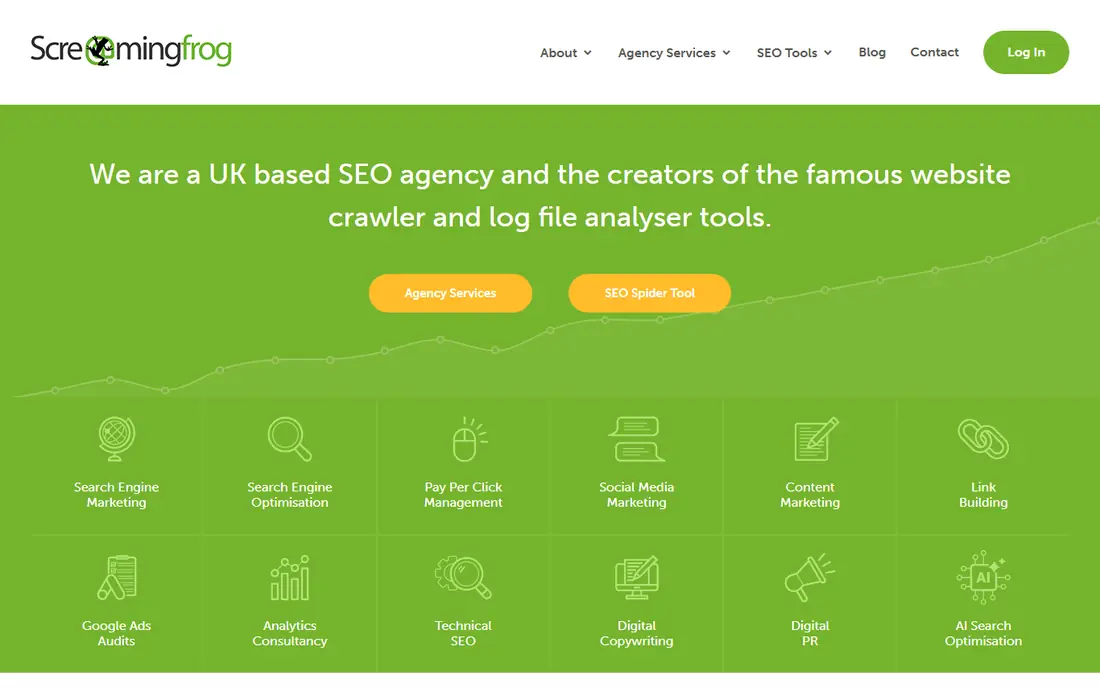
Screaming Frog is the default technical crawler for many SEOs, and for good reason. It crawls a site page by page, reports status codes, titles, meta data, headings, links, and redirect chains, and exports the data for filtering. For a technical audit, that raw detail lets an experienced user find issues that summary tools miss.
Beginners may feel lost in the data, and the desktop setup means large crawls depend on local memory and storage. We would pick Screaming Frog when the audit needs depth, when the user can work with exports, and when the site is your own or one you are authorised to audit.
- Deep desktop crawling
- Finds broken links, duplicates, and redirect chains
- Free version crawls up to 500 URLs
- Desktop only
- Interface suits technical users more than beginners
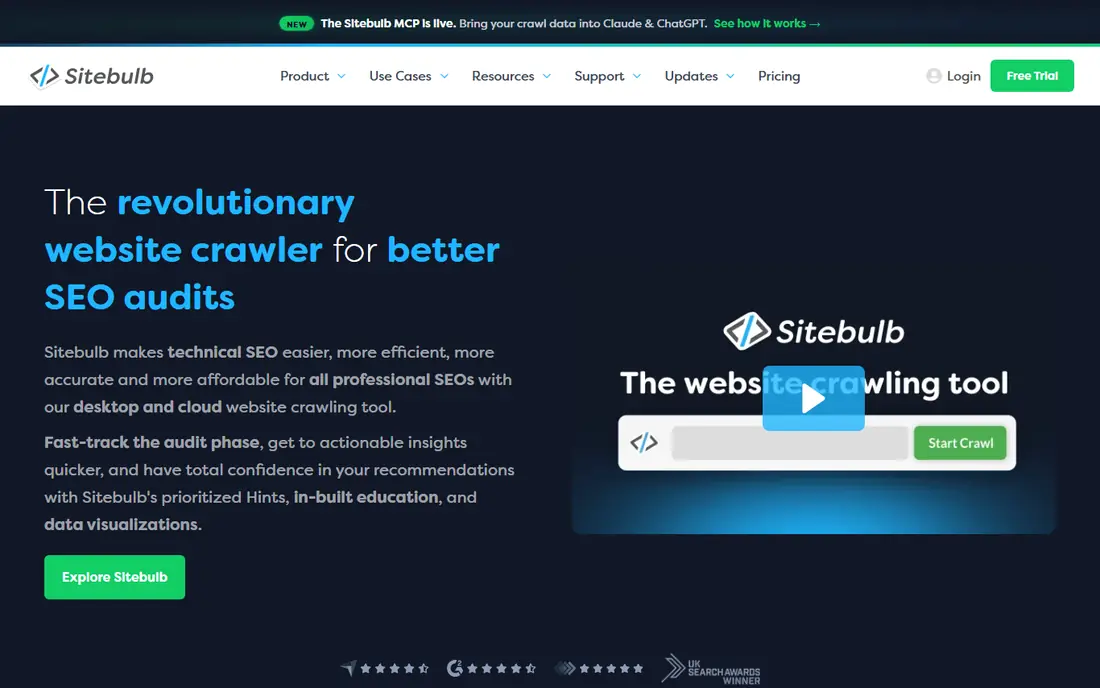
Sitebulb turns crawl data into a guided audit, with issues ranked and explained in plain language. That guidance helps freelancers and agencies hand findings to clients or developers without writing a separate explanation for every issue. Visual reports, charts, and change tracking make repeat audits easier to compare.
It is less raw than Screaming Frog, so power users who want every export column may miss some depth. For most teams, though, the prioritized view saves time, because it answers the first question after any audit: what should we fix this week.
- Prioritized issues with explanations
- Visual reports
- Search Console integration
- Desktop focus on lower plans
- Large cloud audits cost more
Ahrefs Site Audit suits teams already using Ahrefs for research. Cloud crawls run on a schedule, issues are grouped by severity, and history shows whether fixes actually worked. Site owners can also use Ahrefs Webmaster Tools free for verified sites, which covers a basic audit without a paid plan.
Buying the whole suite just for audits is expensive, so audit only buyers should compare standalone crawlers first. We would pick Ahrefs Site Audit when research, backlinks, and audits already live in one account, and when scheduled cloud crawls matter more than desktop control.
- Scheduled cloud crawls
- Health score and issue history
- Free Webmaster Tools for verified sites
- Full suite price for audit only users
- Crawl credits are tier limited
Semrush Site Audit runs a broad check set covering crawlability, HTTPS, performance hints, internal linking, and on page issues, with reports grouped by theme. For a small business already using Semrush, that audit sits next to keyword and competitor data, so fixes can be tied to pages that actually bring traffic.
Entry plans limit crawled pages per month, so larger sites need higher tiers. We would pick Semrush Site Audit when the team already pays for the suite, and when audit findings should feed content and keyword work in the same account.
- Many checks in one audit
- Thematic issue reports
- Free account with limited pages
- Page limits on entry plans
- Full value needs the wider suite
SE Ranking gives agencies a solid audit tool inside an all in one platform. Scheduled crawls, issue lists, and page level detail cover the core audit job, and connections to Search Console and Analytics add real traffic context. For client reporting, that combination keeps audits, rankings, and research in one place.
It will not match specialist enterprise crawlers on very large sites, and the broad interface takes time to learn. For small to mid size sites and agencies, the balance of audit quality and suite value is strong.
- Scheduled audits
- JavaScript rendering option
- Search Console and Analytics connections
- Backlink depth is thinner than Ahrefs
- Interface covers many tools at once
Lumar, formerly Deepcrawl, is built for very large sites where desktop crawlers run out of memory or time. Cloud crawls handle millions of pages, log file analysis shows which pages search engines actually visit, and API access feeds audits into wider reporting systems. Large publishers and ecommerce sites use that scale to catch issues that only appear across huge page sets.
Small sites should not pay enterprise prices for this scale. We would pick Lumar only when page counts, crawl frequency, or automation needs clearly exceed what desktop and mid tier cloud tools can handle.
- Cloud crawling at very large scale
- Log file analysis
- API and automation
- Enterprise pricing
- Overkill for small sites
Oncrawl pairs crawling with log file analysis, which helps large sites answer a key question: are search engines spending crawl time on the right pages. Segmentation lets teams split a site by template, category, or depth, then compare health across groups instead of reading one giant issue list. That view suits technical teams managing complex sites.
Pricing varies and needs a vendor check, and the reporting depth can overwhelm a small team. We would pick Oncrawl for mid market and enterprise sites where crawl budget and log data drive decisions, not for a simple brochure site audit.
- Crawl plus log analysis in one platform
- Segmentation by page groups
- Data science style reporting
- Pricing is not published for all plans
- Learning curve for new users
SEOptimer is the quick audit option. A single page audit runs without signup, and paid plans add scheduled audits, white label reports, and multi site tracking. Freelancers who sell audits will like the client ready reports, which present findings in a readable format without extra design work.
Depth is the limit. It will not replace Screaming Frog or Sitebulb for a deep technical crawl of a large site. We would pick SEOptimer when speed, clarity, and client reporting matter more than exhaustive crawl data.
- Fast single page audits
- White label reports
- Simple issue summaries
- Less crawl depth than specialist crawlers
- Best for smaller sites
Seobility gives small site owners an affordable audit plus rank tracking in one account. The free basic plan covers one project with limited pages, which is enough to learn the tool and fix common issues. Paid plans raise limits and add tracking, so a blog or small business can grow without switching platforms.
Larger sites will hit page limits and need a specialist crawler. For a small site owner who wants a guided audit without enterprise cost, Seobility is a fair, low risk start, provided the audit stays on your own site.
- Permanent free basic plan
- Site audits plus rank tracking
- Clear issue lists
- Crawl limits on lower plans
- Smaller feature set than large suites
How we picked these
We compared official feature pages, pricing pages, and public documentation for tools that crawl and audit websites. We kept only tools that exist and work today, and we favored tools with prioritized issues, crawl controls, scheduling or history, and clear limits. We did not claim hands on testing, and we used See website where vendor pricing depended on scale or was not published.
What to check before you pay
Start with permission and scope. Confirm you own the site or have written authorisation to audit it, set a polite crawl rate, and respect robots rules. A fast, aggressive crawl can strain a small server and create a poor impression with the site owner.
Next, match the tool to site size. A site under 500 pages can start free with Screaming Frog or Ahrefs Webmaster Tools, while a site over 100,000 pages needs cloud capacity and log analysis. Paying for enterprise scale on a small site wastes budget, and using a desktop crawler on a huge site wastes time.
Finally, check what happens after the audit. Does the tool track fixes over time, schedule repeat crawls, and export issues for developers. An audit that produces a list but no follow up habit will not improve site health, no matter how detailed the first report looks.
Frequently asked questions
How often should I audit my own website?
Audit a small site every one to three months, and a larger or frequently changed site monthly. Run an extra audit after a redesign, a migration, or a traffic drop, so new issues are caught while they are still easy to fix.
Can I audit a competitor website with these tools?
No, not with a full crawl. You may use public data such as search results and page speed checks that do not crawl a site aggressively, but a full audit crawl should only run on your own sites or sites you are authorised to audit.
What is the difference between Screaming Frog and Sitebulb?
Screaming Frog gives raw crawl data and deep control for technical users, while Sitebulb adds guided explanations, prioritization, and visual reports. Technical teams often prefer Screaming Frog, while agencies and mixed teams often prefer Sitebulb for client work.
Do I need a paid audit tool for a small site?
Often no. Free versions and free webmaster tools cover small sites well for a first audit. Pay when you need scheduled crawls, larger page limits, history tracking, or client reports that free tools do not provide.
What should I fix first after an audit?
Fix crawl blocks, broken pages, and redirect errors first, then duplicate titles and missing meta data on pages that bring traffic. Leave minor warnings until the issues that block indexing or waste crawl time are resolved.
Sources
See where you really rank - block by block
ProMapRanker scans Google Maps across a grid of your service area. Simple monthly plans from $19, white-label on every plan.
Start freeKeep reading
 zoro.to alternatives
Best Zoro.to Alternatives in 2026
We compare the best zoro.to alternatives in 2026, listing only legal licensed anime streaming services, from Crunchyroll to free options for fans today.
Read → zip alternatives
Best Zip Alternatives in 2026
We compare the best zip alternatives for buy now, pay later in 2026, covering pay-in-4 plans, fees, spending limits, and credit reporting options today.
Read → yesware alternatives
Best Yesware Alternatives in 2026
Compare the best yesware alternatives for sales email tracking, templates, and sequences, with current pricing and honest tradeoffs for small sales teams.
Read →