 ProMapRanker
Best Web Tools in 2026: 8 Web Tools Compared


Notes, docs and simple databases in one workspace · Pricing starts at: $10 per user per month
Key takeaways
- Notion is our pick for most people who want notes, docs and simple databases in one place, because its free plan is genuinely usable for one person.
- Canva and Figma serve different design jobs, so choose Canva for fast marketing graphics and Figma for app and website interfaces.
- Trello, Slack and Google Workspace cover the daily trio of tasks, chat and files, and each one has a free or low cost entry point.
- Zapier and Grammarly add value after the basics are in place, by connecting apps and cleaning up written work.
Quick comparison
| Pick | Great for | Pricing starts at | Free tier | |
|---|---|---|---|---|
| Notion | Notes, docs and simple databases in one workspace | $10 per user per month | Yes | Visit |
 Canva | Fast social graphics, slides and print layouts | See website | Yes | Visit |
 Figma | App and website interface design | $16 per month | Yes | Visit |
 Trello | Simple visual boards for tasks and small projects | $5 per user per month | Yes | Visit |
 Slack | Team chat organised by channel and topic | $7.25 per user per month | Yes | Visit |
 Google Workspace | Business email, docs, sheets and Drive in one account | $7 per user per month | No | Visit |
 Zapier | Connecting apps and automating repeat tasks | $19.99 per month | Yes | Visit |
 Grammarly | Spelling, grammar and tone checks while writing | $12 per month | Yes | Visit |
The best web tools
We compared web tools that run in a browser, cover a clear daily job and are still actively sold and supported. The list below mixes workhorses for teams with tools that work well for one person.
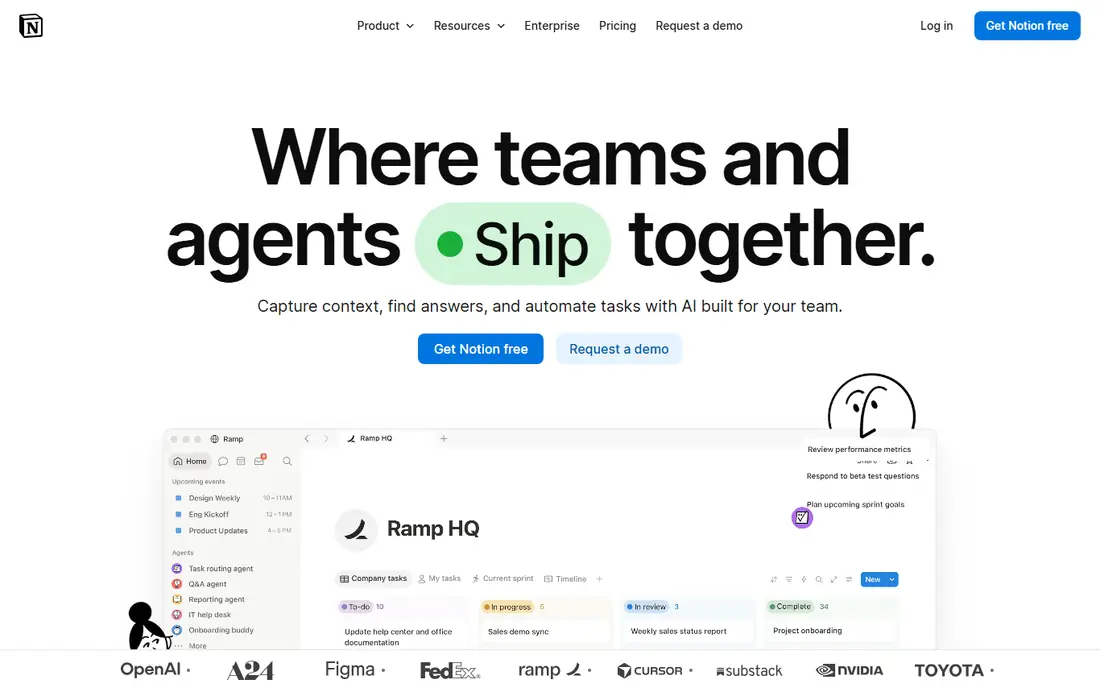
Notion works best when you want fewer open tabs and one place for meeting notes, project pages and reference docs. Pages can hold text, checklists, tables and embedded files, and databases let you sort the same items by status, owner or date. For a freelancer or a small team, that mix replaces a separate notes app and a basic wiki in many cases.
The free plan covers unlimited pages and blocks for one person, with limits on file size, page history and guests. Paid plans remove those caps and add more controls for teams. The trade off is choice: Notion gives you a blank page and many options, so a team that wants a fixed workflow may need time to agree on templates and naming rules before it feels tidy.
- Flexible pages and databases
- Generous free plan for individuals
- Many templates and integrations
- Large workspaces can feel slow to organise
- Offline use is limited in a browser
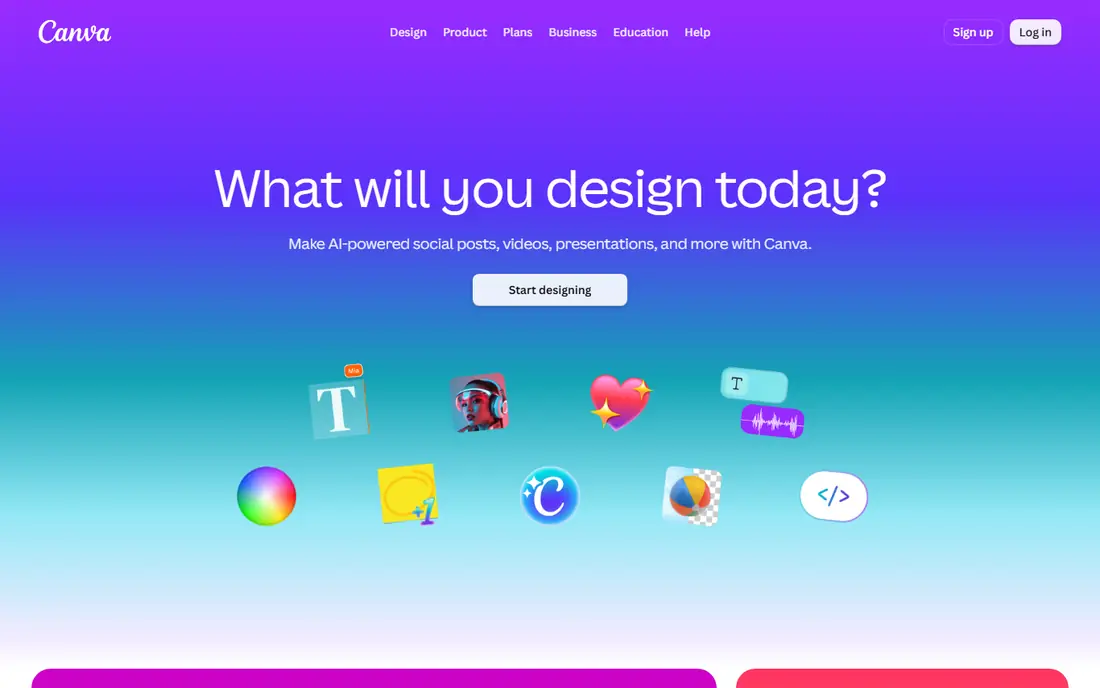
Canva is the tool we point to when someone needs a presentable graphic today, not a design course. Templates cover social posts, presentations, flyers, resumes and video clips, and most edits are a matter of swapping text, images and colours. That speed matters for small businesses that publish often and have no full time designer.
The free plan is enough for basic posts and slides, while paid plans add background removal, brand kits, more stock content and team folders. The honest catch is depth. If you need precise typography control, complex illustration or print production work, a dedicated design program will still beat Canva. For everyday marketing work, though, Canva is hard to beat on speed.
- Large template library
- Easy drag and drop editing
- Brand kits on paid plans
- Less control than a full design program
- Prices vary by region
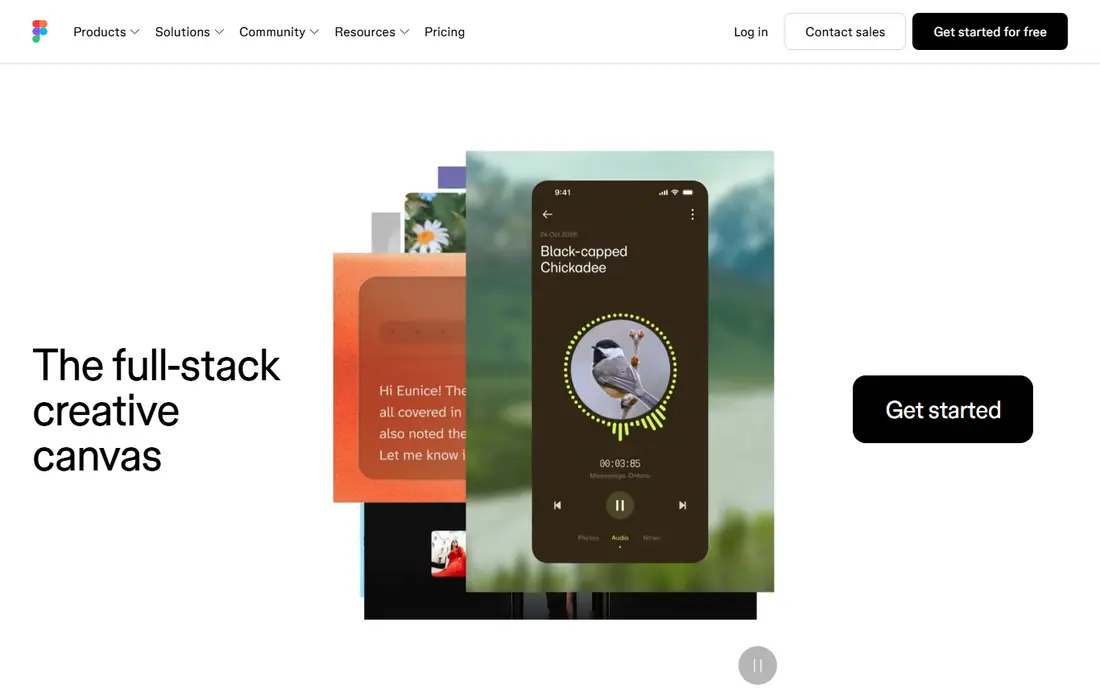
Figma is built for teams that design screens, not single images. Designers can build reusable components, test flows with clickable prototypes and hand files to developers with specs and assets in the same place. Because it runs in a browser, a product manager or client can open a file, leave comments and follow changes without installing software.
The free Starter plan suits a solo designer or a small test project. Paid seats start at 16 dollars per month per Full seat with annual billing, with lower priced seats for developers and collaborators. The catch is the learning curve. Layout, components and responsive behaviour take practice, so a team that only needs social graphics should start with Canva instead.
- Real time collaboration
- Clickable prototypes
- Strong component system
- Steeper learning curve than Canva
- Paid seats add up on larger teams
Trello turns work into cards on boards, with lists for stages such as To do, Doing and Done. That visual model clicks fast for editorial calendars, hiring pipelines and home projects, and cards can hold checklists, due dates, attachments and comments. Most people can set up a useful board in minutes, with no training session.
Paid plans add more views, automation and admin controls. The limit shows up when a project needs budgets, dependencies across many teams or detailed reporting. At that point a fuller project tool makes more sense. For small teams that want a shared view of who is doing what, Trello stays clear and cheap.
- Boards are easy to read at a glance
- Quick to set up
- Good mobile apps
- Weak for complex reporting
- Large boards need careful upkeep
Slack replaces long email threads with channels for teams, projects and topics, plus direct messages for one to one chats. Files, links and app alerts land in the same place, so a team can follow a discussion without digging through inboxes. Integrations with tools such as Google Drive, Trello and Zapier keep updates visible where people already work.
The free plan works for a small team getting started, but it keeps only 90 days of message history, which matters if you rely on old decisions. Paid plans start at 7.25 dollars per user per month and add full history, guest access and more admin controls. Slack also needs some discipline. Without channel rules and quiet hours, it can interrupt deep work as fast as it speeds up questions.
- Channels keep topics separate
- Many app integrations
- Searchable history on paid plans
- Message history is limited on the free plan
- Chat can become noisy without rules
Google Workspace
Great for: Business email, docs, sheets and Drive in one account
Google Workspace bundles Gmail with a custom domain, Docs, Sheets, Slides, Calendar, Meet and Drive. For a small business, that bundle removes a lot of setup work. Staff get one login, shared folders and docs that several people can edit at once, and admins can manage accounts and security from one console.
Pricing starts at 7 dollars per user per month on the entry business plan, based on published comparisons, and higher plans add more storage and controls. There is no free plan for the business version, although Google offers personal accounts for free with a different set of features. The main catch is storage: check the limit on your plan before you move a large photo or video library into Drive.
- Familiar docs and sheets
- Shared Drive storage
- Strong admin controls
- No free business plan
- Storage limits depend on the plan chosen
Zapier links apps so that an event in one app triggers an action in another. A new form entry can create a contact, send a Slack message and add a row to a sheet, with no code. That is useful for small teams that repeat the same admin steps every week and want to cut copy and paste work.
The free plan covers 100 tasks per month with two step automations, which is enough to test an idea. Professional starts at 19.99 dollars per month billed annually for 750 tasks, and the price rises as task volume grows. Count tasks before you commit, because each action step in a workflow counts. A long workflow that runs often can use a monthly allowance faster than expected.
- Very large app catalogue
- No code builder
- Good for simple multi step flows
- Task based pricing gets costly at high volume
- Complex logic is harder than in visual tools
Grammarly checks spelling, grammar and punctuation as you type in a browser, in documents and in many desktop apps. It also flags wordy sentences and, on paid plans, offers tone and clarity suggestions. For people who write emails, proposals and posts all day, that second pair of eyes catches slips that a quick read can miss.
The free plan covers basic writing checks, while paid plans start at 12 dollars per month in published comparisons and add fuller suggestions. Grammarly is an aid, not an editor with judgment. It can miss context, suggest a change that alters meaning, or flag a style choice that was deliberate, so final decisions should stay with the writer.
- Works across browser, docs and desktop apps
- Clear suggestions
- Tone help on paid plans
- Suggestions still need human judgment
- Full features require a paid plan
How we picked these
We compared official feature pages, pricing pages and app store listings, and we favoured tools that run well in a browser, are still sold in October 2026 and solve a distinct daily job. We left out tools that duplicate a listed pick without a clear advantage, and we checked that each homepage belongs to the product named. Prices change, so check the vendor pricing page before you buy, and start with a free plan or trial when one is offered.
What to check before you choose
Start with the job, not the tool. Write down the one task you do most often, such as publishing graphics, tracking tasks or answering team questions, and pick the tool built for that task first. A general workspace can cover several jobs, but it rarely beats a focused tool at its core job.
Next, test the free plan with real work for a week. Add your actual files, invite one colleague and try the export options. That test shows up problems that a feature list hides, such as slow loading, awkward mobile use or a key feature locked behind a paid tier. Also check data export and account controls before a team depends on a tool, because moving later is harder than choosing well now.
Finally, count total cost by seats and use, not by the headline price. A low per user price grows fast on a ten person team, and task based tools grow with volume. Compare the annual total for your team size, note any storage or history limits, and keep a cheaper backup for tasks that do not need the full tool.
Frequently asked questions
What are the best web tools for a small business?
Start with Google Workspace for email and files, Trello for tasks and Slack for chat, then add Canva for graphics and Grammarly for writing. That set covers daily work without a large bill, and each tool has a free or low cost entry point. Add Zapier only after you spot a repeat task worth automating.
What is the best web app for notes and docs?
Notion is our pick for most people, because it combines notes, docs and databases in one workspace and its free plan works for one person. If you mainly need shared documents and sheets with business email, Google Workspace is the simpler choice. Try both with the same set of notes before you commit.
Which are the best web platforms for design work?
Canva is best for fast marketing graphics and templates, while Figma is best for app and website interfaces, prototypes and design systems. Many teams use both, with Canva for social posts and Figma for product screens. Choose based on the output you make most often.
Are there good free web tools?
Yes. Notion, Canva, Figma, Trello, Slack, Zapier and Grammarly all offer free plans, although each one limits features, history, storage or volume. Free plans suit individuals and small tests well. Teams that need full history, admin controls or higher limits should budget for a paid plan.
How do I pick between Trello and Notion for tasks?
Pick Trello if you want a simple board view that a whole team can read at a glance. Pick Notion if tasks sit inside docs, wikis and databases and you want one workspace for both. Some teams use Trello for active work and Notion for reference docs, which avoids forcing one tool to do both jobs.
Is Zapier worth paying for?
Zapier is worth paying for when it removes a repeat admin task that eats hours each week, such as copying form entries into a CRM or notifying a team about new leads. Start on the free plan, count how many tasks your workflows use in a month, and compare that total with the paid tier before you upgrade.
Sources
See where you really rank - block by block
ProMapRanker scans Google Maps across a grid of your service area. Simple monthly plans from $19, white-label on every plan.
Start freeKeep reading
 zoho inventory alternatives
6 Alternatives to Zoho Inventory, Compared on Price and Fit
Zoho Inventory alternatives: 6 tools compared on price, free plans and fit. Katana leads the list for manufacturers. Fit and flaws are laid out for each entry.
Read → zoho crm alternatives
Best Zoho CRM Alternatives (2026)
Need Zoho CRM alternatives? We compare 7 tools on cost, free access and who each suits. Every pick gets a straight assessment. Built for quick decisions.
Read → zelle alternatives
Best Zelle Alternatives in 2026
Compare the best Zelle alternatives for sending money to friends, paying sellers and moving funds abroad, with honest notes on fees, speed and safety in 2026.
Read →