 ProMapRanker
Best Web Scraping Tools for Data Extraction in 2026


Large-scale extraction · Pricing starts at: $1.50 per 1,000 records
Key takeaways
- Apify suits teams that want ready-made scrapers, while Bright Data and Oxylabs suit large-scale extraction with proxy infrastructure.
- Octoparse, ParseHub, and Browse AI fit non-developers who need visual extraction without writing code.
- ScrapingBee, ScraperAPI, and Firecrawl fit developers who want an API call to return clean data.
- Scraping must respect site terms and robots rules and applicable law, so check permissions before collecting any data.
Quick comparison
| Pick | Great for | Pricing starts at | Free tier | |
|---|---|---|---|---|
| Bright Data | Large-scale extraction | $1.50 per 1,000 records | Yes | Visit |
 Apify | Ready-made scrapers | $19 per month | Yes | Visit |
 ScrapingBee | Simple API scraping | $49 per month | Free trial | Visit |
 Octoparse | No-code visual scraping | $69 per month | Yes | Visit |
 ParseHub | Complex visual sites | $189 per month | Yes | Visit |
 ScraperAPI | Developer API with proxies | $49 per month | Yes | Visit |
 Browse AI | No-code extraction and monitoring | $19 per month | Yes | Visit |
 Firecrawl | Pages into clean data for AI use | $16 per month | Yes | Visit |
 Oxylabs | Enterprise scraping infrastructure | See website | Free trial | Visit |
The best web scraping tools for data extraction
We compared tools that turn public web pages into structured data, covering no-code tools, APIs, and enterprise platforms. Scraping must respect site terms and robots rules and applicable law. Use official APIs where they exist, avoid collecting personal data without a lawful basis, and keep request rates reasonable.
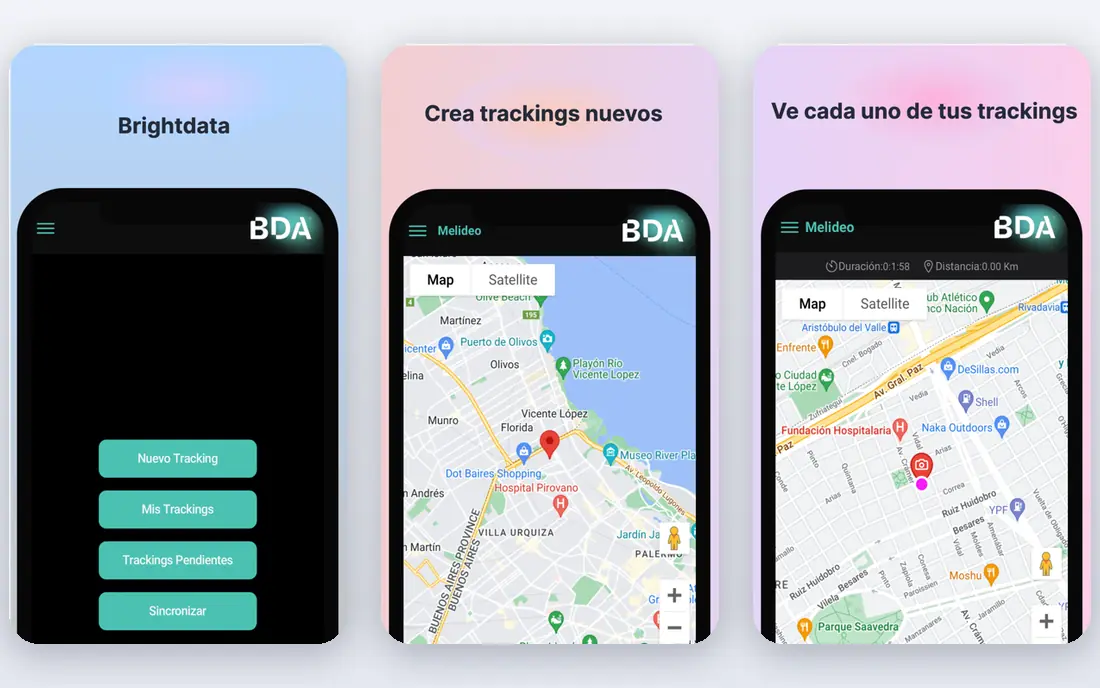
Bright Data is the heavy-duty option for teams that scrape at volume. It combines proxy networks with Scraper APIs and ready-made datasets, so a team can collect structured data from many sites without building its own infrastructure. That breadth suits price monitoring, market research, and large catalogue work.
The cost and complexity are the catches. Different products bill in different units, such as records, requests, or bandwidth, so a team must model its own use carefully. For a small project, a simpler API or no-code tool will be cheaper and faster. For sustained, high-volume extraction, Bright Data is hard to beat.
- Large proxy network and many pre-built scrapers
- Scraper APIs for difficult targets
- Datasets and unblocking tools at scale
- Pricing can be complex across products
- Enterprise costs rise fast
- Setup needs technical skill
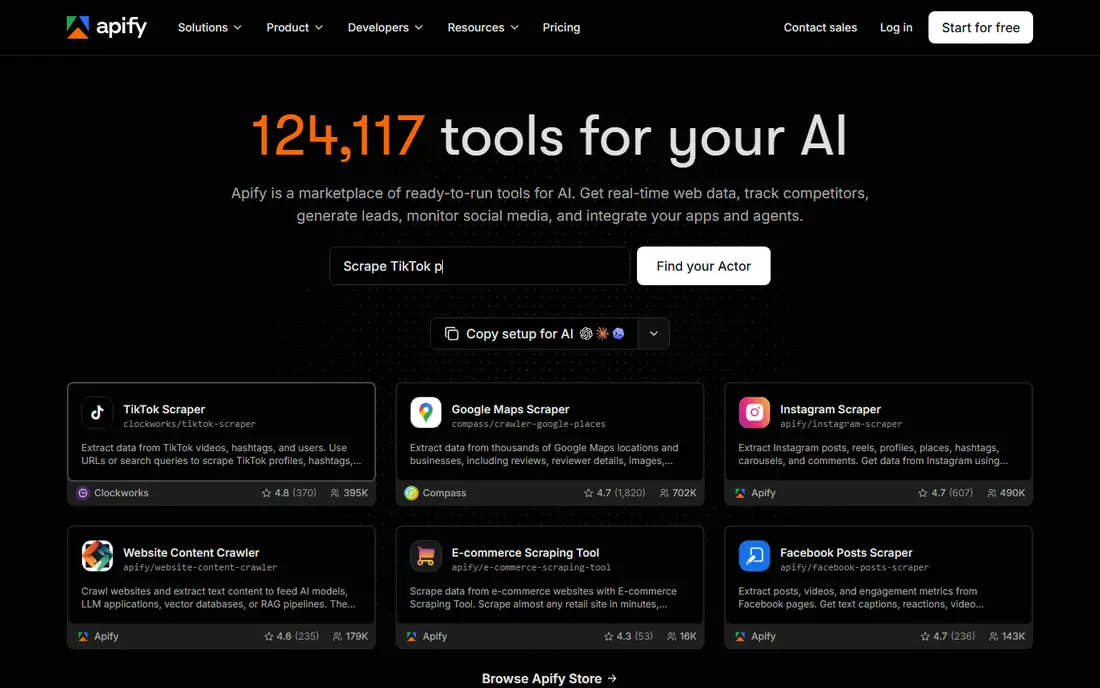
Apify is the most practical starting point for many teams because it offers ready-made scrapers for common sites. Pick an Actor, set a schedule, and get structured results without writing a crawler. The platform also handles proxies, storage, and scheduling, which removes much of the plumbing that slows a first project.
Custom work is still possible, since developers can build Actors in JavaScript or Python. The catch is that marketplace Actors vary in quality and maintenance, so test any Actor on a small run first. For a team that needs data quickly and repeatedly, Apify balances speed and control well.
- Large marketplace of ready-made scrapers called Actors
- Scheduling and storage built in
- Pay-as-you-go usage on top of plans
- Actor quality varies by author
- Usage costs can surprise heavy users
- Learning curve for custom Actors
ScrapingBee appeals to developers who want the least code. Send a URL to the API, and it returns the page with rendering and proxy rotation handled. That simplicity makes it easy to add scraping to an existing script or pipeline without managing browsers or IP pools.
Costs need attention, since JavaScript rendering and premium proxies use more credits than a basic request. For straightforward pages at moderate volume, the entry plan is workable. For very high volume or heavily protected sites, compare it with a usage-priced rival before committing.
- Simple API call returns HTML or data
- Handles JavaScript rendering and proxies
- Easy to add to existing code
- Credit multipliers for rendering and premium proxies raise costs
- No recurring free tier
- Less suited to no-code users
Octoparse is the classic no-code scraper for business users. Click the fields you want on a page, build a workflow, and run it on a schedule in the cloud. Templates for popular sites speed up common jobs such as product lists, reviews, and job posts. Exports to spreadsheets and databases make results easy to share.
The free tier covers local tasks with limits, while cloud scheduling sits on paid plans. Very complex or heavily interactive sites may still need careful setup, and a developer tool may be faster for those cases. For a non-technical team with regular extraction needs, Octoparse is a solid, well-supported choice.
- Point-and-click visual builder
- Many ready-made templates
- Cloud scheduling and exports to common formats
- Paid plans start higher than some rivals
- Desktop focus can feel heavy
- Complex sites may still need manual tuning
ParseHub suits visual scraping of sites where a simple point-and-click tool stalls. It can handle pages with forms, logins, infinite scroll, and nested data, which makes it useful for research teams that need structured data from awkward sites. The desktop app plus cloud runs gives both testing and scheduled production.
Price is the main barrier. The entry paid plan is far above Octoparse or Browse AI, so ParseHub fits best when its handling of complex pages is actually needed. For simple tables and lists, a cheaper tool will do the same job faster. Test the free tier on your hardest page before paying.
- Visual builder handles interactive and dynamic pages
- Supports logins and forms in projects
- API and cloud runs available
- Paid plans are expensive
- Interface takes time to learn
- Overkill for simple list pages
ScraperAPI is a developer-first service that sits between your code and the target site. It rotates proxies, retries failed requests, and renders JavaScript when needed, so a team can keep its own parsing logic while outsourcing the fetching layer. That split suits teams that already parse HTML well but struggle with blocks.
The free allowance is small, so treat it as a test, not a production tier. Rendering and location targeting add cost, so model those options on real pages. For a developer team that wants control over parsing and less work on fetching, ScraperAPI is a clean fit.
- API handles proxies, retries, and JavaScript rendering
- Simple to integrate
- Structured data options available
- Free allowance is limited
- Costs rise with rendering and geotargeting
- Less guidance for non-developers
Browse AI is built for people who want data from a page and want to know when it changes. Train a robot by selecting the data on screen, then let it run on a schedule and alert you to changes. That monitoring angle suits price tracking, listing checks, and competitor pages that need regular watching.
It is not a bulk crawler. Credit costs and domain limits on lower tiers make it better for a focused set of pages than for thousands of URLs. For a small business tracking a handful of key pages, though, its simplicity and alerts are a genuine advantage.
- Train a robot by clicking on a page
- Page monitoring and change alerts
- Scheduling and integrations built in
- Credit use depends on pages or rows
- Free tier is limited to a small number of domains
- Less suited to huge crawls
Firecrawl is made for the AI workflow: turn a web page into clean text or structured data that a model or search index can use. It handles crawling, scraping, and extraction in one API, which saves the cleanup work that usually follows raw HTML. Developers building research tools, chatbots, or datasets will find it direct to use.
Non-developers will find it less friendly than Octoparse or Browse AI, since it is API-first. Structured output also costs more credits than a basic scrape, so budget for that on larger jobs. For AI pipelines, its output quality is the reason to choose it.
- Turns pages into clean Markdown or structured JSON
- Built for AI and search pipelines
- Crawling and batch options
- Less suited to visual, no-code extraction
- Credit use rises with structured output
- Newer than some rivals
Oxylabs is an enterprise-grade rival to Bright Data, with proxies, a Web Scraper API, and AI tools for parsing. It suits companies that need reliable, geo-targeted extraction at scale and can commit to a quoted contract. Its infrastructure handles rotation, rendering, and access challenges that stall a home-built scraper.
Small teams should weigh the sales-led pricing and setup effort against simpler APIs. For a single site or a small crawl, a published-price tool will be faster to start. For sustained enterprise extraction, Oxylabs belongs on the shortlist beside Bright Data.
- Large proxy network and Web Scraper API
- AI-assisted parsing options
- Strong for geo-targeted and enterprise work
- Pricing is quoted, not published
- Enterprise focus can overwhelm small teams
- Setup needs developer time
How we picked these
We compared official feature pages, pricing pages, and public docs, and we favoured tools that are live, return structured data, and state their pricing or trial terms in public. We kept a mix of no-code tools, developer APIs, and enterprise platforms, and we excluded tools with no working product page. Where a vendor publishes no entry price, we wrote See website.
How to scrape responsibly and stay within the rules
Scraping must respect site terms and robots rules and applicable law, and that check comes before any tool choice. Read the target site terms of service, check its robots file, and use an official API when one is offered. If a site forbids automated collection, do not work around that ban with proxies or a different tool.
Collect only what you need
Limit collection to the fields your project actually needs, and avoid personal data unless you have a clear lawful basis and a plan to protect it. Personal data brings privacy duties that a simple price list does not. Store data securely, set a retention limit, and delete data you no longer need.
Keep load low and behaviour honest
Use reasonable request rates, respect crawl delays, and avoid hammering a site during peak hours. Identify your crawler honestly where a tool allows it, and stop if a site blocks you or asks you to stop. A tool that helps you bypass a block does not make the collection lawful or welcome.
Check the output before you rely on it
Scraped data can be incomplete, stale, or mislabelled, especially on dynamic pages. Validate a sample against the live page, check for missing fields, and watch for layout changes that break a selector. A scheduled check on output quality saves more time than a faster crawl.
Frequently asked questions
What are the best web scraping and data extraction tools for beginners?
Octoparse and Browse AI are the friendliest starting points, since both use visual, point-and-click setup. Apify is also beginner-friendly when a ready-made scraper already covers your target site. Start with a free tier and a small test run before paying.
What is the best data extraction tool for web scraping by developers?
ScrapingBee, ScraperAPI, and Firecrawl all fit developers, with ScrapingBee and ScraperAPI handling fetching and proxies, and Firecrawl turning pages into clean Markdown or JSON. Choose based on whether you need raw HTML, rendered pages, or structured AI-ready output.
What is the best web scraping service for data extraction at enterprise scale?
Bright Data and Oxylabs are the strongest enterprise picks, with large proxy networks, Scraper APIs, and support for high-volume work. Both are quoted rather than fully published on price, so get a quote on your real volume. Apify can also scale, with a marketplace and cloud platform behind it.
Is web scraping legal?
It depends on the site terms, robots rules, applicable law, and the type of data collected. Public data is not automatically free to collect at any scale or for any purpose. Check terms, use official APIs where available, avoid personal data without a lawful basis, and seek legal advice for sensitive or large-scale projects.
Do I need proxies for web scraping?
Not for a small, polite crawl of a site that allows it, but proxies help at scale or when a site limits requests from one address. Many APIs on this list bundle proxies, while no-code tools handle them in the background. If you build your own scraper, budget separately for proxy costs and rate limits.
Sources
See where you really rank - block by block
ProMapRanker scans Google Maps across a grid of your service area. Simple monthly plans from $19, white-label on every plan.
Start freeKeep reading
 zoho inventory alternatives
6 Alternatives to Zoho Inventory, Compared on Price and Fit
Zoho Inventory alternatives: 6 tools compared on price, free plans and fit. Katana leads the list for manufacturers. Fit and flaws are laid out for each entry.
Read → zoho crm alternatives
Best Zoho CRM Alternatives (2026)
Need Zoho CRM alternatives? We compare 7 tools on cost, free access and who each suits. Every pick gets a straight assessment. Built for quick decisions.
Read → zelle alternatives
Best Zelle Alternatives in 2026
Compare the best Zelle alternatives for sending money to friends, paying sellers and moving funds abroad, with honest notes on fees, speed and safety in 2026.
Read →