 ProMapRanker
Best Web Scraping Tools Comparison in 2026

Key takeaways
- No-code tools such as Octoparse and Browse AI suit non-developers, while Scrapy and Playwright suit developers who want full control.
- Managed APIs such as ScraperAPI, ScrapingBee, and Bright Data handle blocking and rendering, at a higher cost per request than a DIY library.
- Apify and Firecrawl sit in the middle, with ready-made scrapers and AI-ready output for teams that need results without building a full pipeline.
- Cost depends on volume and site difficulty, so estimate requests, pages, and records per month before comparing headline prices.
Quick comparison
| Pick | Great for | Pricing starts at | Free tier | |
|---|---|---|---|---|
 Scrapy | Large DIY crawls in Python | Free | Yes | Visit |
 Playwright | JavaScript-heavy dynamic sites | Free | Yes | Visit |
 Octoparse | No-code visual scraping | $69 per month | Yes | Visit |
 Apify | Ready-made scrapers on a cloud platform | $49 per month | Yes | Visit |
 Browse AI | No-code extraction and monitoring | $49 per month | Yes | Visit |
 ScraperAPI | Managed fetching for developers | $49 per month | Free trial | Visit |
 ScrapingBee | Rendering and proxy rotation via API | $49.99 per month | Free trial | Visit |
 Bright Data | Enterprise scale and unblocking | See website | Free trial | Visit |
 Firecrawl | Web pages into AI-ready Markdown | $16 per month | Yes | Visit |
The best web scraping tools
We compared official pricing pages, product documentation, and published 2026 comparisons for these tools. This article covers lawful collection only: respect site terms, robots rules, applicable law, and privacy rules for personal data, and collect only data you have a right to use. A tool that can scrape a site does not make every scrape lawful.
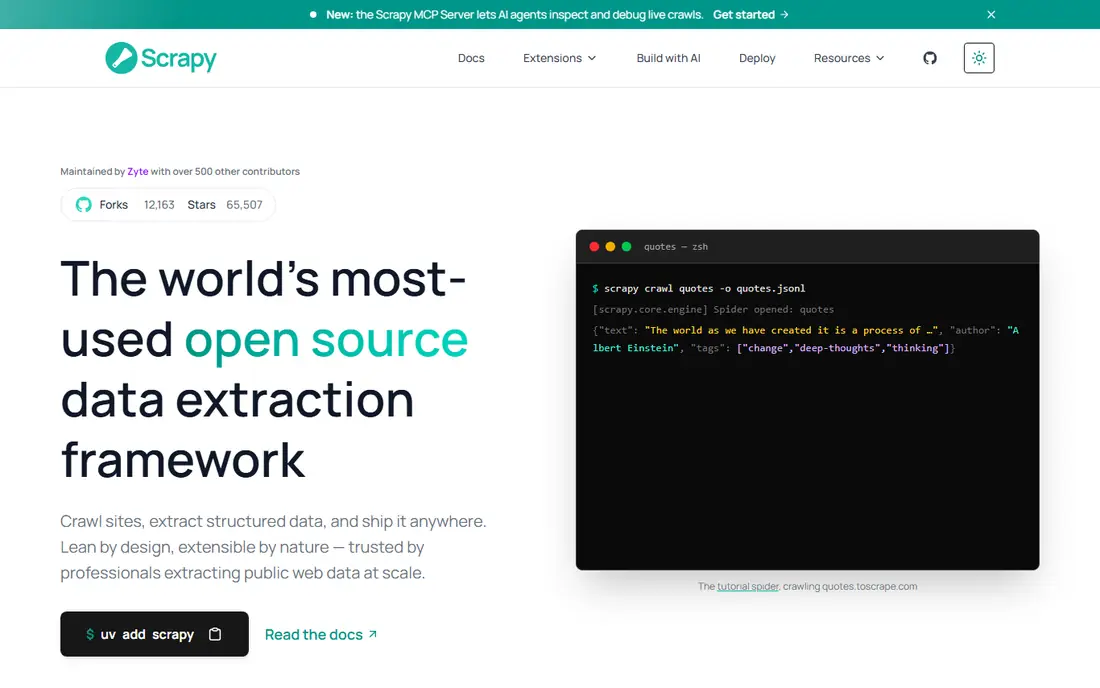
Scrapy is the standard Python framework for building your own crawler. It handles requests, queues, parsing, and pipelines, and it scales from a small site to millions of pages when run on proper infrastructure. Developers who already work in Python will find its spider model clear and its middleware system flexible.
The trade is responsibility. Scrapy does not render JavaScript by itself, and it does not rotate proxies or solve blocking for you, so those layers need separate tools such as Playwright or a proxy service. For a team with developers and a clear lawful use case, Scrapy gives the most control at zero licence cost.
- Free and open source
- Fast and scalable for large crawls
- Large Python ecosystem for pipelines and storage
- Requires Python skill
- Blocking, rendering, and proxies are your job
- No hosted dashboard out of the box
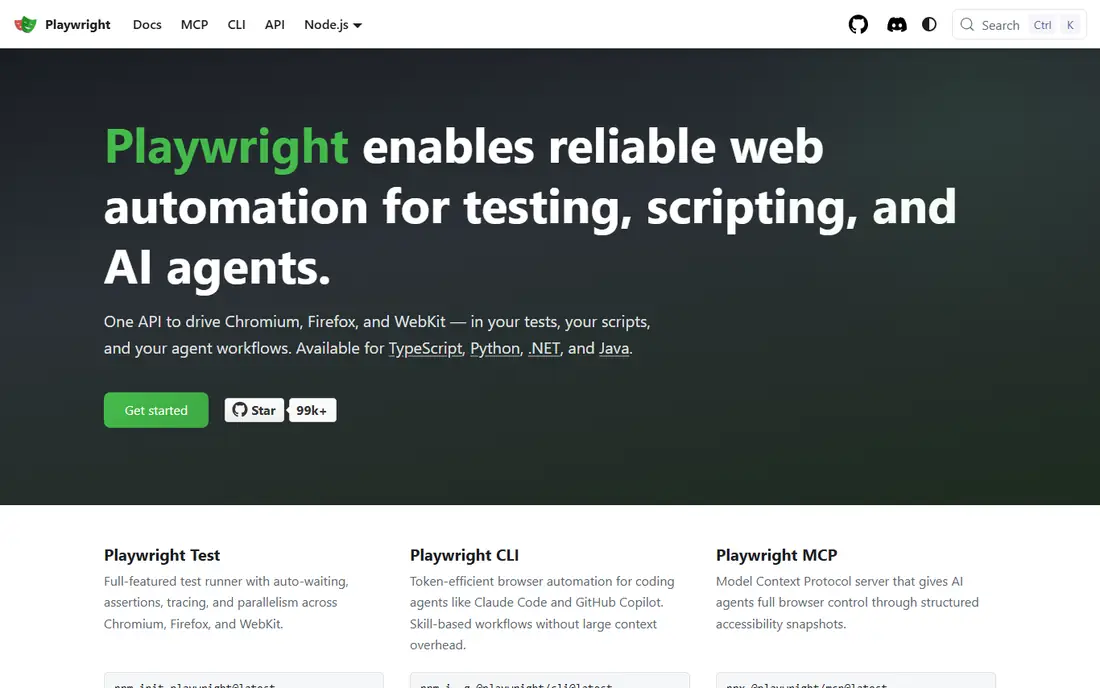
Playwright drives Chromium, Firefox, and WebKit browsers through code, which makes it the right tool when content loads through JavaScript, logins, or interactive pages. It can click, scroll, wait for network activity, and capture rendered pages that a plain HTTP request would miss. That browser fidelity is why many teams pair it with Scrapy or use it alone for smaller jobs.
It is heavier than Scrapy for static pages, since each browser instance uses more memory and time. At scale, you need workers, queues, and proxy handling around it. For dynamic sites where a simple fetcher fails, Playwright is the most reliable free starting point.
- Free and open source
- Drives real browsers for dynamic pages
- Supports Python, JavaScript, and other languages
- Heavier than a simple HTTP scraper
- Needs infrastructure for scale
- Anti-blocking still needs care
Octoparse is the most approachable tool for a non-developer who needs structured data from a website. You click the fields you want, set pagination and login steps visually, and export to a spreadsheet, database, or API. Templates cover many common sites, which speeds up a first project.
The free tier covers local tasks with limits, while Standard cloud pricing starts from $69 per month on yearly billing in published comparisons. Maintenance is the ongoing cost: when a target site changes its layout, tasks need updating. For a business user with a stable target and a lawful use case, Octoparse is a practical no-code pick.
- Point-and-click task building
- Templates for common sites
- Cloud scheduling on paid plans
- Site changes require task maintenance
- Paid cloud features cost more than the free desktop tier
Apify is a cloud platform plus a marketplace. Ready-made Actors cover many popular sites, so a team can often run an existing scraper on a schedule instead of building one. Developers can also write custom Actors in JavaScript or Python and run them on Apify infrastructure with storage, proxies, and scheduling included.
Pricing needs care, since published summaries list a Starter plan from $49 per month plus pay-as-you-go usage, and some summaries list $19 per month on newer plan tables. Check the current pricing page and the cost of the specific Actor you plan to run. For teams that want ready-made coverage plus cloud operation, Apify is a strong middle ground.
- Large marketplace of ready-made Actors
- Cloud scheduling and storage
- SDKs for developers who want custom Actors
- Pricing combines platform fees and Actor charges
- More technical than a pure no-code tool
Browse AI turns a website into a monitored robot: you train it by clicking, then it extracts data on a schedule and alerts you when values change. That monitoring angle suits price tracking, listing checks, and content change alerts, where a one-off scrape is less useful than a repeated check.
Published pricing puts Personal plans at $48 to $49 per month, or $19 per month on yearly billing in some comparisons, with a free tier for small use. Credits are based on pages or rows, so estimate your monthly volume before choosing a tier. For operations teams without developers, Browse AI is one of the easiest starts.
- Point-and-click robots for extraction
- Change monitoring and alerts
- No code needed for common jobs
- Credit model needs volume planning
- Complex sites may still need a developer tool
ScraperAPI suits a developer who already has parsing code and just wants reliable fetching. You send a URL to its API, and it returns the page HTML after handling proxies, headers, and rendering options, so your code does not need to manage IP rotation. That simplicity is why many small teams choose it over building proxy infrastructure.
Pricing starts from $49 per month in published comparisons, with a free trial allowance. At very high volume, a DIY proxy setup or a usage-based rival may cost less per request, so model your monthly request count first. For a developer with a deadline and a lawful target, ScraperAPI removes a large chunk of plumbing.
- Simple API for fetching with proxies and rendering
- Handles many blocking cases
- Easy to add to existing code
- Cost per request adds up at high volume
- Structured extraction is left to your code
ScrapingBee is a close alternative to ScraperAPI, with a focus on rendering and proxy rotation through a single API call. Developers can request a rendered page, pass custom headers and cookies, and get HTML back without running browsers themselves. That makes it a good fit for JavaScript-heavy targets at modest volume.
Freelance pricing starts at $49.99 per month in some comparisons, with a Hobby tier at $19 per month in others, so confirm the current plan table. Trial credits are offered, but no recurring free allowance is advertised in recent summaries. For a small developer project, ScrapingBee is a clean and predictable API choice.
- API with JavaScript rendering and proxy rotation
- Simple credit model
- Good for protected sites at small scale
- Trial credits only, no recurring free tier in published summaries
- Credits are consumed faster with rendering
Bright Data is the enterprise end of this list. Its Scraper API is priced per 1,000 records, residential proxies per gigabyte, and its catalogue includes hundreds of pre-built scrapers and datasets. Large teams that need scale, geographic targeting, and unblocking for difficult targets will find depth here that smaller APIs cannot match.
Small teams should be cautious. Published summaries list Scraper API pricing around $1.50 per 1,000 records with a free allowance, and proxy pricing around $8 per gigabyte, but enterprise totals are usage-based and quoted. For a large, lawful, high-volume programme, Bright Data is a serious contender. For a small project, a cheaper API will usually do.
- Very large proxy network and pre-built scrapers
- Scraper API and unblocking service for hard targets
- Enterprise compliance and support options
- Enterprise pricing can be costly for small teams
- Usage-based billing needs careful volume estimates
Firecrawl is built for AI work: it turns web pages into clean Markdown or structured JSON that language models can use directly. It handles crawling, search, and extraction through one API, which saves teams from building a cleaning pipeline beside a scraper. That focus makes it popular for research assistants and retrieval pipelines.
Pricing starts at $16 per month on yearly billing for Hobby, with 1,000 free credits per month on the free tier in published summaries. JSON extraction costs more credits than a basic scrape, so estimate your output format as well as your page count. For AI-ready data, Firecrawl is the most direct tool on this list.
- Returns clean Markdown or JSON for AI pipelines
- Crawling, search, and extraction in one API
- Free tier for trying it
- Credit costs rise with JSON extraction and crawling
- Less suited to pure bulk HTML fetching
How we picked these
We compared official pricing pages, product documentation, and published 2026 comparisons, and we favoured tools that are live, maintained, and clearly aimed at a distinct user: no-code, developer API, or code library. We did not claim hands-on testing, and we wrote See website where pricing is usage-based or quoted. Where plan prices differed across recent summaries, we noted the range and advised checking the vendor page.
How to choose a scraping tool for lawful use
Start with the legal and terms check, before any technical choice. Confirm the site terms, robots instructions, applicable law, and whether the data includes personal data that needs a lawful basis. If a target forbids automated collection, do not use a tool to bypass that rule, and seek permission or an official API instead.
Next, match the tool to the site and your skill. A static site suits Scrapy or a simple API, a dynamic site needs Playwright, ScrapingBee, or a rendering API, and a non-developer team should start with Octoparse or Browse AI. Then estimate volume in requests, pages, and records, since that decides whether a flat subscription or a usage-based API is cheaper.
Finally, run a small lawful test on a few pages. Check output quality, field completeness, and how the tool behaves when the site changes. A tool that looks cheap for 1,000 pages may become costly at 100,000, so test at a realistic scale before committing.
Frequently asked questions
What is the best web scraping tool for beginners?
Octoparse and Browse AI are the easiest starts for non-developers, with point-and-click building and cloud scheduling. Apify is a good next step when you want ready-made scrapers without writing a full crawler.
Is web scraping legal?
It depends on the site terms, the data, and applicable law. Scraping public data you have a right to use, while respecting terms and privacy rules, is different from bypassing access controls or collecting personal data without a lawful basis. When in doubt, seek permission or legal advice.
Should I use a code library or a managed API?
Use a code library such as Scrapy or Playwright when you have developers and want control at low licence cost. Use a managed API such as ScraperAPI or ScrapingBee when you want to avoid proxy and blocking work and can pay per request.
How much does web scraping cost per month?
Free libraries cost nothing in licence fees but need infrastructure and developer time. No-code and API tools start around $16 to $69 per month, with usage-based costs on top at higher volumes. Bright Data and other enterprise tools are quoted by usage.
What is the best tool for feeding an AI pipeline?
Firecrawl is built for that job, returning Markdown or JSON ready for models. Apify and Bright Data also offer structured output, but Firecrawl needs the least cleaning work for a typical retrieval pipeline.
Sources
See where you really rank - block by block
ProMapRanker scans Google Maps across a grid of your service area. Simple monthly plans from $19, white-label on every plan.
Start freeKeep reading
 zoro.to alternatives
Best Zoro.to Alternatives in 2026
We compare the best zoro.to alternatives in 2026, listing only legal licensed anime streaming services, from Crunchyroll to free options for fans today.
Read → zip alternatives
Best Zip Alternatives in 2026
We compare the best zip alternatives for buy now, pay later in 2026, covering pay-in-4 plans, fees, spending limits, and credit reporting options today.
Read → yesware alternatives
Best Yesware Alternatives in 2026
Compare the best yesware alternatives for sales email tracking, templates, and sequences, with current pricing and honest tradeoffs for small sales teams.
Read →