 ProMapRanker
Best Web Scraping Service for Businesses in 2026


Enterprise scale and compliance · Pricing starts at: See website
Key takeaways
- Bright Data and Oxylabs suit enterprise scale and compliance-heavy work, while Apify suits teams that want ready-made scrapers without building from scratch.
- ScrapingBee and ScraperAPI suit developers who want one simple endpoint, while Octoparse suits non-developers who prefer a visual builder.
- Price by your real workload, since records, requests, credits, and gigabytes all produce very different bills for the same job.
- Only collect data lawfully: respect robots.txt, site terms of service, and privacy law, and do not collect personal data you have no lawful basis to use.
Quick comparison
| Pick | Great for | Pricing starts at | Free tier | |
|---|---|---|---|---|
| Bright Data | Enterprise scale and compliance | See website | Free trial | Visit |
 Oxylabs | Enterprise compliance and coverage | $49 per month | Free trial | Visit |
 Apify | Ready-made scrapers marketplace | $29 per month | Yes | Visit |
 ScrapingBee | Simple API for developers | $49 per month | Free trial | Visit |
 ZenRows | Anti-bot handling | $69 per month | Free trial | Visit |
 ScraperAPI | Beginner-friendly scraping API | $49 per month | Free trial | Visit |
 Octoparse | No-code visual scraping | See website | Yes | Visit |
 Diffbot | Structured extraction without selectors | $299 per month | Yes | Visit |
The best web scraping services for businesses
We compared official feature pages, pricing pages, app store listings, privacy policies, and public reviews for scraping services operating in October 2026. This list covers managed APIs, ready-made scrapers, and no-code tools, and it is written for lawful business uses such as price monitoring on public pages you are allowed to collect, market research, and lead data that complies with privacy law. Always check robots.txt, the terms of service for each target site, and applicable privacy law before you collect, and do not bypass login walls or collect personal data without a lawful basis.
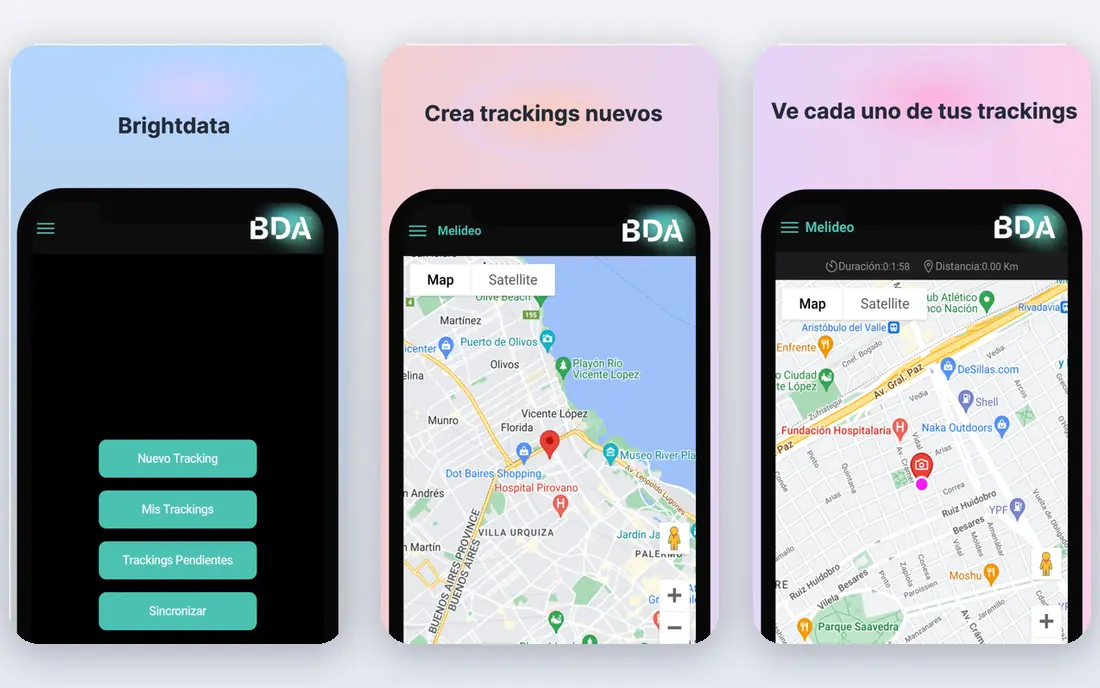
Bright Data is the enterprise pick on this list, with a large proxy network, a Web Scraper API priced per record, and ready-made datasets for common business uses. For a team tracking thousands of product pages, prices, and availability across retailers, its infrastructure handles rotation, rendering, and anti-bot work that would otherwise consume an engineering team. Compliance documentation and enterprise support are also stronger here than at budget providers, which matters when legal or procurement teams review a vendor.
The honest catch is pricing complexity, since records, requests, and gigabytes are billed on different products, and forecasting a monthly bill takes real workload modelling. Smaller teams often do better starting with a simpler API and moving up only when blocked pages prove the need. If scale, reliability, and documented compliance are the deciding factors, Bright Data is the safest large-scale choice here.
- Very large proxy network
- Purpose-built scraping APIs and datasets
- Strong compliance documentation
- Pricing units vary by product and are hard to forecast
- Entry cost is high for small teams
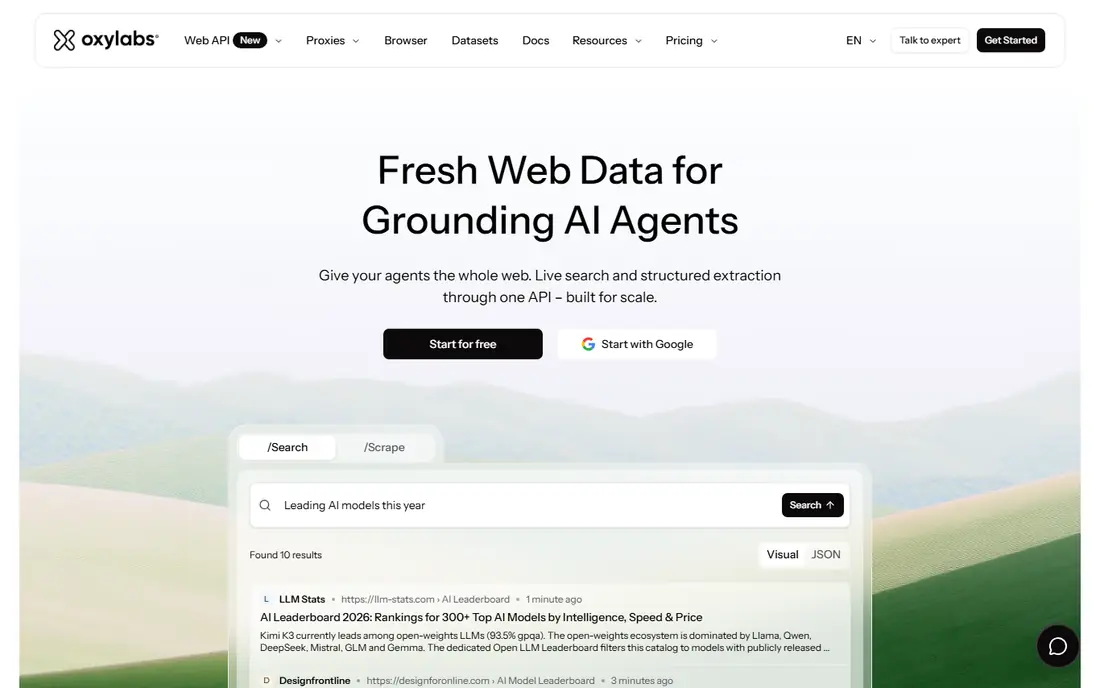
Oxylabs pairs a large proxy network with a Web Scraper API that returns structured results, which suits teams that want extraction without maintaining their own parsers. Coverage across many countries helps price and availability work that spans regions, and the company publishes compliance material that enterprise buyers can review. AI Studio, a lower-cost entry product, gives smaller teams a way to test extraction before committing to a full API plan.
Budgeting needs care, because proxy bandwidth and API results are billed separately, and the cheapest plan is a starting point rather than a full production tier for high-volume work. Teams should run a pilot on their real target pages and measure success rates, not only headline price, before signing a larger commitment. For compliance-sensitive, high-volume collection, Oxylabs is a strong alternative to Bright Data.
- Large residential network across many countries
- Web Scraper API with per-result pricing
- GDPR-focused compliance stance
- Full enterprise features need higher tiers
- Proxy and API pricing are separate, which complicates budgeting
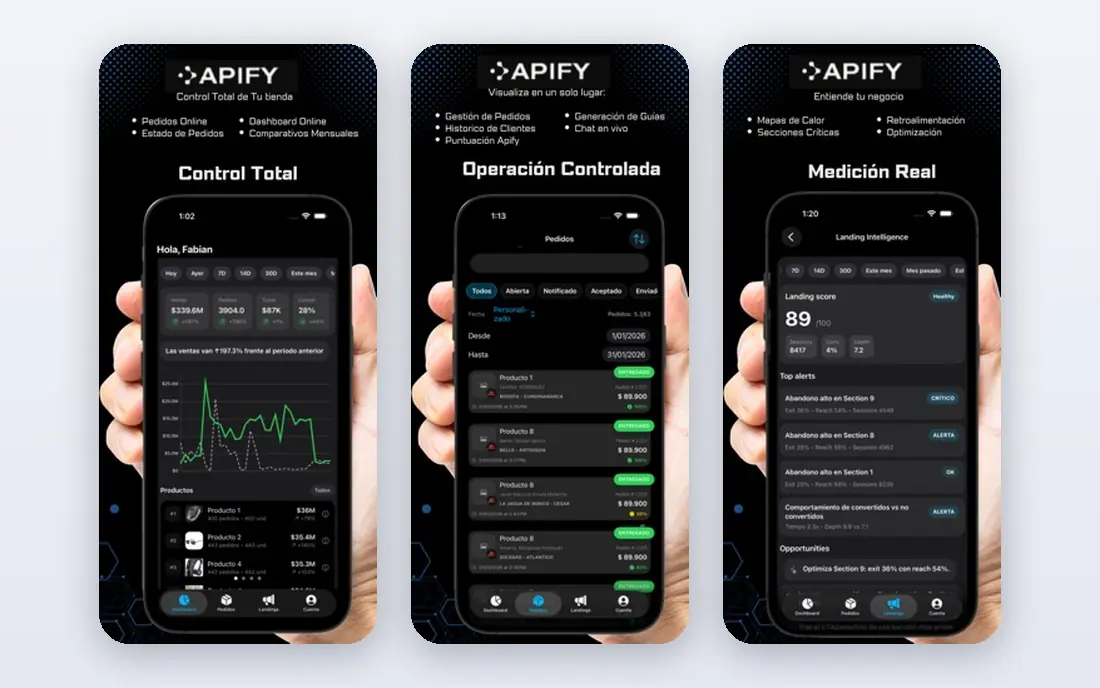
Apify stands out for teams that do not want to build a scraper at all, since its marketplace offers ready-made scrapers, called actors, for many common sites and tasks. You can schedule a run, store results, and export to common formats without writing a crawler, and developers can also build custom actors on the same platform. The free plan is genuinely useful for testing a workflow before paying, which lowers the risk of a wrong choice.
Marketplace quality varies, because actors are built by different authors, so a buyer should check reviews, update history, and a test run for the exact site they need. Frequent schedules and large result sets also push usage costs up, so price a realistic schedule rather than a single test run. For a business team that wants results without an engineering project, Apify is the fastest route on this list.
- Marketplace of ready-made scrapers
- Scheduling and storage built in
- Free plan for testing
- Quality varies by marketplace actor
- Usage-based costs can rise with frequent schedules
ScrapingBee suits a developer who wants to send a URL to one endpoint and get rendered HTML or extracted data back, without managing proxies or browsers. JavaScript rendering, proxy rotation, and geotargeting are handled by the API, which keeps a small integration simple. Documentation is clear, and the credit model is easier to follow than the multi-unit pricing of larger enterprise platforms.
The trade-off is that ScrapingBee is an API, not a done-for-you service, so the buyer still writes the parsing and scheduling logic around it. There is no marketplace of ready-made site scrapers to fall back on when a target site changes its layout. For a developer-led team with a defined set of pages, that simplicity is a benefit, and the free trial is enough to test success rates on real targets.
- One API endpoint for JavaScript rendering and proxy rotation
- Simple credit model
- Good documentation
- No ready-made scrapers marketplace
- Large-scale work needs careful credit budgeting
ZenRows is the pick when the main problem is not volume but blocking, since its API and scraping browser are built to handle sites with strong anti-bot measures. Developers get rendered pages, rotation, and session handling through one service, which saves time that would otherwise go to bypass workarounds. Request-based pricing also makes it easier to model cost for a known number of pages than gigabyte pricing does.
Entry price is higher than ScrapingBee or ScraperAPI, which makes ZenRows a weaker value choice for easy, unblocked pages. Non-developers will also find it less friendly than Apify or Octoparse, since it assumes code around the API. When blocked pages are the reason a project is stuck, ZenRows is worth testing on those exact pages before committing elsewhere.
- Strong anti-bot handling
- API and scraping browser options
- Clear request-based pricing
- Higher entry price than simpler APIs
- No-code users will find it developer-focused
ScraperAPI is a friendly first API for a team that is new to scraping, with proxy rotation, JavaScript rendering, and geotargeting behind a single endpoint. Structured data endpoints for common sources, such as search results and product pages, reduce the parsing work for standard jobs. Onboarding is quick, and the free trial lets a team test its real target pages before paying.
Hard targets are the limit, since success rates on heavily protected sites can lag the enterprise platforms that invest more in anti-bot infrastructure. Teams that hit blocks often may need to move up to ZenRows, Oxylabs, or Bright Data for those pages. For straightforward public pages and a first scraping project, ScraperAPI gives a clean balance of simplicity and capability.
- Simple API with proxy rotation and rendering
- Structured data endpoints for common sources
- Easy onboarding
- Success rates on hard targets lag enterprise platforms
- Advanced features need higher tiers
Octoparse is the no-code pick, with a visual builder that lets a non-developer click page elements, define fields, and build a scraper without writing code. Templates for common sites speed up standard jobs, and cloud scheduling on paid plans keeps data fresh without leaving a computer running. The free plan is useful for learning the builder and testing a simple site.
Windows is the main platform for the desktop app, which matters for Mac-only teams, although cloud runs reduce that friction once a task is built. Heavily protected or highly dynamic sites can also push past what a visual builder handles well, and at that point an API service is a better fit. For analysts, marketers, and researchers who need structured data without code, Octoparse is the most approachable tool here.
- Visual point-and-click builder
- Templates for common sites
- Cloud scheduling on paid plans
- Desktop app is Windows-focused
- Complex or heavily protected sites can still need code
Diffbot takes a different approach from selector-based tools, since it uses machine learning to turn a page into structured fields for articles, products, and discussions without hand-built rules per site. That saves maintenance when sites change layout, which is a constant cost for traditional scrapers. Its knowledge graph also suits teams that need entity data across many sources, not only one site at a time.
Price is the barrier, since the entry plan is far above the other APIs on this list, and free credits cover testing rather than production volume. Small teams with a narrow set of pages will usually get better value from ScrapingBee or ScraperAPI. For a team that needs structured data across many changing sites and can justify the budget, Diffbot reduces long-term maintenance in a way selector tools cannot match.
- Automatic structured extraction from articles and products
- Knowledge graph for entity data
- API-first design
- High entry price
- Free credits are limited for production use
How we picked these
We compared official feature pages and pricing pages, app store listings, privacy policies, and public reviews, and we kept only services operating in October 2026 that serve business users. We required each service to offer managed scraping, proxy infrastructure, or a no-code builder, rather than only raw proxy lists, and we excluded NetNut from this list. We also weighed compliance documentation, success on protected pages as reported in public reviews, and whether pricing could be modelled from a real workload.
Collecting data lawfully: a short checklist
Before any run, check robots.txt for the target site, read its terms of service, and confirm you have a lawful basis for the data you plan to collect. Do not collect personal data, login-gated content, or copyrighted text you have no right to use, and do not use scraping to bypass paywalls, rate limits, or access controls. Keep request rates reasonable, identify your crawler honestly where required, and store only the fields you need, with a retention limit.
If a site offers an official API, a data feed, or a licensed dataset, use that route first, since it is usually more stable and clearly permitted. Document each source, the legal basis, and the retention rule in a short internal note, and review it when a target site changes its terms. When a lawyer or compliance reviewer flags a source, pause that source until the question is answered, since a cheap dataset is not worth a legal dispute.
Frequently asked questions
Is web scraping legal for businesses?
It depends on the source, the data, and the law that applies. Collecting public facts in line with robots.txt, terms of service, and privacy law is a common business practice, while bypassing logins, ignoring clear restrictions, or collecting personal data without a lawful basis creates legal risk. Get legal advice for high-risk sources before you scale a project.
How should I price a scraping project?
Price your real workload, not the headline plan. Count pages per month, records per page, and how often schedules run, then map that to the vendor unit, whether records, requests, credits, or gigabytes. Run a pilot on real target pages, since failed requests and retries can change the bill a lot.
Do I need code to scrape data?
No, not always. Octoparse and Apify suit non-developers, while ScrapingBee, ScraperAPI, and ZenRows suit developers who want an API. Choose the no-code route when the job is standard and the site is not heavily protected, and choose an API route when you need custom logic or high volume.
What is the difference between a proxy provider and a scraping API?
A proxy provider sells IP addresses and rotation, and you still build the crawler, parser, and anti-bot handling. A scraping API handles rendering, rotation, and often parsing as well, and returns HTML or structured data. Most business teams save time with an API, unless they already run their own crawling infrastructure.
Can I scrape personal data such as emails or phone numbers?
Only with a clear lawful basis under applicable privacy law, and in many cases you should not collect it at all. Avoid personal data unless it is strictly needed, permitted, and documented, and never use scraped contact details for unsolicited marketing without checking the law that applies to that channel.
Sources
See where you really rank - block by block
ProMapRanker scans Google Maps across a grid of your service area. Simple monthly plans from $19, white-label on every plan.
Start freeKeep reading
 worlds best local seo company
8 Worlds Best Local SEO Companies for Map Pack Growth in 2026
Compare the worlds best local seo company options for Google Business Profile work, citations, reviews, and multi-location rankings and reporting in 2026.
Read → world's best web hosting company
World's Best Web Hosting Company in 2026
Searching for the world's best web hosting company? We compared 10 hosts on price, renewal rates, speed, and support to help you choose well today in 2026.
Read → who's got the best nanny tax services
Who's Got the Best Nanny Tax Services in 2026
We answer who's got the best nanny tax services, comparing full filing, back taxes, software, and pricing so families can handle nanny taxes correctly.
Read →