 ProMapRanker
Best Web Hosting Services in 2026

Key takeaways
- The cheapest intro price is rarely the cheapest total cost, because renewal prices often run two to six times higher than the first term.
- Hostinger and DreamHost suit tight budgets, while SiteGround and Kinsta suit sites where support and steady performance matter more than the lowest price.
- Managed WordPress hosts cost more per month, but they remove server upkeep, updates and staging work from your week.
- Check the term length behind any monthly price, since many low prices require paying for 12 to 48 months in advance.
- A free domain for the first year is common, but it usually becomes a separate yearly bill from year two.
Quick comparison
| Pick | Great for | Pricing starts at | Free tier | |
|---|---|---|---|---|
 Hostinger Hostinger | Budget WordPress sites | $2.99 per month | No | Visit |
 SiteGround SiteGround | Support and reliability | $2.99 per month | No | Visit |
 Bluehost Bluehost | WordPress beginners | $3.99 per month | No | Visit |
 DreamHost DreamHost | Flexible terms and many sites | $2.89 per month | No | Visit |
 Cloudways Cloudways | Managed cloud without a long contract | $14 per month | Free trial | Visit |
 Kinsta Kinsta | High traffic WordPress sites | $35 per month | No | Visit |
 WP Engine WP Engine | Managed WordPress for businesses | $28 per month | No | Visit |
 InMotion Hosting InMotion Hosting | Support heavy small businesses | $3.69 per month | No | Visit |
 HostGator HostGator | Simple shared hosting | $3.75 per month | No | Visit |
 IONOS IONOS | Low cost first year hosting | $1 per month | No | Visit |
The best web hosting services
We compared official pricing pages, plan features, support options and renewal terms, and we focused on hosts that suit ordinary small business sites, blogs and shops rather than large enterprise setups.
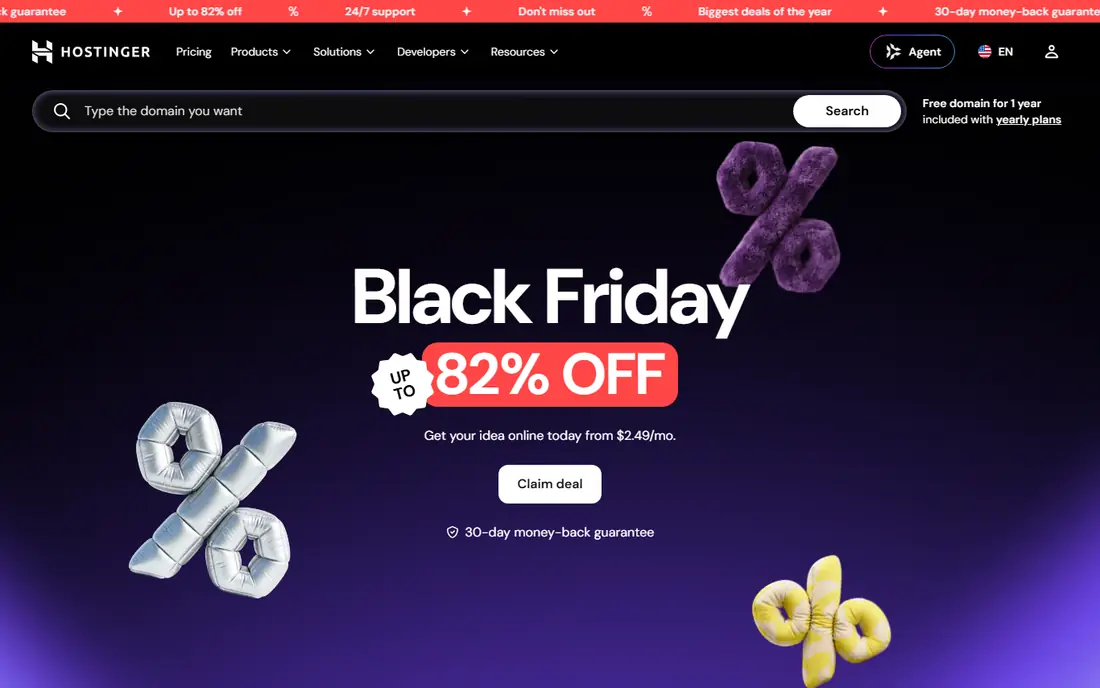
Hostinger is our pick for most people who want a low cost start and do not need phone support. Its control panel, called hPanel, is simpler than the older panels many hosts still use, and the AI builder can produce a first draft site from a short description. The catch is the renewal math. A price shown as $2.99 per month usually depends on a 48 month term paid in advance, and the renewal rate can be close to $10.99 per month. Weekly backups on the entry plan are also thinner than the daily backups some rivals include. If your site earns money, step up to a plan with daily backups, or keep your own backup copy somewhere separate.
- Low intro price
- AI website builder included on many plans
- Free domain for the first year on longer terms
- Support is chat based, with no phone option
- Renewal prices rise sharply after the first term

SiteGround is the host we would choose when support matters more than saving a few dollars a month. Its team answers by chat, phone and ticket, and its plans include daily backups, a free content delivery network and managed WordPress updates. The price after year one is the main drawback, and it is worth planning for it before you sign up. The StartUp plan also covers only one website, so a second project means a higher plan. If you run one important site and want a person to talk to when something breaks, the higher renewal can still be fair value.
- Chat, phone and ticket support around the clock
- Google Cloud infrastructure
- Free daily backups and CDN
- Renewal price is steep, at $17.99 per month for the entry plan
- Entry plan covers one site
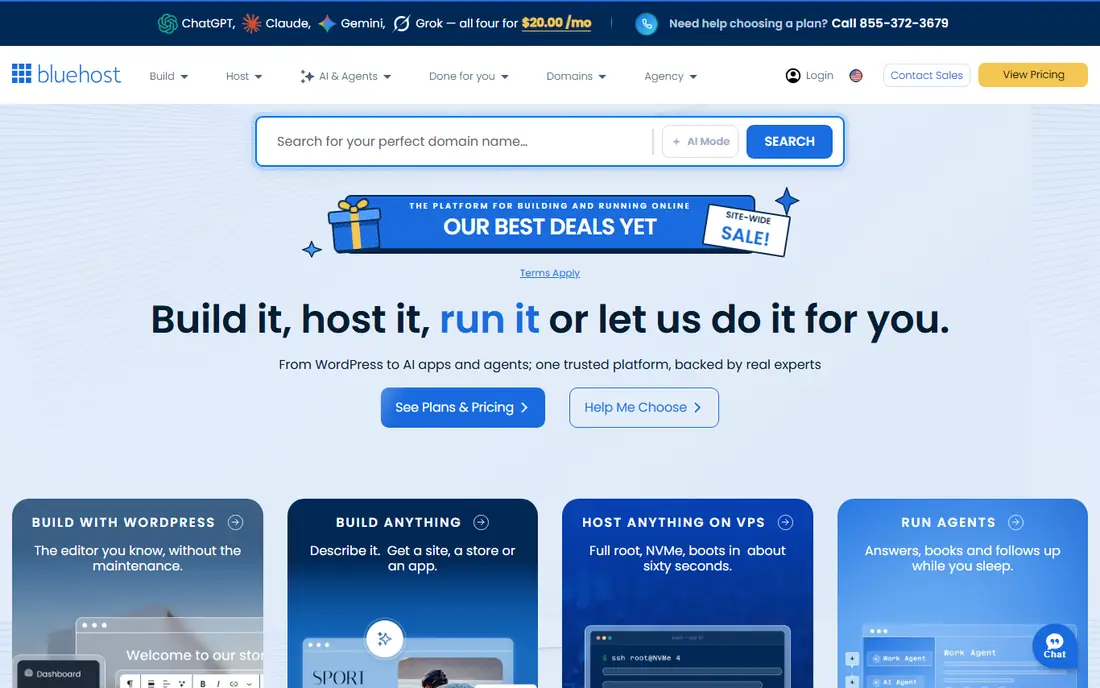
Bluehost has long been a default recommendation for WordPress, and the reason is simple setup. A new user can install WordPress, pick a theme and connect a domain without touching server settings. Bluehost is less appealing once you look past the first term. The renewal rate, the limits on backup frequency on lower plans, and the email trial mean the real yearly cost is higher than the headline suggests. It still fits a beginner WordPress site well, provided you check what happens at renewal and budget for email if you need a business mailbox long term.
- WordPress focused setup
- Free domain for the first year
- Straightforward dashboard for new site owners
- Renewal price rises to $9.99 per month
- Email on some plans is a trial rather than a long term inclusion
DreamHost stands out for people who expect to run several small sites from one account. Where many entry plans limit you to a single site, DreamHost lets you host more. Daily backups are also a practical plus at this price level.
The trade off is support style. If you prefer to call someone, DreamHost will feel slower than SiteGround or InMotion Hosting, because its help runs through chat and email. Email hosting also needs attention, since it is not free forever on every plan. For a user who is comfortable with written support, those limits are easy to live with.
- Entry plan allows many sites
- Daily backups
- Long money back window on shared plans
- Support is mainly chat and email, with no phone line
- Email becomes a paid extra after an initial period on some plans
Cloudways is a middle path between shared hosting and running your own server. You pick a cloud provider, such as DigitalOcean, and Cloudways manages the server layer, updates and security patching for you. Billing is hourly and monthly, so you are not locked into a multi year term.
That freedom comes with two gaps to plan around. You need a separate email service and a separate domain registrar, which adds a small extra cost and one more account to manage. A complete beginner may also find the server choices confusing at first. For a growing site that has outgrown shared hosting, though, Cloudways is one of the cleanest upgrades.
- Choice of cloud providers
- Pay as you go billing
- No long contract needed to start
- No email or domain included
- More technical than shared hosting for a complete beginner
Kinsta is built only for WordPress, and that focus shows in its support and its platform. Sites run on Google Cloud, staging is built in, and the support team deals with WordPress problems all day. For a site with real traffic, a shop, or a membership area, that specialism can save hours when a plugin conflict or a slow query appears.
The price puts it out of reach for a hobby blog, and that is fine. Kinsta is not trying to be the cheapest host. It is trying to be the host you move to when downtime or slow pages start costing you sales. Check the storage and visit limits on the entry plan before you move a media heavy site, since large image libraries can push you to a higher tier.
- Google Cloud platform
- Expert WordPress support
- Flat pricing with no intro discount trick
- Expensive for a small blog
- Storage limits can bite on media heavy sites
WP Engine is another managed WordPress specialist, aimed squarely at businesses rather than hobby sites. Updates, security, caching and staging are handled by the platform, so a small team can run a WordPress site without a server specialist. Its toolset for developers, including staging and local development options, also suits agencies that manage client sites.
Price is the obvious barrier, and the plan pages can be confusing because monthly and annual billing show different figures. WP Engine also fits WordPress only, so it is not a home for a site built on another system. If your business runs on WordPress and you want someone else to own the upkeep, the monthly cost can be cheaper than the staff time it replaces.
- Fully managed WordPress updates and security
- Staging and development tools
- Strong performance features
- Higher price than shared hosting
- Plan pricing can be hard to compare across billing options
InMotion Hosting is a good fit for a business owner who wants to talk to a person when a site problem appears. Phone and chat support are both available, and the company has a long money back window on terms of six months or longer. That gives a new site owner time to test the host with a real project rather than a demo page.
As with most hosts on this list, the headline price depends on the term you choose, and the cheapest figure is not the monthly price. Performance features also improve as you move up the plans. If support is your top priority and you are willing to commit to a longer term, InMotion Hosting is a steady, business friendly choice.
- Phone and chat support around the clock
- Long money back window on longer terms
- Solid WordPress plans
- Entry price depends on term length
- Higher plans are needed for the best performance features
HostGator is a plain, familiar shared host. It does the basic job: a site, email options, a control panel and support by phone and chat. For a simple brochure site or a first blog, that is enough, and the unmetered bandwidth on many plans removes one worry for a site that gets occasional traffic spikes.
HostGator has lost some ground to newer hosts on design, AI tools and backup clarity. Renewal pricing is also a clear step up from the intro rate. It remains a workable choice for someone who wants a known brand and simple shared hosting, but it is no longer the automatic budget pick it once was.
- Simple shared plans
- Phone and chat support
- Unmetered bandwidth on many plans
- Renewal price rises to about $10.99 per month
- Interface and plan details feel dated next to newer rivals
IONOS is worth a look when the first year budget is the deciding factor. Its entry prices are among the lowest on this list, and the commitment can be shorter than the four year terms some rivals require for their best price. Daily backups on many plans are also a useful inclusion at this level.
The limits matter, so read them before you buy. Entry WordPress plans cover one site, migration help can cost extra, and the renewal price is higher than the first year figure. IONOS suits a single site with a tight first year budget, especially for a business testing whether a website earns its keep.
- Very low first year price
- Short commitment options
- Daily backups on many plans
- Renewal price is higher
- One site per WordPress plan on entry tiers
- Paid migration on some plans
How we picked these
We compared official pricing pages and plan features for hosts that serve US small businesses and bloggers, and we checked renewal prices, backup frequency, support channels and site limits rather than headline prices alone. We kept hosts that are widely available, still actively sold in 2026, and suited to ordinary sites rather than specialist enterprise setups. We left out hosts whose pricing could not be verified, whose plans had been discontinued, or whose entry plans no longer fit a normal small site. Prices change often, so treat the figures here as a snapshot from October 2026 and confirm the plan page before you pay.
What to check before you buy hosting
Read the renewal price, not just the intro price
The monthly figure on a host home page is usually a first term offer. Look for the renewal rate, the term length, and whether you must pay the full term in advance. Add up the first bill plus one renewal year to get a fair comparison. A host that looks expensive in month one can be cheaper by month 30 if its price stays flat.
Match the plan to the site you actually run
A brochure site, a WordPress blog and a shop have different needs. A brochure site can live happily on shared hosting. A shop needs daily backups, a security certificate, and support that answers quickly. A site with heavy traffic or complex plugins benefits from managed WordPress or managed cloud hosting, even at a higher monthly price.
Check backups, email and domains separately
Hosting, email and a domain are three different services, and hosts bundle them in different ways. Confirm whether backups are daily or weekly, whether email is included long term, and whether the free domain renews free or becomes a yearly charge. A cheap hosting plan with paid email and a paid domain can cost more than a slightly dearer plan that includes both.
Think about support style
Some people want a phone call, others are happy with chat. Check the support channels and hours before you buy, not after a site goes down. If you run the site yourself and you are not technical, phone or fast chat support is worth paying for. If you have a developer, a cheaper chat only host may be fine.
Frequently asked questions
What is the best web hosting company for a small business?
There is no single winner, because it depends on your site and your budget. Hostinger or DreamHost suit a tight budget, SiteGround suits a business that values support, and Kinsta or WP Engine suit a WordPress site that earns money. Start with the renewal price and the support style, then pick the plan that fits those two tests.
What is the best hosting company for WordPress?
Bluehost, SiteGround, DreamHost, WP Engine and Kinsta all focus on WordPress, but they serve different users. Bluehost and DreamHost suit beginners, SiteGround suits a business that wants strong support, and WP Engine and Kinsta suit larger or busier WordPress sites. If you use another site builder, a general shared or cloud host may fit better.
What is the best web hosting service for beginners?
A beginner benefits most from simple setup, clear pricing and helpful support. Hostinger, Bluehost and DreamHost all offer one click WordPress installs and guided setup. SiteGround adds stronger support if you are willing to pay more at renewal. Avoid a host that requires server knowledge unless you have someone technical to help.
How much does web hosting cost per month?
Entry shared hosting often starts near $3 per month for a first term, while managed WordPress hosting often starts near $28 to $35 per month. The first term price can be misleading, since renewals are higher and many low prices require paying for years in advance. Budget for the renewal price, plus domain and email costs if they are not included.
Do I need a free domain with my hosting plan?
A free domain for the first year is a nice saving, but it is not essential. You can buy a domain from a registrar and point it at any host. If a host includes a free first year domain, check what it costs to renew it, since that yearly fee continues for as long as you keep the site.
Can I change hosts later if I pick the wrong one?
Yes, in most cases. Moving a WordPress site involves copying files and a database, then pointing the domain at the new host. Many hosts offer free migration help, while others charge for it. Keep your own backup before any move, and avoid letting a domain registration lapse during the switch.
Sources
- https://www.hostinger.com
- https://www.siteground.com
- https://www.bluehost.com
- https://www.dreamhost.com
- https://www.cloudways.com
- https://www.kinsta.com
- https://www.wpengine.com
- https://www.inmotionhosting.com
- https://www.hostgator.com
- https://www.ionos.com
- https://gizmodo.com/best-web-hosting
- https://www.findbestwebhosting.com/hosting-advice/web-hosting-renewal-prices/
See where you really rank - block by block
ProMapRanker scans Google Maps across a grid of your service area. Simple monthly plans from $19, white-label on every plan.
Start freeKeep reading
 youtube alternatives
Best YouTube Alternatives in 2026
Looking for youtube alternatives in 2026? We compare Vimeo, Dailymotion, Twitch, Rumble, and more on price, audience, monetization, control and privacy.
Read → what's the best ai tool for photo editing
What Is the Best AI Tool for Photo Editing in 2026
What is the best AI tool for photo editing? We compare ten tools for 2026, from Photoshop and Lightroom to Luminar, Topaz, Canva and mobile editors today.
Read → twitter alternatives
Best Twitter Alternatives in 2026
Compare the best twitter alternatives for 2026, from Bluesky, Threads, and Mastodon to Reddit, Tumblr, and Micro.blog, with free plans and audience notes.
Read →