 ProMapRanker
Best Web Filtering Software in 2026


Small businesses and MSPs · Pricing starts at: $1 per license per month
Key takeaways
- DNS filtering is the fastest way to block bad sites across a whole network, while a secure web gateway adds deeper inspection.
- DNSFilter and CleanBrowsing offer the clearest published pricing in this list, which makes budgeting easier.
- Cisco Umbrella and Zscaler suit larger teams that already use enterprise security tools.
- For families and small schools, a simple DNS filter with category controls usually beats a complex gateway.
- Test your filter with the sites and apps your users actually use, since over-blocking causes as many complaints as under-blocking.
Quick comparison
| Pick | Great for | Pricing starts at | Free tier | |
|---|---|---|---|---|
| DNSFilter | Small businesses and MSPs | $1 per license per month | Free trial | Visit |
 CleanBrowsing | Families and schools | $75 per year | Yes | Visit |
 Cisco Umbrella | Cisco-based enterprises | See website | No | Visit |
 Cloudflare Gateway | Teams building on Cloudflare One | See website | Yes | Visit |
 Control D | Custom DNS profiles | See website | Yes | Visit |
 NextDNS | Personal filtering with analytics | See website | Yes | Visit |
 WebTitan | MSPs and mid-sized businesses | See website | No | Visit |
 Zscaler Internet Access | Large enterprise web security | See website | No | Visit |
The best web filtering software
We compared official product pages, pricing pages and public documentation for DNS filtering and web gateway tools live in October 2026. The list mixes family, school and business tools, since web filtering means different things in each setting.
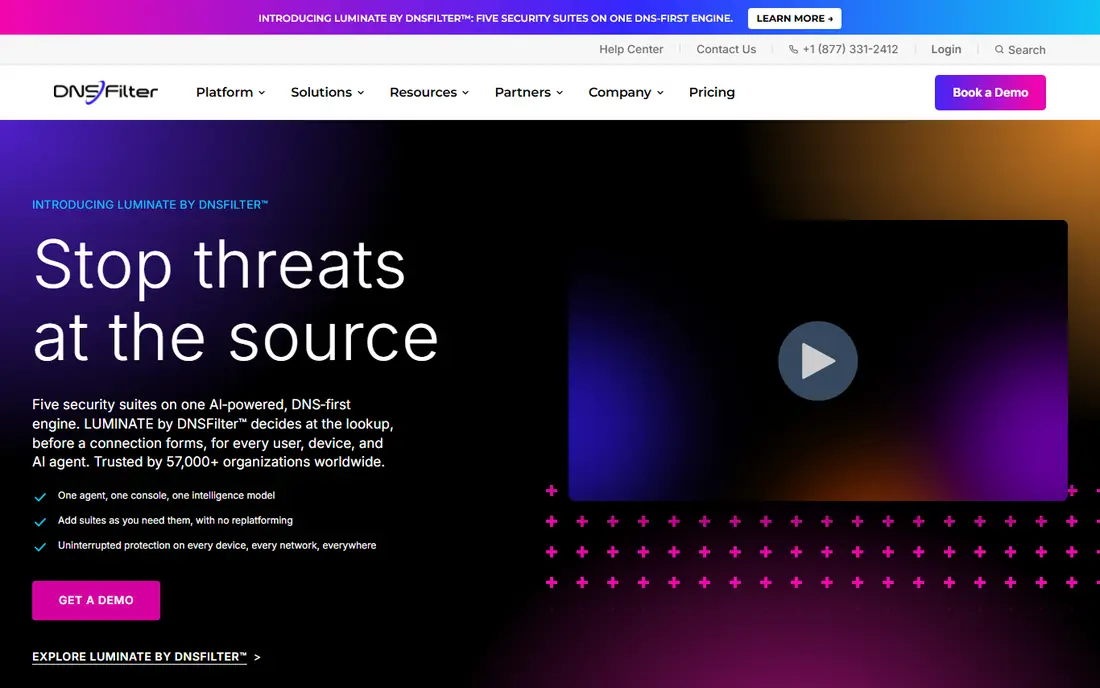
DNSFilter is our first suggestion for a small business or managed service provider that wants filtering without a long sales cycle. Core starts at $1 per license per month billed annually, with a $240 annual minimum, while Plus starts at $2.25 per license per month billed annually. That published pricing is rare in enterprise security and makes a shortlist much easier to build.
The product covers malicious domain blocking, phishing protection and category filtering, with roaming clients for Windows, macOS, iOS, Android and Chrome. MSPs get multi-tenant management, which is why many providers standardize on it. The main catches are the minimum spends and the extra charge for data export, so check those lines before you sign. For straightforward DNS filtering, it is hard to beat on clarity.
- Clear published pricing with annual billing
- More than 40 content categories
- Roaming clients for off-network devices
- Each plan has a minimum spend
- Data export costs extra on some plans
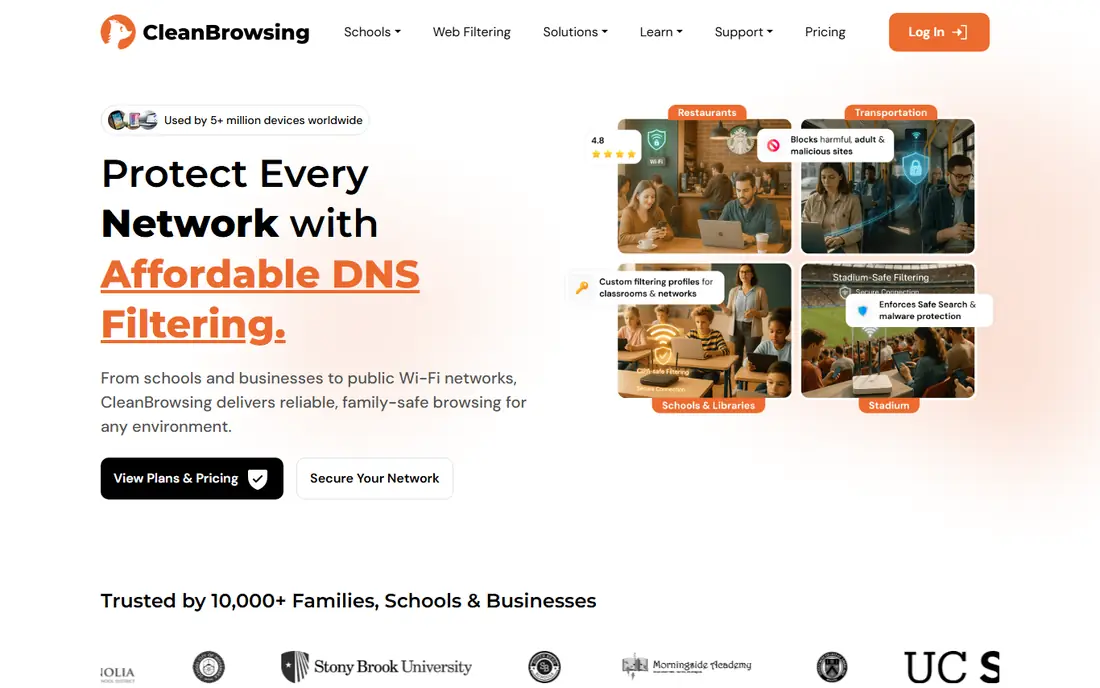
CleanBrowsing is built for a simple job: stop unwanted content before it loads, with as little setup as possible. Free filters cover security, adult content and family-safe browsing, while paid plans start at $75 per year for families, $150 per year for schools and libraries, and $300 per year for organizations. SafeSearch is enforced across Google, Bing, DuckDuckGo, Yandex and YouTube on the family filter.
That simplicity is also its limit. Large enterprises that need deep reporting, SIEM export and complex identity rules will want a bigger platform. For a home, a classroom or a small library, CleanBrowsing gives you category control, custom allow and block lists, and encrypted DNS support without a sales call. It is the easiest tool here to try in an afternoon.
- Free family, adult and security filters
- SafeSearch enforcement across major search engines
- Simple plans for families, schools and organizations
- Less enterprise reporting than larger gateways
- No per-device pricing on some plans
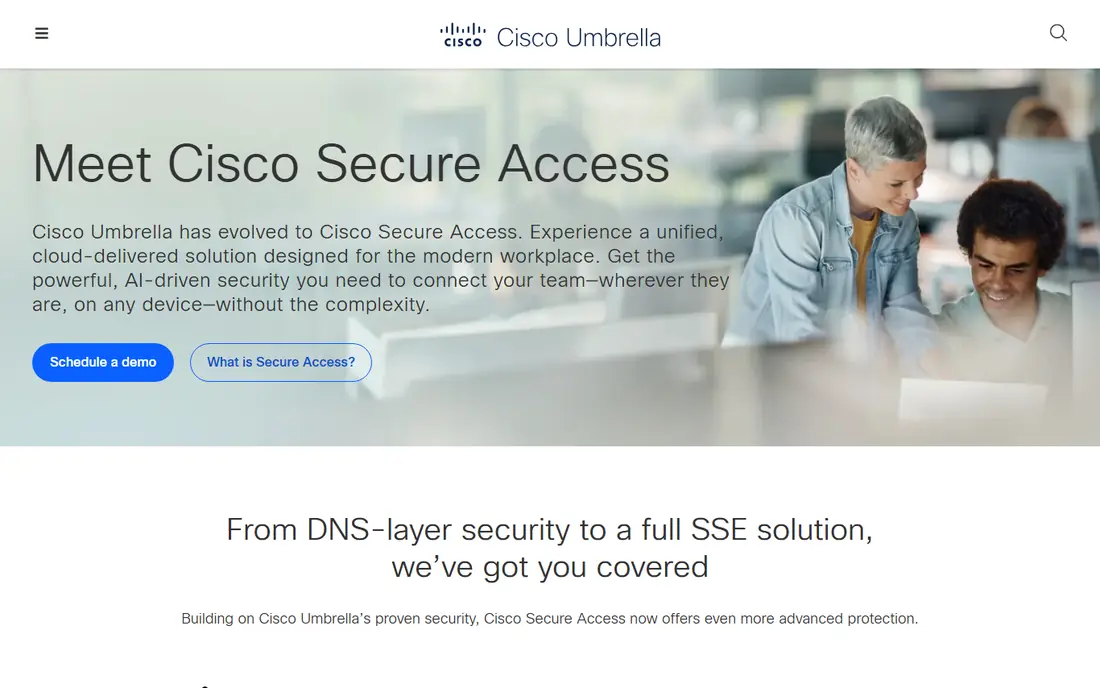
Cisco Umbrella, formerly OpenDNS, is a cloud DNS security service that blocks phishing, malware and unwanted content before a connection is made. It offers category filtering, custom lists and reporting, and it fits naturally into a Cisco security stack. Teams that already use Cisco firewalls, identity tools or secure access products will find the integration story familiar.
The drawback is opacity. Cisco does not publish a fixed price list, and third-party estimates vary, so you need a partner or Cisco quote for a real number. Some buyers also report uneven support. If you are already deep in Cisco, Umbrella is the path of least resistance. If you are not, DNSFilter or Cloudflare Gateway may be simpler and cheaper.
- Talos threat intelligence behind DNS blocking
- More than 80 content categories
- Works with wider Cisco security tools
- Pricing is not published
- Support experience varies by channel
Cloudflare Gateway is part of Cloudflare One, the company's zero trust platform. It filters DNS and web traffic, blocks malicious domains and enforces category policies, all from the same console as access control and network security. Small teams can start on a free tier, which makes it easy to test before committing.
The catch is scope. Gateway shines when you already use, or plan to use, Cloudflare for DNS, access or network security. As a standalone filter for a single family, it is more complex than CleanBrowsing or NextDNS. For a business that wants DNS filtering plus zero trust access in one place, it is a strong, modern choice.
- DNS and HTTP filtering in one Cloudflare One console
- Free tier for small teams
- Strong network performance from Cloudflare edge
- Best value requires wider Cloudflare adoption
- Advanced policies need paid tiers
Control D lets you build detailed DNS profiles with custom rules, schedules, services and device groups. It supports modern encrypted DNS, so filtering still works when traffic is encrypted, and it gives individuals a low-cost way to control their own browsing. Power users like the depth of control over services such as social media, video and gaming.
Business buyers face a familiar problem: individual pricing is published, but organizational pricing needs a sales talk. That makes budgeting harder than with DNSFilter or CleanBrowsing. If you want fine-grained personal control and you are comfortable setting rules yourself, Control D is a good fit. Larger teams should compare its admin and reporting tools with DNSFilter first.
- Highly customizable profiles and rules
- Supports encrypted DNS protocols
- Individual plans are low cost
- Business pricing requires a sales conversation
- Fewer enterprise features than larger gateways
NextDNS is a cloud DNS service that lets you block ads, trackers, malware and unwanted categories from a simple dashboard. Setup takes minutes on a router or device, and the analytics show which domains are being requested and blocked. That visibility helps parents and small teams understand what is actually happening on their network.
The free tier covers personal use up to a monthly query limit, after which paid plans apply, so heavy households should check the current cap. It is not a full enterprise gateway with identity-based policies and deep compliance reporting. For personal use, a small office or a home lab, NextDNS offers a lot of control for little money.
- Free tier for personal use
- Detailed query logs and analytics
- Easy setup on routers and devices
- Free tier has a monthly query cap
- Business features are lighter than enterprise gateways
WebTitan, from TitanHQ, is a DNS filtering product aimed at businesses and managed service providers. It filters URLs, blocks threats at the DNS layer and lets admins assign policies by user or group. MSPs like the multi-tenant console and white label options, which let them offer filtering under their own brand.
Pricing starts low per user in third-party comparisons, but you should confirm the current rate and minimums with TitanHQ before budgeting. The product is less well known than Cisco or Cloudflare, so check references from similar-sized customers. For an MSP that needs a simple, provider-friendly filter, WebTitan is worth a demo alongside DNSFilter.
- DNS-layer filtering with flexible policies
- MSP-focused multi-tenant management
- White label options for providers
- Pricing is not fully published
- Smaller brand presence than Cisco or Cloudflare
Zscaler Internet Access is a full secure web gateway, not just a DNS filter. It inspects web traffic, enforces URL and content policies, blocks threats and applies data controls for users wherever they work. That depth suits large enterprises with remote workers, compliance needs and complex policy requirements.
The trade is effort. Implementation, policy design and testing take more time than turning on a DNS filter, and pricing is quote based. Small teams will find it more than they need. For a large organization that needs web security beyond DNS, including inspection and data protection, Zscaler is one of the leading enterprise options.
- Full secure web gateway with deep inspection
- Cloud-native architecture for remote workers
- Broad policy and reporting controls
- Pricing is quote based
- Implementation is heavier than DNS-only tools
How we picked these
We checked official product pages, pricing pages and public documentation for tools that filter web content at the DNS layer or through a web gateway. We kept tools that are live in October 2026, that clearly describe category filtering or threat blocking, and that serve families, schools or businesses. Where a vendor did not publish a price, we wrote See website.
What to check before you buy
Start by naming what you need to block and for whom. A family needs adult content and SafeSearch. A school needs student safety rules and compliance with local policy. A business needs malware, phishing and productivity categories, plus different rules for different groups. Write those groups down before you compare products, or every demo will look good.
Test bypass resistance next. Check how the tool handles encrypted DNS, VPNs, mobile data and devices that leave the network. DNS-only tools need roaming clients to protect laptops off site. Gateways need certificates and policy design to inspect traffic properly. Run a test with a real user device, not only an admin console.
Finally, check reporting, privacy and cost together. Ask how long logs are kept, who can see them and whether you can export them. Confirm minimum spends, per-user rates and any extra charges for export or roaming. A filter that is cheap but keeps logs you do not want, or blocks work sites your team needs, will cost more in complaints than it saves in license fees.
Frequently asked questions
What is the best web filtering software for a small business?
DNSFilter is a strong small business choice because it publishes pricing, covers many categories and offers roaming clients. Cloudflare Gateway is a good option if you already use Cloudflare, and CleanBrowsing suits a very small office that wants simple setup. The best pick depends on whether you need roaming protection, reporting or MSP management.
What is the difference between DNS filtering and a web gateway?
DNS filtering blocks requests at the domain level, before a site loads, which is fast and light. A secure web gateway inspects full web traffic, including URLs and content, which gives deeper control but needs more setup. Many teams use DNS filtering for all users and add gateway inspection for higher-risk groups.
Is CleanBrowsing free?
CleanBrowsing offers free filters for security, adult content and family-safe browsing. Paid plans start at $75 per year for families, with higher plans for schools, libraries and organizations that add device counts, reporting and management features. The free filters are a good way to test the service.
Can web filtering software block YouTube or social media?
Yes, most tools here let you block categories or specific services, including video and social media, either all day or on a schedule. Check whether the tool blocks the service domain, the app or both, since apps can use different domains. Test with the actual apps your users run before you roll out a policy.
Does web filtering work on phones and laptops away from the office?
It can, if the tool has a roaming client or device-level DNS setting. DNSFilter, Cloudflare Gateway and NextDNS support roaming or device setup for off-network protection. Without that, a laptop on home Wi-Fi or mobile data may bypass a network-only filter.
What are the best web filtering tools for schools?
CleanBrowsing is built with schools and libraries in mind, with SafeSearch enforcement and simple plans. DNSFilter and Cloudflare Gateway also suit schools that need per-user policies and reporting. Check local student privacy rules and log retention before you choose, and involve your IT team in the trial.
Sources
See where you really rank - block by block
ProMapRanker scans Google Maps across a grid of your service area. Simple monthly plans from $19, white-label on every plan.
Start freeKeep reading
 zscaler alternatives
Best Zscaler Alternatives in 2026
Looking for zscaler alternatives? We compare 9 SASE and zero trust platforms on architecture, data protection, pricing, and fit for your network and team.
Read → zapier alternatives free
Best Zapier Alternatives Free in 2026
Nine automation tools for zapier alternatives free in 2026, all with genuinely free tiers, plus free plan limits, starting prices and upgrade paths explained.
Read → which platform is best for online reputation
Which Platform Is Best for Online Reputation in 2026
Wondering which platform is best for online reputation? We compare 8 review, listing, and response tools for small and multi-location businesses and agencies.
Read →