 ProMapRanker
8 Best Web Design Software Tools for 2026

Key takeaways
- Figma leads for collaborative interface design, while Webflow and Framer are stronger when the goal is a live published site.
- Free plans are useful for learning and small projects, but paid plans are usually needed for a custom domain and full content controls.
- WordPress remains a strong choice for content heavy sites, and Wix and Squarespace suit owners who want templates and hosting in one place.
- Sketch fits Mac based teams, and Canva works best for web graphics and simple pages rather than complex site builds.
Quick comparison
| Pick | Great for | Pricing starts at | Free tier | |
|---|---|---|---|---|
 Figma Figma | Collaborative interface design | Free | Yes | Visit |
 Webflow Webflow | Design-led marketing sites | Free | Yes | Visit |
 Framer Framer | Fast designer-built sites | Free | Yes | Visit |
 Wix Wix | Beginners and small businesses | Free | Yes | Visit |
 Squarespace Squarespace | Portfolios and small shops | $16 per month | Free trial | Visit |
 WordPress WordPress | Content sites and blogs | Free | Yes | Visit |
 Canva Canva | Web graphics and simple pages | Free | Yes | Visit |
 Sketch Sketch | Mac based interface design | $12 per month | Free trial | Visit |
The best web design software
We compared design tools, site builders, and publishing platforms to find options that cover planning, visual design, and launch. The list below mixes tools for different skills, budgets, and site types.
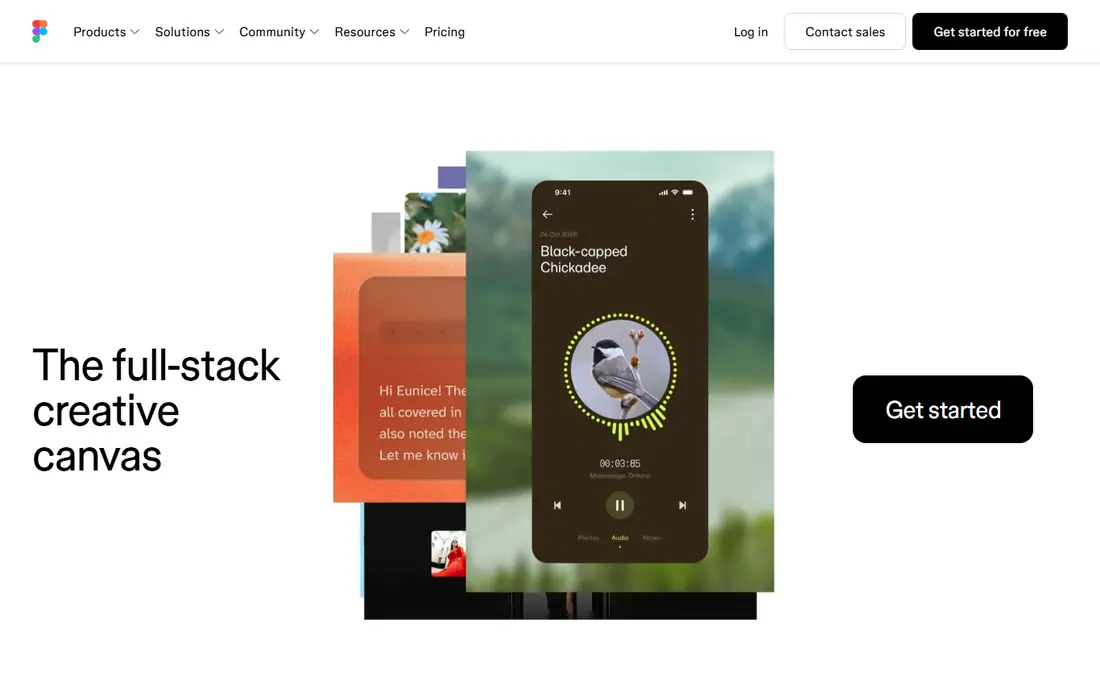
Figma is the tool many product and web teams open first when a new interface takes shape. Designers can work in the same file at the same time, share components across pages, and build prototypes that show how menus, forms, and checkout steps should behave. That shared workspace makes feedback faster, since comments sit beside the design instead of in a separate document. The main limit is scope. Figma is excellent for planning and presenting a site, but a separate builder or developer is usually needed to turn the design into a live website. Teams that need design systems, consistent spacing, and clear handoff notes will still find it hard to replace. Solo designers can also use the free plan to learn the basics before paying.
- Real time collaboration
- Strong components and design systems
- Large plugin library
- It does not publish a full production site on its own
- Large files can feel slow
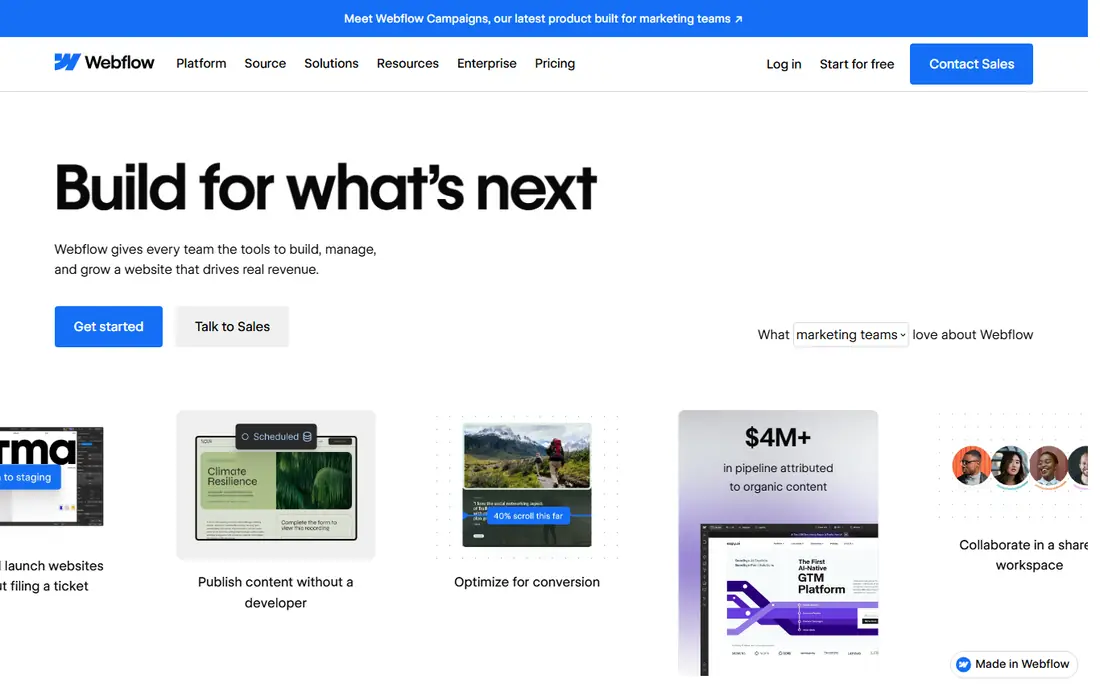
Webflow gives designers direct control over structure, spacing, and responsive behaviour without writing code by hand. You can build pages visually, set breakpoints for phones and desktops, add interactions, and manage blog posts or case studies through its content system. For marketing teams, that control means fewer requests to developers for routine page changes. Beginners should expect time to learn how classes, flexbox, and grid layouts work in the editor. Once that foundation is in place, however, Webflow scales well from a landing page to a full marketing site. It fits agencies and in-house teams that care about typography, motion, and page speed, and who want a site they can update often.
- Visual control over layout and styling
- Built in content management
- Clean published code
- Learning curve is steep for beginners
- Hosting costs add up for larger sites
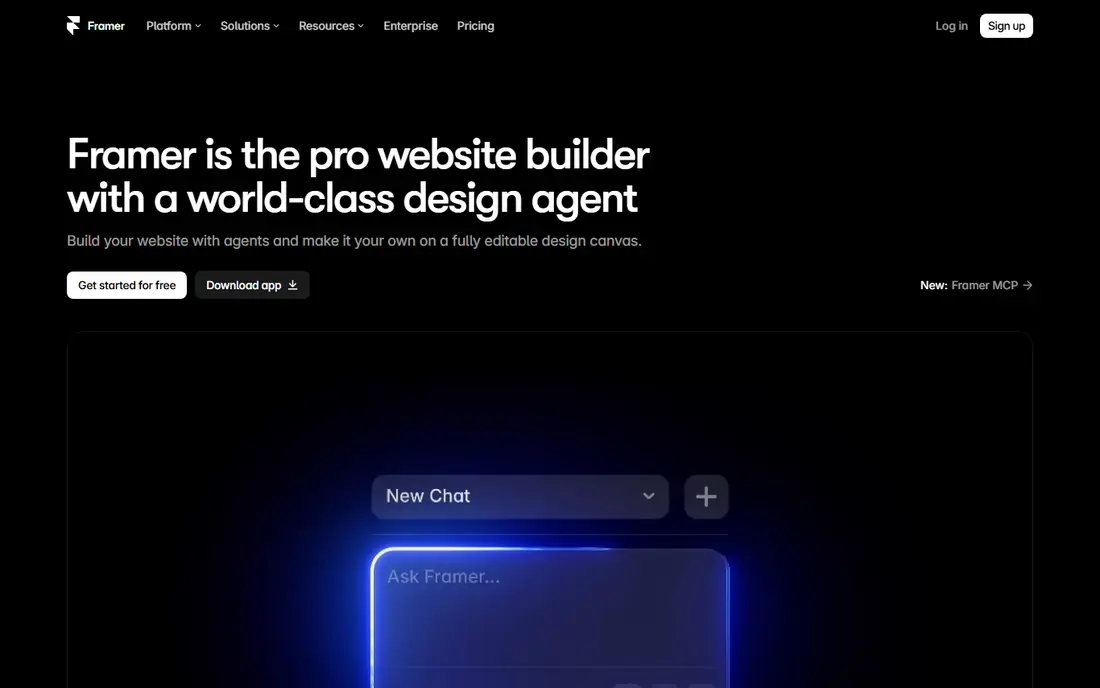
Framer appeals to designers who want to publish quickly and keep the design process in one tool. Starting from a template or a blank canvas, you can adjust layouts, add sections, and publish to a Framer subdomain without setting up hosting separately. The interface feels familiar to anyone who has used a modern design tool, which shortens the learning period. The trade off is depth. Teams with large blogs, complex content rules, or a full online store may reach the limits sooner than they would with a dedicated content platform. For startups, portfolios, and product landing pages, though, Framer offers a strong balance of speed and visual quality. Paid plans add a custom domain and remove branding.
- Quick path from design to published site
- Modern templates
- Generous free plan
- Content management is simpler than Webflow
- Ecommerce options are limited
Wix is built for owners who need a presentable website without learning design theory. Templates cover restaurants, services, portfolios, and shops, and the editor lets you drag sections into place, change text and images, and add bookings or contact forms. Hosting, security updates, and basic search tools are handled in the same account. That simplicity comes with limits on fine control. Designers who want pixel level layout freedom or complex content structures may feel boxed in by the template system. For a small business that needs a reliable site, a contact form, and simple online selling, Wix remains a practical and low stress choice. Paid plans add a custom domain and remove Wix branding.
- Very easy setup
- Many templates
- Hosting and apps included
- Design freedom is lower than Webflow
- Switching templates later can be awkward
Squarespace has long appealed to photographers, writers, studios, and small retailers who want a tidy site with little setup. Templates are clean and consistent, and the platform includes blogging, image galleries, appointment scheduling, and online store tools. That combination suits owners who prefer one bill and one support team for the whole site. The platform is less flexible than WordPress or Webflow for unusual layouts and large content libraries. Users who need deep plugin choices or custom code may find the guardrails frustrating. If visual polish, ease of use, and a contained set of features matter more than full control, Squarespace is a sensible pick, and the trial helps you test a template first.
- Polished templates
- Built in blogging and commerce
- Simple all in one setup
- No permanent free plan
- Customization is more limited than open platforms
WordPress powers a large share of the web because it separates content from design and lets owners extend a site in almost any direction. You can start with a blog, add pages, forms, membership areas, or a store with WooCommerce, and choose from thousands of themes and plugins. For publishers and businesses that plan to grow a content library, that flexibility is hard to match. Ownership brings responsibility. Self hosted WordPress requires hosting, updates, backups, and care when adding plugins, since a poor plugin can slow a site or create conflicts. Managed WordPress hosting can reduce that work for a monthly fee. Teams comfortable with that setup gain a platform that is not tied to one builder, and content can move with them.
- Huge theme and plugin choice
- Strong blogging tools
- Full ownership of content
- You arrange hosting and updates
- Plugin quality varies widely
Canva is best viewed as a design companion for web projects rather than a replacement for a site builder. Teams use it to create hero images, banners, social graphics, presentations, and simple one page sites with consistent branding. The drag and drop editor, stock assets, and brand kit tools make it easy for non designers to produce clean visuals quickly. For a complex site with many pages, forms, and content rules, Canva will feel too simple. Its websites are best for landing pages, event pages, and portfolios where visuals matter more than deep structure. Many teams pair Canva with Figma, WordPress, or a builder, using Canva for assets and the other tool for the site itself. The free plan covers a lot of everyday design work.
- Very easy to learn
- Huge template library
- Good for social and site graphics
- Not a full website platform
- Limited control over code and structure
Sketch remains a solid choice for designers who work on a Mac and prefer a focused desktop app for interface work. Symbols, shared libraries, and artboards help teams keep buttons, cards, and navigation consistent across screens. The tool is fast for wireframes and high fidelity mockups, and it integrates with common handoff and prototyping tools. The main drawback is platform reach. Teams with Windows or Linux users, or clients who want to comment in a browser without installing software, may prefer Figma. Sketch also does not publish a live website on its own, so a builder or developer is still needed for launch. For Mac based studios with a settled workflow, it remains a reliable and calm design environment.
- Focused Mac design workflow
- Strong symbols and libraries
- Offline friendly
- Mac only
- Collaboration is narrower than browser based tools
How we picked these
We compared official feature pages, pricing pages, app store listings, privacy policies, and public reviews for tools that are widely used for web design in October 2026. We looked for a clear fit with the topic, a working free plan or trial where claimed, and a realistic path from design to a published site or a handoff file. We did not claim hands on testing, and we avoided tools that are discontinued or that only cover one narrow task such as photo editing alone.
Choosing the right tool for your site
Start with the end result you need, not the tool with the longest feature list. If you need a live marketing site this month, a builder such as Webflow, Framer, Wix, or Squarespace will get you further than a design only tool. If you need to plan an app or a complex product interface first, Figma or Sketch is the better starting point, and you can choose a builder later.
Match the tool to your skill level
Beginners should favour templates, guided editors, and strong support docs, even if that means less control. Intermediate designers benefit from visual CSS control and content management, while developers may prefer WordPress or a code friendly workflow. Try a free plan or trial with a real page, not just a demo, and check how easy it is to edit text, swap images, and publish a change.
Check cost, ownership, and growth
Add up the domain, hosting or site plan, and any paid plugins before you commit. Check whether you can export content, change templates, and connect analytics, forms, and email tools. A cheap start can become costly if you must rebuild later, so pick a platform that can handle your next year of pages, products, or posts as well as the first version.
Frequently asked questions
What is the best software for web design for beginners?
Wix and Squarespace are good starting points for beginners because templates, hosting, and editing live in one place. Canva also helps with graphics and simple pages, while Figma is useful once you want to plan layouts more carefully. Choose the tool that matches the site you need now, and test it with a real page before paying.
Which software is best for web design for professional teams?
Figma is a strong choice for professional design teams because of shared components, real time collaboration, and prototyping. Webflow suits teams that must publish marketing sites without constant developer help. Many professional teams use both, with Figma for design and Webflow or WordPress for publishing.
What are the best website design tools for a small business?
Small businesses often do well with Wix or Squarespace for a simple site, or WordPress for a content heavy site that may grow. The best choice depends on whether you need blogging, bookings, or selling, and how much time you can spend on updates. A template based builder usually wins when time is short.
Is WordPress still a good web design tool in 2026?
Yes, WordPress remains a good choice for blogs, news sites, and stores, thanks to its theme and plugin range and content tools. It needs more setup than a hosted builder, since you arrange hosting and updates. Owners who want full control and long term ownership often find that trade off worthwhile.
Which tool is best for web page design software on a Mac?
Sketch is a natural fit for Mac only design teams, while Figma works in a browser on any system and suits mixed teams. Framer and Webflow also run in a browser and cover design plus publishing. If collaboration with Windows users matters, a browser based tool is usually the safer pick.
Sources
See where you really rank - block by block
ProMapRanker scans Google Maps across a grid of your service area. Simple monthly plans from $19, white-label on every plan.
Start freeKeep reading
 zendesk alternatives
Best Zendesk Alternatives in 2026
Compare the best Zendesk alternatives in 2026, from budget help desks to AI-first support tools, with current pricing, free plans, and honest trade-offs.
Read → wordpress alternatives
Best WordPress Alternatives in 2026
Looking for the best WordPress alternatives? We compare 8 free and paid options for blogs, business sites, stores, and developer-led projects in 2026.
Read → which real estate company has the best training
Best Real Estate Company Training in 2026
Compare which real estate company has the best training, from Keller Williams and eXp to Compass and Coldwell Banker, by program, mentor, and fit in 2026.
Read →