 ProMapRanker
Best Web Chat Service in 2026

Key takeaways
- Intercom and Zendesk suit larger support teams that want AI help and a shared inbox, while simpler tools cost far less.
- LiveChat, Tidio, and Crisp give small teams a focused chat widget without a full helpdesk contract.
- tawk.to and HubSpot offer genuinely free starting points, though paid add-ons and limits still apply.
- Check per-agent pricing and any AI resolution fees before you choose, since those charges grow with volume.
Quick comparison
| Pick | Great for | Pricing starts at | Free tier | |
|---|---|---|---|---|
 Intercom | AI-led support teams | $29 per seat per month | Free trial (14 days) | Visit |
 Zendesk | Teams inside the Zendesk suite | See website | Free trial (14 days) | Visit |
 LiveChat | Dedicated chat support teams | $19 per agent per month billed annually | Free trial (14 days) | Visit |
 Tidio | Small online stores | $29 per month | Yes | Visit |
 Crisp | Small teams with many agents | $45 per workspace per month | Yes | Visit |
 Freshchat | Small teams wanting a free start | $19 per agent per month billed annually | Yes | Visit |
 HubSpot | Teams already using HubSpot CRM | Free | Yes | Visit |
 tawk.to | Budget teams needing unlimited agents | Free | Yes | Visit |
 Olark | Human-first website chat | $29 per agent per month | Free trial (14 days) | Visit |
The best web chat services
We compared official feature pages, pricing pages, app store listings, privacy policies, and public reviews to find chat tools that fit different team sizes and budgets.
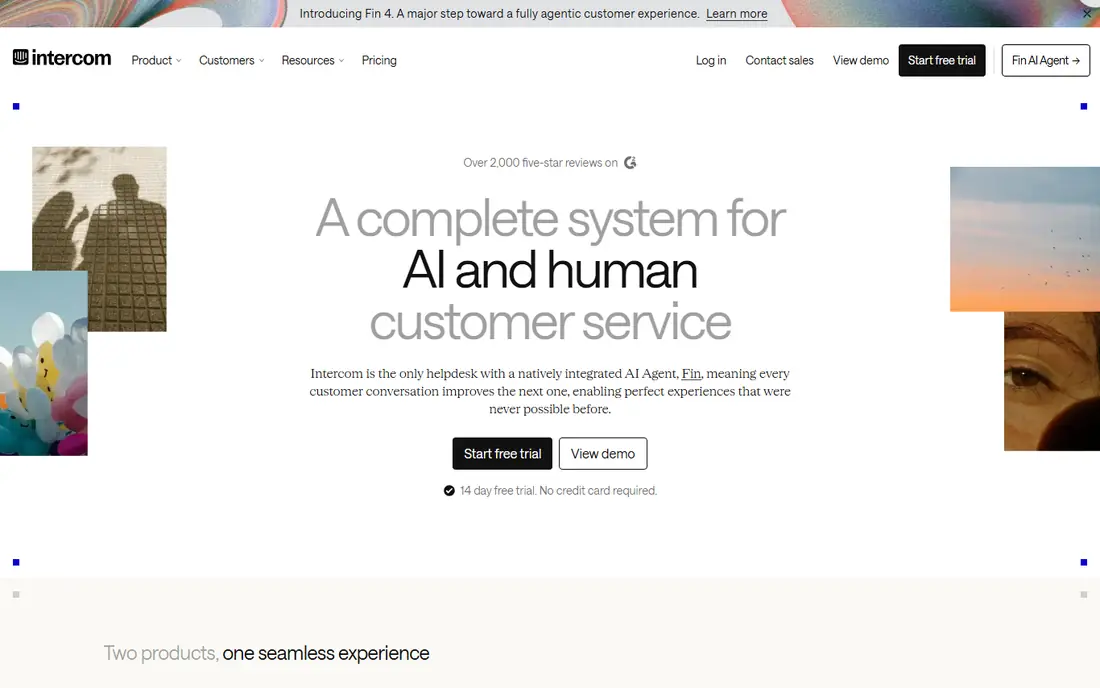
Intercom suits teams that want human and AI support in one place. Its AI agent, Fin, can answer common questions from your help content, and agents pick up the same conversation without asking visitors to repeat themselves.
The catch is cost control, since seat fees and AI resolution fees both rise as volume grows. If this fits your needs, start with a trial or free tier and test it with real visitors or guests.
Put Intercom on your shortlist if AI-led support teams describes your main need. Skip it if another factor, such as price, coverage, or catalog depth, matters more for your situation.
- AI agent plus shared inbox
- Strong integrations
- Built-in help center
- Per-seat plus per-resolution pricing can grow fast
- Setup takes time for small teams
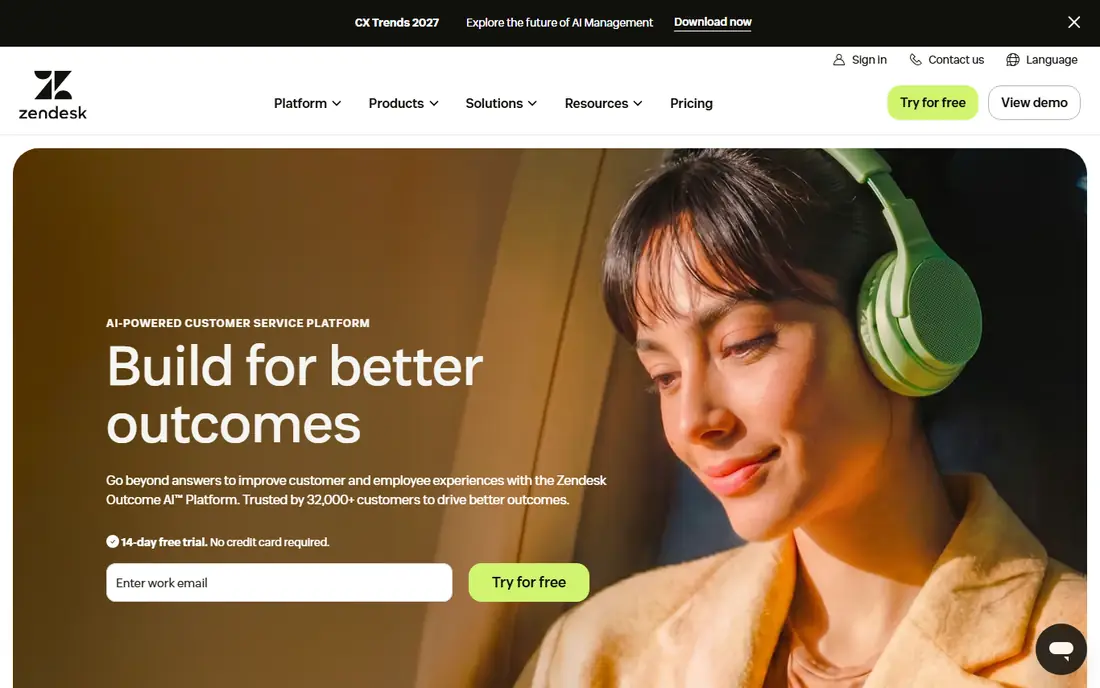
Zendesk makes sense when chat is one part of a larger support operation. Its messaging tools connect to tickets, email, and other channels, so agents see context instead of isolated chat windows.
The trade-off is complexity, because the full suite needs more setup than a standalone widget. Compare the total cost for your team size, not just the headline price, before you commit.
Put Zendesk on your shortlist if Teams inside the Zendesk suite describes your main need. Skip it if another factor, such as price, coverage, or catalog depth, matters more for your situation.
- Messaging plus ticketing in one system
- Strong routing and reporting
- Wide app marketplace
- Pricing varies by suite tier
- Smaller teams may pay for features they rarely use
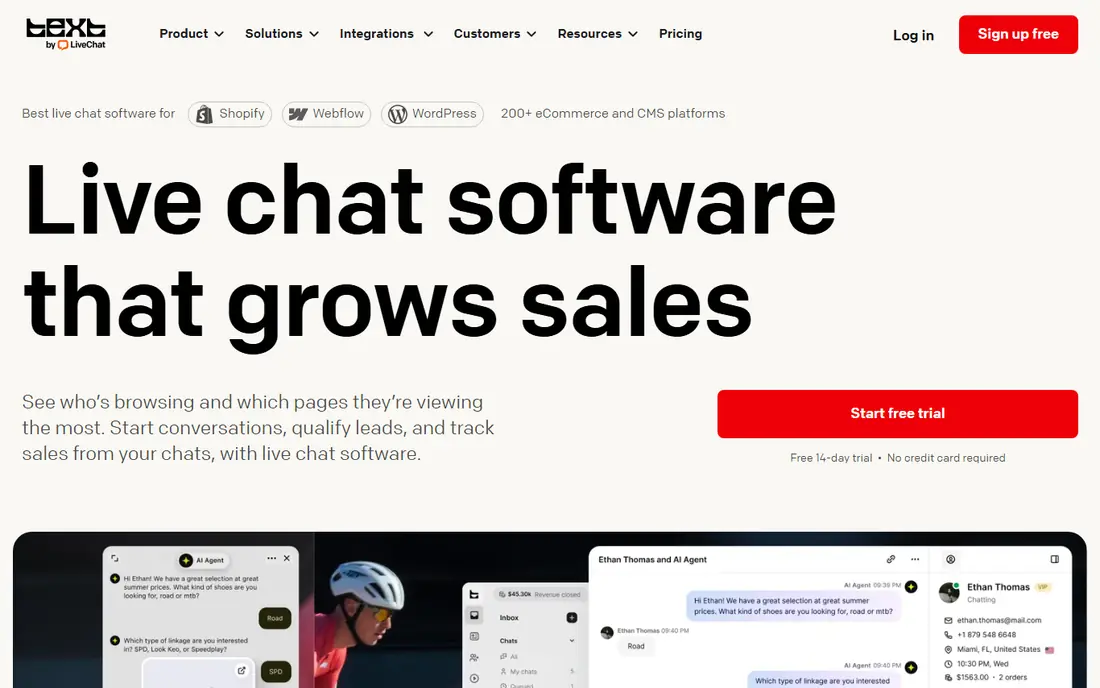
LiveChat keeps the focus on live conversations rather than a broad helpdesk. Agents get a clear queue, visitor details, and quick replies, which helps small teams answer faster during busy hours.
The limit is scope, since teams that also need deep ticketing may need another tool alongside it. Check the current plan page before you buy, since pricing and limits change often.
Put LiveChat on your shortlist if Dedicated chat support teams describes your main need. Skip it if another factor, such as price, coverage, or catalog depth, matters more for your situation.
- Fast focused chat widget
- Useful canned responses and reports
- Chat ratings built in
- No free plan
- Costs rise per agent
- AI add-ons may cost extra
Tidio is a practical pick for stores that want chat plus simple automation. Its chatbot can answer order and shipping questions, and live agents can step in when a sale needs a human touch.
The watch point is plan limits, so check how conversations and AI replies are counted before you rely on automation. If this fits your needs, start with a trial or free tier and test it with real visitors or guests.
Put Tidio on your shortlist if Small online stores describes your main need. Skip it if another factor, such as price, coverage, or catalog depth, matters more for your situation.
- Free plan for small volumes
- AI chatbot option
- Works with common store platforms
- Paid plans rise with usage
- Free plan conversation limits apply
Crisp stands out because it charges per workspace, not per agent. That model helps a growing team add agents without the bill jumping with every hire.
The downside is that some advanced tools sit on higher tiers, so compare the tier contents, not just the headline price. Compare the total cost for your team size, not just the headline price, before you commit.
Put Crisp on your shortlist if Small teams with many agents describes your main need. Skip it if another factor, such as price, coverage, or catalog depth, matters more for your situation.
- Flat workspace pricing
- Shared inbox plus chat widget
- Video and co-browsing options
- Higher tiers needed for advanced features
- Smaller free seat limit
Freshchat gives small teams room to start without paying on day one. Its free tier covers more agents than many rivals, and the shared inbox keeps chat and email in one view.
The limit is that growth features, including deeper automation, require a paid plan. Check the current plan page before you buy, since pricing and limits change often.
Put Freshchat on your shortlist if Small teams wanting a free start describes your main need. Skip it if another factor, such as price, coverage, or catalog depth, matters more for your situation.
- Free plan for up to 10 agents
- Shared inbox
- Part of the Freshworks suite
- Advanced AI and reporting need paid tiers
- Pricing changes with agent count
HubSpot is the easy choice if your contacts already live in its CRM. Chat conversations attach to contact records, which helps sales and support follow up without copying notes between tools.
The catch is that the free tool is basic, and richer routing and automation sit behind paid plans. If this fits your needs, start with a trial or free tier and test it with real visitors or guests.
Put HubSpot on your shortlist if Teams already using HubSpot CRM describes your main need. Skip it if another factor, such as price, coverage, or catalog depth, matters more for your situation.
- Free live chat tool
- Chat links to CRM records
- Shared inbox on paid hubs
- Best value inside HubSpot
- Advanced routing needs paid Service Hub
tawk.to is hard to beat on price, because the core chat service is free. Teams can add unlimited agents and chats without a per-seat bill, which suits volunteer groups and small shops.
The trade-off is polish, since some advanced features and removal of branding require paid add-ons. Compare the total cost for your team size, not just the headline price, before you commit.
Put tawk.to on your shortlist if Budget teams needing unlimited agents describes your main need. Skip it if another factor, such as price, coverage, or catalog depth, matters more for your situation.
- Free core chat with unlimited agents
- Visitor monitoring
- Paid add-ons available
- Free version shows branding options to manage
- Advanced AI and voice are paid
Olark keeps website chat plain and human, without a heavy platform around it. Setup is quick, agents see where visitors came from, and transcripts make follow-up simple.
The limit is breadth, because teams wanting a full helpdesk or deep automation will need another system. Check the current plan page before you buy, since pricing and limits change often.
Put Olark on your shortlist if Human-first website chat describes your main need. Skip it if another factor, such as price, coverage, or catalog depth, matters more for your situation.
- Simple setup
- Real-time visitor detail
- Transcripts and reporting included
- No free plan
- AI website agent is a separate higher cost option
How we picked these
We checked each vendor pricing page and feature list, then compared free plans, trial terms, agent pricing, and AI charges. We kept only tools that are live in October 2026 and that offer a real website chat widget. We did not claim hands-on testing, and we treated review scores as background only, not as proof of quality.
How to pick a web chat service without overpaying
Start with who answers chats. A solo owner needs a simple widget and mobile alerts, while a support team needs routing, canned replies, and a shared inbox. If you already use a CRM or helpdesk, a tool that connects to it will save more time than a slightly cheaper standalone widget.
Next, read the pricing line by line. Some tools charge per agent, some per workspace, and some add a fee for each AI-resolved chat. Add your expected agent count and monthly chat volume to the base price before you compare. A free plan is useful for testing, but check its seat limit, conversation limit, and branding rules.
Finally, test the visitor experience on your own site. The widget should load fast, work on phones, and make it clear when no agent is online. Set an offline message, a short welcome prompt, and a clear route to email so visitors are not left waiting in an empty chat box.
Frequently asked questions
Do I need a paid plan to add chat to my website?
No. Several tools offer a free plan that covers a basic widget and a small team. Paid plans add more agents, automation, reporting, and AI help, so start free and upgrade only when a limit actually blocks your work.
Is AI chat help worth the extra cost?
It can be, if your team answers the same questions often and your volume is high. Check whether AI replies are billed per resolution, per conversation, or included in the plan, since that detail changes the monthly total more than the headline seat price.
Will web chat replace email support?
For most small teams, no. Chat suits quick questions and sales help, while email still fits longer or sensitive cases. The best setup routes chat, email, and other messages into one inbox so nothing is lost between channels.
How many agents do I need to start?
One or two agents can cover a small site if hours are clear and an offline form catches messages outside those hours. Add agents when reply times rise, not just because a plan allows more seats.
Can I move from one chat tool to another later?
Yes, in most cases, though chat history and automation rules may not transfer cleanly. Export your canned replies and customer notes before you switch, and keep the old widget live until the new one is tested.
Sources
See where you really rank - block by block
ProMapRanker scans Google Maps across a grid of your service area. Simple monthly plans from $19, white-label on every plan.
Start freeKeep reading
 worlds best local seo company
8 Worlds Best Local SEO Companies for Map Pack Growth in 2026
Compare the worlds best local seo company options for Google Business Profile work, citations, reviews, and multi-location rankings and reporting in 2026.
Read → world's best web hosting company
World's Best Web Hosting Company in 2026
Searching for the world's best web hosting company? We compared 10 hosts on price, renewal rates, speed, and support to help you choose well today in 2026.
Read → who's got the best nanny tax services
Who's Got the Best Nanny Tax Services in 2026
We answer who's got the best nanny tax services, comparing full filing, back taxes, software, and pricing so families can handle nanny taxes correctly.
Read →