 ProMapRanker
Best Ways to Promote an App in 2026

Key takeaways
- Start with app store optimization, since a clear listing, good keywords, and strong screenshots help both organic and paid installs.
- AppTweak and App Radar cover keyword research and listing work for most teams, while Sensor Tower suits larger publishers that need market data.
- Apple Search Ads and Google App Campaigns are the most direct paid routes, because they reach people already searching for an app like yours.
- Reviews and attribution matter as much as ads, so AppFollow and Branch belong in the stack once installs start to grow.
Quick comparison
| Pick | Great for | Pricing starts at | Free tier | |
|---|---|---|---|---|
 AppTweak | Keyword intelligence | See website | Free trial | Visit |
 App Radar | Daily ASO workflow | See website | Yes | Visit |
 Sensor Tower | Market intelligence | See website | No | Visit |
 AppFollow | Review management | Free | Yes | Visit |
 SplitMetrics | Store page testing | See website | No | Visit |
 MobileAction | Apple Search Ads plus ASO | See website | Yes | Visit |
 Apple Search Ads | iOS search installs | See website | No | Visit |
 Google App Campaigns | Android and iOS reach | See website | No | Visit |
 Meta Ads | Social app installs | See website | No | Visit |
 Branch | Attribution and deep links | See website | Yes | Visit |
The best ways to promote an app
Promotion works best as a system, not a single trick. A strong store listing earns organic installs, paid ads add volume, reviews build trust, and attribution shows which channel deserves more budget. The tools below cover each part of that system, and we note where each one fits best.
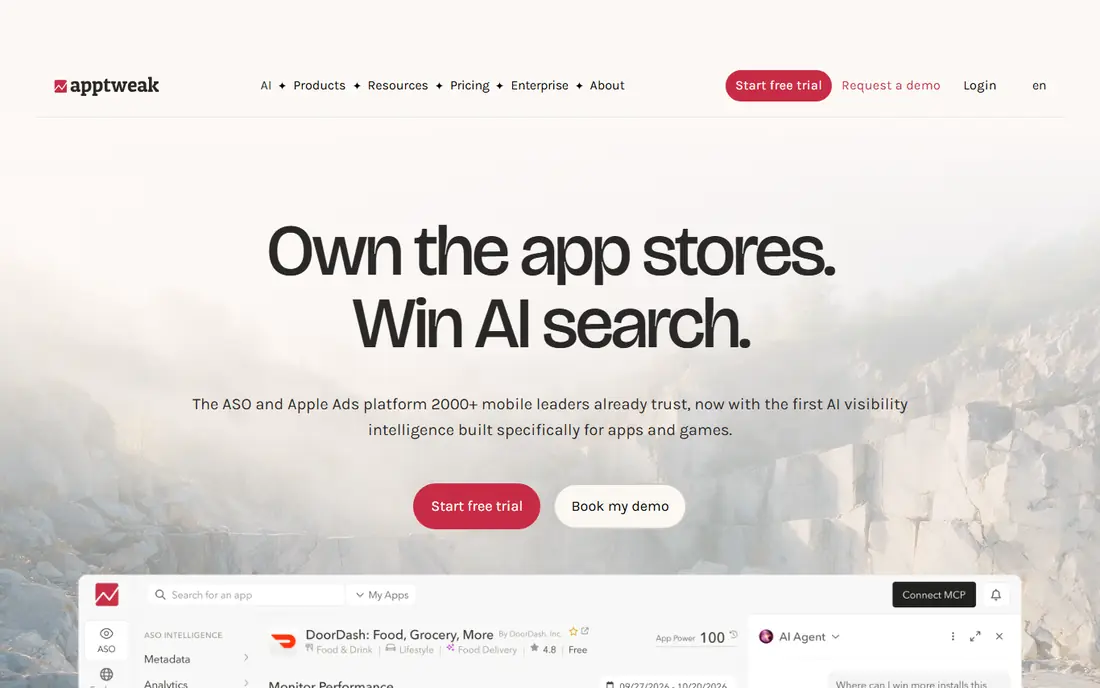
AppTweak is the default keyword tool for mid-size app teams. It helps you find search terms people actually use, track rankings by country, and see which keywords rivals rank for. That data feeds better titles, subtitles, and descriptions, which in turn helps both organic discovery and paid search.
The price is the main barrier for indie developers, and published entry prices vary by plan and billing period, so check the current page. Keyword volumes are also estimates, so treat them as a guide and confirm with your own ranking and install data. For teams with real traction, AppTweak pays for itself in better listing decisions.
- Deep keyword data for App Store and Google Play
- Competitor tracking
- Apple Search Ads insights in the same workspace
- Entry pricing is high for solo developers
- Volume estimates are directional, not exact
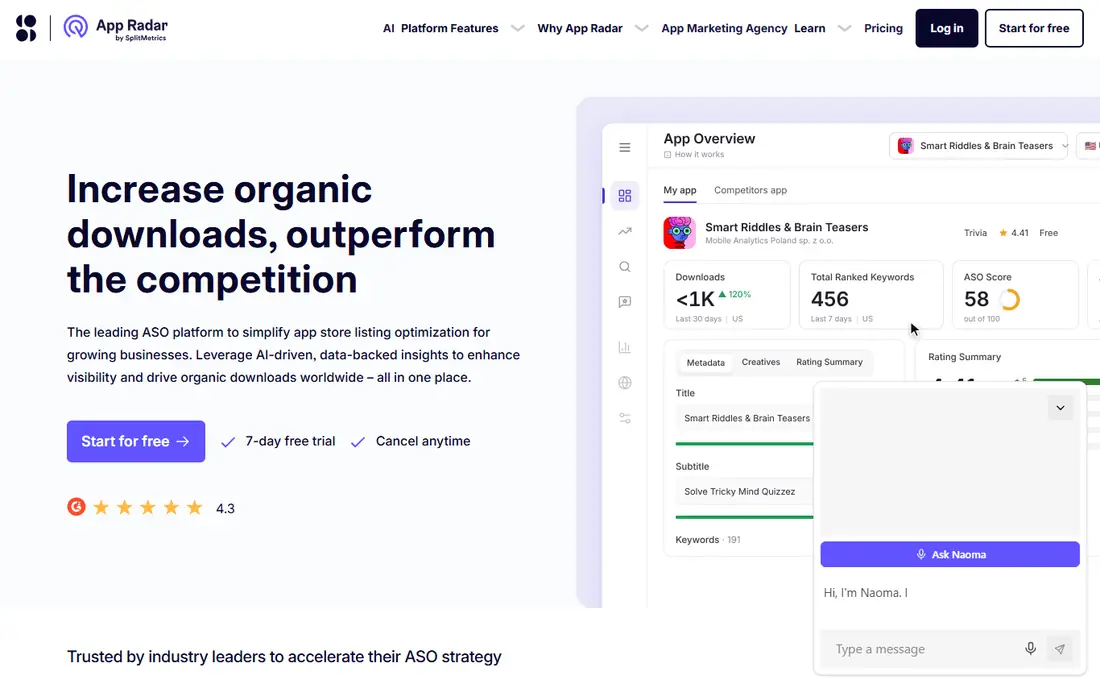
App Radar suits small teams that need a daily ASO routine without enterprise cost. You can draft metadata, localize listings, track keywords, and publish changes from one place. That workflow matters, because ASO only works when listings are updated regularly rather than once at launch.
It does not offer the same depth of market or ad intelligence as Sensor Tower, so larger publishers may still need a second tool. For bootstrapped teams, though, App Radar covers the core work at a lower entry point. Start on the free plan and upgrade when keyword limits become a real constraint.
- AI metadata suggestions
- Publish listings from the dashboard
- Free plan for getting started
- Less market data than Sensor Tower
- Pricing in euros on some pages, so compare totals carefully
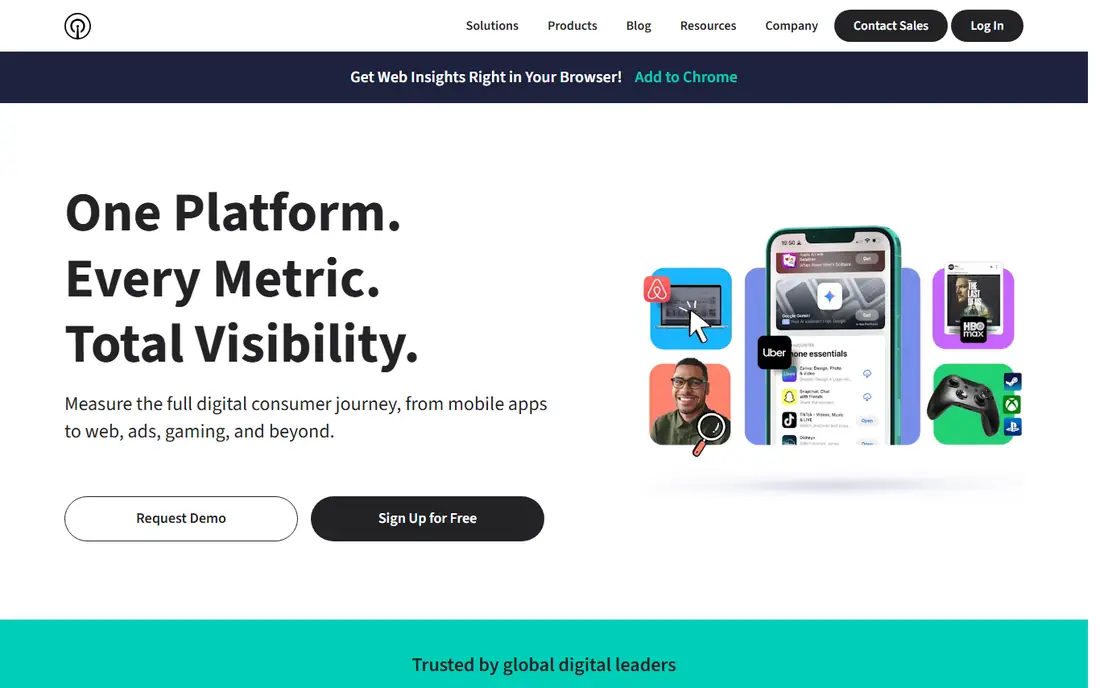
Sensor Tower is for publishers, investors, and larger teams that need to understand a whole market, not just one listing. Download estimates, revenue estimates, and ad creative data help you judge which categories are growing, which rivals spend heavily, and where a new app could stand out. It absorbed data.ai, so older data.ai accounts now sit inside Sensor Tower.
For a single indie app, the cost is hard to justify, and the data is still estimated rather than exact. If you run several apps or plan a major launch, Sensor Tower gives context that smaller ASO tools cannot. For one app, start with AppTweak or App Radar instead.
- Broad download and revenue estimates
- Ad intelligence across rivals
- Category and market trend data
- Enterprise pricing
- More tool than a single app needs
Reviews are a promotion channel in their own right, since store ratings affect both ranking and conversion. AppFollow pulls reviews from Apple, Google, and other stores into one place, flags sentiment changes, and lets teams reply quickly. That speed matters when a bug or a pricing change triggers a wave of negative reviews.
The free plan covers basic review work, which is enough for a single app. Larger teams will need paid plans for full ASO, reporting, and integrations. Even so, AppFollow is one of the cheapest ways to protect the trust your ads and ASO work creates.
- Review aggregation across stores
- Sentiment analysis
- Auto-replies and team workflows
- Full ASO features sit on paid plans
- Setup takes time for large portfolios
SplitMetrics helps you test screenshots, icons, and descriptions before you commit to a live listing change. By sending paid traffic to simulated store pages, you can see which creative converts best without risking your live ranking. That is valuable for apps where a small conversion gain means many more installs from the same ad spend.
Pricing is custom, and the tool is not cheap for small teams. It also needs enough traffic to produce reliable results, so it fits conversion-led teams rather than pre-launch apps with no budget. Use it when creative testing becomes the bottleneck, not as a first tool.
- Tests store pages with paid traffic before launch
- Apple Search Ads optimization
- Clear conversion data
- Custom pricing
- Only earns its cost once you have real ad traffic
MobileAction is a good middle option for teams that run Apple Search Ads and want ASO in the same workflow. You can research keywords, track rankings, and see search ad performance without switching tools. That combined view helps you spot keywords where paid and organic work support each other.
Pure ASO teams may prefer AppTweak for deeper keyword data, and enterprise teams may prefer Sensor Tower for market data. For a small paid team, MobileAction offers a practical balance, and the free plan lets you test the workflow before paying.
- Combines ASO with Apple Search Ads data
- Free plan for basic use
- Useful for paid plus organic teams
- Less depth than AppTweak for pure keyword research
- Paid plans needed for full data
Apple Search Ads is one of the most direct ways to promote an iPhone app, because it places your app at the top of App Store search results for terms people already type. Users who tap are already looking for an app like yours, so conversion is often stronger than social ads. You control budgets and bids, and you can test keywords before scaling spend.
It only covers iOS, so Android teams need a separate channel. Competitive keywords can also get expensive, and poor listing creative will waste taps. Fix your screenshots and reviews first, then use search ads to add volume to keywords that already convert.
- Reaches people searching in the App Store
- Pay per tap model
- Strong intent from search users
- IOS only
- Costs rise for competitive keywords
Google App Campaigns promote your app across Search, Google Play, YouTube, and Discover, using your store listing, text, images, and video as assets. Google tests combinations and shifts budget to the ones that drive installs. That automation helps small teams reach a wide audience without managing many separate campaigns.
The trade-off is control. You cannot pick every placement, and weak assets will limit results no matter how much you spend. Invest in a clear icon, strong screenshots, and a short video before you scale. Used well, App Campaigns are the simplest way to buy installs at volume.
- Reaches Google Search, Play, YouTube, and Discover from one campaign
- Automated asset testing
- Broad reach
- Less control over exact placements
- Needs good creative assets to perform well
Meta Ads work best when your app has a clear visual story and a specific audience. Short video, strong first frames, and a clear install call to action drive results on Facebook and Instagram. You can test many creatives quickly and shift budget to the ones that convert, which suits apps with broad consumer appeal.
Costs depend heavily on audience and competition, and the same ad will stop working after repeated exposure. Plan a steady flow of new creative and watch cost per install, not just clicks. Meta Ads are a volume channel, not a substitute for a good store listing.
- Large audiences on Facebook and Instagram
- Detailed targeting and creative testing
- App install optimization
- Costs vary widely by audience
- Creative fatigue sets in fast
Branch answers a question every promotion budget depends on: which channel actually drove the install. Deep links send users from an ad, email, or social post straight to the relevant screen inside your app, which improves conversion after install. Attribution then shows which campaigns deserve more spend and which ones only look good on clicks.
Setup takes developer work, and attribution is never perfect, especially with privacy limits on mobile. Even so, Branch is worth adding once you run more than one paid channel. Without it, you risk scaling the wrong channel and cutting the one that actually works.
- Deep links that carry users to the right in-app content
- Attribution across channels
- Free tier for getting started
- Setup needs developer time
- Attribution data needs careful interpretation
How we picked these
We compared official feature and pricing pages, plus public ASO and ad platform guides, and we kept only tools and channels that are live in October 2026 and that directly help promotion. We favored a mix of organic, paid, review, and attribution tools, and we used See website where published prices varied by plan, region, or billing period. We did not claim hands-on testing, and we treated download and volume estimates as directional.
A simple promotion plan that works
Start with the store listing. Fix the title, keywords, screenshots, and first lines of the description, then ask early users for reviews and reply to them. That foundation makes every paid channel cheaper, because more of the people who tap will actually install. Launch paid ads only after the listing converts well on organic traffic.
Spend in stages, not all at once
Test Apple Search Ads or Google App Campaigns with a small budget on a narrow set of keywords first. Keep the winners, cut the losers, and add Meta Ads only when you have creative that already converts. Check Branch attribution weekly, and move budget toward channels with the lowest cost per retained user, not just the cheapest install.
Keep creative fresh
Store screenshots, ad video, and social posts wear out. Refresh the top creative every few weeks, test one change at a time, and use SplitMetrics or live listing tests to confirm what works. Small gains in conversion often beat a larger ad budget, because they improve every channel at once.
Frequently asked questions
What is the best way to promote an app for free?
App store optimization is the best free route, since better keywords, screenshots, and reviews improve organic discovery at no ad cost. App Radar and AppFollow both offer free plans to start that work. Content, press, and community posts also help, but they work slowly and need steady effort.
What is the best way to advertise a mobile app?
Apple Search Ads is the best paid start for iOS, and Google App Campaigns is the best broad start for Android and iOS together. Both reach people with clear intent, which usually converts better than cold social ads. Test with a small budget, then scale only the keywords and creatives that drive retained users.
How do I promote my app on a small budget?
Fix the listing first, then use free ASO plans and a small search ad budget on narrow keywords. Reply to reviews, since a higher rating improves conversion for every channel. Avoid spreading a small budget across many channels, since none will get enough data to learn what works.
What is the best way to promote your app after launch?
After launch, shift from awareness to retention and reviews. Use Branch deep links in emails and social posts, ask happy users for reviews, and test new screenshots with SplitMetrics. Paid ads should support a listing that already converts, not cover for a listing that does not.
Do ASO tools guarantee higher rankings?
No tool guarantees rankings, and keyword volumes are estimates. ASO tools help you choose better keywords, track changes, and test creative, but rankings also depend on installs, retention, reviews, and category competition. Treat ASO as steady work, not a one-time fix.
Sources
See where you really rank - block by block
ProMapRanker scans Google Maps across a grid of your service area. Simple monthly plans from $19, white-label on every plan.
Start freeKeep reading
 zscaler alternatives
Best Zscaler Alternatives in 2026
Looking for zscaler alternatives? We compare 9 SASE and zero trust platforms on architecture, data protection, pricing, and fit for your network and team.
Read → zapier alternatives free
Best Zapier Alternatives Free in 2026
Nine automation tools for zapier alternatives free in 2026, all with genuinely free tiers, plus free plan limits, starting prices and upgrade paths explained.
Read → which platform is best for online reputation
Which Platform Is Best for Online Reputation in 2026
Wondering which platform is best for online reputation? We compare 8 review, listing, and response tools for small and multi-location businesses and agencies.
Read →