 ProMapRanker
Best Ways to Improve Customer Service in 2026


Omnichannel teams at scale · Pricing starts at: $55 per agent per month
Key takeaways
- The angle here is plain: these are the tools and services that put customer service improvement practices into action.
- Faster first replies, clearer ownership and better self-service usually help more than adding new channels.
- A shared inbox with automation suits small teams, while a full CRM-linked suite suits larger, multi-channel teams.
- Measure first response time, resolution time and customer satisfaction before and after any change.
- No tool fixes poor staffing, unclear policies or bad product quality on its own.
Quick comparison
| Pick | Great for | Pricing starts at | Free tier | |
|---|---|---|---|---|
| Zendesk | Omnichannel teams at scale | $55 per agent per month | Free trial | Visit |
 Freshdesk | Affordable ticketing and automation | $19 per agent per month | Free trial | Visit |
 HubSpot Service Hub | CRM-linked service teams | Free | Yes | Visit |
 Intercom | Chat-first and AI-assisted support | $29 per seat per month | Free trial | Visit |
 Salesforce Service Cloud | Enterprise CRM service operations | $25 per user per month | Free trial | Visit |
 Help Scout | Simple shared inbox teams | $25 per user per month | Yes | Visit |
 Zoho Desk | Budget teams in the Zoho suite | $7 per agent per month | Yes | Visit |
The best ways to improve customer service
Improving customer service is a practice, not a purchase. It means answering faster, giving clear ownership of each issue, making answers easy to find, and learning from feedback. The tools below are the ones that put those practices into action day to day, from shared inboxes and automation to knowledge bases, live chat and customer feedback surveys.
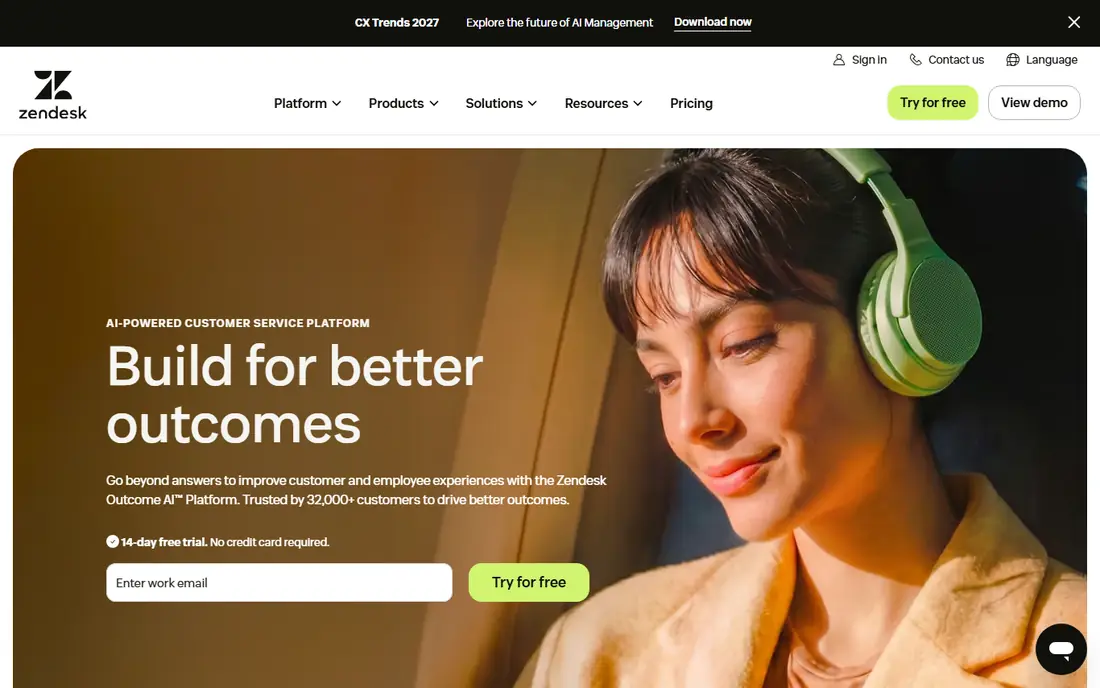
Zendesk earns its place for teams that handle email, chat, phone and social messages in one place. Its ticketing, routing rules, service level agreements and reporting give managers a clear view of volume, backlog and slow cases. That structure is what turns "answer faster" from a goal into a tracked habit, since every request has an owner, a status and a due time.
The cost is real, with Suite Team starting at $55 per agent per month on the pricing we found, and AI help often billed as an add-on. Smaller teams may find the setup heavier than they need. Zendesk fits best when volume, complexity or multiple brands make a simple inbox hard to manage.
- Deep ticketing, routing and reporting
- Many channels in one queue
- Wide integration options
- Higher entry price
- Setup takes planning
- AI features often cost extra
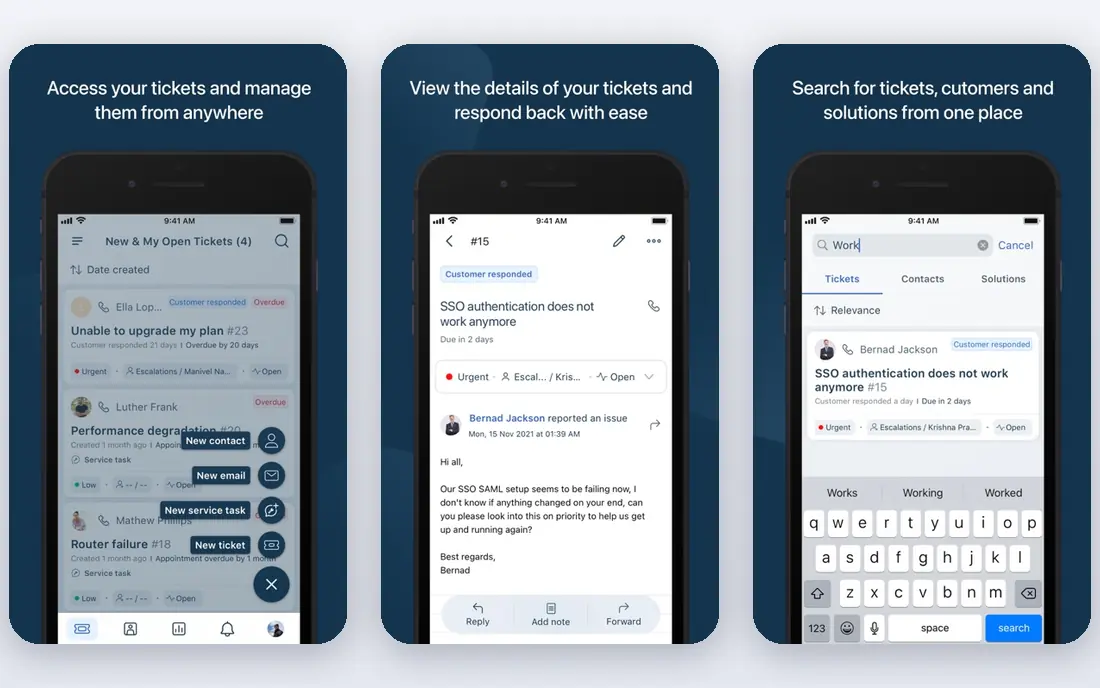
Freshdesk is a practical way to move from a shared email inbox to real ticket ownership without a large budget. Its Growth plan, starting at $19 per agent per month in the pricing we found, adds automation, service level management and a knowledge base. Those three features cover the most common improvements: faster routing, clear deadlines and answers customers can find themselves.
Freshdesk is less deep than Zendesk for very large or complex operations, and its AI copilot is a paid add-on on higher plans. For a growing team that wants structure at a fair price, that trade is usually acceptable. Start with ticket categories, automation rules and a short knowledge base, then expand as volume grows.
- Lower entry price than Zendesk
- Solid automation and self-service
- Easy to learn for new agents
- Advanced AI costs extra
- Some features sit on higher plans
- Reporting depth grows with plan level
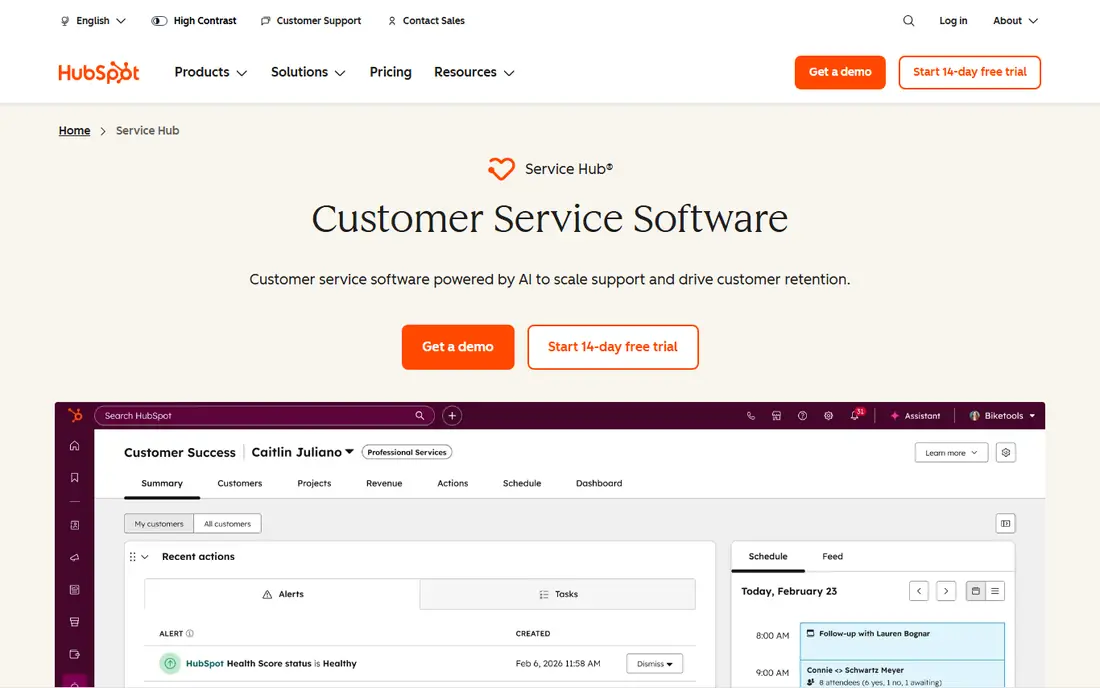
HubSpot Service Hub improves service by putting support in the same record as sales and marketing history. An agent can see past purchases, open deals and earlier tickets before replying, which reduces repeat questions and awkward handoffs. Free tools cover basic ticketing, live chat and a shared inbox, so a small team can start without a licence cost.
The catch is plan depth. Full automation, a customer portal and custom reporting sit on Professional and above, with onboarding fees on those tiers. HubSpot fits best for teams already using HubSpot CRM, where the shared customer record is the main gain. Teams outside that ecosystem should compare the total seat cost carefully.
- Free tools to start
- Tickets linked to full customer records
- Surveys and knowledge base included on paid plans
- Full helpdesk depth sits on higher plans
- Onboarding fees on Professional and Enterprise
- Per-seat costs add up
Intercom improves service by meeting customers inside your product or website, rather than making them find an email address. Its Messenger, AI answers and proactive messages handle common questions at once and route harder cases to a human with context. For software and subscription businesses, that in-context help often cuts first response time sharply.
Pricing needs care. The Essential plan starts at $29 per seat per month in the pricing we found, and AI outcomes are billed separately. High-volume teams should model AI resolution costs at real volumes, not demo volumes. Intercom fits chat-first teams best, and less well for teams that mainly handle complex email cases.
- Strong in-app messaging
- AI answers for common questions
- Proactive messages and product tours
- AI resolutions billed per outcome
- Costs rise with volume
- Ticket depth is lighter than Zendesk
Salesforce Service Cloud improves service through case management tied directly to customer, account and order records. Agents get a full history, managers get routing and escalation rules, and leaders get reporting across service and sales. For large organisations already on Salesforce, that shared record is hard to match with a standalone helpdesk.
The trade is complexity. Service Cloud needs skilled setup, and its Starter price of $25 per user per month in the pricing we found is only the entry point. Add-ons, implementation and admin time raise the real cost. It fits enterprise teams with dedicated admins, and it is usually too heavy for a team of two or three agents.
- Deep CRM integration
- Strong case management and automation
- Wide enterprise controls
- Setup and admin effort is high
- Total cost rises with add-ons
- Smaller teams may find it heavy
Help Scout improves service by keeping the tool close to email, which most agents already know. Conversations stay in a shared inbox with assignments, saved replies and collision detection, so two agents do not answer the same customer twice. A free plan exists for small teams, and paid plans add live chat, Docs and more automation.
Help Scout is not the pick for complex, multi-brand routing or deep enterprise reporting. Its strength is clarity and speed of adoption, which matters when a team needs better habits this month, not after a long implementation. If your main problems are missed emails and unclear ownership, Help Scout addresses them directly.
- Clean, email-like interface
- Free plan for small teams
- Docs knowledge base on paid plans
- Less depth for complex routing
- AI answers billed per resolution
- Reporting is simpler than enterprise suites
Zoho Desk improves service at a low price by giving small teams tickets, automation, a knowledge base and customer happiness tracking in one tool. Its Express plan starts at $7 per agent per month in the pricing we found, with a free plan for up to three agents. That price makes structured service reachable for teams that previously relied on a shared mailbox.
The interface can feel busy until you set up departments, categories and workflows that match your team. Zoho Desk also gives the most value to teams already using Zoho CRM or other Zoho apps. If you are outside that suite, check integrations for your phone, chat and billing tools before committing.
- Low entry price
- Free plan for small teams
- Automation and AI on higher plans
- Interface feels busy at first
- Best value inside Zoho
- Advanced features need higher plans
How we picked these
We compared official feature pages, pricing pages, app store listings and public reviews for service tools that are live in October 2026. We focused on tools that directly support improvement practices: shared ownership, faster routing, self-service, feedback collection and clear reporting. We favoured tools with published pricing where possible, and we noted where AI features cost extra. We did not claim hands-on testing, and we did not invent ratings or results.
A practical plan for better service
Start by measuring the present state for two weeks: first response time, resolution time, reopened tickets and customer satisfaction scores. Then fix the biggest gap first, not the most fashionable feature. If replies are slow, set routing rules and service level targets. If the same questions repeat, publish a short knowledge base and link it in replies. If customers feel passed around, give every ticket one owner until it closes.
Next, build feedback into the routine. Send a short survey after resolution, review low scores weekly, and share one fix from that feedback with the whole team each week. Train agents on tone, ownership and escalation, and give them saved replies that they can adapt rather than copy blindly. Finally, review the tool itself every quarter: check seat costs, AI charges and unused features, and remove channels or add-ons that add work without helping customers.
Frequently asked questions
What is the fastest way to improve customer service?
Give every request one owner, a reply deadline and a clear next step. A shared inbox with routing and service level targets usually beats adding a new channel. Measure first response and resolution times so you can see whether the change helped.
Do I need AI to improve customer service?
No. AI can help with common questions and drafting replies, but clear ownership, good knowledge articles and trained agents matter more. Add AI after the basics work, and check its cost per resolution at your real volume.
How do knowledge bases help customers?
A good knowledge base lets customers solve common problems without waiting, and it gives agents consistent answers to copy and adapt. Keep articles short, updated and written in plain language, and link them in tickets and chat replies.
Should small teams buy an enterprise service suite?
Usually not at first. A simple shared inbox or a low-cost helpdesk covers ownership, automation and reporting for most small teams. Move to an enterprise suite when volume, channels or compliance needs outgrow the simpler tool.
How do I measure customer service improvement?
Track first response time, resolution time, reopened tickets, customer satisfaction and the share of contacts solved by self-service. Review those numbers weekly, and compare them with the same period before the change.
What mistakes make service worse?
Adding channels without staffing them, hiding contact options, copying generic replies without reading the ticket, and changing tools without training all hurt service. Fix staffing, policies and training alongside any new tool.
Sources
See where you really rank - block by block
ProMapRanker scans Google Maps across a grid of your service area. Simple monthly plans from $19, white-label on every plan.
Start freeKeep reading
 worlds best local seo company
8 Worlds Best Local SEO Companies for Map Pack Growth in 2026
Compare the worlds best local seo company options for Google Business Profile work, citations, reviews, and multi-location rankings and reporting in 2026.
Read → world's best web hosting company
World's Best Web Hosting Company in 2026
Searching for the world's best web hosting company? We compared 10 hosts on price, renewal rates, speed, and support to help you choose well today in 2026.
Read → who's got the best nanny tax services
Who's Got the Best Nanny Tax Services in 2026
We answer who's got the best nanny tax services, comparing full filing, back taxes, software, and pricing so families can handle nanny taxes correctly.
Read →