 ProMapRanker
Best Way to Create an App in 2026

Key takeaways
- The best way to build an app depends on whether you need a web app, a native mobile app or both, and how complex the logic must be.
- Bubble suits complex web apps, FlutterFlow suits native mobile apps with code export, and Glide suits internal tools from spreadsheets.
- AppSheet suits data-driven business apps for Google Workspace teams, while Adalo suits simple native apps for founders.
- Low-code platforms such as OutSystems, Mendix and Power Apps suit enterprise teams with governance and integration needs.
- Start with a small prototype, test it with real users, and only pay for scale once the app proves its value.
Quick comparison
| Pick | Great for | Pricing starts at | Free tier | |
|---|---|---|---|---|
 Bubble | Complex web apps | $59 per month | Yes | Visit |
 FlutterFlow | Native mobile apps | $39 per month | Yes | Visit |
 Adalo | Simple native apps | $36 per month | Yes | Visit |
 Glide | Spreadsheet-powered tools | $19 per month | Yes | Visit |
 AppSheet | Google Workspace business apps | $5 per user per month | Yes | Visit |
 Softr | Portals from Airtable or Sheets | $19 per month | Yes | Visit |
 OutSystems | Enterprise low-code apps | See website | Yes | Visit |
 Mendix | Collaborative enterprise low-code | See website | Yes | Visit |
 Microsoft Power Apps | Microsoft 365 business apps | $20 per user per month | Yes | Visit |
The best way to create an app
We compared official pricing pages, feature pages and developer documentation for app creation platforms still offered in October 2026. Our pick for most founders is Bubble for web apps and FlutterFlow for mobile apps, with Glide close behind for internal tools. The list below covers ways to create an app, from no-code to low-code, so you can match the method to your goal.
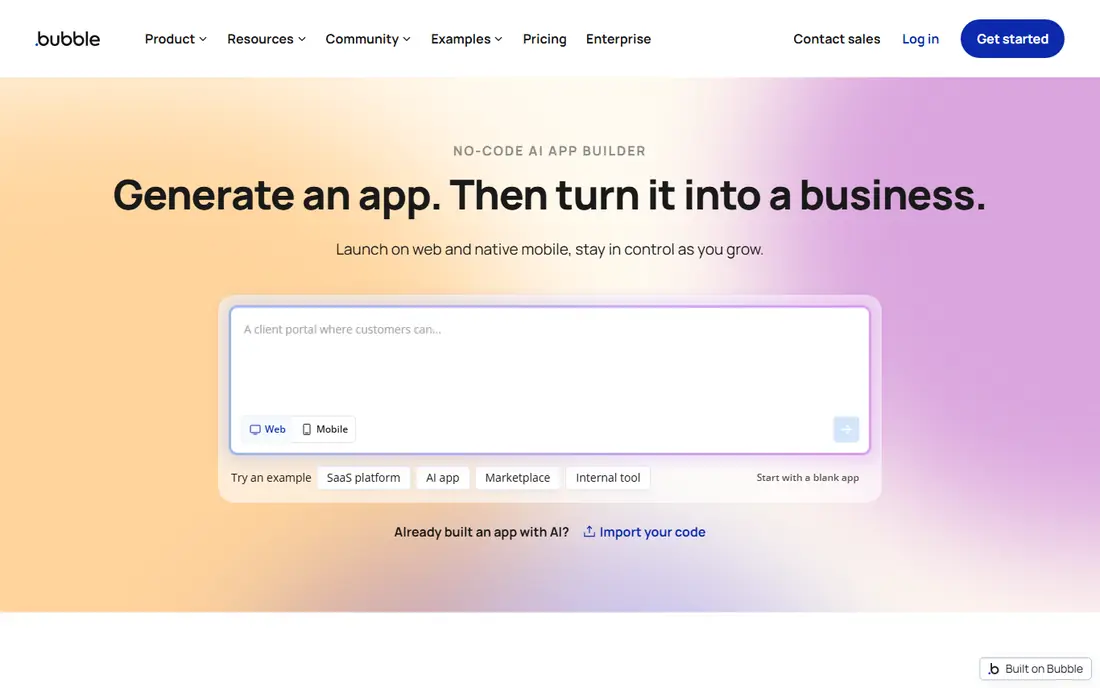
Bubble is the most capable no-code platform for complex web apps. You build screens visually, define workflows with logic rules, store data in a built-in database and connect APIs, all without writing code for the core product. That makes Bubble a strong choice for SaaS products, marketplaces and internal platforms with custom rules.
Mobile apps are the limit. Bubble is web-first, so a native mobile app needs additional work or a wrapper, and performance depends on how well workflows are designed. Pricing starts at $59 a month for Starter Web plus Mobile on annual billing, with workload units that can raise costs at scale. For a web product with real logic, Bubble remains the benchmark.
- Visual workflows and built-in database
- Large plugin marketplace
- Strong for SaaS and marketplaces
- Web-first, with mobile apps needing extra work
- Workload-based pricing can be hard to predict

FlutterFlow suits founders who want a real native mobile app on both stores. You design screens visually, connect Firebase for login and data, and export Flutter code you can keep and extend. That code ownership matters if you later hire developers, since you are not locked into a single platform for the life of the product.
The learning curve is steeper than Glide or Adalo, and backend setup in Firebase takes time outside FlutterFlow. Paid Basic starts at $39 a month, with a free plan for learning and prototyping. If a native app is the goal and you can handle some technical setup, FlutterFlow gives the most professional result in this list.
- True native iOS and Android apps
- Flutter code export
- Firebase integration
- Closer to development than pure no-code
- Backend setup needs a separate Firebase project
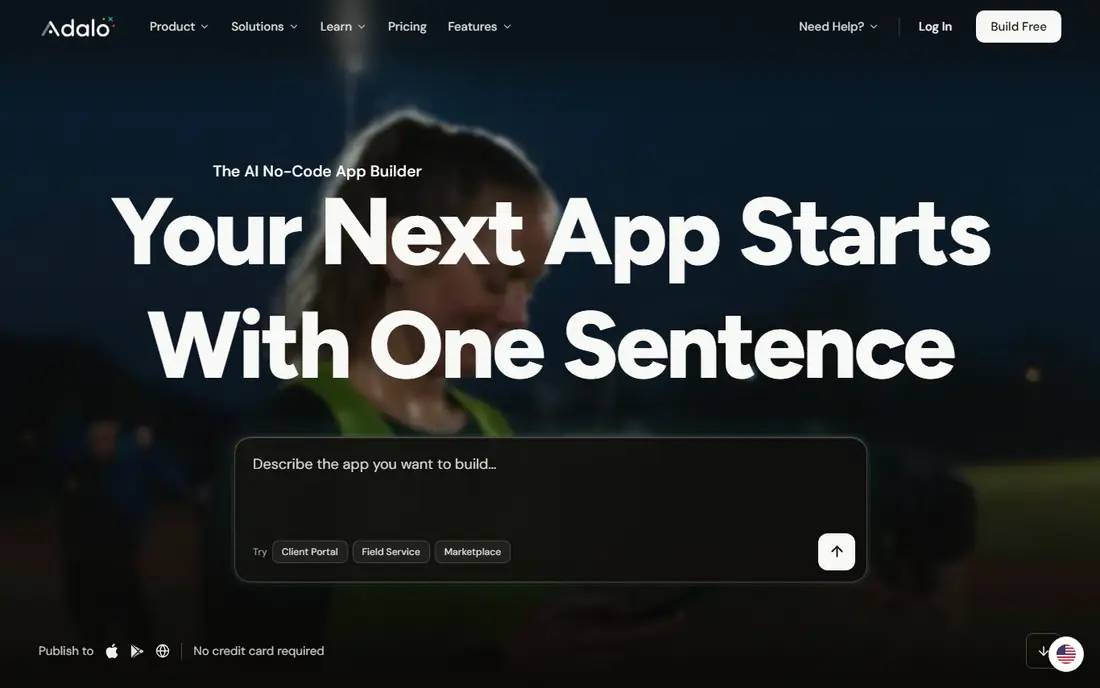
Adalo is built for simple native apps from one canvas. Founders and small businesses can build a directory, booking app or community app, publish to iOS and Android, and update it without a developer. The interface is easier to learn than FlutterFlow, and the free plan lets you preview an app before paying.
Heavy data and complex logic are the limits. Large datasets can slow performance, and customisation is narrower than in Bubble or FlutterFlow. Paid Starter starts at $36 a month on annual billing. For a straightforward mobile app with a clear, limited scope, Adalo is a fast and friendly way to start.
- Simple visual builder for iOS, Android and web
- Native look and feel
- Marketplace components
- Limited scaling for heavy data
- Fewer customisation options than FlutterFlow
Glide turns a spreadsheet or database into a polished mobile-friendly app in hours, not weeks. That makes it ideal for internal tools: inventory trackers, field forms, directories and dashboards for a team that already keeps data in Sheets or Airtable. The learning curve is close to zero, and the output looks good on a phone without design work.
Complex workflows and heavy custom logic are not Glide strengths, and very large datasets can slow the app. Paid plans start at $19 a month on annual billing, with per-user costs on some plans. For an internal tool over data you already own, Glide is the fastest way to create an app in this list.
- Builds apps from Sheets, Airtable or databases
- Fast for internal tools
- Good mobile design
- Limited for complex logic
- Performance can suffer with very large datasets
AppSheet, part of Google Cloud, builds business apps from data in Sheets, Excel, Cloud SQL and other sources. Field teams use it for inspections, inventory, timesheets and approvals, with offline capture and automated workflows. Integration with Google Workspace makes it natural for teams that already live in Sheets and Drive.
Design flexibility is limited, and the interface feels dated next to Glide or FlutterFlow. The free prototype tier lets you test an app, while paid plans start at $5 per user per month. For a practical field or operations app inside Google Workspace, AppSheet is a strong, low-cost choice.
- Data-driven apps from Sheets and databases
- Workflow automation
- Strong Google integration
- Dated interface
- Limited design flexibility
- Google-centric ecosystem
Softr builds portals, directories and internal apps from Airtable, Google Sheets or Notion data. A membership directory, client portal or resource hub can be live in a day, with sign-in, permissions and search included. That speed suits small businesses that need a gated portal more than a custom product.
The trade-off is structure. Softr uses blocks rather than a free canvas, so fully custom screens and complex multi-step flows are harder to build. Paid plans start at $19 a month on annual billing, with a free plan for one app. For a portal on data you already manage, Softr is one of the fastest routes.
- Fast portals and directories
- Airtable, Sheets and Notion connections
- User permissions
- No canvas for fully custom screens
- Limited for complex multi-step workflows
OutSystems is a low-code platform for enterprise teams that need mission-critical apps with governance, security and scale. It supports web and mobile apps, integrations with existing systems and one-click deployment, with AI assistance for building and maintaining code. Large organisations use it to replace legacy systems without a full custom development project.
Pricing is enterprise focused and quoted per project, so it is not a good fit for a solo founder building a first app. The free edition lets developers learn the platform, but production use needs a commercial plan. For a regulated or large-scale business app, OutSystems offers control that no-code tools cannot match.
- Enterprise security and scalability
- One-click deployment
- AI-assisted development
- Enterprise pricing
- Complex for simple projects
- Higher learning curve
Mendix is another enterprise low-code platform, with a focus on collaboration between business users and developers. Visual modelling, reusable components and governance tools help large teams build, test and maintain apps that connect to existing systems. It suits banks, insurers, manufacturers and public sector teams with complex workflows.
Like OutSystems, Mendix is priced for enterprise use, and a free edition is offered for learning and small projects. A simple app does not need this level of governance, and the learning curve is higher than Glide or Softr. For a team that must balance speed with control, Mendix is a credible enterprise way to create an app.
- Collaborative modelling for business and IT teams
- Strong integrations
- Governance tools
- Enterprise pricing
- Overkill for a simple app
- Learning curve for non-developers
Microsoft Power Apps suits teams already using Microsoft 365. It builds business apps that connect to SharePoint, Teams, Dataverse and other Microsoft services, with low-code formulas and governance through the Power Platform. A team can build an approval app, a request tracker or a field form that lives inside the tools staff already use.
Licensing can be complex, with per-user and per-app plans, and the starting price of $20 per user per month reflects business use. A developer plan lets individuals learn for free. Outside Microsoft 365, other tools in this list are simpler. Inside it, Power Apps is often the fastest and most supported way to create an app.
- Deep Microsoft 365 and Dataverse integration
- Low-code formulas
- Enterprise governance
- Best inside Microsoft 365
- Licensing can be complex
- Design is business focused
How we picked these
We compared official pricing pages, feature pages and developer documentation for app creation platforms still offered in October 2026. We kept platforms that let a non-developer or a small team ship a real app, from no-code builders to enterprise low-code tools. We noted where a platform is web-first, mobile-first or enterprise focused, and we used See website where pricing is quoted per project rather than published as a single rate.
How to choose your way to build an app
Start with the app type. A web app with complex logic points to Bubble. A native mobile app points to FlutterFlow or Adalo. An internal tool from a spreadsheet points to Glide or AppSheet. A portal points to Softr. An enterprise system points to OutSystems, Mendix or Power Apps. Choosing the wrong type first is the most common reason a project stalls.
Next, define the smallest version that proves value. List three core features, one user type and one success measure, such as ten users completing a booking. Build that version, test it with real users, and only add features that users ask for. A prototype that works for ten people teaches more than a full app that no one has tried.
No-code, low-code or custom code
No-code is fastest for a first version and for internal tools. Low-code suits teams that need custom logic, integrations and governance without a full engineering team. Custom code suits products with unique performance, security or scale needs, and teams that can fund ongoing development. Many products start no-code, then move to custom code once revenue justifies it. That path is normal, so choose a platform with export or API options where possible.
Costs to watch
Check user pricing, data limits, workload or usage units, and app store fees. A $19 a month plan can grow quickly if it charges per user or per row. Test with realistic data volumes, read the pricing page for overage charges, and keep a backup export of your data and designs.
Frequently asked questions
What is the best way to create an app without coding?
Bubble is our pick for complex web apps without coding, Glide for internal tools from spreadsheets, and Adalo for simple native apps. The best way to build an app without coding depends on whether you need a web app, a mobile app or an internal tool.
What is the best way to make an app for iPhone and Android?
FlutterFlow is our pick for a native app on both stores with code export, while Adalo suits simpler native apps. Glide and Softr build mobile-friendly web apps that work on phones without store publishing. Choose native when you need store distribution or device features.
What is the best way to develop an app on a budget?
Start with a free plan on Glide, Bubble or AppSheet, and build a small prototype before paying. AppSheet starts at $5 per user per month, Glide at $19 a month, and Softr at $19 a month on annual billing. Pay for scale only after real users validate the idea.
Should I hire a developer or use a no-code tool?
Use a no-code tool for a first version, an internal tool or a simple product, since it is faster and cheaper to test. Hire a developer for a product with unique technical needs, high scale or strict security requirements. Many founders start no-code, then hire developers to rebuild or extend a proven product.
How long does it take to create an app?
A simple Glide or Softr app can take a day, a Bubble or Adalo prototype can take a few weeks, and a polished native app can take two to three months. Time depends on scope, design, integrations and testing, not just the tool. Cut scope first if a deadline matters.
Sources
See where you really rank - block by block
ProMapRanker scans Google Maps across a grid of your service area. Simple monthly plans from $19, white-label on every plan.
Start freeKeep reading
 zscaler alternatives
Best Zscaler Alternatives in 2026
Looking for zscaler alternatives? We compare 9 SASE and zero trust platforms on architecture, data protection, pricing, and fit for your network and team.
Read → zapier alternatives free
Best Zapier Alternatives Free in 2026
Nine automation tools for zapier alternatives free in 2026, all with genuinely free tiers, plus free plan limits, starting prices and upgrade paths explained.
Read → which platform is best for online reputation
Which Platform Is Best for Online Reputation in 2026
Wondering which platform is best for online reputation? We compare 8 review, listing, and response tools for small and multi-location businesses and agencies.
Read →