 ProMapRanker
Best Way to Build a Web App in 2026

Key takeaways
- For a full product without code, Bubble gives the most room to grow, while Glide and Softr get a simpler app live faster.
- Webflow is the strongest choice when design and content matter most, and Retool is the strongest for internal tools.
- Low-code enterprise platforms such as Mendix and OutSystems suit large teams with strict governance needs, not solo founders.
- The best way to build depends on your app type, your budget, and how much control you need over data and code later.
Quick comparison
| Pick | Great for | Pricing starts at | Free tier | |
|---|---|---|---|---|
 Bubble | Full no-code products | Free | Yes | Visit |
 Webflow | Design-led sites and web apps | Free | Yes | Visit |
 Glide | Apps from spreadsheets | Free | Yes | Visit |
 Softr | Portals and directories | Free | Yes | Visit |
 Retool | Internal dashboards and tools | Free | Yes | Visit |
 FlutterFlow | Cross-platform apps with code export | Free | Yes | Visit |
 Adalo | Simple mobile-first apps | Free | Yes | Visit |
 Mendix | Enterprise low-code apps | See website | Yes | Visit |
 OutSystems | Mission-critical enterprise apps | See website | Yes | Visit |
The best way to build a web app
This article treats the topic plainly as tools and platforms for building a web app, from no-code builders to low-code enterprise platforms. Pick by the app you need, not by the tool with the longest feature list.
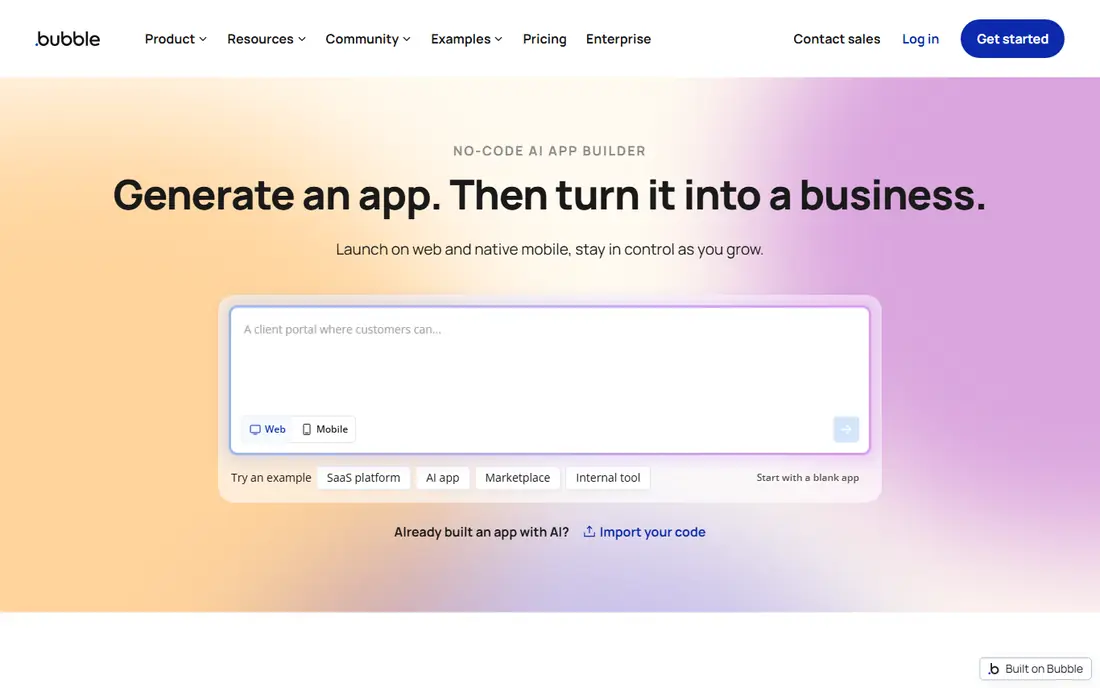
Bubble is our pick for most people who want to build a real web app without writing code. It gives you a visual editor for pages, a built-in database, workflows for logic, user accounts, and payments through plugins, all in one place. That full stack is why founders use it for marketplaces, booking tools, directories, and software products, not just landing pages. The community and plugin library also help when you hit a feature that is not built in.
The honest cost is learning time and pricing complexity. Bubble takes longer to learn than Glide or Softr, and paid plans are driven by workload units, so a busy app can cost more than the entry price suggests. Start on the free plan, build the core workflow first, and watch usage before you add heavy features or large data imports.
- Visual workflows, built-in database, and user logins
- Large plugin library
- Suitable for marketplaces and SaaS products
- Steeper learning curve
- Usage-based pricing can be hard to predict at scale
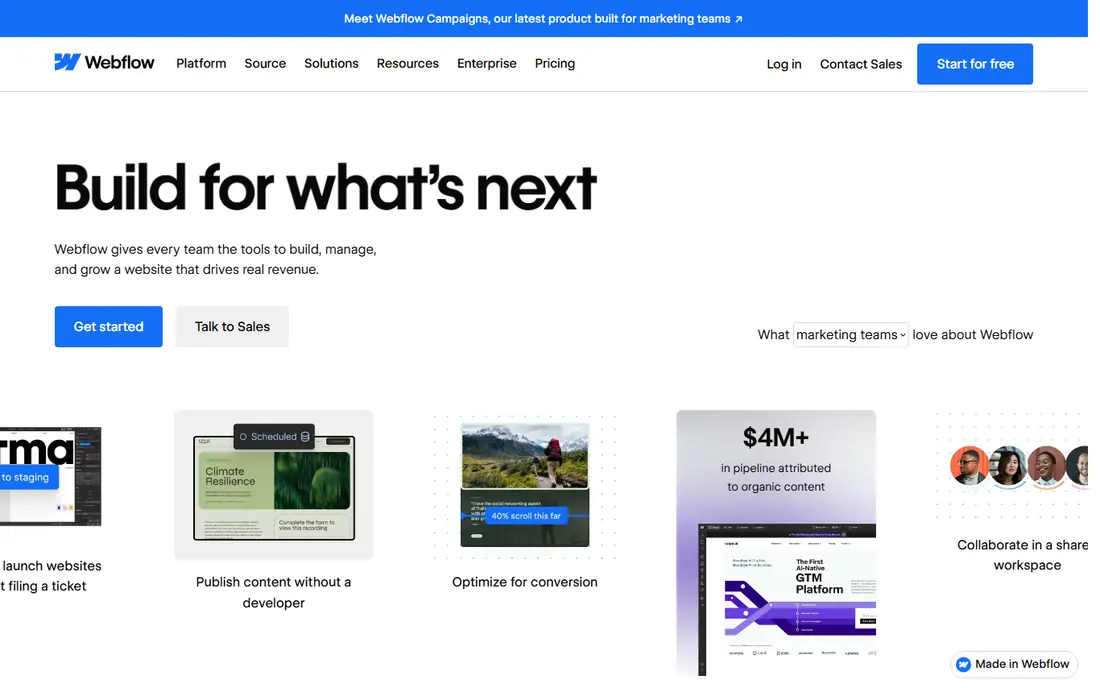
Webflow is the best tool here when the look and feel of the product matters most. Designers can build responsive layouts, animations, and content collections without handing mockups to a developer, and hosting is included. For a content-rich site, a portfolio, a marketing site with a member area, or a simple portal, Webflow gives a polish that spreadsheet-based builders cannot match.
The limit is logic. Webflow is a website builder first, so membership, complex workflows, and custom app features usually need extra tools such as Memberstack, Wized, or an external backend. That stack works, but it adds cost and moving parts. Choose Webflow when design leads the project, and choose Bubble when app logic leads it.
- Precise visual design control
- Built-in CMS and hosting
- Clean code export for sites
- App logic needs third-party tools
- Paid site plans add up for many pages
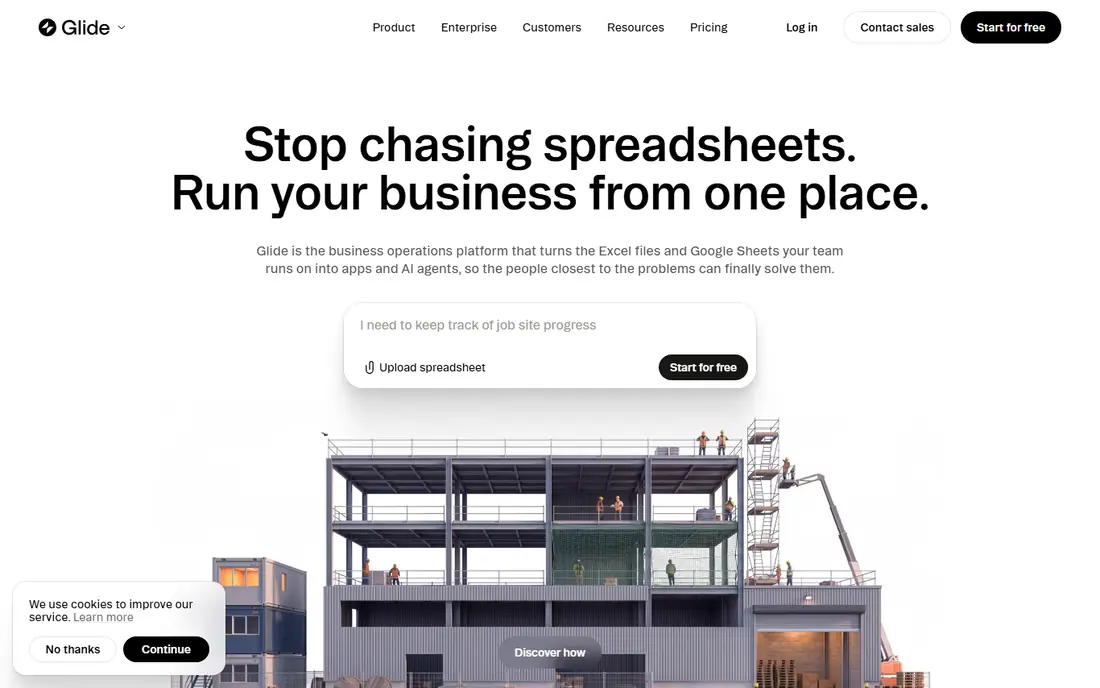
Glide is the fastest route from a spreadsheet to a usable app. Connect Google Sheets, Excel, or Airtable, pick a layout, and you have a working tool for tracking jobs, managing inventory, or sharing a directory with a team. Non-technical staff can update data in the sheet and see the app change at once, which makes Glide a strong fit for small businesses and internal teams.
The trade is depth. Complex workflows, custom layouts, and heavy logic are harder in Glide than in Bubble, and pricing depends on users and data volume. Glide is ideal when the data already lives in a sheet and the app is mainly a better way to view and update it. It is not the right pick for a public marketplace with custom checkout logic.
- Turns a spreadsheet into a working app quickly
- Good for internal tools
- Easy for non-technical teams
- Limited for complex logic and custom design
- Costs rise with users and data rows
Softr is the simplest way to turn Airtable or Google Sheets into a client portal, membership site, or directory. Blocks for lists, profiles, forms, and payments cover most portal needs without design work, and templates shorten the start even further. Small agencies, schools, clubs, and service businesses can launch a gated portal in days rather than weeks.
The limit is flexibility. Softr uses blocks rather than a free canvas, so a highly custom interface or unusual workflow will feel constrained. If your app is mainly a structured view of Airtable data with logins and permissions, Softr is excellent. If you need custom screens and branching logic, Bubble or Retool will fit better.
- Block-based building on Airtable or Google Sheets
- Membership and portals built in
- Many templates
- No free-form canvas
- Limited for highly custom app logic
Retool is the strongest pick for internal tools: admin panels, dashboards, support tools, and operations screens built on data you already have. You connect a database or API, drag tables, forms, and charts onto a page, and add JavaScript where the visual builder is not enough. That mix makes it fast for developers and usable for operations staff who need to run the tool every day.
The honest boundary is audience. Retool is built for internal users, not for a public consumer product with marketing pages and self-serve signup. Pricing is also per user for editors and end users on paid plans, so a large internal team should check the current pricing page. For an internal tool, though, Retool often beats building a custom admin panel from scratch.
- Connects to existing databases and APIs
- Drag-and-drop components for admin tools
- JavaScript for custom logic
- Developer-leaning
- Not designed for public consumer apps
FlutterFlow suits teams that want a visual builder but also want to own the code at the end. You design screens, connect Firebase for data and logins, and export real Flutter code if you later hire developers or move off the platform. That export option is a real advantage over builders that lock your app inside their runtime, and it matters for teams planning a long product life.
The trade is skill. FlutterFlow expects more technical comfort than a spreadsheet builder, and its strength is cross-platform apps rather than web-only products. If you only need a web app and have no mobile plans, Bubble or Webflow may be simpler. If mobile is on the roadmap, FlutterFlow keeps web and mobile in one project.
- Visual building for web, iOS, and Android
- Firebase integration
- Exports Flutter source code
- More technical than Glide or Softr
- Web apps are one output among several
Adalo is a friendly starting point for a simple app, especially one that will live mainly on phones. The component builder is easy to learn, collections handle basic data relationships, and you can publish to app stores from the platform. Booking apps, simple marketplaces, and community apps fit well at this level of complexity.
The limit shows up as the app grows. Large data sets, complex workflows, and high traffic push against Adalo more quickly than they push against Bubble or FlutterFlow. Start with Adalo when the idea is simple and speed matters, and be ready to rebuild if the product outgrows it. For a first version to test demand, that trade is often worth it.
- Simple component builder
- Native app publishing
- Collections with relationships
- Struggles with heavy data and complex logic
- Web output is secondary
Mendix is built for organizations that need many apps, many developers, and clear controls over who can change what. Visual models describe data, pages, and logic, while governance features cover versioning, access, and deployment across teams. Large companies use it for internal systems, customer portals, and process apps that must meet IT and compliance standards.
For a solo founder or a small team, Mendix is usually too much process and too much cost. The free tier lets you learn the platform, but a production deployment sits in enterprise pricing territory. Choose Mendix when your organization already standardizes on it, or when governance is a requirement, not when you need the fastest path to a first product.
- Visual modeling for data and logic
- Governance and team features
- Strong enterprise integrations
- Enterprise pricing and process
- Overkill for a solo project or small startup
OutSystems targets the same enterprise ground as Mendix, with a strong focus on apps that must run reliably at scale. One-click deployment, built-in monitoring, and lifecycle management help large teams ship updates without a separate operations project. It supports web and mobile outputs from one platform, which suits companies consolidating many tools into one standard.
The same caveat applies: this is an enterprise platform, not a weekend builder. Pricing is custom, the learning curve is real, and a small team will move faster on Bubble, Glide, or Softr. OutSystems earns its place when reliability, governance, and scale are formal requirements, and when the organization can staff the platform properly.
- One-click deployment
- Performance monitoring
- Automated refactoring and lifecycle tools
- Custom pricing
- Steep learning investment for small teams
How we picked these
We compared official pricing pages, feature docs, and public reviews for no-code and low-code builders. We favored tools that are live in October 2026, that can publish a working web app, and that publish clear free or entry pricing. We included enterprise platforms for completeness, but we marked them clearly as a poor fit for small projects.
How to choose in practice
Start by writing down the app in one sentence: who uses it, what data it holds, and what action matters most. A directory needs a different tool from a marketplace, and an internal dashboard needs a different tool from a public product. That sentence alone rules out half this list, which is the point.
Build the risky part first
Pick the feature most likely to fail, such as payments, complex permissions, or a large data import, and prototype it before you design pages. A builder that handles your risky feature cleanly is worth more than a builder with prettier templates. If no no-code tool handles it well, that is useful news: it tells you to hire a developer or narrow the scope.
Check data, users, and exit options
Read the pricing page for user limits, data row limits, and workload or usage charges, and check what happens if you leave. Code export, standard databases, and API access all make an exit easier. A cheap entry price means little if user growth triples the bill or if your data cannot be exported cleanly.
Frequently asked questions
Can I build a web app with no coding experience?
Yes, for many app types. Glide and Softr suit spreadsheet-based apps, Bubble suits fuller products, and Webflow suits design-led sites. Complex logic, custom integrations, and high scale still benefit from developer help, even on no-code tools.
Is no-code cheaper than hiring a developer?
For a first version, usually yes, because you avoid months of custom development. At scale, usage pricing, user seats, and workarounds can narrow the gap, so compare a year of platform cost against development cost, not just the first month.
What if my app outgrows the builder?
Choose a tool with export options or API access where possible, and keep your data in a standard format. FlutterFlow exports code, and most builders allow data export, but a move still takes rebuilding screens and logic, so plan for it.
Do I need a separate host after building?
No, in most cases. These platforms include hosting for the app you build. You still need a custom domain, and you may need separate services for email, payments, or analytics, depending on the app.
Which tool is best for an internal business app?
Retool is the strongest for dashboards and admin tools on existing data, while Glide and Softr suit simpler internal tools built on spreadsheets. Pick Retool when developers are involved, and Glide or Softr when business staff will maintain the app.
Sources
See where you really rank - block by block
ProMapRanker scans Google Maps across a grid of your service area. Simple monthly plans from $19, white-label on every plan.
Start freeKeep reading
 zoro.to alternatives
Best Zoro.to Alternatives in 2026
We compare the best zoro.to alternatives in 2026, listing only legal licensed anime streaming services, from Crunchyroll to free options for fans today.
Read → zip alternatives
Best Zip Alternatives in 2026
We compare the best zip alternatives for buy now, pay later in 2026, covering pay-in-4 plans, fees, spending limits, and credit reporting options today.
Read → yesware alternatives
Best Yesware Alternatives in 2026
Compare the best yesware alternatives for sales email tracking, templates, and sequences, with current pricing and honest tradeoffs for small sales teams.
Read →