 ProMapRanker
Best VR Apps in 2026

Key takeaways
- VRChat is our pick for social VR, because its user-created worlds and avatars offer more variety than any single game.
- Beat Saber remains the best entry point for new headset owners who want instant fun without a long tutorial.
- Supernatural and Immersed show the two practical sides of VR beyond games: fitness and work, with very different costs.
- Free apps such as Gorilla Tag, Horizon Worlds and Bigscreen give a new headset owner plenty to try before paying for anything.
- Check headset compatibility first, because some apps need a Quest 3, a PC link or a subscription to work as described.
Quick comparison
| Pick | Great for | Pricing starts at | Free tier | |
|---|---|---|---|---|
 VRChat | Social worlds and avatars | Free | Yes | Visit |
 Gorilla Tag | Free social movement game | Free | Yes | Visit |
 Beat Saber | Rhythm game for beginners | $19.99 | No | Visit |
 Supernatural | Guided VR fitness | $19.99 per month | Free trial | Visit |
 Bigscreen | Virtual cinema with friends | Free | Yes | Visit |
 Immersed | Virtual monitors for work | Free | Yes | Visit |
 Walkabout Mini Golf | Relaxed multiplayer golf | $24.99 | No | Visit |
 Horizon Worlds | Meta social worlds | Free | Yes | Visit |
 Virtual Desktop | PC VR streaming to Quest | See website | No | Visit |
The best VR apps
The best VR apps are not all games. Social worlds, fitness, cinema, work and relaxed multiplayer all use a headset in different ways, and the right mix depends on whether you want to move, meet people, work or unwind. We compared official store pages, developer sites and current pricing for apps live in October 2026, focusing on Meta Quest headsets with PC VR options where relevant. Prices are for the base app, and many games sell extra content separately.
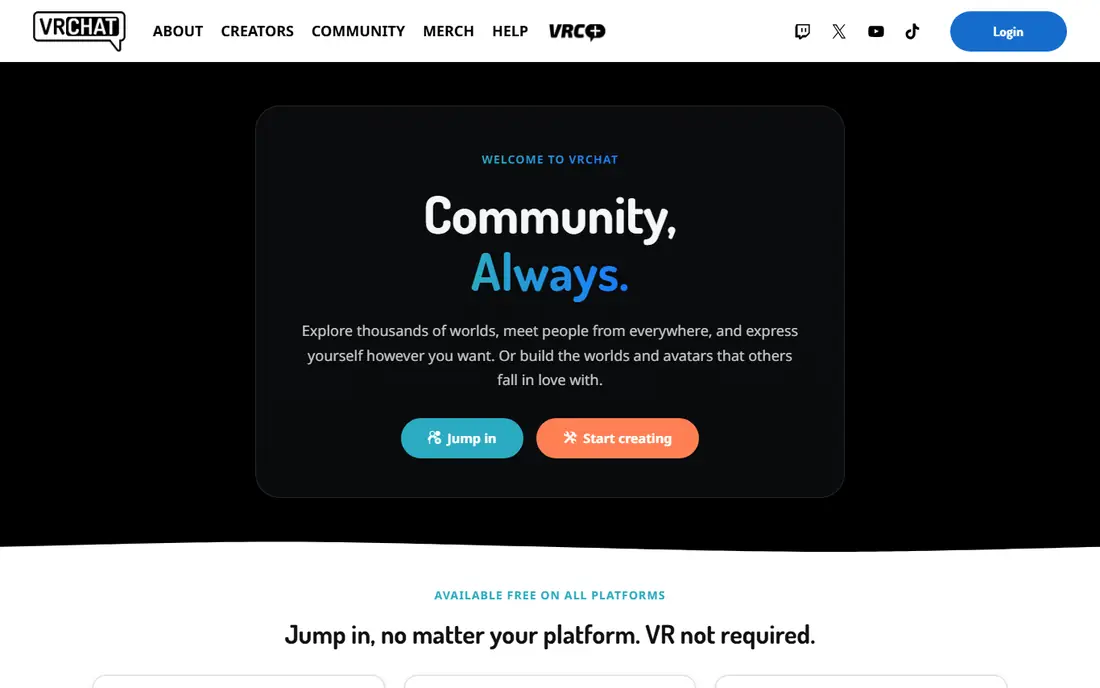
VRChat is the closest thing VR has to an open social internet. You can visit a quiet art gallery, a game show world, a dance club or a replica of a real place, all built by users, and you can appear as almost any avatar you can imagine. That variety is why it stays popular years after launch, and why no single social game can match it for breadth.
The open nature is also the weakness. Some public worlds are loud, chaotic or unsuitable for younger players, so new users should start with friends, use safety settings, and block or mute as needed. With those tools in place, VRChat offers the most social freedom of any app here, for free.
- Huge range of user-created worlds
- Deep avatar customization
- Cross-platform play with PC users
- Quality varies widely by world
- Public worlds can be rowdy and need moderation tools
Gorilla Tag turns your arms into your legs, and that simple idea made it a viral hit. You swing, climb and chase other players as a gorilla in colorful maps, and the physical movement makes it feel more like a playground game than a video game. It is free, easy to learn, and a good first multiplayer game for a new Quest owner.
It is also a workout, so take breaks, clear your play space, and use the wrist straps. Public lobbies mix ages and attitudes, so younger players do best in private rooms with friends. For pure, free, social fun that gets you moving, Gorilla Tag is hard to beat.
- Free to play
- Simple and physical gameplay
- Strong social and competitive community
- Movement can be tiring
- Public lobbies vary in tone and age mix
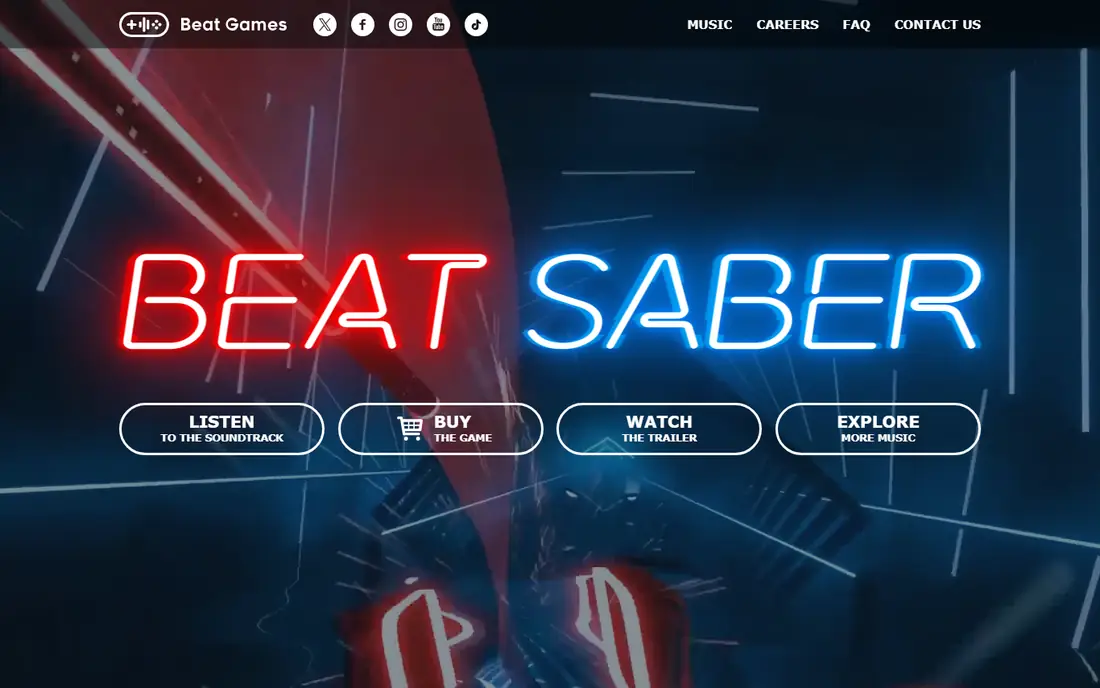
Beat Saber is the game we hand to a first-time headset user. You slash blocks to the beat with light sabers, the rules need no explanation, and within minutes most players are moving, laughing and asking for another song. It is also a gentle workout, which makes it a good daily habit for people who do not want a formal fitness app.
The base game includes a solid set of songs, but the full catalog comes from paid music packs, so the total cost grows if you want every artist pack. There is no free trial version to test first, though the low base price makes it a low-risk buy for most headset owners. If you buy one paid VR game first, this should be it.
- Instant to understand
- Great exercise in disguise
- Large catalog of paid music packs
- Base song list is limited without paid packs
- No free plan to try first
Supernatural is the closest VR gets to a fitness class. Coaches guide you through boxing, flow, stretching and meditation sessions set to music, in scenic virtual locations, and the app tracks your streaks and effort over time. For people who find gyms boring or home workouts hard to stick with, that structure and coaching can make a real difference to consistency.
The subscription costs more per month than most VR games cost once, so it only makes sense if you will use it several times a week. It also needs a steady internet connection to stream workouts, which matters if your Wi-Fi is weak. Try the trial, check whether the coaches and music motivate you, and cancel if you are not using it weekly.
- Coach-led boxing, flow and meditation workouts
- New workouts added regularly
- Tracks streaks and progress
- Subscription is pricier than most VR games
- Needs an internet connection to stream workouts
Bigscreen turns a headset into a cinema you can share with friends anywhere. You can watch your own videos, join public rooms, or rent films to watch together in a virtual theater, which makes a movie night possible even when friends live far apart. The base app is free, and the social part, chatting and reacting together, is the main draw.
Paid film rentals and your internet speed affect the experience, and a weak connection can spoil a rented film. For casual watch parties and shared videos, Bigscreen is free and fun, and it shows off VR to new users better than almost any game, because everyone already understands going to the movies.
- Watch films and shows with friends in virtual theaters
- Free base app
- Works across headsets
- Film rentals cost extra
- Video quality depends on your internet connection
Immersed is the most practical work app on Quest. It lets you place several large virtual monitors around you, streamed from your computer, so you can work in a cafe scene, a mountain lodge or a plain office without buying extra hardware. For remote workers with a small desk or a laptop-only setup, that extra screen space can change how you work.
Text clarity is the limit. A Quest 3 reads text better than older headsets, but long reading sessions still tire eyes faster than a real monitor for many users. Take breaks, adjust monitor size and distance, and treat Immersed as a focus tool for deep work sessions rather than an all-day monitor replacement.
- Multiple large virtual monitors from one laptop
- Free tier for solo work
- Coworking and whiteboard features
- Text clarity depends on headset resolution
- Long sessions can tire your eyes and neck
Walkabout Mini Golf is the best relaxed multiplayer game on Quest. Courses are detailed and varied, from a pirate cove to a space station, and the golf itself is easy to learn while still rewarding careful putting. Playing a round with friends, chatting as you walk the course, is one of the most pleasant social experiences in VR.
It is a paid game, and extra courses cost more, so the total grows if you buy every pack. That is a fair trade for a game many players return to weekly, but action fans may find it too calm. For families, couples and friend groups who want a low-stress VR night, Walkabout is an easy recommendation.
- Beautiful courses for all skill levels
- Easy multiplayer with friends
- Regular new course packs
- Paid game with paid course packs
- Less intense than action or fitness VR games
Horizon Worlds is Meta's own social VR platform, and it is the easiest social world for a new Quest owner to try. It is free, it runs well on Quest headsets, and its creation tools let users build worlds, games and events without coding. For a first social VR experience with friends, that low barrier matters.
VRChat still offers a larger and wilder range of user worlds, and Horizon Worlds can feel more controlled by comparison. That control can be a plus for families and new users who want a calmer introduction to social VR. Try both free apps, and keep the one where your friends actually spend time.
- Free and built for Quest
- Easy world creation tools
- Events and games with friends
- Smaller creator catalog than VRChat
- Quality varies by world
Virtual Desktop is essential if you own a gaming PC and a Quest headset. It streams PC VR games and your full desktop to the headset over Wi-Fi, so you can play PC-only VR titles without a cable, or use your PC from a virtual screen. Performance settings let you tune quality and latency to your network, which matters for fast games.
You need a capable PC and a strong Wi-Fi setup, ideally a wired PC and a good router, or the stream will stutter. It is also a paid app, so casual users who only play standalone Quest games do not need it. For PC VR owners, Virtual Desktop turns a standalone headset into a wireless PC headset, which is a major upgrade.
- Streams PC VR games and desktop to Quest wirelessly
- Strong settings for performance
- Useful for PC owners
- Needs a capable PC and good Wi-Fi
- Paid app with no free tier
How we picked these
We compared official store pages, developer sites and current pricing for VR apps live in October 2026, and we kept only apps with a clear use on current Quest headsets or PC VR. We gave weight to social features, fitness and work use, ease of use for new owners, and total cost including subscriptions and extra content. We did not claim hands-on headset testing, and we avoided apps with unclear availability or shutdown notices in October 2026.
How to choose a VR app for your headset
Start with what you want to do in the headset, not with the top-selling chart. A social player, a fitness user, a worker and a film fan need different apps, and the chart mixes all of them together. Try the free apps first, learn your comfort limits, and only buy paid games in the categories you actually enjoy.
Check comfort, space and headset model
Some apps need a Quest 3 or a PC, some need a large clear play space, and some cause motion discomfort for new users. Start seated or standing in a small space for calm apps, and build up to active games such as Gorilla Tag and Supernatural. Use guardian boundaries, take breaks every 30 minutes at first, and stop if you feel dizzy or unwell.
Budget for subscriptions and extra content
A free base app can still cost money through music packs, course packs, film rentals or a monthly fitness subscription. Add those likely extras to the base price before you compare apps, and set a monthly VR budget if you use several subscription apps. Free apps such as VRChat, Gorilla Tag and Bigscreen let you enjoy VR for weeks before you need to pay for anything.
Pick apps your friends actually use
Social VR lives or dies by who else is there. Ask your friends which apps they already own, and start with the overlap, even if another app looks better on paper. A good game with no friends is less fun than a simpler game with your group, and most of the apps here are better with people you know.
Frequently asked questions
What are the best VR apps for beginners?
Beat Saber, Gorilla Tag and Horizon Worlds are the best beginner apps, because they are easy to learn, fun within minutes, and cheap or free. Start with Beat Saber for solo fun, Gorilla Tag for free multiplayer, and Horizon Worlds for social worlds, then add fitness or work apps once you know your comfort level.
What are the best apps for VR headsets besides games?
Immersed is best for virtual work monitors, Bigscreen is best for shared cinema, and Supernatural is best for guided fitness, all on Quest headsets. These apps show that VR is useful beyond games, but each needs the right setup: a laptop for Immersed, good Wi-Fi for Bigscreen and Supernatural, and regular use to justify a fitness subscription.
What is the best VR platform for social play?
VRChat is the best social VR platform for variety, with user-created worlds and avatars across PC and Quest, while Horizon Worlds is easier for new Quest users. Gorilla Tag and Walkabout Mini Golf are better if you want a specific game with friends rather than an open social world. Pick VRChat for breadth, Horizon Worlds for simplicity, and a game app for structured play.
Is Supernatural worth the monthly cost?
Supernatural is worth it if you use it several times a week and value coach-led workouts with music and progress tracking. If you only work out occasionally, Beat Saber and Gorilla Tag give you movement for a much lower total cost. Use the free trial to test the coaches, music and workout styles before you commit to a monthly plan.
What do I need for PC VR apps on Quest?
You need a capable gaming PC, a strong Wi-Fi network, and a streaming app such as Virtual Desktop or a link cable, depending on the game. Check each game's PC requirements before you buy, because a weak PC or weak Wi-Fi will hurt performance more than the headset itself. Standalone Quest apps need no PC at all, so start there if you do not own a gaming PC.
Sources
See where you really rank - block by block
ProMapRanker scans Google Maps across a grid of your service area. Simple monthly plans from $19, white-label on every plan.
Start freeKeep reading
 zoho inventory alternatives
6 Alternatives to Zoho Inventory, Compared on Price and Fit
Zoho Inventory alternatives: 6 tools compared on price, free plans and fit. Katana leads the list for manufacturers. Fit and flaws are laid out for each entry.
Read → zoho crm alternatives
Best Zoho CRM Alternatives (2026)
Need Zoho CRM alternatives? We compare 7 tools on cost, free access and who each suits. Every pick gets a straight assessment. Built for quick decisions.
Read → zelle alternatives
Best Zelle Alternatives in 2026
Compare the best Zelle alternatives for sending money to friends, paying sellers and moving funds abroad, with honest notes on fees, speed and safety in 2026.
Read →