 ProMapRanker
Best VPN Services Comparison in 2026

Key takeaways
- NordVPN leads on breadth, with a large server network, audited no-logs claims and extra security tools in one app.
- Surfshark and Private Internet Access give the lowest long-term deal prices in this group, while Surfshark also allows unlimited devices.
- Proton VPN and Windscribe offer the most useful free plans, but free tiers are slower and have fewer locations than paid plans.
- Mullvad stands apart with a flat monthly price, no email requirement for an account and cash payment as an option.
- Renewal prices are often higher than the first-term deal price, so check the renewal rate at checkout before you commit.
Quick comparison
| Pick | Great for | Pricing starts at | Free tier | |
|---|---|---|---|---|
 NordVPN | Broadest all-round service | $3.49 per month | No | Visit |
 ExpressVPN | Simple premium service | $2.99 per month | No | Visit |
 Surfshark | Households with many devices | $2.49 per month | No | Visit |
 Proton VPN | Privacy with a real free plan | $2.99 per month | Yes | Visit |
 Mullvad | Maximum anonymity | 5 euros per month | No | Visit |
 Private Internet Access | Low-cost long-term plan | $2.03 per month | No | Visit |
 CyberGhost | Beginners and streaming | $2.19 per month | No | Visit |
 IPVanish | Unlimited devices on a budget | $2.19 per month | No | Visit |
 Windscribe | Flexible free and paid use | $5.75 per month | Yes | Visit |
 TunnelBear | Simplest first VPN | $3.33 per month | Yes | Visit |
The best VPN services
We compared pricing pages, privacy policies, server coverage and public reviews to rank these services for everyday use. A VPN does not make you anonymous on its own, and it does not replace good password habits, but the right one adds a useful layer of protection on public Wi-Fi and at home.
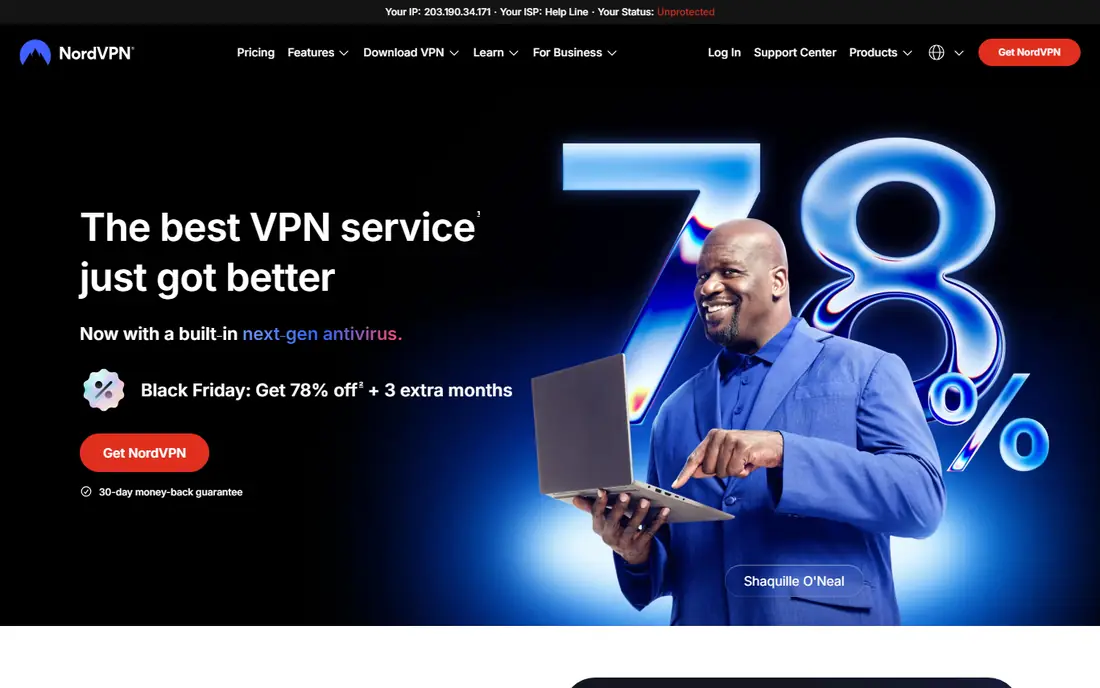
NordVPN is our pick for most people because it covers the most ground without asking you to manage many settings. It offers a large network across many countries, fast WireGuard-based connections through NordLynx, and apps for phones, computers, TVs and routers. Double VPN routing and an obfuscated mode are there for networks that block VPN traffic, though most users will never need them.
The catch is pricing over time. The low monthly figure applies to a long first term paid up front, and renewal is higher, so set a reminder before the term ends. If you want the antivirus, password manager and cloud storage extras, you need a higher tier, which raises the monthly cost. For plain VPN use, the basic plan is enough.
- Large server network
- Audited no-logs policy
- Extra security tools included in higher plans
- Renewal price is higher than the deal price
- No free plan
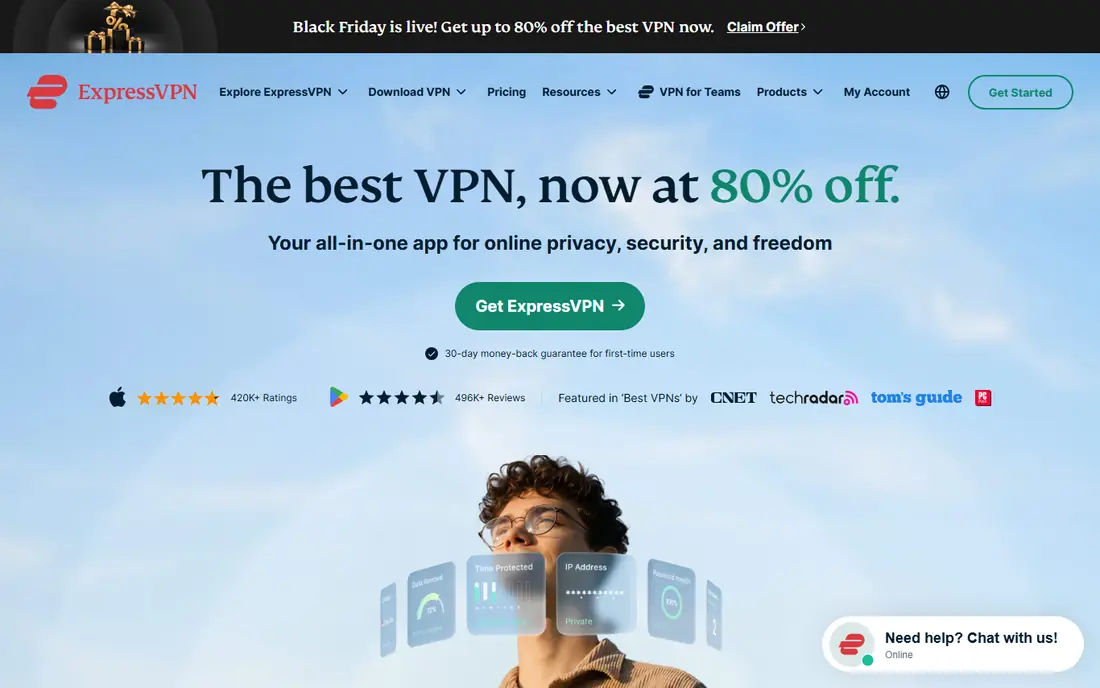
ExpressVPN is the service we point to when someone wants a VPN that just works. Its apps are clean, connections are quick, and the Lightway protocol keeps reconnections short when you move between networks. Streaming support is a real strength, with broad access to major services, and its servers run on RAM only, so nothing is written to a hard drive.
You pay for that simplicity. ExpressVPN has no free plan, and its long-term deal still renews at a higher rate. Power users may miss the deeper settings found in Private Internet Access or Mullvad. If ease matters more than tinkering, that trade is worth it.
- Very easy apps
- Strong streaming support
- RAM-only servers
- Higher renewal price
- Fewer advanced toggles than some rivals
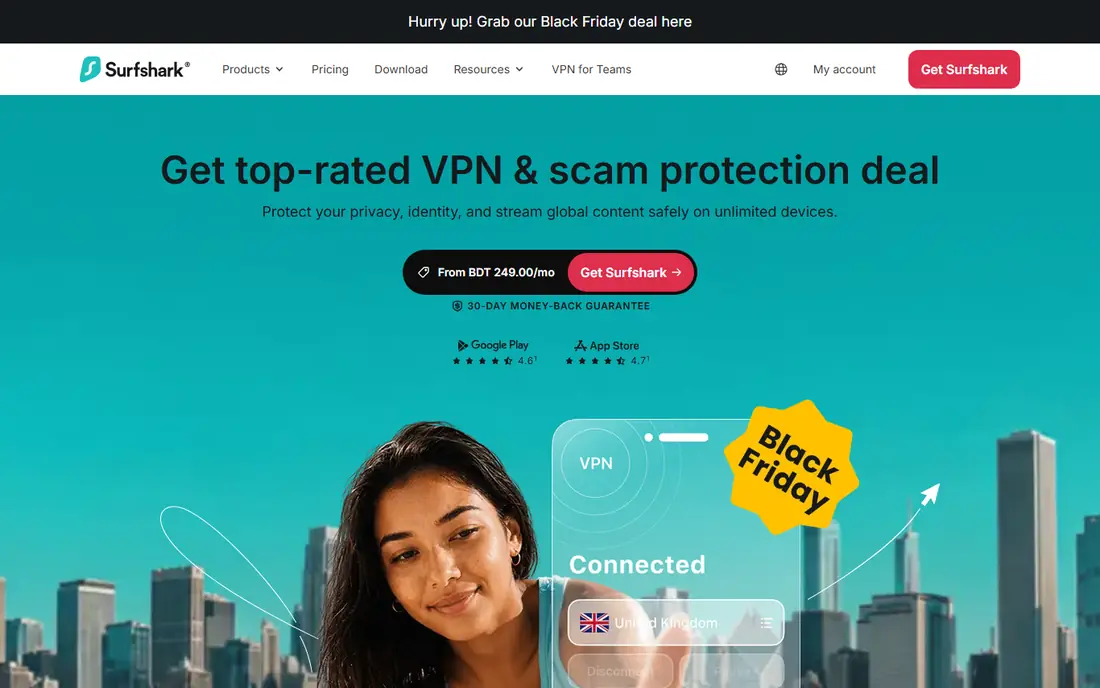
Surfshark wins on value for a household. One subscription covers every phone, laptop, tablet and TV with no device cap, which is rare at this price. Its apps are modern and easy to follow, and CleanWeb blocks ads and trackers on supported plans. Speeds are solid for streaming, video calls and everyday browsing.
The main downside is tiering. The cheapest plan covers the VPN alone, while antivirus, identity alerts and alternative ID tools need the higher bundles. That is still reasonable value, but compare the bundle price with the basic price before you buy. Check the renewal rate too, since the first-term deal is much cheaper than renewal.
- Unlimited simultaneous devices
- Low deal price
- Clean ad and tracker blocking
- Some advanced features sit in higher tiers
- Renewal price rises
Proton VPN is the strongest choice if you want a free plan you can actually use every day. The free tier has no data cap in the usual sense, though speeds and server choice are limited. Paid plans add faster servers, streaming support, Secure Core routing through privacy-friendly countries, and support for up to 10 devices.
Proton is based in Switzerland and publishes open-source apps, which helps independent review of its claims. The paid price is competitive on a two-year deal, but monthly billing costs more. If you only need basic protection on public Wi-Fi, start free and upgrade only when you hit its limits.
- Genuinely useful free plan
- Swiss jurisdiction
- Open-source apps
- Free plan has fewer locations and slower speeds
- Best streaming servers need a paid plan
Mullvad takes a different approach from almost every rival. It charges one flat monthly price, with no discount for a two-year term and no price jump at renewal, because there is no renewal trap to fall into. You get an account number instead of handing over an email address, and you can even pay by cash. That setup appeals to people who care most about minimizing personal data.
The trade is breadth. Mullvad is weaker for streaming services, and it does not bundle antivirus, password tools or identity monitoring. Its apps are plain and focused, which some users will love and others will find spare. For privacy-first use, it is hard to beat.
- Flat price with no long-term lock-in
- No email needed for an account
- Accepts cash
- Weaker streaming support
- Fewer extra features than larger rivals
Private Internet Access, often called PIA, is a favorite of users who like to adjust settings. It allows unlimited devices, supports WireGuard and OpenVPN, and offers split tunneling, a kill switch and multi-hop routing. The three-year deal price is among the lowest here, which makes it a strong budget pick if you are happy to commit.
Beginners may find the settings menu crowded, and the default choices are not always the simplest. PIA is based in the United States, which matters to some privacy-focused buyers even though it states a no-logs policy that has been tested in court. If price and control matter most, it delivers both.
- Very low three-year deal price
- Unlimited devices
- Deep customization
- US jurisdiction
- Interface can feel busy for beginners
CyberGhost is built for people who want to pick a purpose and connect. Its apps label servers for streaming, torrenting and gaming, so you do not need to guess which location works best. The interface is friendly, setup takes minutes, and the money-back period on longer plans is longer than most rivals offer.
The device limit is lower than Surfshark or PIA, at seven devices, which can matter in a large household. Monthly billing is also much more expensive than the long-term deal, so this is a service to buy on a longer term or not at all. For a first VPN with clear choices, it is an easy recommendation.
- Servers labeled for streaming and torrenting
- Long money-back period
- Easy apps
- Fewer devices than rivals
- Higher monthly price if you pay monthly
IPVanish suits households and small teams that need many connections without paying per device. It allows unlimited simultaneous connections, includes a kill switch and split tunneling, and has a straightforward app across phones, computers and Fire TV. Torrenting support is solid, with SOCKS5 proxy options for advanced users.
Streaming is the weak spot. It unblocks fewer services than NordVPN or ExpressVPN in independent tests, so check your must-have services during the money-back window. There is no free plan, and the cheapest price needs a two-year term. For device-heavy use at a low price, it still earns its place.
- Unlimited devices
- US-based support
- Good torrenting features
- Weaker streaming record than top rivals
- No free plan
Windscribe is the most flexible service here after Mullvad. Its free plan gives a useful monthly data allowance, and confirming an email address raises that allowance. Paid users can also build a custom plan from individual locations, which suits people who only need two or three countries. Its R.O.B.E.R.T. tool blocks ads, trackers and malware domains.
The standard paid price looks high next to long-term deals from NordVPN or Surfshark, so Windscribe makes most sense if you value the free tier or the build-a-plan option. Its server network is smaller than the leaders, but coverage is still broad for everyday travel and browsing. Try the free plan first to see if speeds suit you.
- Generous free tier with confirmed email
- Build-a-plan option
- Strong blocking tools
- Paid monthly price is higher than deal-priced rivals
- Smaller network than leaders
TunnelBear is the VPN we suggest to someone who has never used one. Its bear-themed apps are playful but clear, with one big switch to connect and a map that shows your location. The company publishes regular independent audits, which is reassuring for a service aimed at beginners. Setup takes only a few minutes.
The free plan is limited to a small monthly data amount, so it works for occasional use rather than daily streaming. Paid plans remove that cap but still offer fewer countries than NordVPN or Surfshark. If you want a VPN for travel and coffee-shop Wi-Fi and you value simplicity above all, TunnelBear fits.
- Friendliest interface in this list
- Clear privacy audits
- Simple on-off use
- Limited free data
- Fewer servers and countries than leaders
- No advanced extras
How we picked these
We compared official pricing pages, privacy policies, server lists and app store listings, plus recent independent reviews of speed and streaming. We favored services with clear no-logs statements, independent audits where available, a kill switch, and apps for the main phone and computer platforms. We left out services with unclear ownership, broken free tiers or a record of misleading claims.
What to check before you pay
Start with your main use. If streaming matters, test your services during the money-back period, because unblocking changes often and no service works everywhere all the time. If privacy matters most, read the logging policy and the jurisdiction, and prefer a service with recent independent audits. Check the device limit against the number of phones, laptops and TVs in your home, since that limit decides whether one subscription is enough.
Read the renewal price, not just the deal price. Most low monthly figures in this list require a two-year or three-year term paid up front, and renewal can be much higher. A kill switch matters if your connection drops, because it stops traffic from leaking outside the tunnel. Finally, remember that a VPN hides your traffic from your internet provider and local network, but the sites you log into still know who you are.
Frequently asked questions
What is the best vpn services comparison for most people?
NordVPN is our overall pick for breadth and speed, with Surfshark close behind for households. If you want a free plan, start with Proton VPN. Your best choice still depends on streaming needs, device count and budget.
Are free VPNs safe to use?
Some are, and many are not. Proton VPN and Windscribe have clear privacy policies and paid plans that fund the free tier, which is a good sign. Avoid free services with vague policies, heavy ad tracking or no clear company behind them.
What does the best vpn services reviews comparison usually miss?
Reviews often quote only the first-term deal price and skip the renewal price. They also test streaming on one day, while access changes often. Always check renewal terms and test during the money-back window.
Do I need a VPN at home or only on public Wi-Fi?
Public Wi-Fi is the clearest case, since an open network is easier to snoop on. At home, a VPN mainly hides browsing from your internet provider and changes your apparent location. It does not replace antivirus software or careful password use.
Will a VPN slow down my internet?
Some slowdown is normal, but a good service on a nearby server should feel close to your normal speed for browsing and video. WireGuard-based protocols tend to be fastest. If speeds drop sharply, try a closer server or a different protocol in the app settings.
Sources
- https://nordvpn.com
- https://www.expressvpn.com
- https://surfshark.com
- https://protonvpn.com
- https://mullvad.net
- https://www.privateinternetaccess.com
- https://www.cyberghost.com
- https://www.ipvanish.com
- https://windscribe.com
- https://www.tunnelbear.com
- https://www.pcworld.com/article/2548950/best-vpn-deals.html
- https://gizmodo.com/best-vpn/
See where you really rank - block by block
ProMapRanker scans Google Maps across a grid of your service area. Simple monthly plans from $19, white-label on every plan.
Start freeKeep reading
 zscaler alternatives
Best Zscaler Alternatives in 2026
Looking for zscaler alternatives? We compare 9 SASE and zero trust platforms on architecture, data protection, pricing, and fit for your network and team.
Read → zapier alternatives free
Best Zapier Alternatives Free in 2026
Nine automation tools for zapier alternatives free in 2026, all with genuinely free tiers, plus free plan limits, starting prices and upgrade paths explained.
Read → which platform is best for online reputation
Which Platform Is Best for Online Reputation in 2026
Wondering which platform is best for online reputation? We compare 8 review, listing, and response tools for small and multi-location businesses and agencies.
Read →