 ProMapRanker
Best VPN for Streaming Services in 2026

Key takeaways
- NordVPN and ExpressVPN lead for speed and reliability, while Surfshark offers the best value for households with many devices.
- A VPN can protect privacy on public Wi-Fi and help you reach services you already pay for while traveling, but it does not guarantee access to any specific service.
- Long-term plans look cheap per month, but renewal rates can be higher, so check the renewal price before you buy.
- Device limits matter for streaming: a household with TVs, phones, and laptops needs a higher limit or unlimited connections.
- Free VPN tiers work for light use, but data caps and slower speeds make them a poor fit for regular high-definition streaming.
Quick comparison
| Pick | Great for | Pricing starts at | Free tier | |
|---|---|---|---|---|
 NordVPN | Overall streaming and privacy | $3.49 per month | No | Visit |
 ExpressVPN | Reliable speed on many devices | $2.99 per month | No | Visit |
 Surfshark | Value for households | $2.49 per month | Free trial | Visit |
 CyberGhost | Streaming-friendly servers | $2.19 per month | Free trial | Visit |
 Proton VPN | Privacy-first streaming | Free | Yes | Visit |
 Private Internet Access | Advanced users who want control | $2.19 per month | Free trial | Visit |
 IPVanish | Unlimited devices for families | $2.49 per month | Free trial | Visit |
 PrivadoVPN | Free tier for light streaming | Free | Yes | Visit |
 Windscribe | Flexible free and paid streaming | Free | Yes | Visit |
The best vpn for streaming services
A VPN for streaming should keep playback smooth, protect privacy on shared networks, and work on the devices you actually use, from a TV to a phone. This guide frames VPN use for lawful streaming only: protecting privacy, securing a connection on public Wi-Fi, and reaching services you already pay for while traveling, within those services terms. Streaming services can detect and block VPN traffic, so no VPN on this list can promise access to a specific service, and performance will vary by server, time, and location.
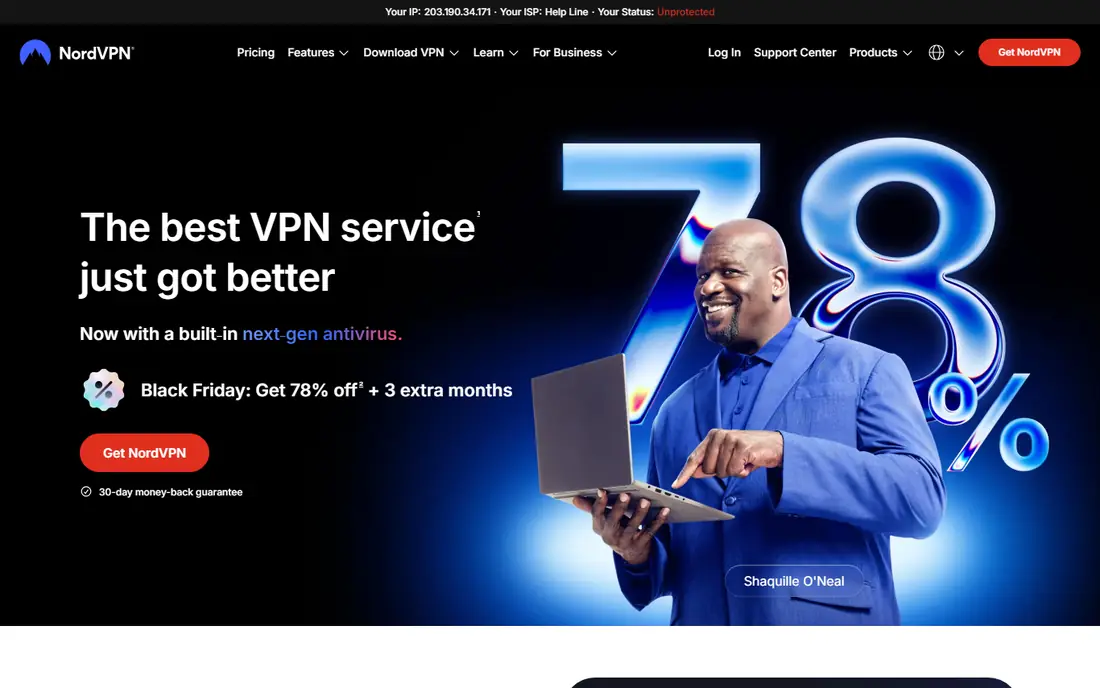
NordVPN is our pick for most streamers because it combines speed, a large server network, and strong privacy tools in one app. The NordLynx protocol keeps speed loss low in many independent tests, which helps high-definition playback stay smooth. Apps cover smart TVs, streaming sticks, phones, computers, and routers, so a household can protect the main viewing devices without a complex setup.
The main catch is pricing structure. The lowest monthly rate applies to a long-term plan and is an introductory offer, so the renewal rate can be higher. Check the renewal price and the plan length before you commit. NordVPN fits viewers who want a single, reliable VPN for privacy and travel streaming, and who will use it on up to 10 devices.
- Fast NordLynx protocol based on WireGuard
- Large server network
- Audited no-logs policy and threat protection tools
- No free tier
- Long-term price is an introductory rate that can rise on renewal

ExpressVPN is known for consistent speed and reliability, even on long-distance connections. The Lightway protocol connects quickly and keeps playback stable, which matters when you switch servers while traveling. Device support is broad, with apps for TVs, streaming devices, phones, and routers, and the company uses RAM-only servers with an audited no-logs approach.
ExpressVPN costs more than Surfshark or CyberGhost on comparable long-term plans in the guides we reviewed. There is also no free tier, so you buy on the strength of its reputation and money-back period. ExpressVPN fits viewers who prioritize steady performance and simple apps over the lowest possible price.
- Lightway protocol with fast connections
- RAM-only servers
- Wide device support including TVs and routers
- Higher monthly price than budget rivals
- No free tier
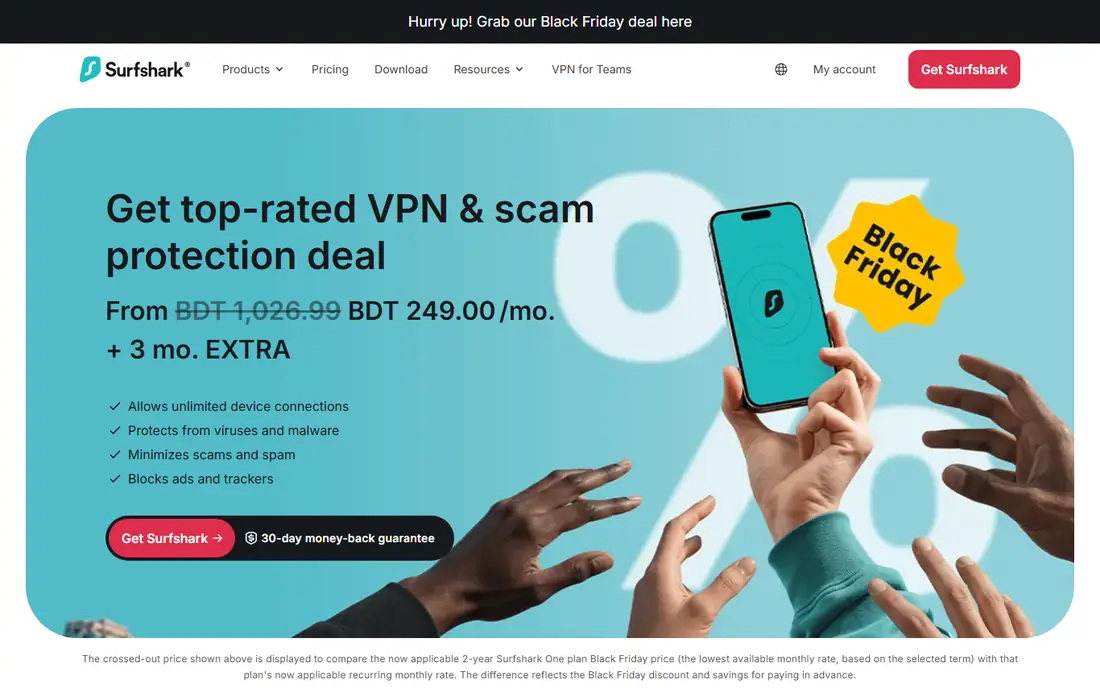
Surfshark is the value pick for households. Unlimited simultaneous devices means one subscription can cover every TV, phone, tablet, and laptop in a home, without counting seats. The long-term price is among the lowest on this list, and the app includes ad and tracker blocking that can clean up browsing alongside streaming. That combination is hard to match for a family or shared household.
Server speed varies more than with NordVPN or ExpressVPN in some tests, so you may need to try a nearby server for the best playback. As with other long-term deals, check the renewal rate. Surfshark fits households that want one low-cost subscription for many devices, with privacy tools included.
- Unlimited simultaneous devices
- Low long-term price
- CleanWeb ad and tracker blocking tools
- Speed can vary by server
- Renewal price can be higher than the introductory rate
CyberGhost makes server choice simple by labeling servers for streaming, which helps less technical users pick a suitable server without trial and error. The long-term price is low, and the 45-day money-back period on longer plans gives more time to test playback on your own network and devices. That trial window is useful, because streaming performance depends on your location and internet speed.
The trade-off is speed. In several independent tests, CyberGhost loses more speed than NordVPN or ExpressVPN, which can matter for 4K playback on a slower connection. The device limit of 7 also suits a small household better than a large one. CyberGhost fits viewers who want simple server labels and a low price, and who stream mainly in high definition rather than 4K on many devices at once.
- Servers labeled for streaming use
- Low long-term price
- Long 45-day money-back period on longer plans
- Speed loss is higher than the fastest rivals in some tests
- Device limit is 7
Proton VPN is the privacy-first pick. The company is based in Switzerland, publishes open-source apps, and has an audited no-logs approach that privacy-focused users trust. The free tier is unusual because it does not impose a monthly data cap in vendor listings, which makes it useful for light browsing and occasional streaming. Paid Plus plans add faster servers and streaming-friendly features.
Free tier servers are limited, so playback can be slower and less consistent than on a paid plan. Proton VPN fits viewers who put privacy first, want a trustworthy free start, and are willing to pay for Plus if they stream regularly. Check the Plus price for your plan length, because it is higher than budget rivals.
- Strong privacy reputation and open-source apps
- Free tier with no data cap in listings
- Swiss jurisdiction
- Streaming features sit on paid Plus plans
- Free tier servers are limited
Private Internet Access, often called PIA, suits users who like to adjust VPN settings. The apps offer detailed controls for protocols, encryption, kill switch behavior, and split tunneling, which advanced users appreciate. Unlimited devices and a low long-term price make it a strong value pick for a household that also wants that control.
The settings that attract advanced users can overwhelm a beginner. Streaming performance also varies by server, so you may need to test a few servers for smooth playback. PIA fits technically comfortable viewers who want control, unlimited devices, and a low price, rather than the simplest possible app.
- Unlimited simultaneous devices
- Highly configurable apps
- Low long-term price
- Interface can feel technical for beginners
- Streaming performance varies by server in some tests
IPVanish is a practical family pick because it allows unlimited devices, like Surfshark and PIA, at a competitive long-term price. Support for Fire TV and other streaming devices is a selling point for living-room viewing, and the apps are straightforward to set up. That combination suits households that stream on a TV stick as well as phones and laptops.
In independent tests, IPVanish streaming performance is more mixed than NordVPN or ExpressVPN, with higher speed loss on some connections. Test playback on your main TV device during the trial or money-back window. IPVanish fits families that need unlimited devices and simple TV apps, and who will test speed before committing long term.
- Unlimited simultaneous devices
- Good Fire TV and streaming device support
- Straightforward apps
- Streaming performance is more mixed than the top two in some tests
- Money-back terms vary by plan
PrivadoVPN offers one of the more usable free VPN tiers for light streaming. The free plan includes 10 GB of data per month in vendor listings, which covers occasional viewing and privacy protection on public Wi-Fi, though not daily high-definition streaming. Paid plans start low and add more data and servers, with simple apps that suit beginners.
The free cap is the limit. Ten gigabytes goes quickly with video, so PrivadoVPN free is a trial and travel tool, not a full-time streaming subscription. Paid plans remove that cap, but check speed and server coverage for your location. PrivadoVPN fits light streamers, travelers, and anyone who wants to test a VPN before paying.
- Genuine free tier with 10 GB per month in listings
- Low paid price
- Simple apps for beginners
- Free data cap limits regular streaming
- Server choice is narrower on the free tier
Windscribe is another flexible option for light use and for users who dislike long contracts. The free tier includes 10 GB per month in listings, and paid plans offer unlimited devices with a build-a-plan option that lets you pick locations. That flexibility helps travelers and occasional streamers who do not want a two-year commitment for a short trip or a single season.
As with other free tiers, the data cap makes Windscribe free unsuitable for regular streaming. Paid plans are better for consistent playback, but check speed on your main device during the trial period. Windscribe fits users who want a free start, flexible paid options, and unlimited devices without a long lock-in.
- Free tier with 10 GB per month in listings
- Flexible build-a-plan option
- Unlimited devices on paid plans
- Free data cap limits video use
- Speed and server choice are better on paid plans
How we picked these
We compared vendor pricing pages, privacy policies, and 2026 VPN guides, and we favored services that are live in October 2026, support streaming devices, and publish clear device limits. We framed every pick for lawful use only, and we did not promise access to any specific streaming service, because services can block VPN traffic and performance varies. Where long-term prices differed across guides, we used the most commonly reported long-term rate and noted that renewal rates can differ.
What to check before you buy
A VPN that works well for one household can disappoint another, so test on your own network and devices.
Test on your TV, not just your phone
Install the VPN app on your main streaming device, whether that is a smart TV, a streaming stick, or a game console through a router. Play video at your usual quality for at least 20 minutes, and try a second server if playback stalls. Phone speed alone does not predict TV performance.
Check the renewal price and device limit
Read the renewal rate for the plan length you choose, because introductory rates often rise. Count every device that will use the VPN at the same time, including TVs, phones, tablets, and laptops. Unlimited device plans remove that math for households, while a 7 or 10 device limit suits a smaller home.
Use a kill switch and check for leaks
Turn on the kill switch, which blocks internet traffic if the VPN drops, so a stream or download does not continue unprotected. Check the privacy policy for logging, jurisdiction, and audit status, and keep the app updated. A VPN protects the connection, but it does not make an unsafe site safe, and it does not replace strong passwords.
Frequently asked questions
What is the best vpn service for streaming?
NordVPN is the best overall pick for speed and device support, ExpressVPN is best for consistent performance, and Surfshark is best for value with unlimited devices. The best service for you depends on your devices, your internet speed, and if you stream mainly on a TV or on phones and laptops.
What are the best vpn services for streaming on a budget?
Surfshark, CyberGhost, and Private Internet Access offer low long-term prices, with Surfshark and Private Internet Access allowing unlimited devices. Check renewal rates, because introductory prices can rise. Free tiers from Proton VPN, PrivadoVPN, and Windscribe suit light use, but data caps limit regular streaming.
Can a VPN guarantee access to a streaming service while traveling?
No. A VPN can help you reach services you already pay for while traveling, within those services terms, but streaming services can detect and block VPN traffic, and access can change without notice. Treat any promise of guaranteed access to a specific service as unreliable, and test during the money-back period.
Is using a VPN for streaming legal?
Using a VPN is legal in most countries for privacy and security, but you should still follow the terms of each streaming service you use and the laws of the country you are in. This guide covers lawful use only, such as privacy on public Wi-Fi and travel access to services you already pay for. Check local rules before you travel with a VPN.
Do free VPNs work for streaming?
Free VPNs can work for light, occasional streaming, but data caps, slower speeds, and fewer servers make them a poor fit for daily viewing. Proton VPN free has no data cap in listings, while PrivadoVPN and Windscribe free offer 10 GB per month. For regular high-definition streaming, a paid plan is usually the better value.
Sources
See where you really rank - block by block
ProMapRanker scans Google Maps across a grid of your service area. Simple monthly plans from $19, white-label on every plan.
Start freeKeep reading
 zscaler alternatives
Best Zscaler Alternatives in 2026
Looking for zscaler alternatives? We compare 9 SASE and zero trust platforms on architecture, data protection, pricing, and fit for your network and team.
Read → zapier alternatives free
Best Zapier Alternatives Free in 2026
Nine automation tools for zapier alternatives free in 2026, all with genuinely free tiers, plus free plan limits, starting prices and upgrade paths explained.
Read → which platform is best for online reputation
Which Platform Is Best for Online Reputation in 2026
Wondering which platform is best for online reputation? We compare 8 review, listing, and response tools for small and multi-location businesses and agencies.
Read →