 ProMapRanker
Best Volunteer Management Software in 2026

Key takeaways
- VolunteerHub and Better Impact suit established nonprofits that need screening, scheduling and CRM links in one place, and both price by quote.
- Golden and GivePulse are the strongest low-cost starting points, especially when recruiting new volunteers matters as much as managing current ones.
- SignUpGenius and Timecounts cover small teams well, but neither replaces a full volunteer database once a programme grows past a few dozen people.
- Rosterfy is built for large events and enterprise programmes, so smaller groups will find it more complex and more costly than they need.
Quick comparison
| Pick | Great for | Pricing starts at | Free tier | |
|---|---|---|---|---|
 VolunteerHub | CRM-linked scheduling | See website | Free trial | Visit |
 Better Impact | Screening and training | See website | Free trial | Visit |
 Golden | Recruiting volunteers | Free | Yes | Visit |
 GivePulse | Universities and service learning | Free | Yes | Visit |
 SignUpGenius | Simple signups | Free | Yes | Visit |
 Get Connected by Galaxy Digital | Community volunteer portals | See website | No | Visit |
 Rosterfy | Large events | See website | No | Visit |
 Civic Champs | Mobile check-in | See website | No | Visit |
 Timecounts | Small nonprofits | See website | Free trial | Visit |
 VolunteerMatters | Controlled signups and hours | See website | Free trial | Visit |
The best volunteer management software
We focused on tools that handle real volunteer work: recruitment, scheduling, hour tracking, communication and reporting, not just a shared sign-up sheet.
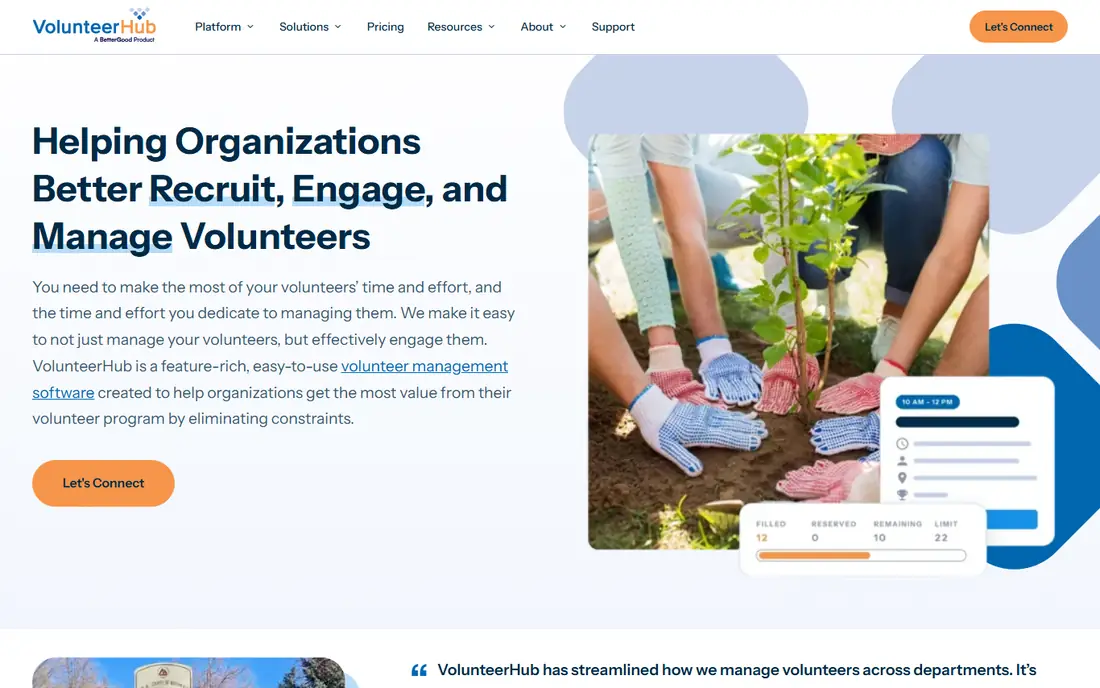
VolunteerHub suits mid-size to large nonprofits that have outgrown spreadsheets. Volunteers can find opportunities, register and manage their own shifts online, while coordinators keep one roster instead of many conflicting files. Hour tracking and reporting sit in the same system, which helps with grant reports and board updates.
The main reason to pick it is integration. If donor and volunteer data already live in Salesforce or Blackbaud, VolunteerHub connects to both, so participation flows into the CRM without manual imports. The catch is cost and commitment: pricing is not published, and configuring a larger programme takes time. Small groups with under 50 volunteers will likely find a simpler tool enough.
- Self-scheduling and registration
- Salesforce and Blackbaud links
- Strong reporting
- Pricing is quote-based
- Setup takes real staff time
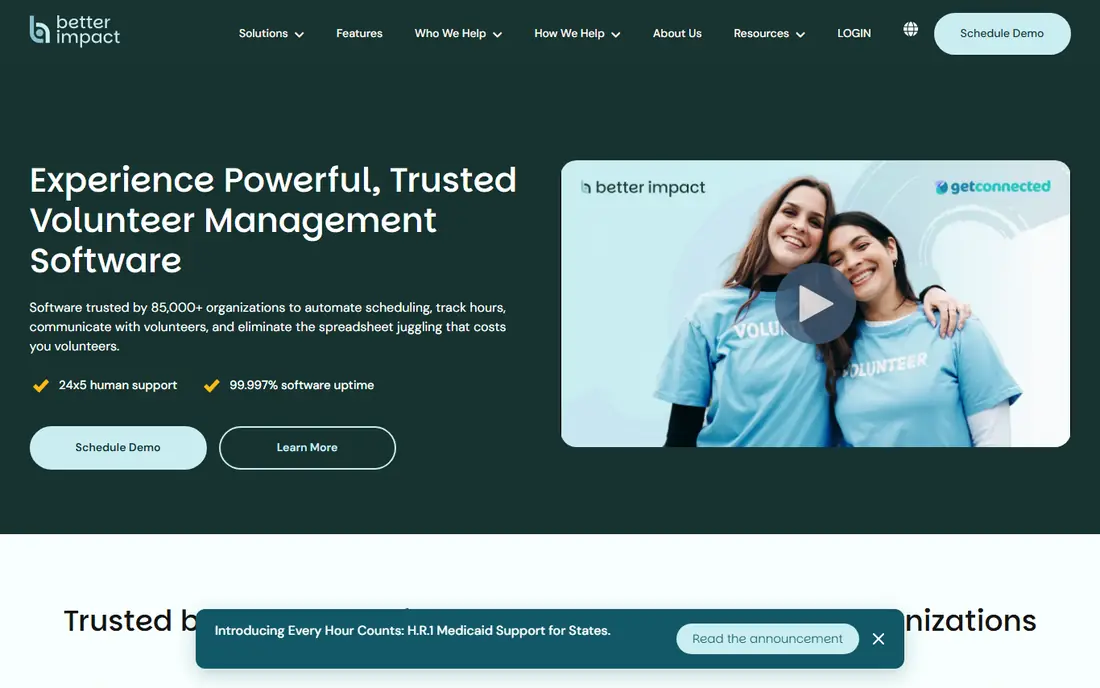
Better Impact, sold as Volunteer Impact, brings screening, training, scheduling and hour tracking together, which matters for hospitals, museums and other settings where volunteers need checks before they start. Coordinators can track qualifications, expiry dates and training progress alongside shifts, so compliance work does not live in separate files.
That depth is also the trade-off. The sales process is consultative, pricing depends on volunteer numbers, and a small team may need weeks to set up profiles and workflows well. For groups where safety checks and training records are central, the extra setup pays off. For a simple event signup, a lighter tool will be faster.
- Screening, training and scheduling in one place
- Strong volunteer profiles
- Good admin controls
- Quote-based pricing
- Setup can feel heavy for very small teams

Golden stands out because it helps you find volunteers, not only manage the ones you already have. Nonprofits can post opportunities that volunteers discover through the platform, and signups work well on mobile. A permanent free tier covers smaller programmes, which makes it an easy first step for a new or growing organisation.
Paid tiers add more admins, integrations and reporting, and the Professional tier is listed in third-party roundups at around $100 per month, though you should confirm the current price on the vendor site. The free tier has limits, so a large programme will outgrow it. Even so, for recruitment-led groups, Golden is often the best place to start.
- Free tier for small programmes
- Volunteer discovery built in
- Mobile-friendly signups
- Advanced CRM links sit on paid tiers
- Larger programmes need a paid plan
GivePulse works well for universities, schools and service-learning programmes, where groups, classes and community partners all need to track hours in one place. It supports events, timeslots, group management and reporting, and it can handle donation and grant work alongside volunteering for some users. That breadth suits education and corporate social responsibility programmes.
A free tier lets small groups start without a budget decision, while larger organisations move to paid plans for advanced reporting and integrations. The interface covers a lot, so a one-off event organiser may find it more than they need. For ongoing programmes with many groups and partners, the structure is worth learning.
- Free starting tier
- Service-learning and group features
- Impact reporting
- Enterprise features need a quote
- Interface can feel busy for simple events
SignUpGenius is the simplest tool in this list, and that is its strength. You create slots, share a link, and volunteers pick a time. It takes minutes to set up, volunteers need no training, and the free tier handles bake sales, food drives and small events well. For a team with no budget and no admin time, it removes friction.
It is not a volunteer management system in the full sense. Screening, training records, long-term hour histories and CRM links are limited or absent, so a programme that grows will eventually need to move data elsewhere. Use SignUpGenius for events and simple rotas, and choose a database tool when you need lasting volunteer records.
- Very easy to set up
- Free tier covers basic signups
- Familiar to many volunteers
- Not a full volunteer database
- Limited screening and hour reporting
Get Connected is built for community foundations, United Ways and local volunteer centres that run a portal for many nonprofits at once. Agencies can post opportunities, volunteers can search across organisations, and the portal owner can report on activity across the whole community. That shared model is different from a tool for one nonprofit alone.
For a single small nonprofit, Get Connected is usually too much, and pricing is by quote. For a community hub, however, it solves a problem that single-organisation tools do not: one public front door for volunteering across a city or region, with each agency keeping its own pages and shifts.
- Community-wide volunteer portal
- Agency and nonprofit pages
- Strong for United Ways
- Quote-based pricing
- More than a single nonprofit usually needs
Rosterfy handles large, complex volunteer programmes, from major sporting events to festivals and enterprise programmes with hundreds or thousands of volunteers. Workflows, automated emails and messages, shift rules and reporting can be shaped to the event, and the platform scales where a simple signup tool would break.
That power comes with cost and complexity. Pricing is by quote, marketplace listings have put a starting point around $7,000 per year, and smaller organisations will find both the price and the setup heavy. Rosterfy is the right pick when volunteer numbers, roles and compliance checks are large enough to justify a dedicated system.
- Highly configurable workflows
- Automated messages
- Built for large volunteer workforces
- Quote-based and costly for small groups
- Setup needs planning and training
Civic Champs focuses on the moment a volunteer arrives. Volunteers can check in and out from a phone, hours are recorded automatically, and coordinators get a cleaner record than paper sign-in sheets. That mobile-first approach suits food banks, shelters and outdoor events where volunteers are on site rather than at a desk.
The admin side is less deep than VolunteerHub or Better Impact, so groups that need detailed screening, training tracking and CRM links may need another tool. Pricing is not published, so you will need a quote. For hour tracking and simple mobile engagement, though, Civic Champs is a practical, focused choice.
- Mobile check-in and check-out
- Hour tracking
- Simple volunteer app
- Pricing not published
- Narrower admin depth than enterprise rivals
Timecounts aims at small nonprofits that want something easy to run without a long setup. Volunteers can browse opportunities, sign up for shifts and track hours, while coordinators manage schedules and send messages from one place. The design is calm and clear, which helps when staff time is short and volunteers vary in tech comfort.
The trade-off is scale and integrations. Larger programmes with complex screening or CRM needs will likely need VolunteerHub or Better Impact instead, and pricing requires a conversation with the vendor. For a small team moving off spreadsheets, Timecounts hits a useful middle ground between a signup sheet and an enterprise system.
- Easy to run for small teams
- Scheduling and hour tracking
- Friendly volunteer pages
- Pricing not published on the main site
- Fewer enterprise integrations
VolunteerMatters suits coordinators who want controlled signups without heavy IT work. Admins can set who can sign up, approve volunteers, track hours and report on activity, while volunteers get a clear portal for their shifts. That control matters for programmes with limited places, age or training requirements, or sensitive settings.
It does not offer the same volunteer discovery reach as Golden, and pricing is by quote, so budget comparison needs a demo and a written quote. For a nonprofit that values orderly signups and reliable hour reports over public recruitment, VolunteerMatters is a steady, practical option.
- Controlled signups with approvals
- Hour reporting
- Low IT burden
- Pricing by quote
- Less recruitment reach than Golden
How we picked these
We compared official product pages, pricing pages and public review summaries for tools that were still actively offered in October 2026. We favoured tools with real scheduling, hour tracking and volunteer records, and we included free and quote-based options so small and large programmes can both find a fit. Where pricing was not published, we wrote See website rather than repeating an unverified marketplace figure as a vendor price.
Choosing volunteer software for your programme
Start with programme size and the work you must prove. A small event needs signups, while a hospital or school programme needs screening, training records and hour reports. Map those needs before you look at feature lists, because a tool with the wrong core job will frustrate staff even if it looks polished.
Count volunteers, shifts and sites honestly
A tool that works for 30 volunteers at one site may struggle with 500 volunteers across ten sites. Check limits on admins, volunteers and events, and ask how reporting works across sites. Also check whether volunteers can manage their own shifts, since self-service saves coordinator time as numbers grow.
Test recruitment, not just admin screens
Many tools look good from the admin side but lose volunteers at signup. Run one real event through a trial, share the link with a few volunteers, and watch where they stall. Mobile signup, clear shift details and simple check-in matter more than extra dashboards for most programmes.
Check data, privacy and exit options
Volunteer data includes names, contact details and sometimes background check results, so confirm who can see what, how long data is kept, and how you can export records if you leave. Ask about integrations with your donor system or email tool early, since a missing link can create manual work later.
Frequently asked questions
What is the best volunteer management software for a small nonprofit?
Golden, GivePulse and Timecounts are strong small-nonprofit starting points, with free or trial access and simple scheduling. SignUpGenius works for one-off events, but a growing programme should move to a tool with lasting volunteer records and hour tracking.
What are the best volunteer management apps for events?
Rosterfy suits large events, while SignUpGenius and Civic Champs suit smaller events where fast signup and mobile check-in matter most. For a festival with many roles and shifts, test Rosterfy or VolunteerHub with a real shift plan before committing.
What is the best software for volunteer management with screening?
Better Impact is the clearest pick when screening, training and qualification tracking are central, since those records sit alongside scheduling. VolunteerHub also handles structured programmes well, especially when CRM links matter. Confirm that screening workflows match your own policy before you buy.
How much does volunteer management software cost?
Costs range from free for small tiers to quote-based enterprise contracts. Golden and GivePulse offer free starting points, while larger tools price by volunteer numbers, admins or modules, so always request a written quote for your actual volunteer count.
Do I need a full platform or just a signup tool?
Use a signup tool for a single event or a simple rota. Use a full platform when you need lasting volunteer profiles, hour histories, screening, reporting or CRM links across many events. Moving data later is possible, but starting with the right core job saves rework.
Sources
See where you really rank - block by block
ProMapRanker scans Google Maps across a grid of your service area. Simple monthly plans from $19, white-label on every plan.
Start freeKeep reading
 zoho inventory alternatives
6 Alternatives to Zoho Inventory, Compared on Price and Fit
Zoho Inventory alternatives: 6 tools compared on price, free plans and fit. Katana leads the list for manufacturers. Fit and flaws are laid out for each entry.
Read → zoho crm alternatives
Best Zoho CRM Alternatives (2026)
Need Zoho CRM alternatives? We compare 7 tools on cost, free access and who each suits. Every pick gets a straight assessment. Built for quick decisions.
Read → zelle alternatives
Best Zelle Alternatives in 2026
Compare the best Zelle alternatives for sending money to friends, paying sellers and moving funds abroad, with honest notes on fees, speed and safety in 2026.
Read →