 ProMapRanker
Best VoIP Service Providers in 2026


All-round business phone system · Pricing starts at: $20 per user per month
Key takeaways
- RingCentral at $20 per user per month and Nextiva at $15 are the strongest all-round picks for growing teams.
- Zoom Phone at $10.50 per user per month is the cheapest route for teams already paying for Zoom.
- Grasshopper at $14 per month flat and Google Voice at $10 per user per month suit solos who need a second business line.
- Annual billing cuts the monthly rate at most providers, so compare the same billing term before you decide.
Quick comparison
| Pick | Great for | Pricing starts at | Free tier | |
|---|---|---|---|---|
| RingCentral | All-round business phone system | $20 per user per month | Free trial (14 days) | Visit |
 Nextiva | Reliability and human support | $15 per user per month | No | Visit |
 Zoom Phone | Teams already using Zoom | $10.50 per user per month | No | Visit |
 Dialpad | Built-in AI call features | $15 per user per month | Free trial (14 days) | Visit |
 Ooma Office | Simple setup for small offices | $19.95 per user per month | Free trial (30 days) | Visit |
 Grasshopper | A second line for solos | $14 per month | Free trial (7 days) | Visit |
 Google Voice | Google Workspace teams | $10 per user per month | No | Visit |
 Quo | Text-heavy small teams | $15 per user per month | Free trial (7 days) | Visit |
The best VoIP service providers
Voice over Internet Protocol carries calls over your internet connection instead of a traditional phone line. We compared official pricing pages, feature lists, and public reviews to find providers that work well for small and mid-size businesses in the United States.
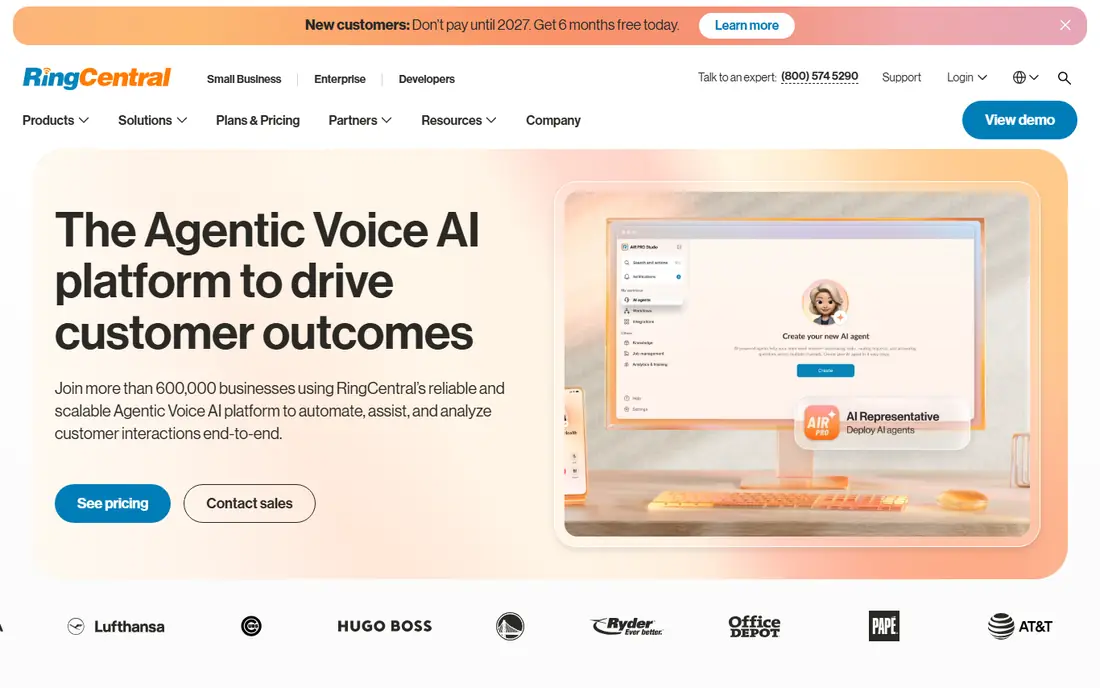
RingCentral is our pick for most businesses that want one system to cover calling, video meetings, team messaging, and texting. The Core plan starts at $20 per user per month on annual billing, with Advanced at $25 and Ultra at $35 on the same terms. That range gives a growing company room to add features without switching providers later.
The honest catch is complexity. A solo operator may find the admin console and the range of settings more than necessary, and monthly billing costs more than the annual rate. For a team of five or more that needs queues, multi-level auto attendants, and call recording, the depth is worth it.
- Voice, video, messaging, and fax in one app
- More than 500 integrations
- Strong call routing and analytics
- More platform than a tiny team needs
- Higher tiers add cost quickly
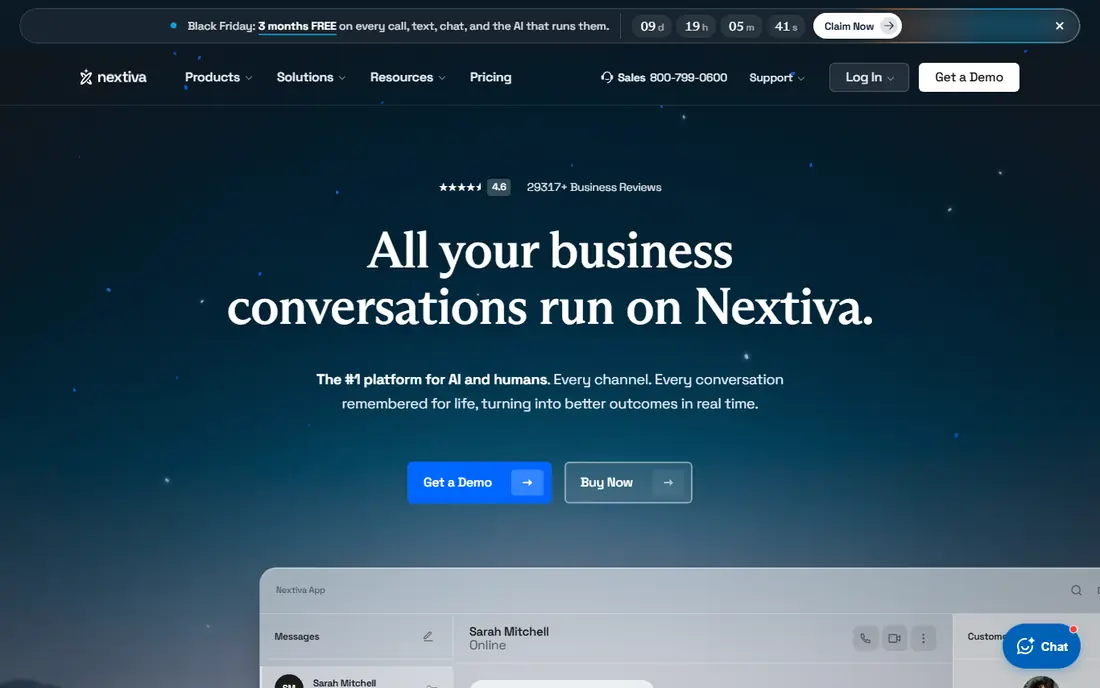
Nextiva starts at $15 per user per month for its Core plan on annual billing, which makes it one of the best value full systems on this list. It brings voice, messaging, video, and customer engagement tools together, so a small business can handle most customer contact from one place.
Support is a genuine selling point here, with many public reviews praising responsive help for setup and porting numbers. The trade-off is that there is no free trial to test the service first, so ask for a demo and confirm porting times before you commit. Teams that need contact center coaching and quality tools will pay more for higher tiers.
- Low entry price for a full system
- Unified voice, text, and video
- Well regarded support
- No free trial listed
- Advanced contact center features sit on higher tiers
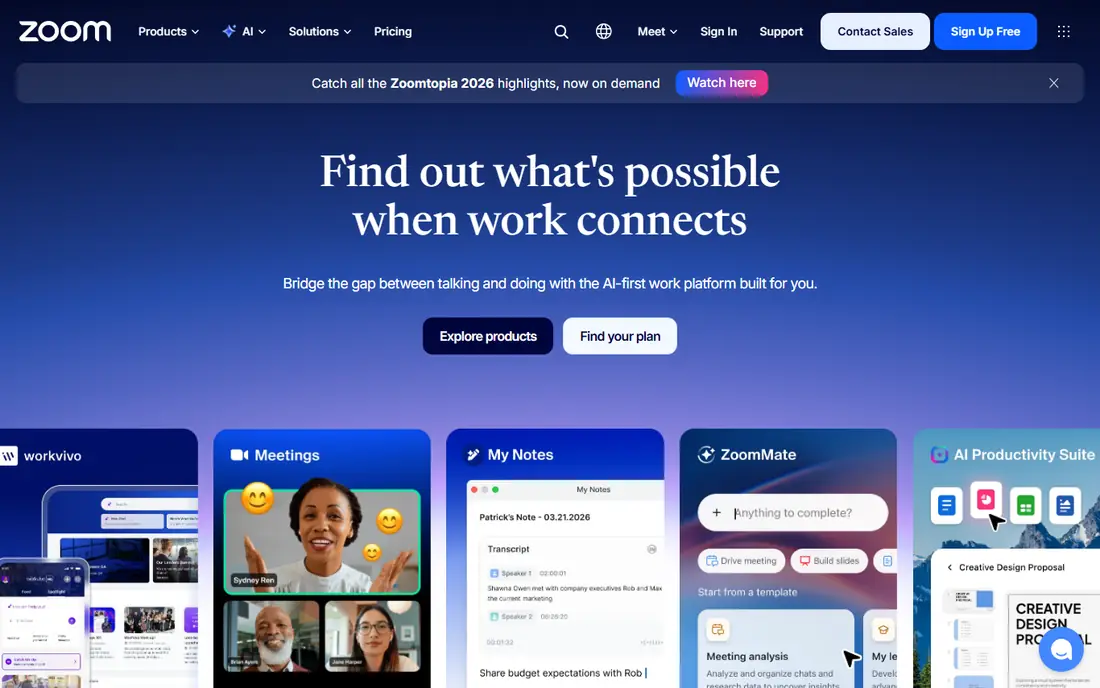
Zoom Phone makes the most sense if your team already lives in Zoom for meetings. The metered US and Canada plan starts at $10.50 per user per month on annual billing, and an unlimited plan is also offered. Calls, voicemail, and call handling sit inside the same app your staff already knows.
That low entry price comes with a metered catch, so heavy callers should price the unlimited option instead. Zoom Phone also works best as an add-on to a Workplace plan, which means the total bill is higher than the phone price alone. For a Zoom-first office, though, the convenience is hard to beat.
- Lowest starting price here
- Familiar app for Zoom users
- Optional global calling bundles
- Phone and collaboration plans are separate purchases
- Metered plan charges for usage
Dialpad stands out because its AI features are not locked behind the top tier. Transcription, call summaries, and action items appear on the Standard plan, which starts at $15 per user per month on annual billing. That matters for teams that want better notes from sales and support calls without buying a separate tool.
The apps feel modern on desktop and mobile, and setup is quicker than with older phone systems. Watch the fine print if you still rely on faxing, since that needs an extra license, and dial-by-extension is an enterprise feature. For most small teams, the standard plan covers the daily work well.
- AI transcription and summaries on every plan
- Clean modern apps
- Voice, video, and messaging included
- Fax needs an extra license
- Some advanced routing sits on higher tiers
Ooma Office is the easiest pick for a small office that wants phones working quickly. Plans run from $19.95 per user per month with no contract, and Ooma can ship phones that are already set up for your account. A virtual receptionist and extension dialing come as standard, which covers the basics for most offices.
The catch is that messaging and video features are reserved for higher tiers, so a team that texts customers a lot may need to step up a plan. Still, the 30-day trial and month-to-month terms lower the risk of trying it. If simple, predictable phone service matters more than a long feature list, Ooma fits well.
- No contract on published plans
- Pre-configured phones available
- Virtual receptionist included
- Texting, team chat, and video only on higher tiers
- Per-user price sits above the cheapest rivals
Grasshopper takes a different approach from the rest of this list. Instead of charging per user, its True Solo plan costs $14 per month flat on annual billing, and you keep using your own mobile phone. You get a business number, greetings, extensions, and voicemail without buying hardware or a full phone system.
That simplicity is also its limit. Grasshopper forwards calls to your phone rather than running a full private branch exchange, so it suits solos and very small teams far better than a busy office. If you need a separate business line and a professional greeting on a budget, it is one of the best value options available.
- Flat monthly price, not per user
- Works on your existing phone
- Every plan includes every feature
- Forwarding-based, not a full phone system
- Limited for larger teams
Google Voice for business starts at $10 per user per month for its Starter plan, and it works inside Google Workspace. That makes it a natural choice for a small team that already uses Gmail, Calendar, and Drive. Setup is quick, voicemail transcription is built in, and staff can call from a computer or phone.
The trade-off is depth. Google Voice does not match RingCentral or Nextiva for queues, advanced routing, or contact center tools. It is best for teams that need reliable business calling and texting without a complex system. If your office already pays for Workspace, the added cost is modest.
- Low starting price
- Simple setup inside Workspace
- Familiar Google apps and admin
- Fewer advanced call center features
- Requires a Workspace account for business use
Quo, formerly OpenPhone, is built for small teams that handle much of their customer contact by text. The Starter plan starts at $15 per user per month on annual billing, with shared numbers, team inboxes, and mobile apps at the center. It feels closer to a messaging app than to a traditional office phone system.
That focus is a strength for service businesses, trades, and startups that text customers all day. It is less ideal for a team that needs a full auto attendant and detailed analytics on day one, since those arrive on the Business tier. Try the 7-day trial with your real call and text volume before you switch.
- Modern shared-number inbox
- Strong mobile apps
- Messaging-first design
- Auto attendant and analytics start at the Business tier
- Formerly known as OpenPhone, so older reviews use that name
How we picked these
We compared official pricing pages, feature lists, and public reviews for providers that serve US small and mid-size businesses. We favored providers with published starting prices, a working mobile app, and a clear path from a solo line to a team system. We left out providers that only sell by quote with no published entry price, except where the fit was strong enough to note the gap.
What to check before you buy
Start with how your team actually communicates. Count how many people need a phone, how many calls you make each day, and how much of your customer contact happens by text. A forwarding service like Grasshopper is fine for one person, but a team of ten needs queues, shared inboxes, and call handling that a full system provides.
Porting, hardware, and billing
Ask how long number porting takes and what happens to your number if you cancel. Check whether desk phones are included, rented, or bought separately, since hardware can add more to the first bill than the monthly plan. Compare annual and monthly billing on the same plan, and add taxes and regulatory fees, which most providers list separately.
Call quality and support
Test the service on your actual internet connection during a busy workday, not just on a quiet evening. A trial period is the best way to judge call clarity, mobile app reliability, and how quickly support answers. If your business takes calls that cannot be missed, favor a provider with a strong uptime record and support hours that cover your working day.
Frequently asked questions
What is the best VoIP service for a small business?
For most small businesses, RingCentral or Nextiva offer the best balance of features, price, and support. RingCentral suits teams that want voice, video, and messaging in one place, while Nextiva suits teams that want a lower entry price and strong support. Solos should also consider Grasshopper or Google Voice.
What is the best VoIP service for a cell phone?
Grasshopper and Quo work well on a cell phone because they are built around mobile apps and your existing handset. Google Voice also works well for Workspace users who call from a phone or browser. If you need a full office system on mobile, RingCentral and Dialpad have the strongest mobile apps.
How much does the best rated VoIP phone service cost?
Starting prices on this list run from $10 per user per month for Google Voice to $20 per user per month for RingCentral on annual billing, with Grasshopper at $14 per month flat. Taxes, fees, hardware, and higher tiers add to the total, so check the full quote before you commit.
Do I need new phones to use VoIP?
No, not always. Many providers work through desktop and mobile apps, and forwarding services use your existing phone. Desk phones are optional for most small teams, though an office that wants a phone on every desk can buy or rent pre-configured handsets from providers like Ooma.
Can I keep my existing business number?
In most cases, yes. Providers support number porting from traditional carriers and from other VoIP services, but timing varies. Start the port early, keep your old service active until the port completes, and confirm the port date in writing with the new provider.
Sources
- https://www.ringcentral.com/pricing/
- https://www.nextiva.com/pricing.html
- https://www.zoom.com/en/products/voip-phone/
- https://www.dialpad.com/pricing/
- https://www.ooma.com/business/pricing/
- https://www.grasshopper.com/pricing/
- https://workspace.google.com/products/voice/
- https://www.quo.com/pricing/
- https://www.techrepublic.com/article/best-ucaas-providers/
See where you really rank - block by block
ProMapRanker scans Google Maps across a grid of your service area. Simple monthly plans from $19, white-label on every plan.
Start freeKeep reading
 zoho inventory alternatives
6 Alternatives to Zoho Inventory, Compared on Price and Fit
Zoho Inventory alternatives: 6 tools compared on price, free plans and fit. Katana leads the list for manufacturers. Fit and flaws are laid out for each entry.
Read → zoho crm alternatives
Best Zoho CRM Alternatives (2026)
Need Zoho CRM alternatives? We compare 7 tools on cost, free access and who each suits. Every pick gets a straight assessment. Built for quick decisions.
Read → zelle alternatives
Best Zelle Alternatives in 2026
Compare the best Zelle alternatives for sending money to friends, paying sellers and moving funds abroad, with honest notes on fees, speed and safety in 2026.
Read →