 ProMapRanker
Best VoIP Service for Personal Use in 2026

Key takeaways
- Google Voice is the best free personal VoIP option for US users who want a second number with calling and texting.
- Ooma is the best home phone replacement, since its basic plan has no monthly service fee beyond taxes, fees, and hardware.
- Home VoIP services differ on emergency calling: some offer full E911, while Google Voice personal does not offer E911, so keep a mobile phone for emergencies.
- Internet-based calling needs power and broadband, so a VoIP home phone is not a full replacement for a traditional landline in a long outage.
- Personal users should pick based on the device they already use: a home handset, a mobile app, or a computer softphone.
Quick comparison
| Pick | Great for | Pricing starts at | Free tier | |
|---|---|---|---|---|
 Google Voice | Free second number | Free | Yes | Visit |
 Ooma | Home phone replacement | Free | Yes | Visit |
 magicJack | Low-cost home adapter | See website | No | Visit |
 Vonage | Home phone with mobile app | See website | No | Visit |
 Callcentric | DIY and BYOD users | See website | No | Visit |
 VoIP.ms | Pay-as-you-go flexibility | See website | No | Visit |
 Line2 | Second number on your phone | $9.99 per month | Free trial | Visit |
 Grasshopper | Solo professional number | $14 per month | Free trial | Visit |
 Phone.com | Flexible personal and solo plans | $15 per month | No | Visit |
The best VoIP services for personal use
We compared personal and home VoIP services on price, calling and texting, device support, emergency calling, and ease of setup. Business team features were not the deciding factor here; the question was whether a service gives one person a reliable, affordable way to call and text without a traditional phone plan.
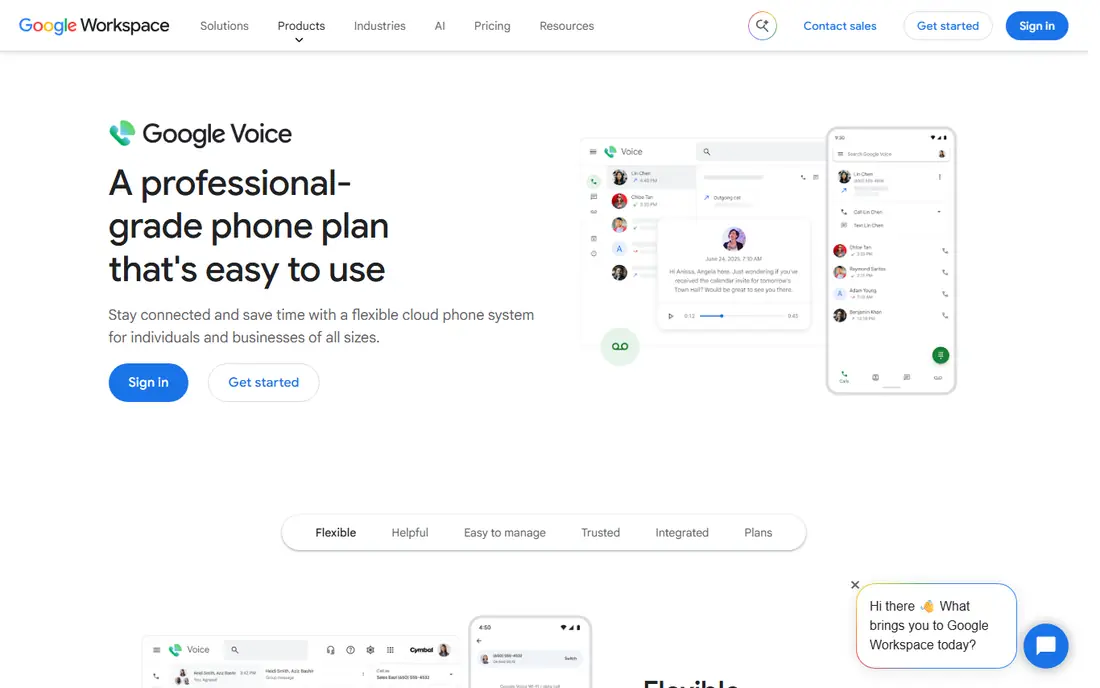
Google Voice is the obvious starting point for personal VoIP, since personal accounts are free in the US and give you a second number for calling, texting, and voicemail. Calls can be made from the web, Android, or iOS, and the number rings on multiple devices, which makes it useful as a home number, a side-project number, or a number for online selling. Voicemail transcription and spam filtering are included, and domestic calling is unlimited for personal use.
The serious limit is emergency calling. Google Voice personal accounts do not offer E911, so you should not rely on Google Voice alone for emergency calls. Keep a mobile phone with a carrier plan for emergencies, and treat Google Voice as a second number rather than a full home phone replacement. Paid Google Voice plans for teams start at $10 per user per month, but personal users do not need them for basic calling.
- Free US number for personal use
- Calling and texting from web and mobile
- Voicemail transcription
- No E911 on personal accounts
- Limited international calling
- Support is mainly online
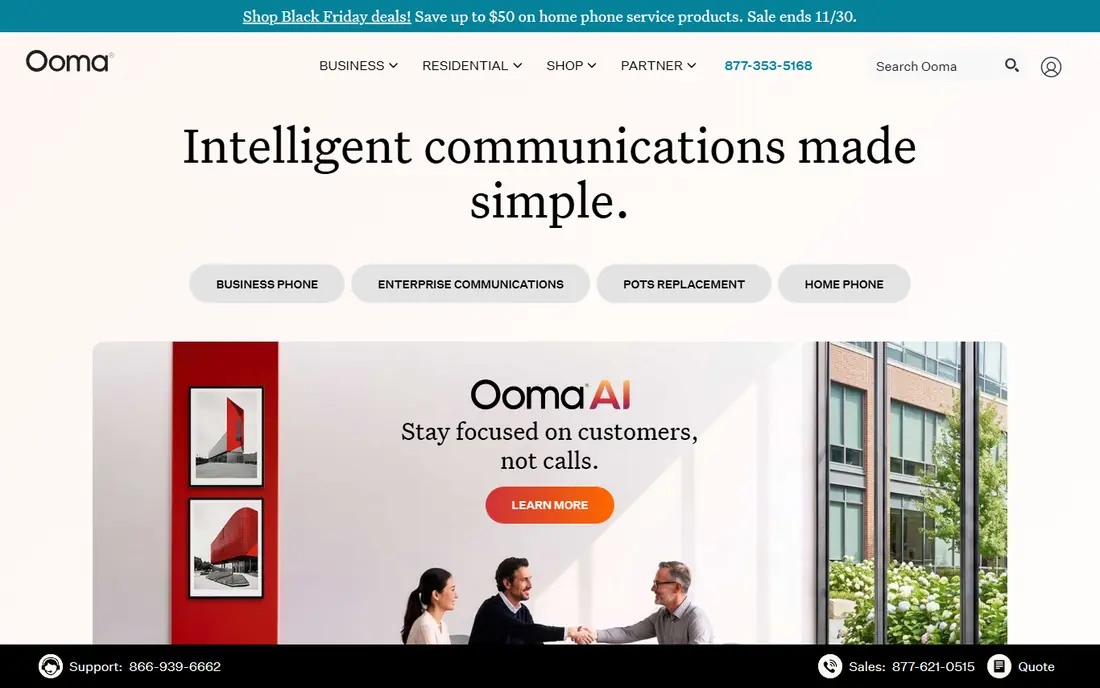
Ooma is the best home phone replacement in this list. You buy an Ooma Telo adapter, plug a regular home phone into it, and the Basic plan includes US calling, voicemail, and caller ID with no monthly service fee, though you still pay monthly taxes and fees and the hardware cost. Ooma supports E911, offers robocall blocking, and its mobile app lets you make and take home calls from your phone.
The catch is that the free part is the service fee, not the whole bill. Taxes and fees still apply each month, and useful extras such as advanced call blocking, voicemail transcription, and multi-ring sit in the paid Premier tier. For households that want a familiar handset, a real home number, and emergency calling, Ooma is still the best value, and its LTE backup option on some hardware adds outage resilience.
- Basic plan has no monthly service fee
- E911 support
- Robocall blocking and mobile app
- Hardware purchase required
- Taxes and fees apply monthly
- Premier features cost extra
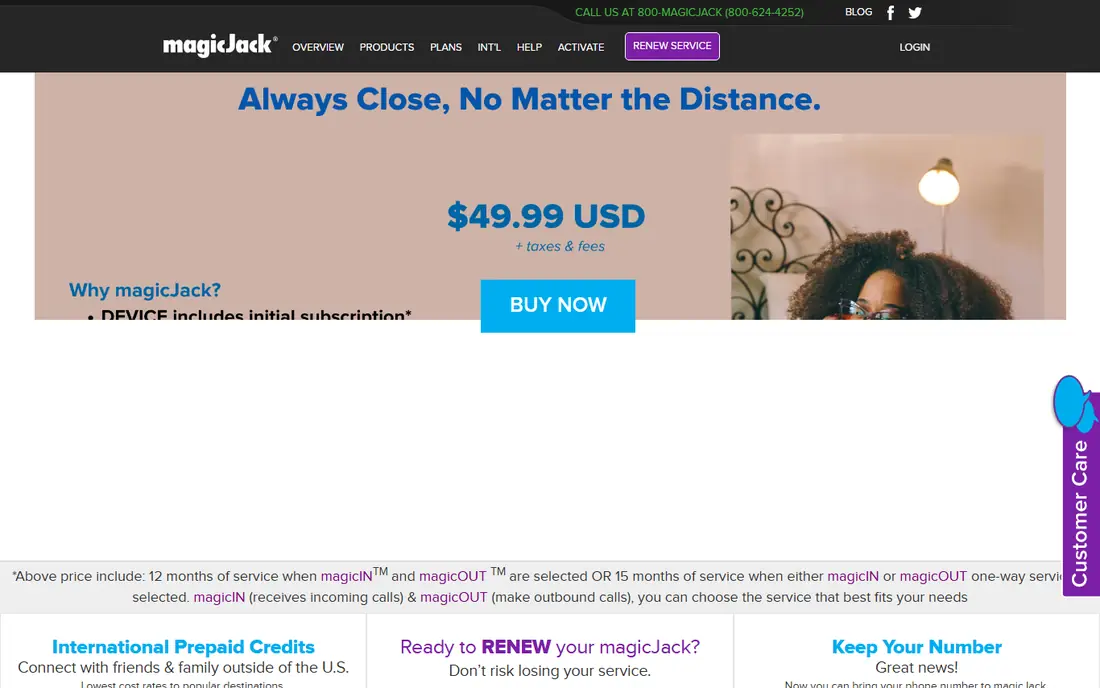
magicJack is the cheapest dedicated home VoIP adapter for many households. You buy the adapter, plug a home phone into it, and get unlimited calling in the US and Canada with basic features such as voicemail and caller ID. Renewals are cheap compared with a traditional landline, and setup is simple enough for most users without technical help.
The trade-off is depth. magicJack offers fewer features than Ooma or Vonage, its mobile app is more limited, and public reviews of support are mixed. It is best for cost-focused households that want a simple home phone and do not need advanced blocking, transcription, or multi-device features. If you want a richer feature set, Ooma or Vonage is a better fit despite the higher cost.
- Very low total cost
- Simple USB or Ethernet adapter
- Unlimited US and Canada calling
- Basic features only
- App ecosystem is limited
- Support quality is mixed in reviews
Vonage for Home offers unlimited calling in North America, a mobile Extensions app that lets your home number ring on your phone, and voicemail delivered to email. That mobile integration is the main reason to pick Vonage over a simpler adapter: you can take home calls when you are out, check voicemail from email, and keep one number across devices. International calling options are also strong for households with family abroad.
Vonage costs more than magicJack or Ooma Basic, and its personal home plans are less prominent than its business offerings, so pricing pages can be confusing. Hardware may be included depending on the plan, but fees still apply. Vonage suits households that want a full-featured home phone with good mobile integration and are willing to pay a mid-range price for it.
- Unlimited North America plans
- Extensions app rings your home number on mobile
- Voicemail to email
- Mid-range pricing
- Hardware and fees apply
- Personal plans are less prominent than business plans
Callcentric is a VoIP service for users who want to bring their own phone or adapter and configure it themselves. It offers a mix of pay-per-minute and unlimited plans, supports a wide range of SIP devices, and includes E911, which is important for a home phone replacement. For tinkerers and users with existing VoIP hardware, Callcentric gives granular control over numbers, routing, and features.
The drawback is setup. Callcentric expects you to configure a SIP device or softphone, and its interface is more technical than Ooma or Google Voice. Support is competent but less hand-holding than a consumer service. If you already own VoIP hardware and want flexible pricing, Callcentric is excellent. If you want plug-and-play setup, pick Ooma instead.
- Bring your own device support
- Flexible pay-per-minute and unlimited plans
- E911 support
- Requires configuration
- Interface is technical
- Support is less hand-holding than consumer services
VoIP.ms is a pay-as-you-go VoIP provider that is very cheap for light users, since you pay per minute and per number rather than a flat monthly plan. It offers rich features such as IVR menus, ring groups, call routing, and SMS on many numbers, and it has many server locations for reliability. Advanced users can build a sophisticated home phone setup for a few dollars a month if call volume is low.
The learning curve is steep. VoIP.ms expects you to understand SIP, DID numbers, and routing, and there is no bundled handset or simple consumer onboarding. It is best for advanced personal users, home labs, and light callers who want maximum control at minimum cost. Casual users should choose Google Voice or Ooma instead.
- Very low pay-as-you-go pricing for light users
- Rich routing and IVR features
- Many server locations
- Steep learning curve
- No bundled handset
- Pricing is per-minute and per-number
Line2 gives you a second phone number on your existing mobile phone, with calling and texting from the Line2 app on mobile and desktop. It starts at $9.99 per month and is a good fit for solopreneurs, freelancers, and anyone who wants to separate work calls from personal calls without carrying two phones. Setup is simple, and the number can be ported in many cases.
Line2 is not a home phone replacement, since it is built around a mobile app rather than a home handset, and its feature set is narrower than Ooma or Vonage. There is no free plan beyond a trial, so it costs more than Google Voice for a second number. Choose Line2 if you want a clean, separate number on the phone you already carry, with business-style separation.
- Second number with calling and texting
- Works on mobile and desktop
- Simple setup
- No free plan beyond a trial
- Features are narrower than full VoIP platforms
Grasshopper is a virtual phone service for solos and very small businesses, and it works well as a personal professional number. Its True Solo plan is published at $14 per month billed annually, and it includes a business number, call forwarding to your mobile, voicemail transcription, and greetings. For a freelancer who wants a professional front door without a second phone, Grasshopper is a polished option.
Grasshopper is more business-focused than personal, and its pricing is higher than Google Voice or Line2 for a simple second number. Texting is also limited to local numbers on some plans, so check the plan details if texting matters to you. Choose Grasshopper if you want a professional image and are willing to pay for it, not if you only need a free second number.
- Professional business number for solos
- Call forwarding and voicemail transcription
- Flat monthly pricing
- More business-focused than personal
- Local numbers only for texting in some plans
Phone.com offers virtual phone numbers with calling, texting, voicemail, and call routing, and it suits personal users and solos who want more control than a free app but less complexity than a DIY SIP service. Its starting plan is published at $15 per user per month, with additional numbers available for a small monthly fee. Web and mobile apps let you call and text from your virtual number anywhere.
The base plan may require an upgrade for full texting or shared inbox features, so check the plan page for the features you need. Phone.com is also more business-oriented than Google Voice, which means more setup than a free personal number. For users who want a flexible virtual number with room to grow, Phone.com is a solid middle ground.
- Virtual number with calling and texting
- Flexible plans
- Web and mobile apps
- Texting on base plan may need an upgrade
- Pricing varies by feature set
How we picked these
We compared official pricing pages and published 2026 VoIP comparisons, and we kept only services that are live in October 2026 and offer a personal or home number to US users. We weighed price, calling and texting, device support, emergency calling, and ease of setup, and we excluded Skype, which shut down in May 2025, and business-only team platforms that do not serve personal users well. We did not claim hands-on testing, and we marked prices as See website where personal plan pricing is quoted or varies by hardware.
How to choose a personal VoIP service
Start with the device. If you want a home handset, pick Ooma, magicJack, or Vonage. If you want a second number on your phone, pick Google Voice, Line2, or Grasshopper. If you own SIP hardware and want control, pick Callcentric or VoIP.ms. The device choice narrows the list faster than any feature comparison.
Next, check emergency calling and outage behavior. A service with E911 and a mobile fallback is safer as a home phone than a free app without E911. Test call quality on your internet connection, since VoIP quality depends on broadband speed and stability, and keep a mobile phone charged for outages. Finally, check number porting: if you want to keep an existing number, confirm portability before you cancel the old service.
Frequently asked questions
Is Google Voice free for personal use?
Yes, Google Voice personal accounts are free in the US, with a free number, unlimited domestic calling, texting, and voicemail transcription. Paid plans starting at $10 per user per month are for teams using Google Workspace, not for personal users.
Does VoIP work during a power outage?
No, unless you have backup power for your router, modem, and phone adapter. Internet-based calling needs power and broadband, so keep a charged mobile phone as a backup for emergencies and long outages.
Can I keep my number when switching to VoIP?
In most cases, yes, if the number is portable and you keep the old service active until the port completes. Ask the new provider to confirm portability for your specific number before you cancel anything.
What is E911, and why does it matter?
E911 is enhanced emergency calling that sends your registered address to emergency services when you call 911 from a VoIP phone. Services such as Ooma, Vonage, and Callcentric offer E911, while Google Voice personal does not, which is why a mobile phone backup matters.
Do I need special hardware for personal VoIP?
It depends on the service. Google Voice, Line2, and Grasshopper work as apps on a phone or computer with no extra hardware, while Ooma and magicJack need an adapter for a home handset. Callcentric and VoIP.ms work with your own SIP phone or softphone.
Sources
See where you really rank - block by block
ProMapRanker scans Google Maps across a grid of your service area. Simple monthly plans from $19, white-label on every plan.
Start freeKeep reading
 zoro.to alternatives
Best Zoro.to Alternatives in 2026
We compare the best zoro.to alternatives in 2026, listing only legal licensed anime streaming services, from Crunchyroll to free options for fans today.
Read → zip alternatives
Best Zip Alternatives in 2026
We compare the best zip alternatives for buy now, pay later in 2026, covering pay-in-4 plans, fees, spending limits, and credit reporting options today.
Read → yesware alternatives
Best Yesware Alternatives in 2026
Compare the best yesware alternatives for sales email tracking, templates, and sequences, with current pricing and honest tradeoffs for small sales teams.
Read →