 ProMapRanker
Best VoIP Phone Service for Small Business in 2026


All-round unified communications · Pricing starts at: $20 per user per month
Key takeaways
- RingCentral is the strongest all-round system, while Zoom Phone and Dialpad offer lower entry prices for small teams.
- Most headline prices require annual billing, and monthly billing, taxes and fees raise the real per-user cost.
- Grasshopper suits solo owners who need one flat business number, while Google Voice suits teams already on Google Workspace.
- Check SMS allowances, call recording and CRM integrations on the plan you buy, because those features often sit on higher tiers.
- A 14-day trial or a short monthly plan is the safest way to test call quality and support before you port your main number.
Quick comparison
| Pick | Great for | Pricing starts at | Free tier | |
|---|---|---|---|---|
| RingCentral | All-round unified communications | $20 per user per month | Free trial | Visit |
 Nextiva | Reliability and customer teams | $15 per user per month | No | Visit |
 Zoom Phone | Teams already using Zoom | $10.50 per user per month | No | Visit |
 Dialpad | AI features on every plan | $15 per user per month | Free trial | Visit |
 Vonage | API flexibility and mobility | $13.99 per user per month | No | Visit |
 Ooma Office | Simple setup for very small teams | $19.95 per user per month | No | Visit |
 Grasshopper | Flat business line for solos | $14 per month | Free trial | Visit |
 Google Voice | Google Workspace teams | $10 per user per month | No | Visit |
 OpenPhone | Text-heavy small teams | $15 per user per month | Free trial | Visit |
 8x8 | International calling | See website | No | Visit |
The best VoIP phone service for small business
VoIP, or voice over internet protocol, lets a small business run its phone system over the internet instead of a traditional phone line, with features such as auto attendants, call queues, voicemail to email and business texting included. Prices in this guide are per user per month on annual billing where stated, before taxes and fees, unless noted otherwise. We compared official pricing pages and recent October 2026 comparisons, and we did not claim hands-on testing. Confirm the current pricing page and the monthly billing price before you buy, because annual and monthly rates differ sharply.
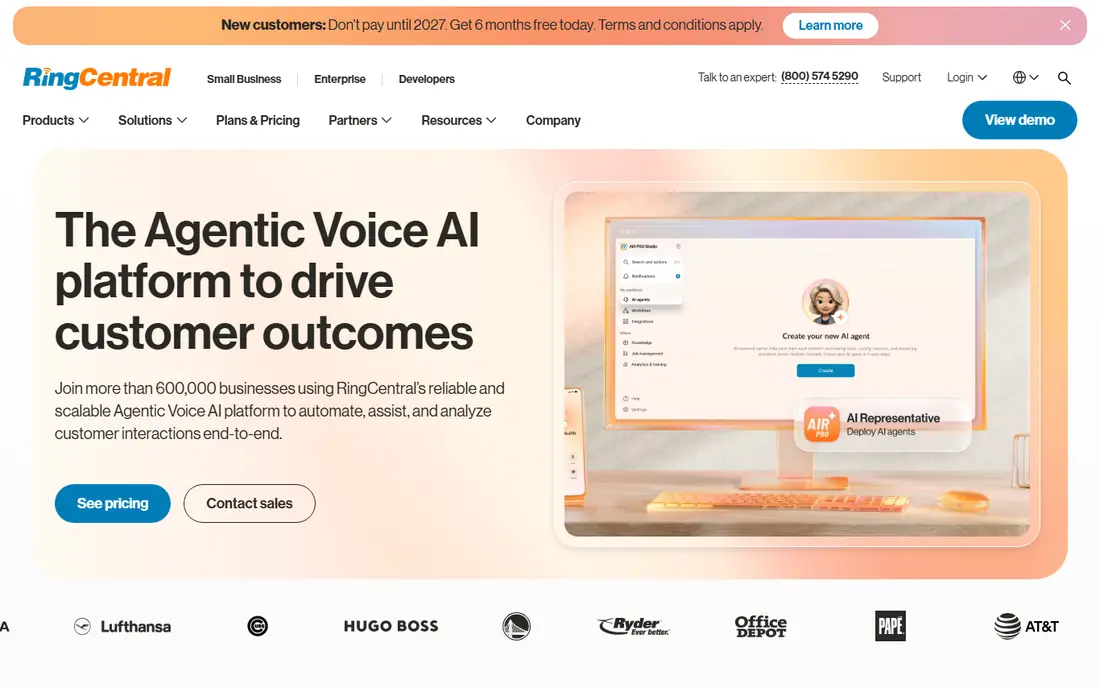
RingCentral RingEX is the reference business phone system for small teams that want one vendor for phone, team messaging and video meetings. Its Core plan costs $20 per user per month on annual billing and includes unlimited US and Canada calling, team messaging, video meetings and AI call transcription, with a 14-day trial for up to 20 lines. Its integration catalog is larger than most rivals, which helps teams that need CRM, helpdesk and productivity connections without custom work.
The fine print matters. Monthly billing raises Core to $30 per user, SMS is capped at 25 messages per user a month on Core, and the AI Receptionist and conversation intelligence features are add-ons rather than included tools. Budget for those add-ons if you need them, and check taxes and fees for your state..
- Phone, messaging and video in one system
- AI transcription included on Core
- Large integration catalog
- Monthly billing raises Core to $30
- SMS is capped on Core
- Advanced AI features are paid add-ons
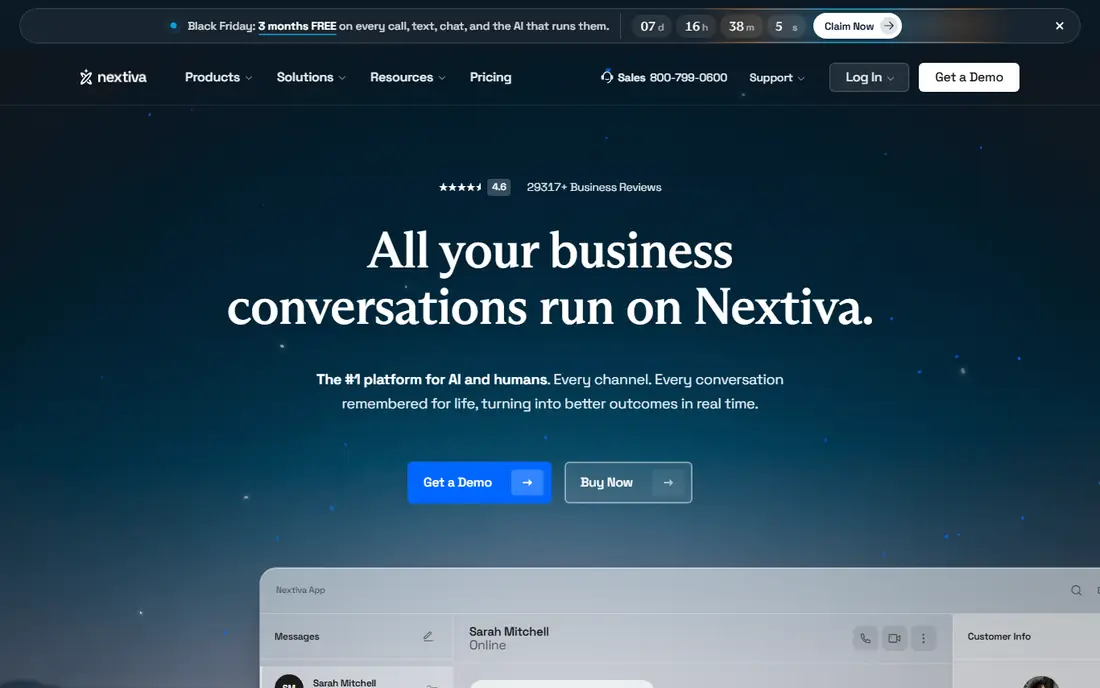
Nextiva suits customer-facing teams that value reliability and support over the lowest headline price. Its Core plan costs $15 per user per month on annual billing in recent comparisons, with unlimited calling, team messaging and a customer communication hub that brings phone, chat and customer data together. Its support reputation is a selling point for small businesses that do not have an IT team and want a person to help when call quality drops.
The limits are tiering and trial access. Advanced features and deeper analytics sit on higher plans, and some plans offer a demo rather than a free trial, so testing call quality before purchase takes more effort..
- Strong reliability reputation and human support
- Phone plus customer communication tools
- Wide integration range
- Higher tiers cost more for advanced features
- No free trial on some plans, only a demo
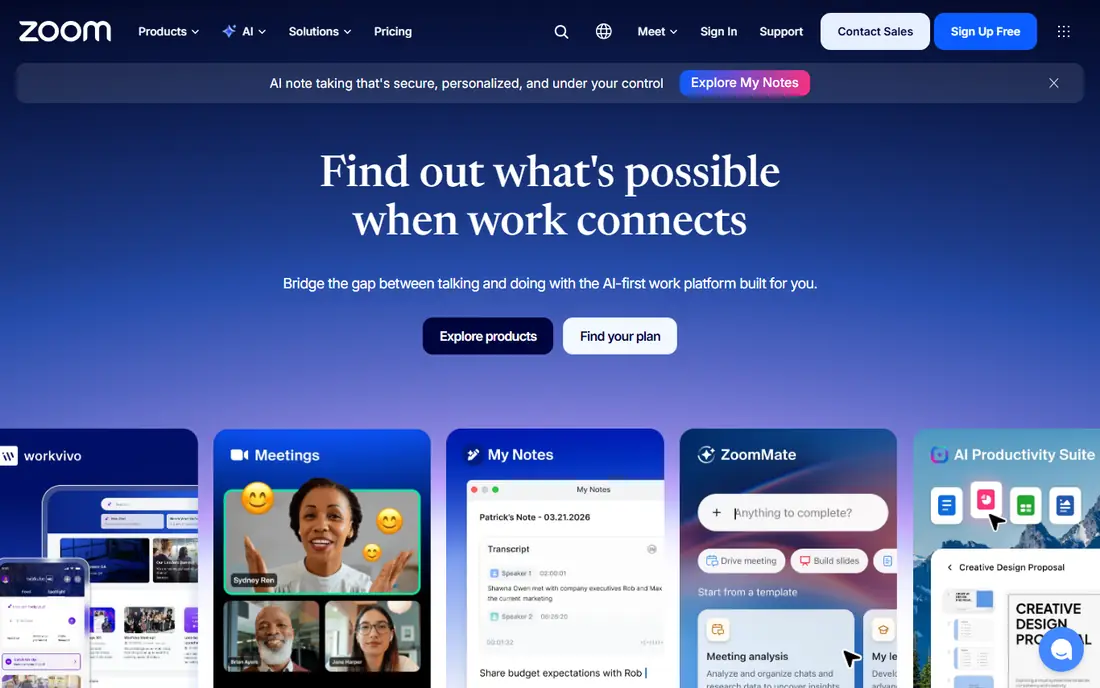
Zoom Phone is the low cost pick for teams that already live in Zoom. Its metered plan costs $10.50 per user per month on annual billing in recent comparisons, with unlimited calling plans available at a higher price, and it brings phone calls into the same app as video meetings and chat. That single app experience reduces training time, and its call quality and admin tools are familiar to any team that already uses Zoom daily.
The metered model needs care. Usage beyond the included allowance costs extra, so teams with high call volume should compare the unlimited plan price rather than the metered entry price. Some advanced phone features also sit on higher tiers..
- Low metered entry price for Zoom users
- Familiar interface for teams already on Zoom
- Strong video and phone integration
- Metered plan charges for usage beyond the allowance
- Some phone features need higher tiers or add-ons
Dialpad stands out because AI features are included on its entry plan, not reserved for a premium tier. Its Standard plan costs $15 per user per month on annual billing and includes AI call summaries, transcription and real-time coaching tools that help remote teams review calls and improve handling. The interface is clean, the mobile app is strong, and the 14-day trial lets a small team test call quality before committing.
The drawback is monthly pricing and seat terms. Monthly billing raises the Standard price sharply, and some Pro terms require a minimum number of seats, which matters for very small teams..
- AI call summaries and transcription on the entry plan
- Clean interface for remote teams
- 14-day free trial
- Monthly billing is much higher than annual
- Pro plan requires a minimum seat count on some terms
Vonage Business Communications suits teams that want a low entry price plus the option to build on its API later. Its Mobile plan costs $13.99 per line per month on annual billing in recent comparisons, with unlimited calling and texting in the US, a mobile app for remote workers and a wide integration range. For companies that may later add custom calling, messaging or verification tools, Vonage API heritage is a real advantage.
The limits are tiering and trial access. Advanced call handling, analytics and integrations sit on higher plans, and no free trial is published on some plans, so testing takes a demo or a short paid period..
- Low entry price on annual billing
- Strong API for teams that may build custom tools
- Good mobile app for remote workers
- Some features need higher tiers
- No free trial published on some plans
Ooma Office suits very small teams that want a simple phone system without a contract or a complex tier menu. Its Essentials plan costs $19.95 per user per month, with no annual contract required on that plan, and it supports desk phones for office teams that still want a physical handset at each desk. Setup is straightforward, and the money-back period on some plans gives new customers a low risk way to test the service.
The price is higher than several rivals, and its AI and analytics features are thinner than Dialpad or RingCentral. For a small office that wants a reliable phone system, a desk phone at each desk and no long contract, Ooma is a calm and practical choice..
- Simple pricing with no contract
- Desk phone support for office teams
- 30-day money-back period on some plans
- Higher entry price than Zoom Phone or Vonage
- Fewer advanced AI features than Dialpad or RingCentral
Grasshopper is built for solo owners and very small teams who need a professional business number without paying per user. Its True Solo plan costs $14 a month on annual billing, with a flat rate for the business line, virtual receptionist greetings, extensions and business texting, rather than a per-user charge that grows with every team member. That model is ideal for a freelancer, consultant or tradesperson who wants to separate business and personal calls on one phone.
The limit is scale. Grasshopper is not a full call center system, and teams that need queues, advanced routing and deep CRM integration will outgrow it..
- Flat monthly price for a business number, not per user
- Virtual receptionist and extensions included
- 7-day free trial
- Flat price covers one number, not a full team system
- Advanced call center features are limited
Google Voice suits teams already on Google Workspace, because it adds a business phone number inside the Google apps they already use. Its Starter plan costs $10 per user per month, with unlimited calls in the US, voicemail transcription and simple admin controls, and it works well for small teams that need a second business number without a separate phone system. Setup is fast, and the interface will feel familiar to any Workspace user.
The catch is the underlying license. Google Voice requires a paid Google Workspace account, so the total cost is higher than the $10 headline, and its advanced phone features, such as complex call queues and deep CRM integration, are thinner than RingCentral or Nextiva..
- Low entry price for Workspace teams
- Simple interface inside Google apps
- Easy number management for small teams
- Requires a Google Workspace license underneath
- Fewer advanced phone features than RingCentral or Nextiva
OpenPhone suits small teams that text customers as much as they call them. Its Starter plan costs $15 per user per month on annual billing in recent comparisons, with a shared team number, a shared inbox for calls and texts, and integrations with CRM tools. The app feels modern on mobile and desktop, and it is easy for a remote team to share one business number without missing messages.
The price needs a check, because recent comparisons list OpenPhone at different prices under its newer Quo branding, so confirm the current plan page before buying. It also lacks the video meeting depth of RingCentral or Zoom Phone, so teams that need phone plus video in one system should look elsewhere..
- Modern app built for calling and texting
- Shared numbers and team inbox
- 7-day free trial
- Price has risen in recent comparisons, so check the current plan page
- Fewer video and meeting tools than RingCentral
8x8 suits teams with international customers or staff, because its higher plans include unlimited calling to dozens of countries, plus video meetings and contact center tools in one platform. Its global number coverage and compliance documentation help companies that operate across borders, and its phone system scales from small teams to larger contact centers without switching vendors.
The drawback is price transparency. Current pages use quote based pricing rather than a simple starter price, and the entry cost is higher than budget rivals such as Zoom Phone or Vonage. Small teams with only US calling will find cheaper options here, but teams that call abroad regularly should get an 8x8 quote and compare the international total, not just the US per-user price.
- Unlimited calling to many countries on higher plans
- Phone, video and contact center in one platform
- Strong global coverage
- Pricing is quote based on current pages, not a simple starter price
- Entry cost is higher than budget rivals
How we picked these
We compared VoIP services that a small business can buy and set up without an enterprise contract, using official pricing pages and recent October 2026 comparisons, and we left out consumer only apps and enterprise only platforms. We favored services with published per-user pricing, business texting, call routing and voicemail features, and a trial, demo or money-back period where available. We did not claim hands-on testing, and we noted where annual billing, taxes, fees and add-ons change the real monthly cost.
How to choose a VoIP service for a small team
Start with team size and call pattern, not the feature list. A solo owner needs a flat business number, a five-person remote team needs a shared inbox and good mobile apps, and a support team needs queues, recording and CRM integration. Count how many people will actually use the phone system, how many calls you handle a day, and how much you text customers, because those numbers decide whether a per-user plan, a flat plan or a metered plan is cheapest.
Next, test call quality on your real internet connection before you port your main number. Use a trial to call customers, colleagues and your own voicemail, and check how calls sound on Wi-Fi, on mobile data and in a noisy office. Confirm number porting, 911 address registration and voicemail setup, and read the SMS allowance, recording retention and integration terms on the plan you will actually buy. A VoIP system is easy to switch before you port, and painful after, so a two-week trial is the cheapest insurance in this guide.
Frequently asked questions
What is VoIP and how does it work for a small business?
VoIP carries phone calls over the internet instead of a traditional phone line, using an app on a computer or phone, or a desk phone connected to the internet. A small business gets a business number, an auto attendant, voicemail, call routing and often business texting, without installing a traditional phone system. You need a reliable internet connection, and call quality depends on your bandwidth and network setup.
How much does VoIP cost for a small business?
Entry prices in this guide range from $10 to $20 per user per month on annual billing, with Grasshopper at a flat $14 a month for a single business number. Monthly billing, taxes, regulatory fees and add-ons raise the real cost, so check the monthly price and the total at checkout. A five-person team on a $15 plan should budget for taxes and fees on top of the $75 base price.
Can I keep my existing business phone number with VoIP?
In most cases, yes, through number porting, and your new provider will guide you through the transfer from your old carrier. Keep your old service active until the port completes, and confirm that your 911 address, voicemail greeting and any linked accounts are set up on the new system. Porting usually takes a few days, though it can take longer for some number types.
Do I need special hardware for VoIP?
No, most small teams use a computer or mobile app, a headset and a reliable internet connection, with no special hardware required. Desk phones are available for office teams that want a physical handset, and providers such as Ooma and RingCentral support a wide range of desk phones. Test the app on your existing devices during a trial before buying hardware.
Is VoIP reliable enough for customer calls?
Yes, for most small businesses, provided your internet connection is stable and you have enough bandwidth for concurrent calls. Wired connections and a quality router help, and providers publish uptime guarantees that vary by plan. If your internet drops often, keep a mobile fallback number for urgent calls, and test call quality during a trial at peak office hours.
Sources
See where you really rank - block by block
ProMapRanker scans Google Maps across a grid of your service area. Simple monthly plans from $19, white-label on every plan.
Start freeKeep reading
 zoro.to alternatives
Best Zoro.to Alternatives in 2026
We compare the best zoro.to alternatives in 2026, listing only legal licensed anime streaming services, from Crunchyroll to free options for fans today.
Read → zip alternatives
Best Zip Alternatives in 2026
We compare the best zip alternatives for buy now, pay later in 2026, covering pay-in-4 plans, fees, spending limits, and credit reporting options today.
Read → yesware alternatives
Best Yesware Alternatives in 2026
Compare the best yesware alternatives for sales email tracking, templates, and sequences, with current pricing and honest tradeoffs for small sales teams.
Read →