 ProMapRanker
Best VoIP App for Business in 2026


All round unified communications · Pricing starts at: $20 per user per month
Key takeaways
- RingCentral, Nextiva, and Dialpad are the safest all round picks for most small and mid size businesses.
- Zoom Phone and Google Voice are the cheapest routes if your team already pays for Zoom or Google Workspace.
- Headline per user prices exclude taxes and regulatory fees, so check the full monthly total before you compare.
- AI transcription and call summaries are now common, but they often sit on higher tiers or cost extra.
- A free trial on your real phones and headsets, with your internet connection, tells you more than any feature list.
Quick comparison
| Pick | Great for | Pricing starts at | Free tier | |
|---|---|---|---|---|
| RingCentral | All round unified communications | $20 per user per month | Free trial | Visit |
 Nextiva | Reliability and customer facing teams | $15 per user per month | No | Visit |
 Dialpad | AI features on every plan | $15 per user per month | Free trial | Visit |
 Zoom Phone | Teams already using Zoom | $10 per user per month | No | Visit |
 Ooma Office | Simple, no contract small business setup | $19.95 per user per month | Free trial | Visit |
 Vonage | Businesses that may build on APIs later | $13.99 per user per month | No | Visit |
 Google Voice | Google Workspace teams needing simple voice | $10 per user per month | No | Visit |
 Grasshopper | Solo owners needing a flat rate business line | $14 per month | Free trial | Visit |
 8x8 | Global teams with international calling | See website | No | Visit |
 GoTo Connect | Easy admin with bundled meetings | See website | No | Visit |
The best VoIP app for business
A VoIP app for business routes calls over the internet instead of a traditional phone line, and it usually adds video, messaging, voicemail transcription, and call routing in the same app. That means a team member can answer a business number from a desk phone, a laptop, or a mobile phone, without giving out a personal number. We compared official pricing pages and 2026 roundups to build this list for small and mid size businesses, with personal use notes where relevant.
Prices below are per user per month, billed annually, unless stated otherwise, and they exclude taxes and regulatory fees. Personal use is different from business use: a personal VoIP app may offer free calls to other app users, while a business plan adds a business number, call routing, and support that a personal account does not guarantee.
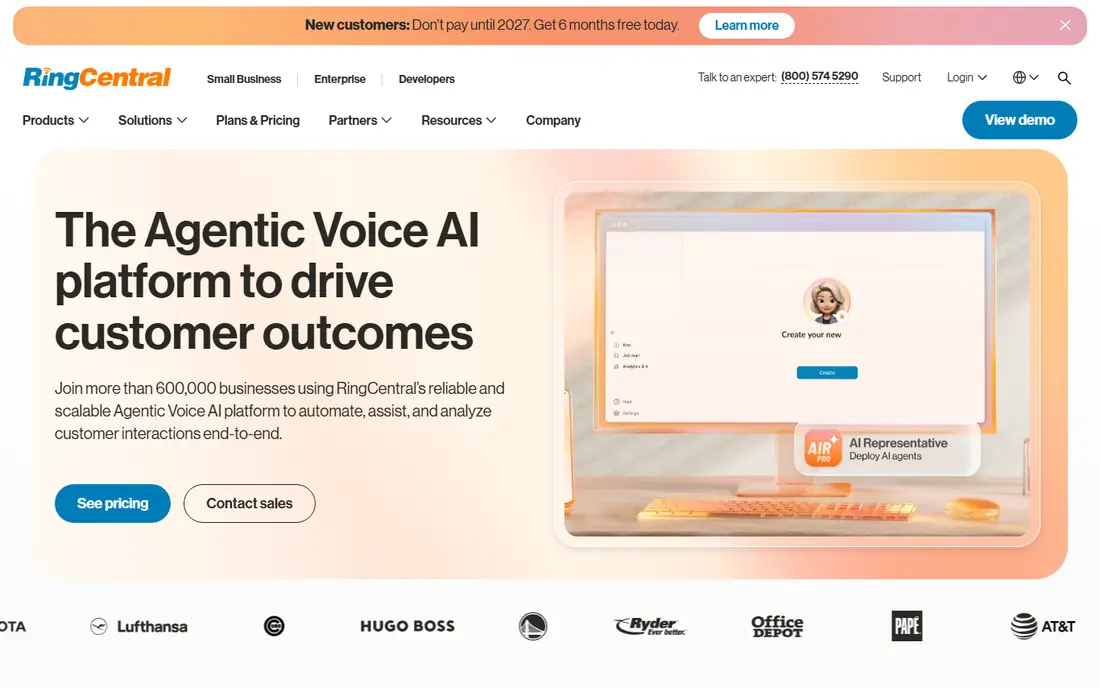
RingCentral is our all round pick for a growing business that wants one system for calls, video, messaging, and fax. Its Core plan starts at $20 per user per month billed annually, and its integration library covers common CRMs and helpdesks. AI call summaries and transcription have become a larger part of the product, which helps teams that handle many customer calls a day.
The catch is tiering. The entry plan covers the basics well, but call recording, advanced analytics, and some AI features sit higher up, so a team that needs those features should price the mid tier, not just Core. A 14 day free trial lets you test call quality on your own connection before you commit.
- Very broad integration library
- Voice, video, messaging, and fax in one app
- Strong uptime record
- Advanced features need higher tiers
- Small teams may pay for depth they rarely use
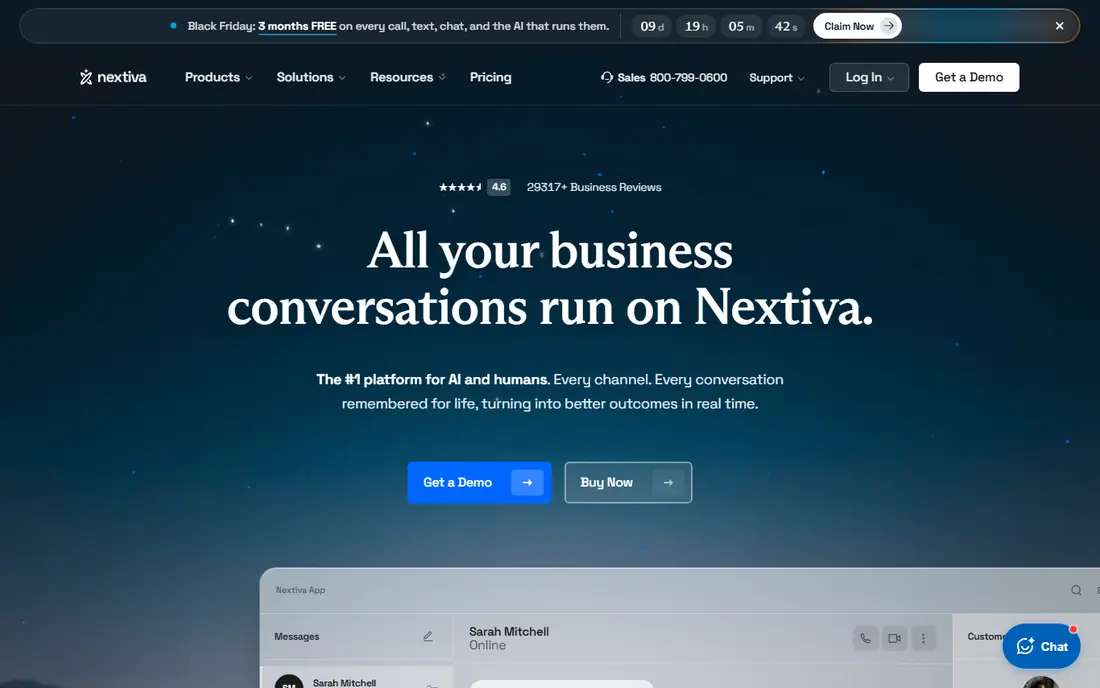
Nextiva suits customer facing teams that value reliable calls and human support. Its Core plan starts at $15 per user per month billed annually in the sources we reviewed, and it combines voice with SMS and video in one platform. Built in customer conversation tools help sales and support teams see the history of a customer across channels, rather than treating each call as a fresh start.
The main drawback is the lack of a free trial in most sources we reviewed, which makes a demo and a careful pilot more important. Higher tiers also rise in price quickly, so teams that need advanced analytics should model the full tier cost, not just the entry price. For teams that call customers all day, the support reputation alone often justifies a closer look.
- Strong support reputation
- Unified voice, SMS, and video
- Customer analytics on higher tiers
- No free trial in most sources
- Higher tiers rise in price quickly
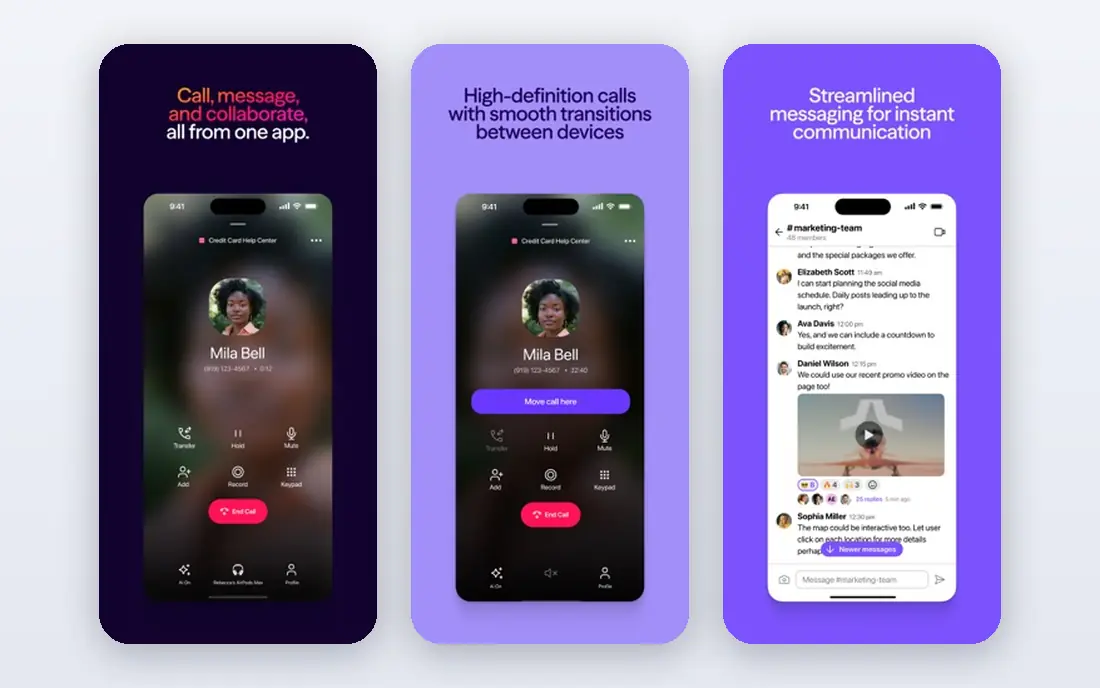
Dialpad is the AI first pick in this list. Its Standard plan starts at $15 per user per month billed annually in the sources we reviewed, and AI transcription, summaries, and live coaching features appear on entry plans rather than being locked to the top tier. That makes it a strong choice for sales and support teams that want call notes without buying a separate AI add on.
The trade off is integration gating. Deeper CRM integrations sit on the Pro tier, so a sales team that lives in its CRM should check which tier it actually needs. Monthly billing is also much higher than annual billing, so the annual price only applies if you commit for a year. A 14 day free trial helps you test transcription accuracy on your own calls.
- AI transcription and summaries on entry plans
- Clean modern apps
- Live coaching tools
- Some CRM integrations need the Pro tier
- Monthly billing is much higher than annual
Zoom Phone is the cheapest way to add voice to a team that already lives in Zoom. Its metered plan starts at around $10 per user per month billed annually in the sources we reviewed, with unlimited plans higher, and calls sit inside the same Zoom app as meetings and chat. Setup is fast for a Zoom team, since users, groups, and admin controls are already familiar.
The limit is depth. Call routing, queue management, and supervisor tools are thinner than on a dedicated phone platform such as RingCentral or 8x8, so a busy contact centre may outgrow it. If your team mainly needs a business number inside Zoom, with occasional video meetings, that trade off is easy to accept.
- Familiar app for Zoom users
- Low metered entry tier
- Fast setup for existing Zoom teams
- Routing and supervisor tools are thinner than dedicated phone platforms
- Needs a Zoom plan
Ooma Office suits very small teams moving off landlines that want simple, predictable pricing. Essentials starts at $19.95 per user per month with no annual contract in the sources we reviewed, and it includes a virtual receptionist, voicemail, and basic routing. Setup is straightforward, and the lack of a contract lowers the risk of trying it.
The catch is tiering. Call recording and CRM integration sit on higher tiers, and the integration library is smaller than RingCentral or Nextiva. A 30 day trial or money back period, depending on the current offer, gives a small team time to test call quality. For a team of fewer than 10 people that wants simplicity over depth, Ooma is a calm, sensible pick.
- Flat pricing with no annual contract
- Easy setup
- Virtual receptionist included
- Call recording and CRM integration need higher tiers
- Fewer integrations than larger rivals
Vonage Business Communications starts at $13.99 per line per month billed annually in the sources we reviewed, making it one of the lower priced entry points here. It covers voice, messaging, and video in one app, and its wider Vonage platform offers programmable voice and messaging APIs. That API path matters if your business may later build custom call flows, verification, or notifications.
The drawback is that the entry Mobile plan is basic, and richer features sit on Premium and Advanced tiers. Support experience also varies by plan in public reviews, so a business that needs fast, hands on support should check the support terms for its tier. For a team that wants a low cost start with a future API option, Vonage is worth a trial.
- Low entry price
- Voice APIs for custom builds
- Solid mobile and desktop apps
- Some features need higher tiers
- Support experience varies by plan
Google Voice is the simplest business voice option for a team already paying for Google Workspace. Starter starts at $10 per user per month in the sources we reviewed, in addition to Workspace, and it gives each user a business number that rings on web and mobile. Setup is fast, and admin controls sit inside Workspace, which IT teams already know.
The limit is depth. Call routing, multi level auto attendants, and advanced reporting need Standard at $20 or Premier at $30 per user per month, and Google Voice is not a full contact centre. It also requires Workspace, so it is not a standalone pick for a Microsoft or non Google team. For a micro team that mainly needs a professional number and voicemail, it is hard to beat on price.
- Lowest cost for Workspace teams
- Simple setup
- Works across web and mobile
- Needs Google Workspace
- Meaningful features need Standard or Premier tiers
Grasshopper is built for solo owners and tiny teams that want a professional business number on the phones they already own. True Solo starts at $14 per month billed annually in the sources we reviewed, priced per account rather than per user, with custom greetings, extensions, and call forwarding. There is no hardware to buy, and setup takes minutes.
That flat model is also its limit. Grasshopper is a virtual phone system, not a full unified communications platform, so larger teams that need queues, deep CRM integration, and advanced analytics will outgrow it. A 7 day free trial lets a solo owner test greetings and forwarding before paying. For personal use, a single business line like this also keeps work calls separate from a personal number.
- Flat per account pricing, not per user
- No hardware needed
- Professional greetings and extensions
- Not a full phone system for larger teams
- Limited integrations
8x8 suits global teams that call internationally every day. Its mid tiers include unlimited calling to dozens of countries in the sources we reviewed, which can save a large amount compared with per minute international rates. It also offers a path to a full contact centre, so a growing support team does not need to switch vendors as call volume grows.
The main drawback is pricing transparency. Current sources list 8x8 as quote based, with older roundups placing entry tiers around $24 per user per month, so you need a sales quote for a firm number. That makes direct comparison harder, but for a team with heavy international calling, the quote is worth getting, since the international bundle can outweigh a higher base price.
- Unlimited calling to many countries on mid tiers
- Contact centre path
- Global coverage
- No public starting price in current sources
- Quote needed for a firm comparison
GoTo Connect is a good pick for teams that want easy administration and bundled meetings without a steep learning curve. It combines phone, meetings, and messaging in one platform, and its admin console is often praised for being simpler than larger unified communications systems. That simplicity suits small IT teams and owner managed businesses.
Pricing is quote based in current sources, with older roundups placing it around $26 per user per month, so you should request a quote based on your user count and features. The integration library is also smaller than RingCentral, so check your CRM and helpdesk before committing. For a team that values a calm setup over the deepest feature set, GoTo Connect is a solid finalist.
- Simple admin console
- Bundled meetings and messaging
- Good for teams that want one vendor
- Quote based pricing in current sources
- Fewer third party integrations than RingCentral
How we picked these
We compared official pricing pages, plan features, and 2026 roundups, and we favoured VoIP apps that are live in October 2026, offer a business number and call routing, and fit a clear team size. We left prices as See website where vendors publish no public price or where sources conflicted, and we noted where prices are annual only. We did not claim hands on testing, and we treated uptime and quality claims as vendor claims to test in a trial.
What to check before you choose a VoIP app
Start with your internet connection and your devices. Test call quality on the headsets and phones your team actually uses, during a busy work hour, and check how calls sound when someone is on a mobile connection. A system that sounds clear in a demo can still struggle on a weak home connection, and a trial will reveal that fast.
Finally, model the full monthly cost. Add taxes and regulatory fees to the headline per user price, count every user who needs a licence, and check whether AI features, call recording, or extra numbers cost extra.
Frequently asked questions
What is the best VoIP app for business?
RingCentral is the best all round pick for most growing businesses, thanks to its broad integrations and unified voice, video, and messaging. Nextiva is a close alternative for customer facing teams, while Dialpad leads if AI transcription and summaries on every plan matter most to you.
What is the best VoIP app for personal use?
For personal use, a free calling app or a single business line such as Grasshopper or Google Voice often makes more sense than a full business phone system. Free apps cover calls between app users, while a paid business line gives you a separate professional number that keeps work calls off your personal number.
How much does business VoIP cost per user?
Entry prices in this list range from $10 to $20 per user per month billed annually, with higher tiers and quote based plans above that. Taxes and regulatory fees sit on top of the headline price, and AI features, call recording, and international calling can add further cost.
Is VoIP better than a traditional phone line for a small business?
VoIP is usually better for a small business because it adds a business number on mobile and laptop, call routing, voicemail transcription, and video in one app, without landline hardware. Call quality depends on your internet connection, so test it on your real connection before you port your main number.
Can I keep my existing business number with VoIP?
Yes, most business VoIP providers support number porting, which moves your existing number to the new system. Porting can take days to weeks depending on your current carrier, so start the process before you cancel any old service, and keep the old line active until the port completes.
Do I need special hardware for business VoIP?
No, most teams can start with a laptop, a mobile app, and a headset, and add desk phones later if they want them. Desk phones improve call comfort for staff who spend all day on calls, but they are optional, and many small teams run entirely on softphones.
Sources
See where you really rank - block by block
ProMapRanker scans Google Maps across a grid of your service area. Simple monthly plans from $19, white-label on every plan.
Start freeKeep reading
 zoho inventory alternatives
6 Alternatives to Zoho Inventory, Compared on Price and Fit
Zoho Inventory alternatives: 6 tools compared on price, free plans and fit. Katana leads the list for manufacturers. Fit and flaws are laid out for each entry.
Read → zoho crm alternatives
Best Zoho CRM Alternatives (2026)
Need Zoho CRM alternatives? We compare 7 tools on cost, free access and who each suits. Every pick gets a straight assessment. Built for quick decisions.
Read → zelle alternatives
Best Zelle Alternatives in 2026
Compare the best Zelle alternatives for sending money to friends, paying sellers and moving funds abroad, with honest notes on fees, speed and safety in 2026.
Read →