 ProMapRanker
Best Voice to Text App in 2026

Key takeaways
- For most people, the choice is between meeting transcription, system-wide dictation, and a free built-in tool, and those jobs are not interchangeable.
- Otter.ai fits meetings best, while Wispr Flow and SuperWhisper fit dictation into any app, and Apple Dictation or Google Docs Voice Typing cost nothing to try.
- Paid plans matter most when you need more minutes, better formatting, or team features, so check the free tier limits before you subscribe.
- Privacy is a real split in this group: on-device tools keep audio local, while cloud tools need an internet connection and store recordings under their own policies.
Quick comparison
| Pick | Great for | Pricing starts at | Free tier | |
|---|---|---|---|---|
 Otter.ai Otter.ai | meeting transcription | $16.99 per month | Yes | Visit |
 Wispr Flow Wispr Flow | dictation in any app | $15 per month | Free trial | Visit |
 Dragon Professional Dragon Professional | long-form professional dictation | See website | No | Visit |
 Apple Dictation Apple Dictation | free dictation on Apple devices | Free | Yes | Visit |
 Google Docs Voice Typing Google Docs Voice Typing | free dictation inside Google Docs | Free | Yes | Visit |
 SuperWhisper SuperWhisper | private on-device dictation | $8.49 per month | Free trial | Visit |
 Speechnotes Speechnotes | simple free browser dictation | Free | Yes | Visit |
 Descript Descript | transcription for audio and video editing | $24 per month | Yes | Visit |
The best voice to text apps
We compared 8 voice to text apps on features, pricing, free tiers, and fit for different users. The list below covers free tools, paid suites, and specialist options, so you can shortlist by job first and by price second.
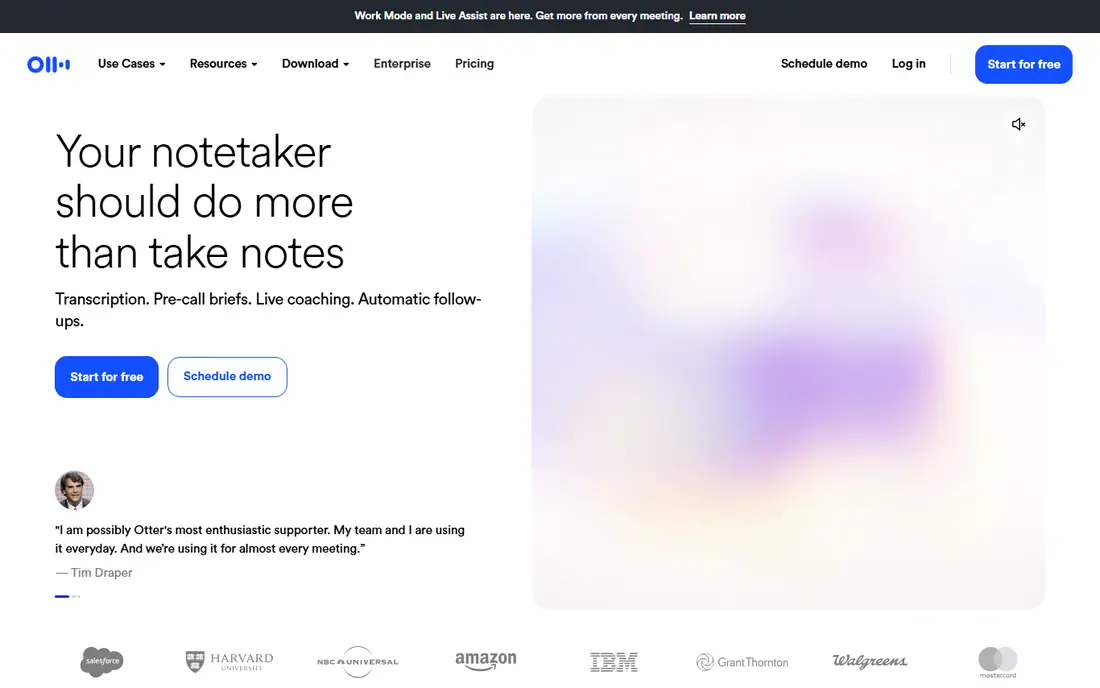
Otter.ai is a meeting transcription service for meeting transcription. It records meetings, separates speakers, and turns the conversation into a searchable transcript with a summary. We placed it here because it fits meeting transcription more directly than a general tool that covers the same area only in passing. It runs on web, iOS, and Android, so most readers can try it on the device they already use.
Starting price is $16.99 per month, and the free plan status is yes. If you are testing this category, start with the free option or the lowest paid tier and check whether the limits on monthly transcription minutes match your real workload. Paid tiers usually add more capacity, team controls, or longer history, so the upgrade decision should follow a week or two of real use, not a feature list alone.
- Live meeting transcription
- AI summaries and action items
- Searchable transcripts
- Paid plans needed for higher minute limits
- Best results need clear audio
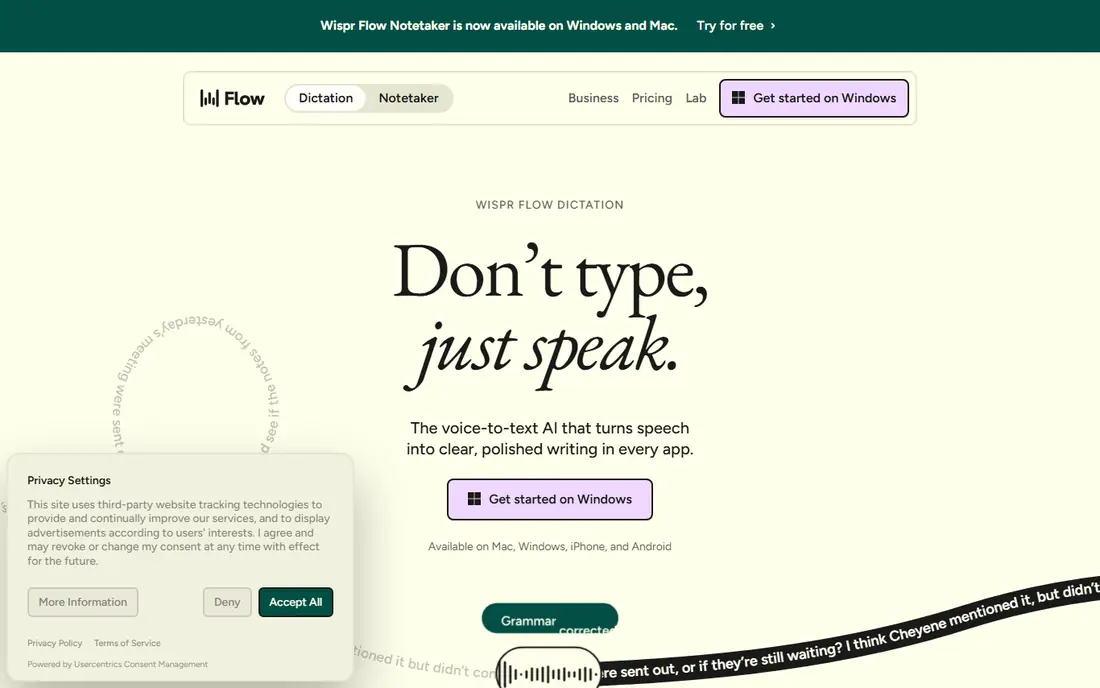
Wispr Flow is a dictation app for dictation in any app. It lets you speak into email, documents, and notes, and it tidies the text as you go. We placed it here because it fits dictation in any app more directly than a general tool that covers the same area only in passing. It runs on macOS, Windows, iOS, and Android, so most readers can try it on the device they already use.
Starting price is $15 per month, and the free plan status is free trial. If you are testing this category, start with the free option or the lowest paid tier and check whether the limits on weekly dictation words on the free tier match your real workload. Paid tiers usually add more capacity, team controls, or longer history, so the upgrade decision should follow a week or two of real use, not a feature list alone.
- Dictates into almost any text field
- Cleans up filler words and formatting
- Works across desktop and mobile
- Cloud based, so it needs an internet connection
- Monthly cost adds up for light users
Dragon Professional is a desktop dictation program for long-form professional dictation. It is made for people who dictate for hours and need voice commands for editing and navigation, not only for typing words. We placed it here because it fits long-form professional dictation more directly than a general tool that covers the same area only in passing. It runs on Windows, so most readers can try it on the device they already use.
Starting price is see website, and the free plan status is no. If you are testing this category, start with the free option or the lowest paid tier and check whether the limits on supported languages and setup time match your real workload. Paid tiers usually add more capacity, team controls, or longer history, so the upgrade decision should follow a week or two of real use, not a feature list alone.
- Deep voice control on Windows
- Specialised vocabularies for professional work
- Works without a cloud connection for core dictation
- Windows only for the current version
- High upfront cost and a learning curve
Apple Dictation is a built-in dictation feature for free dictation on apple devices. It turns speech into text across Apple apps with a keyboard shortcut or on-screen control. We placed it here because it fits free dictation on apple devices more directly than a general tool that covers the same area only in passing. It runs on macOS, iOS, and iPadOS, so most readers can try it on the device they already use.
Starting price is free, and the free plan status is yes. If you are testing this category, start with the free option or the lowest paid tier and check whether the limits on device compatibility match your real workload. Paid tiers usually add more capacity, team controls, or longer history, so the upgrade decision should follow a week or two of real use, not a feature list alone.
- Built into macOS and iOS at no extra cost
- On-device processing on supported devices
- Simple to start with no account or app install
- Fewer editing and formatting controls than paid dictation apps
- Apple devices only
Google Docs Voice Typing is a browser dictation feature for free dictation inside google docs. It lets you write a document by speaking, with voice commands for punctuation and basic formatting. We placed it here because it fits free dictation inside google docs more directly than a general tool that covers the same area only in passing. It runs on Chrome on desktop, so most readers can try it on the device they already use.
Starting price is free, and the free plan status is yes. If you are testing this category, start with the free option or the lowest paid tier and check whether the limits on browser and document limits match your real workload. Paid tiers usually add more capacity, team controls, or longer history, so the upgrade decision should follow a week or two of real use, not a feature list alone.
- Free inside Google Docs in Chrome
- Supports many languages
- No install beyond a Google account
- Works only inside Google Docs
- Needs an internet connection for transcription
SuperWhisper is a privacy focused dictation app for private on-device dictation. It uses local speech models where possible, which suits people who do not want every recording sent to a server. We placed it here because it fits private on-device dictation more directly than a general tool that covers the same area only in passing. It runs on macOS, Windows, and iOS, so most readers can try it on the device they already use.
Starting price is $8.49 per month, and the free plan status is free trial. If you are testing this category, start with the free option or the lowest paid tier and check whether the limits on model size and device performance match your real workload. Paid tiers usually add more capacity, team controls, or longer history, so the upgrade decision should follow a week or two of real use, not a feature list alone.
- Local models keep audio on the device
- Works on Mac, Windows, and iOS
- One-time lifetime option has been offered
- Smaller local models can be less accurate on hard audio
- Setup takes more care than a cloud app
Speechnotes is a web dictation tool for simple free browser dictation. It gives writers a clean page to speak into, with the draft saved as they go. We placed it here because it fits simple free browser dictation more directly than a general tool that covers the same area only in passing. It runs on web, plus Android app, so most readers can try it on the device they already use.
Starting price is free, and the free plan status is yes. If you are testing this category, start with the free option or the lowest paid tier and check whether the limits on free tier features match your real workload. Paid tiers usually add more capacity, team controls, or longer history, so the upgrade decision should follow a week or two of real use, not a feature list alone.
- Free browser dictation with auto-save
- Simple interface for long drafts
- No install for the web version
- Ads on the free web version
- Fewer app integrations than paid dictation tools
Descript is an audio and video editor with transcription for transcription for audio and video editing. It turns recordings into editable text, so cutting a word in the transcript cuts it in the media. We placed it here because it fits transcription for audio and video editing more directly than a general tool that covers the same area only in passing. It runs on web, macOS, and Windows, so most readers can try it on the device they already use.
Starting price is $24 per month, and the free plan status is yes. If you are testing this category, start with the free option or the lowest paid tier and check whether the limits on monthly transcription hours match your real workload. Paid tiers usually add more capacity, team controls, or longer history, so the upgrade decision should follow a week or two of real use, not a feature list alone.
- Edit audio and video by editing the transcript
- Transcription for podcasts and video
- Collaboration tools for teams
- Priced as an editor, not a cheap dictation app
- Overkill if you only need plain text
How we picked these
We compared official feature pages, pricing pages, app store listings, and privacy policies for each voice to text app, and we checked public reviews for common complaints about limits and support. We kept only products that exist and work in October 2026 and that truly fit the topic, and we left out tools that only cover part of the job. Where we could not verify a price on the vendor site, we wrote See website rather than guessing.
We also weighed free tier value, not only headline price, because a free plan with usable limits can be the right choice for light use. Products that needed heavy setup for a basic job, or that hid their core feature behind an unclear add-on, ranked lower than simpler rivals with clear pricing.
Choosing the right voice to text apps
Start with the job, not the brand. If your main need is meeting notes, a transcription service will save more time than a dictation app, because it handles speakers, summaries, and search. If your main need is writing, a dictation app that works in any text field will save more time than a tool tied to one document app.
Next, check accuracy on your own voice and accent, in a noisy room and in a quiet room, because published claims do not tell you how a tool handles your speech. Try the same paragraph in two or three apps and count the edits you must make. Also check language support, punctuation commands, and whether the app keeps working when your connection drops.
Finally, read the privacy policy before you dictate sensitive material. Note where audio is processed, how long it is stored, and whether you can delete it. For legal, medical, or client work, that check matters as much as price, and it may point you to an on-device option even if a cloud app is cheaper.
Frequently asked questions
What is the best voice to text app for meetings?
Otter.ai is the strongest meeting choice in this list, because it is built to record calls, separate speakers, and produce a searchable transcript with a summary. A dictation app can capture your own speech, but it is not made to organise a multi-person meeting in the same way.
What is the best free speech to text app?
Apple Dictation and Google Docs Voice Typing are the best free starting points, because both cost nothing beyond the device or account you already have. Apple Dictation suits Apple users, while Google Docs Voice Typing suits writers who already work in Google Docs.
What is the best talk to text app for writing?
Wispr Flow is a strong choice for writing by voice, because it works in many apps and tidies filler words and formatting. SuperWhisper is the better pick if you want local processing and do not want audio sent to a server.
Can a best speech to text app handle accents and background noise?
Results vary by tool, voice, and room, so test with your own speech before you pay. Clear audio, a decent microphone, and a quiet room help every app, and a short trial with the same text in two apps will show the gap faster than any marketing page.
Is a paid voice to text app worth it?
A paid plan is worth it when you regularly hit free limits, need meeting summaries, or dictate for hours each week. For occasional notes, a free built-in tool is usually enough, and you can upgrade later if your use grows.
Sources
See where you really rank - block by block
ProMapRanker scans Google Maps across a grid of your service area. Simple monthly plans from $19, white-label on every plan.
Start freeKeep reading
 zendesk alternatives
Best Zendesk Alternatives in 2026
Compare the best Zendesk alternatives in 2026, from budget help desks to AI-first support tools, with current pricing, free plans, and honest trade-offs.
Read → wordpress alternatives
Best WordPress Alternatives in 2026
Looking for the best WordPress alternatives? We compare 8 free and paid options for blogs, business sites, stores, and developer-led projects in 2026.
Read → which real estate company has the best training
Best Real Estate Company Training in 2026
Compare which real estate company has the best training, from Keller Williams and eXp to Compass and Coldwell Banker, by program, mentor, and fit in 2026.
Read →