 ProMapRanker
Best Voice IP Services for Business in 2026


All-round business phone system · Pricing starts at: $20 per user per month
Key takeaways
- Business VoIP turns a phone system into software, so calls, texts, and meetings can live in one app.
- The headline per-user price rarely tells the full cost, since taxes, fees, and add-ons vary.
- Teams that already use Zoom, Microsoft 365, or Google Workspace often save time by staying in that system.
- Solo owners need a simple virtual number more than a full contact center, and should not pay for the latter.
Quick comparison
| Pick | Great for | Pricing starts at | Free tier | |
|---|---|---|---|---|
| RingCentral | All-round business phone system | $20 per user per month | Free trial | Visit |
 Nextiva | Customer-facing teams | $15 per user per month | No | Visit |
 Zoom Phone | Teams already using Zoom | $10.50 per user per month | No | Visit |
 Dialpad | AI call summaries and coaching | $15 per user per month | Free trial | Visit |
 Vonage | Flexible business phone plus APIs | $13.99 per line per month | No | Visit |
 Ooma Office | Simple setup for small offices | $19.95 per user per month | Free trial | Visit |
 Grasshopper | Solo owners and tiny teams | $14 per month | Free trial | Visit |
 Google Voice | Google Workspace teams | $10 per user per month | No | Visit |
 8x8 | Global and international calling | See website | No | Visit |
The best voice IP services for business
A voice IP service, usually called business VoIP, carries phone calls over the internet instead of a traditional phone line. We compared official pricing pages, feature pages, app store listings, and public reviews for systems live in October 2026. Our pick for most teams is a system with clear published pricing, a good mobile app, and call routing that does not need an IT specialist to change.
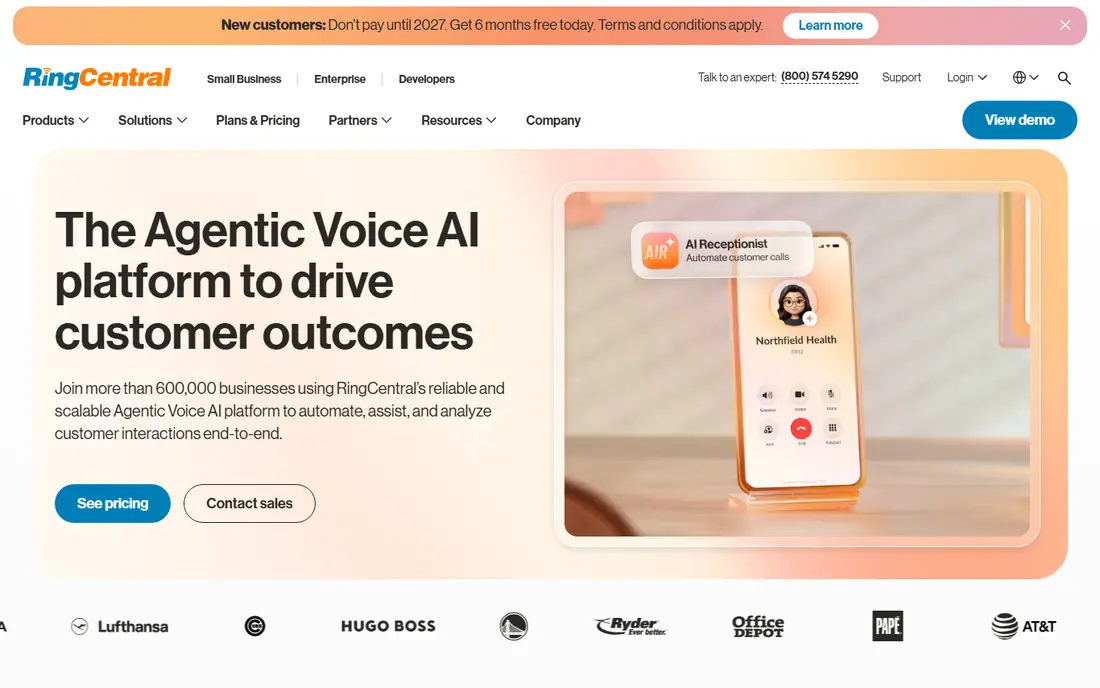
RingCentral is the default shortlist pick for a team that wants a complete phone system without buying hardware. Calls, team messages, video meetings, and voicemail live in one app, and the admin console covers auto-attendants, call queues, and routing. Its integration range covers common CRMs and help desks, which helps calls turn into logged records.
The catch is add-on math. The $20 per user per month Core price applies to annual billing, monthly billing is higher, and features such as advanced AI tools can cost extra. Budget for taxes and fees too, and test the mobile app on your own network before rolling it out to a full team.
- Voice, video, messaging, and fax in one app
- Large integration range
- AI transcription on the entry plan in the vendor description
- Monthly billing costs more than annual billing
- Some AI features are paid add-ons
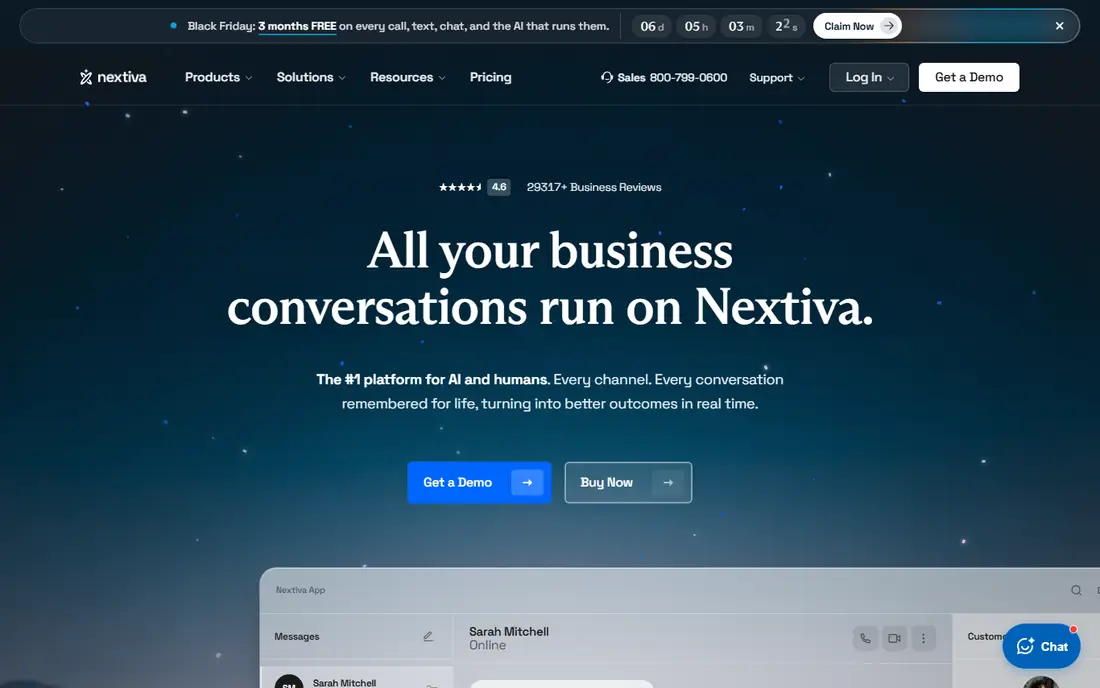
Nextiva suits teams that spend the day talking to customers and want calls, texts, and video in one thread. The system pairs phone service with customer conversation tools, so an agent can see recent interactions before answering. Setup is guided, and the vendor presents its support as a selling point for smaller businesses without an IT team.
The weakness is density. The app packs many features into one view, and new users may need a short training period. Teams that only need a simple phone line may find the wider platform more than they need, though growing service teams tend to use the extra tools over time.
- Voice, SMS, and video in one system
- Customer conversation views
- Reputation for helpful support
- Interface can feel busy
- Some higher features sit on pricier tiers
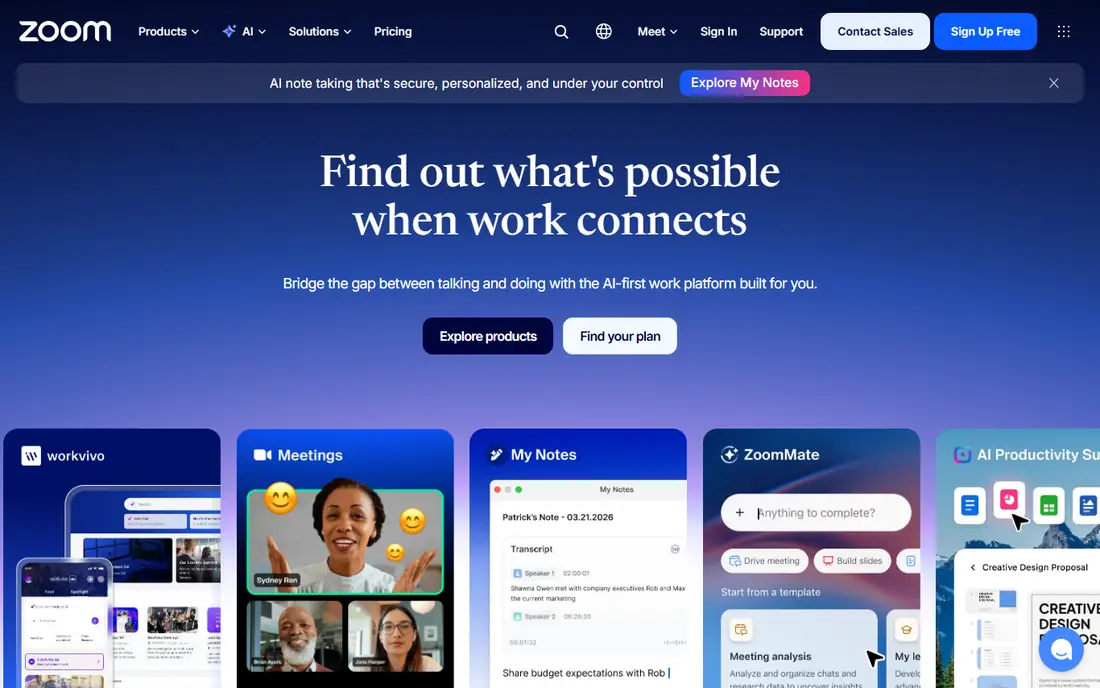
Zoom Phone makes sense when meetings already happen in Zoom, since phone calls join the same app and contact list. Staff do not need to learn a second system, and admins manage phone numbers, queues, and voicemail from the Zoom console. The metered tier keeps costs low for teams with light call volume.
The catch is total cost. The $10.50 per user per month metered price is an entry point, and unlimited calling plans cost more, plus any required Zoom base licensing. Check the full bundle before comparing it with a standalone phone system.
- Native inside Zoom Workplace
- Low metered entry tier
- Familiar app for existing Zoom users
- Needs a Zoom base plan in many setups
- Full unlimited calling costs more than the metered tier
Dialpad appeals to sales and support teams that want notes without manual typing. Calls are transcribed, summarized, and searchable, and managers can coach live or review calls afterward. The apps feel modern on desktop and mobile, and the system covers voice, messaging, and meetings in one place.
The honest limit is tiering. The most useful analytics and coaching depth sit above the entry plan, so a team buying only for AI should check which tier includes the features it wants. For teams that use summaries daily, the time saved can still justify the step up.
- Built-in AI transcription and summaries
- Live coaching tools for managers
- Clean modern apps
- Some advanced AI and analytics need higher tiers
- Pricing varies by region and plan
Vonage fits a business that wants a reliable softphone now and the option to build on APIs later. The business phone plans cover calls, messaging, and meetings, with mobile apps that let staff answer the business number away from a desk. Teams with developers can later add messaging or voice features through Vonage APIs.
The weakness is add-on pricing. Features that other systems bundle may cost extra here, so the $13.99 per line per month entry price is a starting point, not a full-feature total. Read the plan comparison carefully and confirm which features your team will actually use.
- Solid softphone and mobile apps
- API options for teams that later build custom tools
- International calling options
- Many standard features are paid add-ons
- Support hours vary by tier
Ooma Office suits a small office that wants a working phone system quickly, with a virtual receptionist, call routing, and voicemail without a long contract. The setup is designed for owners to complete themselves, including pre-provisioned phones where offered. That simplicity is valuable for a shop, clinic, or office without IT support.
The limit is depth. Reporting, team messaging, and contact center tools are thinner than in larger unified systems. For a small team that mainly needs reliable calls and a professional greeting, that trade is often worth it.
- No-contract pricing in the vendor description
- Virtual receptionist included
- Easy DIY setup
- Analytics and collaboration tools are more basic
- No full contact center on entry plans
Grasshopper is built for a solo owner who wants a business number on a personal phone, with a professional greeting and extensions for a tiny team. Pricing is per account, not per user, so one owner with a couple of helpers pays far less than on a per-seat system. There is no desk phone to buy, and setup takes minutes.
The catch is scope. It is a virtual phone line, not a full office phone system with deep queues, analytics, and integrations. Owners who grow into a larger support team will likely move to a per-user system later, but for starting out, the low cost and simplicity are hard to beat.
- Flat per-account pricing rather than per-user pricing
- Virtual numbers on existing phones
- No hardware needed
- No full PBX or contact center depth
- Call quality depends on the underlying mobile or internet connection
Google Voice fits a team already paying for Google Workspace that needs simple business calling without a separate phone vendor. Numbers, voicemail transcription, and call routing live beside Gmail and Calendar, and staff can answer from a browser or phone app. For light call volume, that simplicity keeps admin work low.
The weakness is depth. Advanced queues, contact center tools, and complex routing are thinner than in dedicated systems. Teams with high call volume, strict compliance needs, or a formal call center should compare a dedicated provider before choosing Voice.
- Simple voice inside Google Workspace
- Easy number management
- Good for light calling needs
- Requires Google Workspace
- Fewer advanced phone system features than dedicated VoIP systems
8x8 suits teams with customers or staff in several countries, since its plans include broad international calling and a path to a full contact center. The platform covers voice, video, and chat, with admin tools for routing and reporting across regions. That global scope is the reason to choose it over a US-only system.
The honest catch is pricing transparency. With quote-based pricing, a small team cannot easily compare the true cost without a sales conversation. Ask for the full per-user price, taxes, fees, and any minimums in writing before deciding.
- Unlimited calling to many countries on supported plans
- Voice plus contact center path in one vendor
- Video and chat options
- Pricing is quote-based, so comparison is harder
- Smaller teams may pay for global features they do not use
How we picked these
We compared official pricing pages, feature pages, app store listings, and public reviews for voice IP services live in October 2026. We favored systems with published or clearly quoted pricing, mobile and desktop apps, call routing, voicemail, and support options a small business can actually use. We used See website where pricing is quote-based, and we left out services that no longer operate as business phone systems.
How to choose a business phone system
Start with call volume and location. A solo owner needs a virtual number, a small office needs routing and a greeting, and a support team needs queues, reporting, and CRM links. Check internet quality first, since VoIP call quality depends on upload speed, router setup, and headset quality more than on brand alone. Test the mobile app in the places staff actually work, including cars, home offices, and warehouses.
Read the full price, not just the entry tier. Confirm annual versus monthly billing, taxes and regulatory fees, number porting costs, and which features are add-ons. Port your existing number only after a trial, and keep the old service active until the port is confirmed, so customers never hit a dead number.
Frequently asked questions
What is a voice IP service?
It is a phone service that carries calls over the internet instead of a traditional copper phone line. Staff answer the business number from a desk phone, computer, or mobile app. The provider hosts the phone system, so there is no on-site switchboard to maintain.
Do I need new phones for VoIP?
Not always. Many teams use computer headsets and mobile apps, while others buy VoIP desk phones for a traditional feel. Grasshopper and similar virtual services need no hardware at all. Check compatibility before buying phones for a new system.
Can I keep my existing business number?
In most US cases, yes, through number porting, though timing and paperwork vary. Start the port after a trial, keep the old service active until the port completes, and tell customers about any temporary change. Confirm porting fees and timing with the new provider first.
How much internet speed does VoIP need?
A single call needs only a small amount of bandwidth, but many simultaneous calls, video meetings, and uploads share the same connection. A stable connection with low latency matters more than a high headline download speed. Test calls during peak office hours before signing a long term.
Is VoIP reliable for emergencies and outages?
VoIP depends on power and internet, so an outage can affect calls unless the provider offers mobile failover. Set up call forwarding to mobile numbers, keep a charged mobile phone available, and check how the provider handles 911 location information. Never rely on a single internet connection for critical lines.
Which VoIP service is cheapest for a solo owner?
A virtual number service such as Grasshopper is usually cheapest, since pricing is per account rather than per user. Google Voice can also be low cost inside Google Workspace. Compare the full monthly total, including any Workspace or base plan cost, before choosing.
Sources
See where you really rank - block by block
ProMapRanker scans Google Maps across a grid of your service area. Simple monthly plans from $19, white-label on every plan.
Start freeKeep reading
 worlds best local seo company
8 Worlds Best Local SEO Companies for Map Pack Growth in 2026
Compare the worlds best local seo company options for Google Business Profile work, citations, reviews, and multi-location rankings and reporting in 2026.
Read → world's best web hosting company
World's Best Web Hosting Company in 2026
Searching for the world's best web hosting company? We compared 10 hosts on price, renewal rates, speed, and support to help you choose well today in 2026.
Read → who's got the best nanny tax services
Who's Got the Best Nanny Tax Services in 2026
We answer who's got the best nanny tax services, comparing full filing, back taxes, software, and pricing so families can handle nanny taxes correctly.
Read →