 ProMapRanker
Best VOD Platforms in 2026: 6 Tools Compared

Direct answer
For full OTT service launch, Muvi is where this list starts. For a different need, Dacast covers live plus VOD for firms and Brightcove covers enterprise video at scale. The full list of 6 tools follows, with prices and free plan facts.
Key takeaways
- Muvi is the opening pick, best for full OTT service launch.
- Kaltura suits enterprise video and learning.
- Only Wistia offers a free plan among these 6 tools.
- Before buying Uscreen, weigh this: best for membership models.
Quick comparison
| Pick | Great for | Pricing starts at | Free tier | |
|---|---|---|---|---|
 Muvi | Full OTT service launch | $399 per month | Free trial | Visit |
 Dacast | Live plus VOD for firms | $39 per month | Free trial | Visit |
 Brightcove | Enterprise video at scale | See website | No | Visit |
 Uscreen | Creator memberships | See website | Free trial | Visit |
 Wistia | Marketing video and webinars | See website | Yes | Visit |
 Kaltura | Enterprise video and learning | See website | No | Visit |
Our 6 VOD platforms
Short on time? The summary and table above give the quick view of 6 VOD platforms, and the profiles that follow give the detail behind each entry.
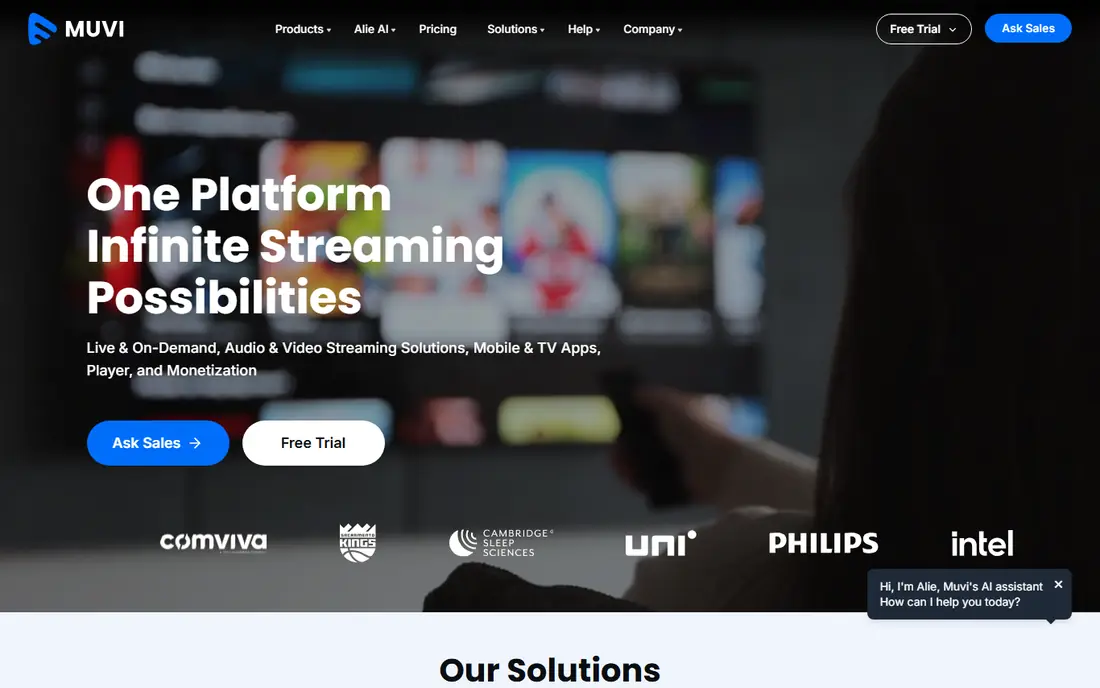
Muvi works best for full OTT service launch. Before signing, map your content volume, expected viewers, and monetization model, and ask what is included in support and app updates.
Downsides: Starter price is high for solo creators.
Best features of Muvi: Quick launch for OTT.
The system comes with a player, content delivery, DRM protection, encoding, and subscription, rental, and ad supported choices, and it states that apps can launch rapidly once content is ready. Worth adding: the main limit is price and scope. Muvi pricing: $399 per month. Free plan details: Free trial.
- Website, mobile
- DRM and several monetization models
- Custom work brings cost beyond the base plan
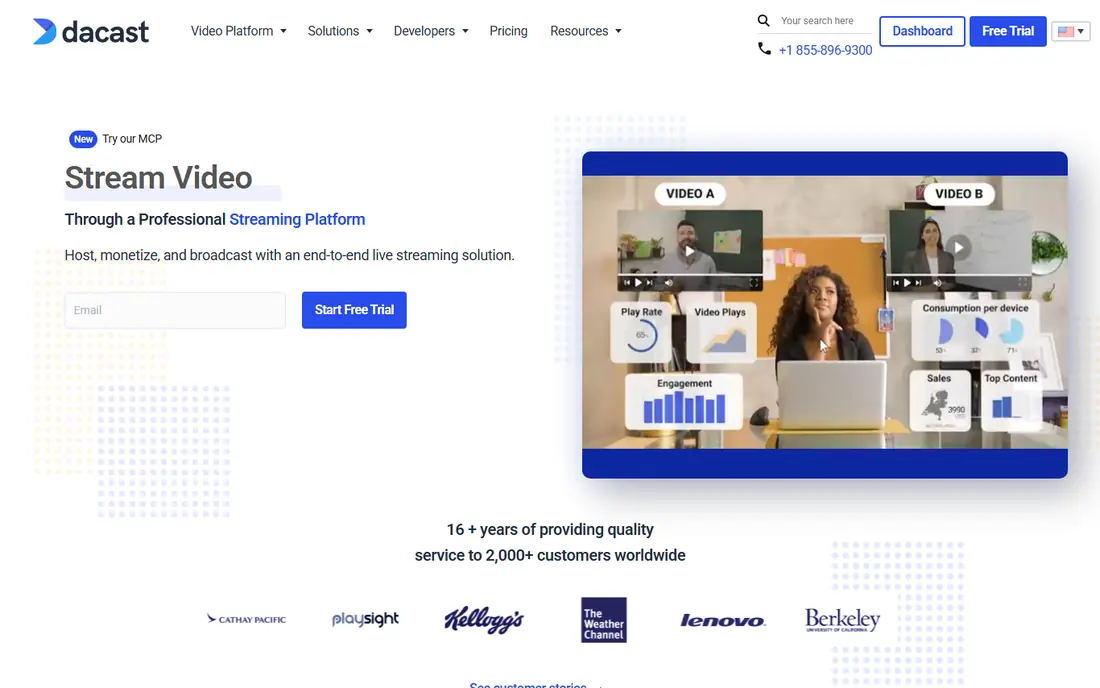
Think of Dacast for live plus VOD for companies. For predictable, moderate audiences, Dacast is a capable value choice; for very large, spiky audiences, an enterprise quote may be safer. Check the plan limits against your real event size and archive growth, and ask how overages are charged.
Also, the product handles secure hosting, live events, OTT delivery, monetization, and analytics, with a starting point at $39 a month and a free trial that needs no card. That combination makes it practical for organisations that stream on a regular basis but do not need an enterprise media system. In practice, the honest catch is usage limits. Dacast pricing: $39 per month. Trial and free access: Free trial.
Drawbacks to consider: Enterprise features sit on higher levels.
- Paywall and monetization choices
- Accessible starting price
- Bandwidth and storage limits vary by plan
Brightcove works best for enterprise video at scale. Its product includes hosting, a player, live streaming, OTT apps, advertising, subscription, and transactional sales, with analytics to track what viewers actually watch.
Trade-offs to know: Enterprise pricing is quoted.
More specifically, for a team that needs dependable delivery under traffic spikes, that breadth and scale are the central reasons to choose it. In practice, the honest catch is access and cost. Pricing for Brightcove is not stated here, so ask the vendor for current figures. Brightcove has no free plan.
- Wide monetization choices
- Capable analytics and integrations
- Smaller creators may find it more than they need
Where Uscreen fits: creator memberships. Onboarding and account managers help creators design a membership, which is handy for people who are strong on content but new to subscriptions.
Upsides: apps made for creators.
Uscreen is built around recurring memberships, so a business that primarily sells one off rentals or ad supported free video may not use its strengths. Uscreen does not show a starting price in this comparison, so check the vendor site for current pricing. Free plan details: Free trial.
Downsides: Best for membership models.
- Subscription focus
- Onboarding and account support
- Pricing varies by plan and app needs
Wistia makes the most sense for marketing video and webinars. Its product hosts video, runs webinars, and links viewing behaviour to marketing tools.
So a team can see who watched, how far they got, and whether they are ready for a sales conversation. Beyond that, for marketing use, start with the free level, test lead capture and analytics on real campaigns, and only upgrade when video volume or webinar needs justify it. Pricing for Wistia is not stated here, so ask the vendor for current figures. Free access exists with Wistia.
Where it falls short: Less concentrated on OTT subscriptions or rentals.
- Ad free player
- Marketing focused analytics and lead tools
- Bigger libraries need higher plans
Kaltura serves enterprise video and learning. Ask about the exact modules in your quote, the time to launch, and how support works during term time or a major event, when video failure is most visible.
In daily use, Kaltura can do an excellent deal, which means setup, permissions, and integrations need a project plan and an owner. Kaltura does not show a starting price in this comparison, so check the vendor site for current pricing. No free plan comes with Kaltura.
Upsides: AI features.
Watch-outs: Pricing is quoted and implementation takes time.
- Solid video management for education and enterprise
- Learning integrations
- Enterprise scope can be complicated
Our selection method
ProMapRanker used vendor pricing pages and product documentation as the base, then compared plans, free access and documented limits for 6 tools. Plan names, prices and limits change often. Treat the figures here as a starting point and verify them with the vendor. Position on the page reflects fit for a typical buyer first, with price clarity and free access breaking ties. Treat it as a guide, not a ruling.
Questions to settle before buying
- Confirm the entry price on the vendor page. For Brightcove, Uscreen, Wistia and Kaltura that means a quote rather than a fixed price.
- Look at the free plan from Wistia closely: its caps decide whether it is usable for real work.
- Run a trial of Muvi, Dacast and Uscreen with real work before paying for a year; your own workflow is the best test.
- Before choosing Muvi, weigh its main limit: starter price is high for solo creators.
- Map your must-have features to a specific Wistia plan before you compare prices.
- Test how quickly Kaltura answers a pre-sales question; it hints at how support will feel later.
Frequently asked questions
How much bandwidth will my VOD service need?
A short, low resolution library for a small audience needs far less than a large, high definition catalogue with thousands of viewers. Ask vendors to estimate bandwidth at your expected audience size, and check how overages are charged before launch.
How are the tools for VOD platforms ordered?
The order follows typical fit for VOD platforms, with Muvi first and Kaltura last, then price clarity and free access. It is editorial judgement, not a score, so another team could rank the tools differently.
What is the cheapest option for VOD platforms in this list?
On published monthly entry prices, Dacast is the lowest here at $39 per month. Entry price is only part of the cost, because seats, add-ons and billing terms can change the total.
Do I need DRM for my videos?
It matters most for premium, licensed, or high value content. At no cost marketing or internal training video, password protection and domain controls may be enough, but check your content licences before deciding.
Which options for VOD platforms have a free plan?
Wistia is the only tool in this list with a free plan. Free plans usually cap users, projects or features, so check the limits on the vendor page. Several others offer a trial instead.
Which VOD product is best for a small creator?
For most readers this guide would start with Muvi, built for full OTT service launch. Dacast is the alternative for live plus VOD for firms, and Brightcove for enterprise video at scale. The right answer depends on budget and workflow.
Sources
See where you really rank - block by block
ProMapRanker scans Google Maps across a grid of your service area. Simple monthly plans from $19, white-label on every plan.
Start freeKeep reading
 zoho inventory alternatives
6 Alternatives to Zoho Inventory, Compared on Price and Fit
Zoho Inventory alternatives: 6 tools compared on price, free plans and fit. Katana leads the list for manufacturers. Fit and flaws are laid out for each entry.
Read → zoho crm alternatives
Best Zoho CRM Alternatives (2026)
Need Zoho CRM alternatives? We compare 7 tools on cost, free access and who each suits. Every pick gets a straight assessment. Built for quick decisions.
Read → zelle alternatives
Best Zelle Alternatives in 2026
Compare the best Zelle alternatives for sending money to friends, paying sellers and moving funds abroad, with honest notes on fees, speed and safety in 2026.
Read →