 ProMapRanker
Best Visual Collaboration Tools in 2026

Key takeaways
- Miro is the best all-round canvas for most teams, while Mural suits facilitated workshops with formal phases and voting.
- FigJam is the cheapest paid route for design teams already in Figma, and Lucidspark suits brainstorms that must become precise diagrams.
- Free tools such as Excalidraw and Microsoft Whiteboard cover simple brainstorms well, but lack templates and facilitation depth.
- Seat pricing matters: check whether viewers, guests, and occasional contributors count as paid seats before you commit.
Quick comparison
| Pick | Great for | Pricing starts at | Free tier | |
|---|---|---|---|---|
 Miro | All-round visual collaboration | $8 per member per month | Yes | Visit |
 Mural | Facilitated workshops | $9.99 per member per month | Yes | Visit |
 FigJam | Design teams in Figma | $3 per month | Yes | Visit |
 Lucidspark | Brainstorms becoming diagrams | See website | Yes | Visit |
 Microsoft Whiteboard | Microsoft 365 teams | Free | Yes | Visit |
 Excalidraw | Quick free sketching | Free | Yes | Visit |
 Whimsical | Clean diagrams and flowcharts | $10 per month | Yes | Visit |
 Canva Whiteboards | Marketing and content teams | Free | Yes | Visit |
 Conceptboard | Visual review and feedback | See website | Yes | Visit |
The best visual collaboration tools
Visual collaboration tools turn a blank canvas into a shared workspace for brainstorms, workshops, diagrams, and planning. The best choice depends on whether you need freeform drawing, facilitated sessions, design handoff, or precise diagrams. The nine tools below cover each of those jobs.

Miro is the safest all-round pick for teams that run workshops, planning sessions, and brainstorms on a shared canvas. Its template library covers retrospectives, journey maps, mind maps, and planning boards, and live collaboration with cursors, comments, and voting keeps remote sessions active. Integrations with common work tools also help turn board outcomes into tasks and documents.
Pricing needs attention at scale. The Starter plan is $8 per member per month when billed annually, and a team with many occasional contributors can see seat costs grow. The free plan, with limited editable boards, is enough to test Miro, but active teams should count paid seats honestly before committing.
- Huge template library
- Strong live collaboration
- Many integrations
- Costs rise with paid seats
- Large boards can feel busy for new users
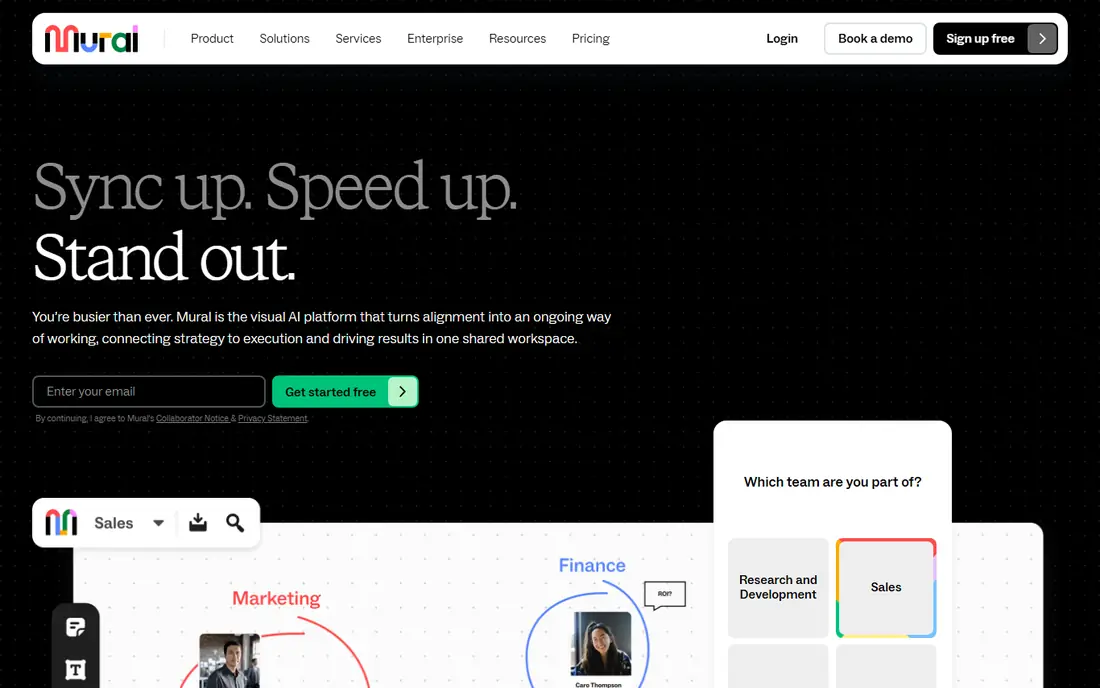
Mural is built for facilitators who run structured workshops, training, and design-thinking sessions. Private mode lets participants work alone before sharing, timers keep activities on track, and voting helps groups prioritize without long debates. Those controls make Mural feel more like a workshop room than a blank canvas, which matters when a session has a tight agenda.
The starting price is $9.99 per member per month when billed annually, above Miro's entry plan, and its diagramming is less precise than Lucid tools. Pick Mural when facilitation quality decides the session outcome, and pick a diagram tool alongside it when you need exact, technical diagrams afterward.
- Strong facilitation tools
- Private mode, timers, and voting
- Good template depth
- Higher starting price
- Diagramming is less precise than a dedicated diagram tool
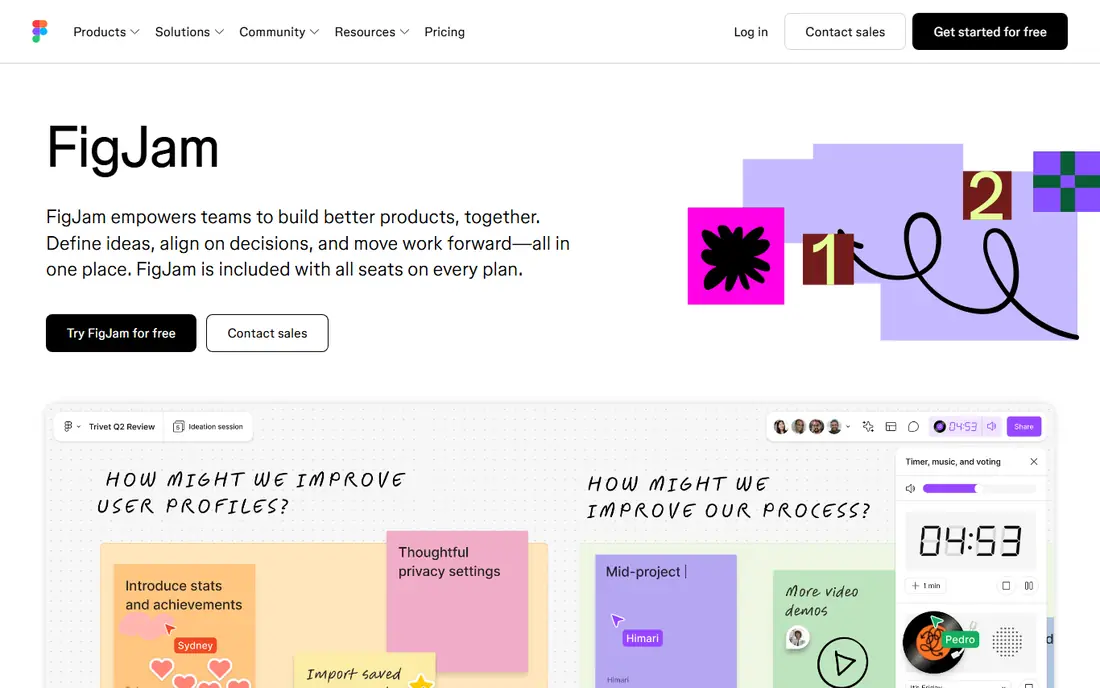
FigJam is the natural whiteboard for teams already using Figma. Ideas sketched in FigJam can move into Figma design files with little friction, and the tool stays simple enough for quick brainstorms, wireframes, and team alignment. At $3 per month for a collab seat when billed annually, it is the cheapest paid option here for design teams.
Outside design work, FigJam feels lighter than Miro or Mural. Facilitation features, templates, and diagram depth are more limited, so a team running formal workshops may still need Mural. For design-led brainstorms and handoff, though, FigJam's price and Figma link are hard to beat.
- One click from Figma design files
- Very low collab seat price
- Simple and fast
- Light outside design work
- Fewer workshop templates than Miro or Mural
Lucidspark suits teams whose brainstorm must become a clean, precise diagram. You can start with sticky notes and freeform ideas, then shape them into flowcharts and diagrams, with a direct path into Lucidchart for technical work. That handoff is valuable for product, engineering, and operations teams that need diagrams others can trust and update.
The trade-off is that you may end up paying for and learning two products to get the full result. The interface also feels heavier than a simple sketch tool. If your output is a polished diagram rather than a workshop photo, Lucidspark earns its place, but test the Lucidchart handoff on a real project first.
- Strong link to Lucidchart for precise diagrams
- Good brainstorming templates
- Enterprise controls
- Full value often needs two Lucid products
- Interface can feel heavier than FigJam
Microsoft Whiteboard is the zero-extra-cost option for teams already on Microsoft 365. It runs inside Teams meetings, supports freeform drawing, sticky notes, and basic collaboration, and it needs no new account for most Microsoft users. For a quick brainstorm during a call, that convenience is a real advantage.
It is not a full workshop platform. Templates, facilitation tools, and integrations are basic compared with Miro and Mural, and the experience is weaker if your team does not live in Microsoft tools. Use Whiteboard for simple, in-meeting sketching, and buy a dedicated canvas when workshops become a regular practice.
- Included with Microsoft 365
- Works inside Teams meetings
- Simple to start
- Basic feature set
- Weaker outside the Microsoft ecosystem
Excalidraw is a free, open-source sketching tool with a distinctive hand-drawn style. You can open it in a browser and start drawing without an account, share a live session link, and self-host it if your team needs control over data. Developers and small teams often use it for architecture sketches, quick diagrams, and meeting notes.
It lacks the template depth, facilitation tools, and admin controls of paid platforms, and large workshop boards can feel limited. Excalidraw is best for fast, informal sketching and technical diagrams, not for a facilitated multi-hour workshop. Its paid Plus version adds collaboration features for teams that want more.
- Free and open-source
- Hand-drawn look
- Self-hosting option
- No login needed for basic use
- Few templates
- Light collaboration and admin controls
Whimsical focuses on clean diagrams rather than sprawling freeform boards. Flowcharts, wireframes, mind maps, and sticky-note boards all look tidy with little effort, and the interface stays fast and simple. That focus suits product teams, startups, and small groups that want diagrams they can share with stakeholders without cleanup work.
A team that wants a huge, freeform workshop canvas may find Whimsical too structured. Pricing starts at $10 per editor per month on paid plans, so count editors carefully. Pick Whimsical when diagram clarity matters most, and Miro when you need a wide-open canvas for messy early ideas.
- Clean, fast diagramming
- Flowcharts, wireframes, and mind maps
- Simple interface
- Less freeform canvas space than Miro
- Paid plan needed for larger team use
Canva Whiteboards suit marketing and content teams already using Canva for design. Whiteboards sit next to brand kits, templates, and design assets, so a brainstorm can turn into social posts, decks, and documents without switching tools. The free plan covers basic whiteboarding, which makes it easy to try.
It is not a replacement for Miro or Mural for serious workshops. Facilitation features, voting, and diagram precision are limited, and large boards can feel less structured. Use Canva Whiteboards when visual content is the output, and a dedicated canvas when the workshop process itself is the work.
- Free to start
- Brand kit and design assets close at hand
- Easy sharing
- Not a full workshop canvas
- Facilitation and diagram tools are limited
Conceptboard focuses on visual collaboration with review, commenting, and feedback on boards, images, and documents. That makes it useful for design reviews, marketing feedback, and distributed teams that need to mark up visuals together. Its data hosting in Germany also appeals to European teams with strict data requirements.
The template library is smaller than Miro's, and the tool is less widely known, so new team members may need a short introduction. Conceptboard fits best when review and feedback are the main job, rather than open-ended brainstorming. Check its pricing page for current plan details, since plans and currency vary by region.
- Visual review and commenting
- Data hosting in Germany
- Useful for design feedback
- Smaller template library
- Less well known, so onboarding may need more guidance
How we picked these
We compared official pricing pages, template and facilitation features, diagram capabilities, and public visual collaboration comparisons in October 2026. We included all-round canvases, workshop tools, design-linked boards, diagram tools, and free options, so different team sizes and jobs are covered. Where pricing varies by billing period or seat type, we list the figure we could verify or See website, and we flag seat counting as a key cost check.
What to check before you choose
Start with the job, not the tool. A brainstorm that ends in a deck needs a different canvas than a workshop that ends in a decision, and a diagram that ends in engineering docs needs precision above all. List your top three uses, then test each shortlisted tool on a real session, not a sample board. Watch how guests join, how voting and timers work, and how easy it is to export or turn board content into tasks.
Next, check pricing by seat type. Some tools charge for editors only, while others charge for members, so a team with many viewers can face very different bills. Confirm guest access, board limits on free plans, and data controls for your organization. The tool that survives a real workshop with your actual team is the right one, even if a rival looks stronger on paper.
Frequently asked questions
What are the best visual collaboration tools for most teams?
Miro is the best all-round choice for most teams, with Mural close behind for facilitated workshops. FigJam wins for design teams already in Figma, and Lucidspark wins when brainstorms must become precise diagrams.
What are the best visual collaboration platforms for free use?
Excalidraw and Microsoft Whiteboard are strong free options for simple sketching and in-meeting brainstorms. Miro, Mural, FigJam, and Whimsical also offer free plans, but with limits on editable boards or features.
How much do visual collaboration tools cost?
Entry paid plans in this list range from $3 per month for a FigJam collab seat to about $10 per month for Whimsical and Mural, usually when billed annually. Enterprise plans cost more, and seat type matters, so check whether viewers count as paid seats.
Can visual collaboration tools replace in-person workshops?
They can replace many in-person workshops for distributed teams, especially with video, timers, voting, and live cursors. In-person sessions still suit sensitive or highly creative work, but a good canvas plus video covers most routine workshops well.
Which tool is best for diagrams rather than brainstorms?
Lucidspark and Whimsical suit diagrams best in this list, because both produce clean flowcharts and structured visuals. Miro and Mural handle diagrams too, but their strength is freeform workshops rather than precise diagramming.
Sources
See where you really rank - block by block
ProMapRanker scans Google Maps across a grid of your service area. Simple monthly plans from $19, white-label on every plan.
Start freeKeep reading
 zscaler alternatives
Best Zscaler Alternatives in 2026
Looking for zscaler alternatives? We compare 9 SASE and zero trust platforms on architecture, data protection, pricing, and fit for your network and team.
Read → zapier alternatives free
Best Zapier Alternatives Free in 2026
Nine automation tools for zapier alternatives free in 2026, all with genuinely free tiers, plus free plan limits, starting prices and upgrade paths explained.
Read → which platform is best for online reputation
Which Platform Is Best for Online Reputation in 2026
Wondering which platform is best for online reputation? We compare 8 review, listing, and response tools for small and multi-location businesses and agencies.
Read →