 ProMapRanker
Best Virtualization Software in 2026

Key takeaways
- Virtualization software lets one physical server or desktop run many isolated virtual machines, which cuts hardware cost and eases testing.
- Proxmox VE and VirtualBox are the strongest free starting points, while VMware vSphere remains the enterprise standard for large estates.
- Hyper-V suits Windows-centred teams, and KVM suits Linux teams that want an open foundation.
- Application virtualization needs a different check than server virtualization, so confirm app delivery features before buying a desktop tool.
- Our pick for most small and mid-sized teams is Proxmox VE for its free core, clustering, and built-in backup.
Quick comparison
| Pick | Great for | Pricing starts at | Free tier | |
|---|---|---|---|---|
 Proxmox VE | Free server virtualization | Free | Yes | Visit |
 VMware vSphere | Enterprise data centres | See website | Free trial | Visit |
 Microsoft Hyper-V | Windows Server estates | See website | No | Visit |
 Oracle VM VirtualBox | Desktop testing | Free | Yes | Visit |
 KVM | Linux-native virtualization | Free | Yes | Visit |
 Nutanix AHV | Hyperconverged clusters | See website | No | Visit |
 XCP-ng | Open source Xen clusters | Free | Yes | Visit |
 Scale Computing HyperCore | Edge and SMB clusters | See website | No | Visit |
 Red Hat OpenShift Virtualization | VMs plus containers | See website | No | Visit |
The best virtualization software
We compared tools that run virtual machines on servers and desktops, manage clusters, and support snapshots, migration, and backup. The nine below cover free, open source, and enterprise options.
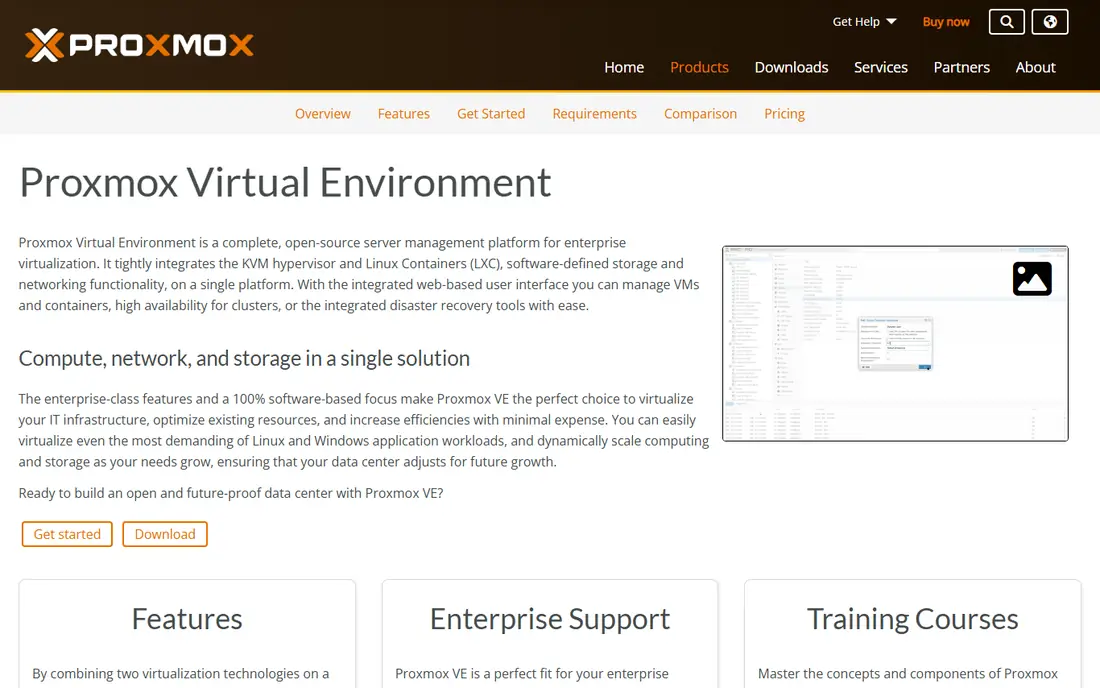
Proxmox VE runs virtual machines with KVM and lightweight containers with LXC from one web console. It includes clustering, high availability, live migration, and integrated backup without a licence fee for the software itself. That mix makes it a strong replacement for teams leaving costly VMware contracts, especially when budgets are tight. Storage options include local disks, network storage, and Ceph for scale-out clusters.
Support is the main decision. Community help is active, but formal support requires a paid subscription per socket, and response levels vary by tier. Proxmox also needs Linux skills for advanced storage and cluster setup. For teams that can run their own platform, it delivers enterprise features at a fraction of the licence cost.
- Free full-featured core with KVM and containers
- Clustering, live migration, and backup built in
- No per-VM licence fee
- Paid support is separate
- Third-party ecosystem is smaller than VMware
VMware vSphere remains the reference point for enterprise virtualization. ESXi hosts, vCenter management, vMotion live migration, high availability, and distributed resource scheduling work together in a polished stack. Backup vendors, monitoring tools, and hardware partners support vSphere first, which reduces integration risk for large estates. Teams with strict service levels and complex clusters still find that maturity valuable.
Pricing is the honest catch. Since Broadcom took over VMware, vSphere is sold mainly through subscription bundles priced per core, and costs have risen for many customers. That shift has driven the current wave of migration to Proxmox, Nutanix, and other platforms. For enterprises that need the deepest ecosystem and can justify the cost, vSphere still leads.
- Most mature management stack
- VMotion, high availability, and distributed scheduling
- Deepest third-party ecosystem
- Broadcom subscription pricing is costly and complex
- Licensing now sits inside bundles
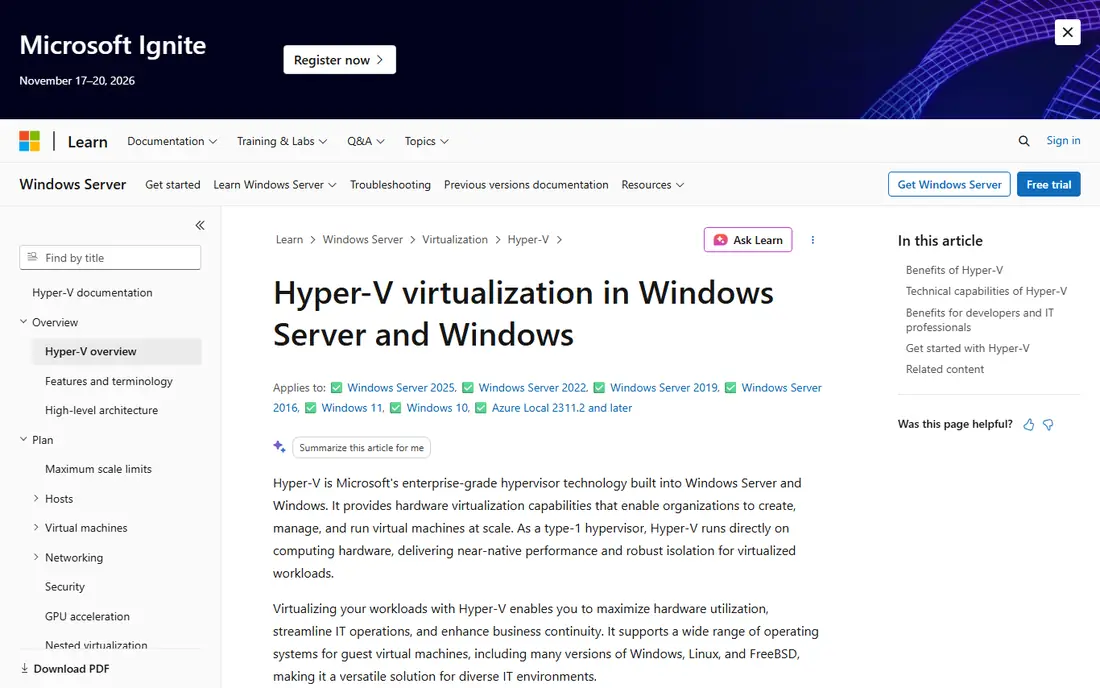
Hyper-V is the hypervisor built into Windows Server and Windows Pro editions. It runs Windows and Linux guests, supports live migration, replication, and clustering, and fits naturally into estates that already use Active Directory and Microsoft management tools. For a Windows-first company, Hyper-V avoids a separate hypervisor purchase, because the cost is tied to Windows Server licensing rather than a standalone product.
Linux-heavy teams may prefer KVM or Proxmox, because Hyper-V management and tooling still lean toward Microsoft workflows. Standalone Hyper-V Server as a free product has also changed over time, so teams should confirm the current Windows Server packaging before planning. For Microsoft shops, Hyper-V is the obvious first choice.
- Included with Windows Server
- Strong Windows guest support
- Integrates with Active Directory and System Center tools
- Host is Windows-based, which limits Linux-first shops
- Advanced features need Windows Server licensing and planning
VirtualBox is a desktop hypervisor that runs on top of a host operating system. A developer, student, or tester can spin up a Linux or Windows guest in minutes, take a snapshot, break something, and roll back. That simplicity makes it ideal for learning, software testing, and running an old application that needs an older operating system. It is free for most personal and evaluation use, with an extension pack for extra features.
Performance and scale are the limits. Because VirtualBox runs on a host OS, it cannot match a bare-metal hypervisor for production server workloads, and it lacks built-in clustering and enterprise backup. For desktop virtualization and testing, though, few tools are easier. VirtualBox is our pick for individual users who need a free virtual machine fast.
- Free and easy to install on Windows, Mac, and Linux
- Great for testing and learning
- Snapshot support for quick rollback
- Type 2 design adds overhead versus bare-metal hypervisors
- Not built for production server clusters
KVM turns the Linux kernel into a hypervisor, so a Linux server can run virtual machines with near-native performance. It underpins many public clouds and platforms, including Proxmox and OpenShift Virtualization, which shows its maturity. KVM itself is free and open source, and it supports live migration, snapshots, and a wide range of guest systems when paired with tools such as libvirt, QEMU, and oVirt.
The catch is packaging. KVM alone has no single polished management console, so teams must choose and integrate tools for provisioning, clustering, and backup. That work suits engineering teams, but not a small business that wants a ready-made console. For Linux teams building their own platform, KVM is the foundation to start from.
- Free and built into the Linux kernel
- Powers major clouds
- Strong performance for Linux guests
- No unified enterprise console out of the box
- Management tools must be added separately
Nutanix AHV is the hypervisor inside the Nutanix Cloud Platform, where compute and storage run together on clustered nodes. That hyperconverged design simplifies scaling, because adding a node adds both compute and storage. AHV includes live migration, high availability, and snapshot features, and Nutanix Move helps teams migrate VMs from VMware. Management through Prism gives one view of clusters across sites.
AHV is not a standalone free hypervisor in the same way as Proxmox, and pricing is tied to the Nutanix platform. Teams that only want a hypervisor without hyperconverged storage may find the bundle more than they need. For enterprises that want a turnkey cluster platform, Nutanix AHV is a strong VMware alternative.
- Hypervisor built into a hyperconverged stack
- One console for compute, storage, and VMs
- Strong migration tools from VMware
- Pricing is quote-based
- Best value comes with the wider Nutanix platform, not AHV alone
XCP-ng is an open source virtualization platform based on Xen, with a focus on clustered hosts and central management through Xen Orchestra. It supports live migration, high availability, snapshots, and backup through Xen Orchestra, and it offers a VMware migration tool for teams moving off vSphere. The hypervisor itself is free, which keeps licence costs low for a clustered deployment.
The community and third-party ecosystem are smaller than Proxmox, so teams should check backup and monitoring support for their exact needs. Xen Orchestra built from source is free, while the supported appliance and backup features are paid. For teams that prefer Xen and want a vCenter-like console, XCP-ng is a credible open option.
- Free Xen-based hypervisor
- Xen Orchestra adds central management
- Good fit for mid-market Linux estates
- Smaller community than Proxmox
- Commercial support and backup features need paid options
Scale Computing HyperCore targets small and mid-sized sites, retail locations, and edge deployments that need a cluster without a large IT team. Nodes combine compute and storage, and the platform handles high availability, replication, and VM management from one console. That turnkey design reduces setup time and ongoing admin work, which matters for sites with no local virtualization expert.
Flexibility is the trade-off. HyperCore is a packaged platform, so teams that want deep customisation or a specific storage design may prefer Proxmox or KVM. Pricing is quote-based and tied to the appliance model. For distributed SMB and edge estates, HyperCore is one of the simplest cluster options.
- Turnkey hyperconverged clusters for edge and SMB sites
- Simple management
- Built-in high availability and replication
- Quote-based pricing
- Less flexibility than a DIY KVM or Proxmox build
OpenShift Virtualization, based on KubeVirt, lets teams run virtual machines alongside containers on Red Hat OpenShift. That mix helps companies that still run legacy VMs but want to modernise toward containers without running two separate platforms. Migration Toolkit for Virtualization moves VMs from vCenter into OpenShift, and the platform adds Kubernetes-style automation, networking, and storage controls.
Kubernetes complexity is the barrier. A team without OpenShift or Kubernetes skills will face a steep learning curve, and pricing is subscription-based per core or node. For container-modernising organisations that already use OpenShift, it is a logical way to consolidate VMs and containers.
- Runs VMs and containers on one Kubernetes platform
- Strong fit for teams modernising apps
- Migration tools from VMware
- Subscription pricing is quote-based
- Kubernetes skills are required
How we picked these
We compared official vendor pages, pricing disclosures, and public 2026 virtualization comparisons, and we kept only platforms that are live, maintained, and able to run production or desktop virtual machines. We used See website where vendors do not publish a simple list price, and we noted free cores separately from paid support. We did not claim hands-on testing, and we weighed cost, management quality, clustering, and ecosystem depth.
What to check before you buy virtualization software
Start with workload type. Server virtualization needs clustering, live migration, and backup, while desktop testing needs only a simple guest on a laptop. Application virtualization, which streams an app without a full desktop, is a separate job, so confirm that feature if you need it rather than assuming every hypervisor offers it.
Next, check hardware and guest support. Confirm CPU, storage, and network compatibility, plus support for the guest operating systems you actually run. Test live migration, snapshot restore, and backup restore in a trial, because those features matter most during an outage. Also check licensing by core, socket, or node, and model cost for your real host count.
Finally, plan migration and support. Moving VMs from VMware or Hyper-V needs a tested importer and a rollback plan. Confirm who supports the platform, what response times apply, and how upgrades work. A free hypervisor with no support contract may still need paid support for production use.
Free versus paid support
Free software is not free operations. Proxmox, KVM, VirtualBox, and XCP-ng cost nothing in licences, but they still need admin time, backups, and security patching. Paid support buys faster help and tested update paths. For production clusters, budget for support even when the software itself is free.
Server, desktop, and application virtualization
Server virtualization consolidates many servers onto fewer hosts. Desktop virtualization runs a full desktop or test machine on a laptop or server. Application virtualization isolates a single app from the host OS so it can run without a full install. Match the tool to the job, because a desktop tool will not run a production cluster well.
Frequently asked questions
What is the best virtualization software?
For most small and mid-sized teams, Proxmox VE offers the best mix of free features, clustering, and backup. VMware vSphere still leads for large enterprises that need the deepest ecosystem, while Hyper-V leads for Windows shops and VirtualBox leads for desktop testing. The best pick follows your host count, budget, and management skills.
What is the best free virtualization software?
Proxmox VE and Oracle VM VirtualBox are the strongest free options, for different jobs. Proxmox suits servers and clusters, while VirtualBox suits desktop testing and learning. KVM and XCP-ng are also free, but they need more setup or management tooling to match Proxmox out of the box.
What is the best application virtualization software?
Application virtualization is a narrower job than running full virtual machines. Tools in the Citrix and Microsoft app delivery families focus on streaming apps to desktops without full installs, while the server hypervisors in this list focus on full VMs. If app delivery is your main need, shortlist a dedicated app virtualization product and test it with your exact apps before buying a server platform.
Is VMware still worth it in 2026?
For large enterprises with complex clusters and a deep backup and monitoring ecosystem, VMware vSphere can still justify its subscription cost. For many smaller teams, Broadcom bundle pricing has made Proxmox, Nutanix, and Hyper-V more attractive. Compare total cost at your real core count, not just the headline bundle price.
Can I run virtual machines on a normal desktop?
Yes, with VirtualBox, Hyper-V on Windows Pro, or KVM on Linux, a normal desktop can run test VMs. Performance depends on CPU, RAM, and disk speed, and a laptop with limited RAM will struggle with several large guests. For production servers, use a bare-metal hypervisor on server hardware instead.
How many virtual machines can one host run?
It depends on CPU cores, RAM, storage speed, and how busy each guest is. Lightweight Linux guests can share a host in large numbers, while heavy Windows or database guests need far more resources per VM. Start with vendor sizing guidance, monitor real use, and leave headroom for host failure and maintenance.
Sources
- https://www.proxmox.com/en/proxmox-virtual-environment
- https://www.vmware.com/products/vsphere.html
- https://learn.microsoft.com/en-us/windows-server/virtualization/hyper-v/hyper-v-technology-overview
- https://www.virtualbox.org
- https://www.linux-kvm.org
- https://www.nutanix.com/products/ahv
- https://xcp-ng.org
- https://www.scalecomputing.com/platform
- https://www.redhat.com/en/technologies/cloud-computing/openshift/virtualization
- https://www.guideflow.com/blog/server-virtualization-software
See where you really rank - block by block
ProMapRanker scans Google Maps across a grid of your service area. Simple monthly plans from $19, white-label on every plan.
Start freeKeep reading
 zscaler alternatives
Best Zscaler Alternatives in 2026
Looking for zscaler alternatives? We compare 9 SASE and zero trust platforms on architecture, data protection, pricing, and fit for your network and team.
Read → zapier alternatives free
Best Zapier Alternatives Free in 2026
Nine automation tools for zapier alternatives free in 2026, all with genuinely free tiers, plus free plan limits, starting prices and upgrade paths explained.
Read → which platform is best for online reputation
Which Platform Is Best for Online Reputation in 2026
Wondering which platform is best for online reputation? We compare 8 review, listing, and response tools for small and multi-location businesses and agencies.
Read →