 ProMapRanker
Best Virtual Classroom Software in 2026

Key takeaways
- Zoom and Microsoft Teams suit live classes where video, breakout rooms, and screen sharing are the core tools.
- Google Classroom and Canvas suit schools that need assignments, grading, and course structure alongside live sessions.
- BigBlueButton and Moodle suit schools that want open source tools they can host and control themselves.
- Adobe Connect and ClassIn suit training providers that need a dedicated virtual classroom with teaching tools.
- This guide lists only legitimate teaching platforms. We do not list services that complete coursework for students, and no such service appears here.
Quick comparison
| Pick | Great for | Pricing starts at | Free tier | |
|---|---|---|---|---|
 Zoom | Live video classes | Free | Yes | Visit |
 Google Classroom | Assignments and Google schools | Free | Yes | Visit |
 Microsoft Teams | Schools using Microsoft tools | See website | No | Visit |
 Canvas | Full course management | See website | No | Visit |
 BigBlueButton | Open source live classrooms | Free | Yes | Visit |
 Adobe Connect | Dedicated virtual training rooms | See website | Free trial | Visit |
 Moodle | Open source course platform | Free | Yes | Visit |
 ClassIn | Online teaching rooms | See website | Free trial | Visit |
The best virtual classroom software
We compared official product and pricing pages for these platforms, and we focused on live teaching tools, assignment and grading features, and how each platform fits a school, a tutor, or a training provider. A virtual classroom is more than a video call, so we favored tools that support teaching, not only talking.
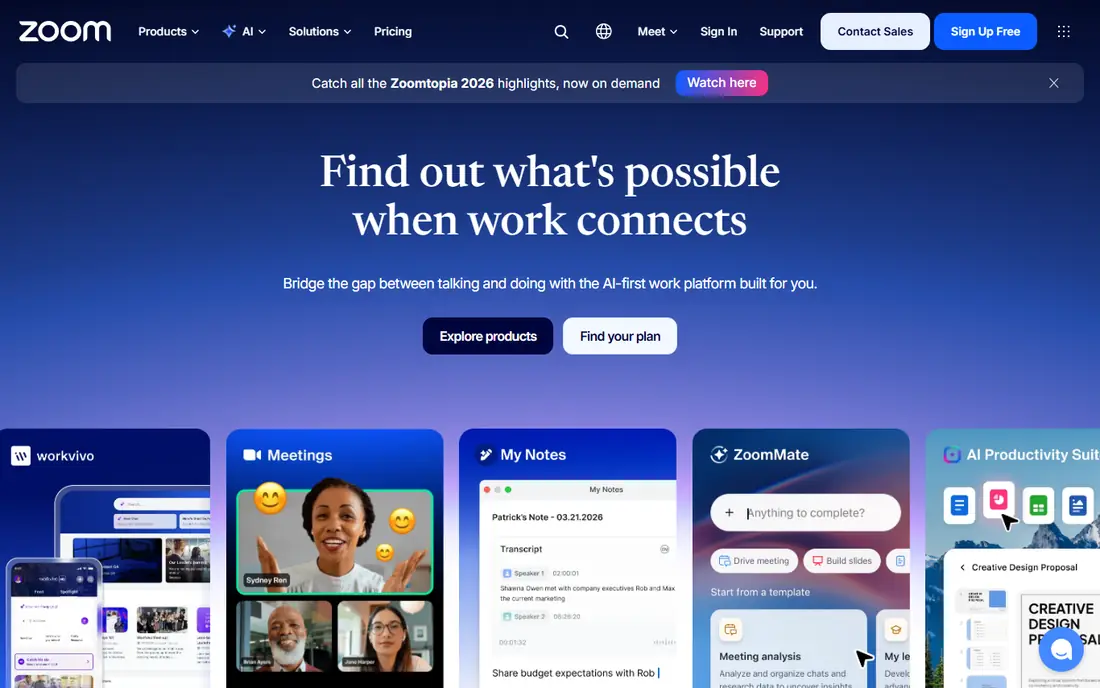
Zoom is the most familiar live classroom tool, and that familiarity helps. Teachers can run live video classes, split students into breakout rooms, share screens, use a whiteboard, and record sessions for later review. Students usually know how to join, which reduces lost time at the start of a lesson.
The limits are about teaching workflow, not video quality. The free Basic plan limits group meetings to 40 minutes, and Zoom does not manage assignments, grades, or course content on its own. Most schools pair Zoom with a learning platform such as Google Classroom, Canvas, or Moodle for that side of the work.
- Familiar video, breakout rooms, and whiteboard
- Wide device support
- Free Basic plan for short classes
- Free group meetings are limited to 40 minutes
- Assignments and grading need another tool
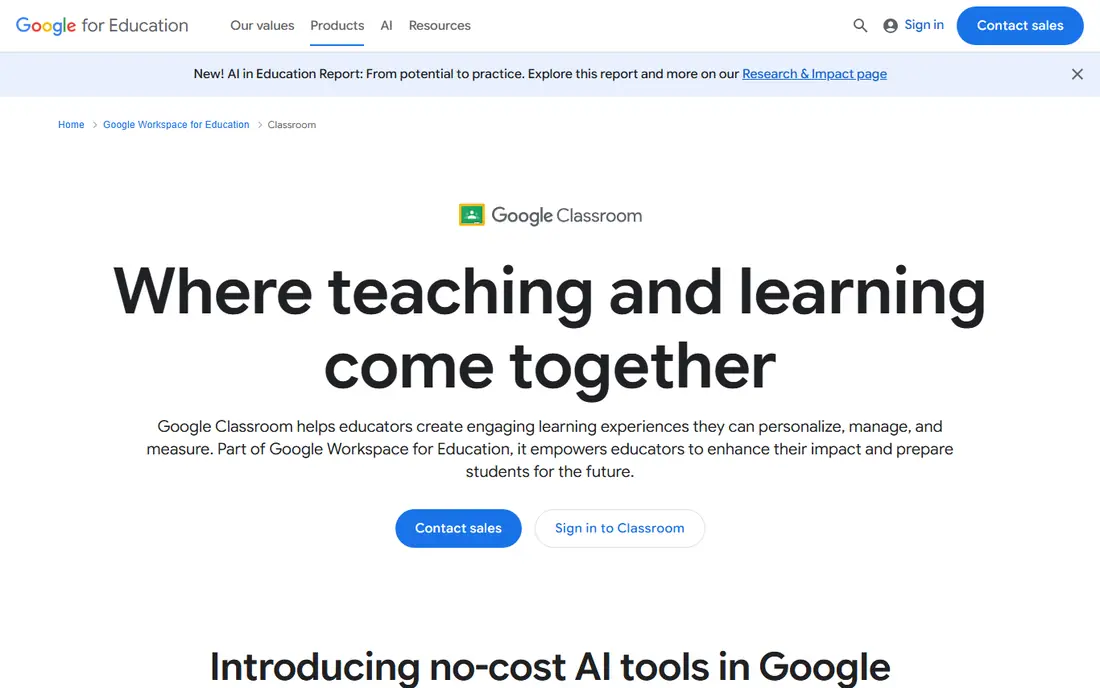
Google Classroom suits schools already using Google tools. Teachers create classes, post assignments, collect work, grade with rubrics, and communicate with students in one place, with files stored in Google Drive. Students join with a class code, and parents and teachers can track progress without a separate system.
Live teaching is handled through Google Meet, which integrates with Classroom but is a separate meeting tool. The core Classroom service is free for qualifying schools under Education Fundamentals, while paid Workspace for Education editions add security, analytics, and advanced Classroom features. Check which edition your school holds before planning around a paid feature.
- Free core classroom for schools
- Assignments, grading, and Drive integration
- Easy class codes for joining
- Live video runs through Google Meet, not inside Classroom alone
- Advanced features need paid Workspace editions
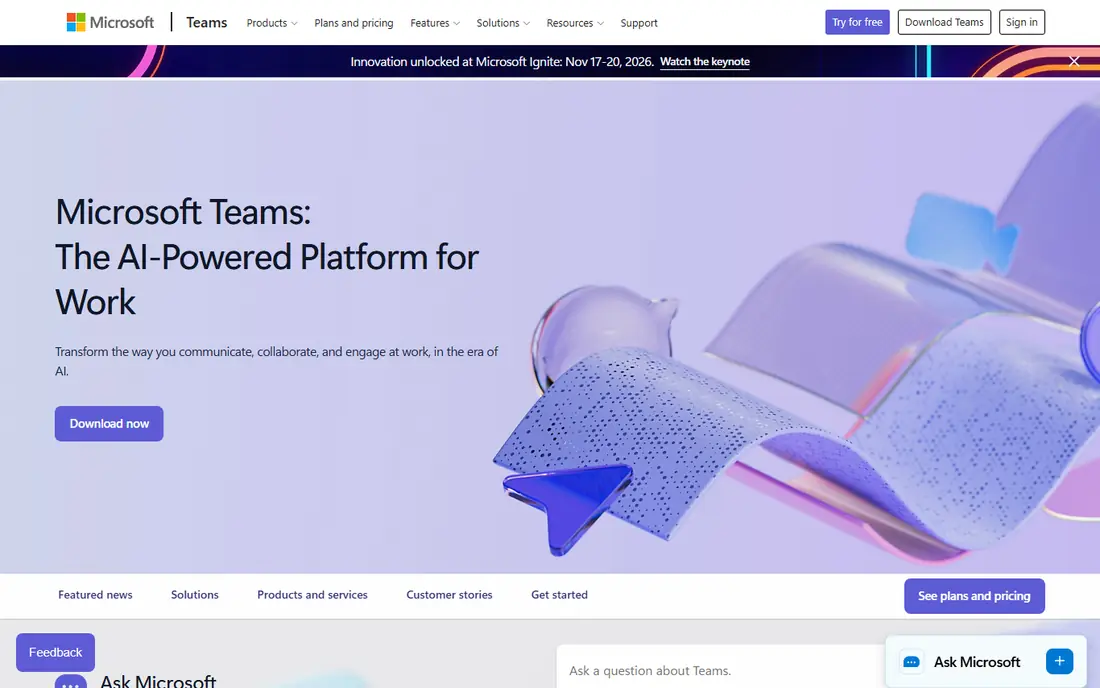
Microsoft Teams works well for schools and colleges already using Microsoft 365. Class teams combine video meetings, chat, file sharing, and assignments, and teachers can organize students into channels for groups or topics. Integration with Word, PowerPoint, and OneNote keeps class materials in one place.
The trade-off is complexity. Setting up Teams well for a whole school needs admin planning, and the exact features available depend on the Microsoft 365 education plan. Small tutoring setups may find Zoom or Google Classroom simpler, while larger schools gain more from the full Microsoft stack.
- Video, chat, files, and assignments in one app
- Strong fit for schools using Microsoft 365
- Class teams and channels
- Setup and admin take effort at school scale
- Full education features depend on the Microsoft 365 plan
Canvas, from Instructure, is a full learning management system that many schools and universities use for whole courses, not only live sessions. Teachers build modules with pages, files, assignments, quizzes, and discussions, grade with SpeedGrader, and track progress through analytics. Live sessions can run through integrated video tools such as Zoom or Microsoft Teams.
Institutional Canvas pricing is quote-based, so schools need a proposal for their size and needs. Individual educators can use Canvas Lite, a no-cost course tool launched in September 2026, for course-level teaching without an institutional license. That option suits tutors and small pilots, while full Canvas suits a whole school or college.
- Full LMS with modules, assignments, quizzes, and gradebook
- SpeedGrader for feedback
- Wide third-party integrations
- Institutional pricing is quote-based
- Full setup needs admin support
BigBlueButton is the open source virtual classroom built for teaching. It offers live audio and video, a multi-user whiteboard, breakout rooms, polling, shared notes, screen sharing, and session recording, all in a browser without a student app download. It integrates with learning platforms such as Moodle and Canvas, so live classes sit inside the course.
The software itself is free, but it needs a server, a domain, and upkeep, which means a school needs technical help or a hosting provider. That effort buys control: your data stays on your server, and there is no per-student license fee for the software itself.
- Free and open source
- Whiteboard, breakout rooms, polling, and shared notes
- Built for teaching, not general meetings
- Needs a server and technical setup
- Usually accessed through an LMS such as Moodle or Canvas
Adobe Connect suits training providers and organizations that run repeated live sessions in a dedicated room. Rooms can be set up once with a layout for presentations, chat, polls, and breakout work, then reused for each cohort. Recording, attendance, and reporting tools support formal training programs.
Pricing is handled through Adobe for many buyers, so expect a quote rather than a simple public price. The interface is more structured than Zoom, which suits formal training but may feel heavy for a casual tutoring session. Try the trial with a real lesson before committing a whole program to it.
- Persistent virtual rooms with layouts
- Breakout rooms, polls, and Q and A
- Recording and reporting
- Pricing is quote-based for many buyers
- Interface feels more formal than consumer video tools
Moodle is the most widely used open source learning platform, and it suits schools that want full control over courses without license fees. It covers course pages, assignments, quizzes, forums, workshops, and a gradebook, and its plugin library adds features for almost any teaching need. Live classes usually run through an integrated tool, most often BigBlueButton.
As with other open source tools, the software is free but hosting, updates, and backups are your responsibility. A school without technical staff should budget for a Moodle hosting provider. That cost is still often lower than a commercial LMS, and the control over data and customization is greater.
- Free and open source LMS
- Huge plugin library
- Assignments, quizzes, forums, and gradebook
- Needs hosting and admin skill
- Live video needs an integrated tool such as BigBlueButton
ClassIn is built specifically for online teaching, with interactive whiteboards, teaching tools, and class management in a single room. It suits tutoring companies and training providers that teach many small live classes and want tools designed for lessons, rather than adapting a general meeting app. Homework and class records support the teaching workflow beyond the live session.
The main limit is familiarity in US schools, where Zoom, Google Classroom, and Canvas are more common. That matters when students, parents, or a school IT team need to support the tool. Check the current pricing and trial terms on the vendor site, and run a pilot class before rolling it out widely.
- Teaching-focused rooms with whiteboard and tools
- Class management and homework features
- Designed for online lessons
- Less well known in US schools than Zoom or Google Classroom
- Pricing varies by plan and region
How we picked these
We compared official product pages, pricing pages, and documentation, and we favored platforms that are still offered in October 2026 and that support live teaching with tools such as whiteboards, breakout rooms, or assignment workflows. We excluded services that offer to complete student coursework, since those are not legitimate classroom platforms and do not belong in a teaching guide. Prices shown are starting prices where published, and quote-based prices are listed as See website.
How to choose a virtual classroom platform
Start with the lesson, not the logo. If your lessons are mostly live discussion, a strong video tool with breakout rooms matters most. If your lessons center on assignments and feedback, a learning platform with grading matters more. Many schools need both, which is why pairing a video tool with a course platform is common.
Next, test with real students and real network conditions. Run a pilot lesson with the class size you expect, on the devices students actually use, and check audio, screen sharing, and breakout rooms under load. A tool that works well for five people may struggle at fifty, and that difference only shows in a real test.
Finally, check safeguarding and access. Confirm how students join, how a teacher controls entry and muting, how recordings are stored, and what data the platform collects. Schools should also check age and consent rules for their region and the platform's education terms before rolling a tool out to minors.
Frequently asked questions
What is the best virtual classroom software?
The best virtual classroom software depends on your teaching model. Zoom suits live video classes, Google Classroom suits assignment-based teaching in Google schools, and Canvas suits full course management. BigBlueButton and Moodle suit schools that want open source control.
What is the best virtual classroom platform for schools?
For schools, Google Classroom and Canvas are strong choices, since both handle courses, assignments, and grades alongside live sessions. Zoom or Microsoft Teams often pair with them for live video. Choose the platform your teachers and IT team can support well, not only the one with the longest feature list.
What is the best free virtual classroom software?
BigBlueButton and Moodle are free and open source, though they need hosting, while Google Classroom core features are free for qualifying schools and Zoom offers a free Basic plan for short group meetings. Free here means no license fee, not no effort, so budget for setup and support.
How is a virtual classroom different from a video call?
A virtual classroom adds teaching tools to video, such as a whiteboard, breakout rooms, polls, shared notes, and often assignments and grading. A plain video call handles conversation well but does not manage a course. The best choice depends on whether you need those teaching workflows.
Should I use a learning platform or a video tool?
Use a learning platform when you need courses, assignments, and grades, and use a video tool when you need live interaction. Most schools use both together, with the learning platform as the home for course content and the video tool for live lessons. Check that the two integrate cleanly before you commit.
Sources
See where you really rank - block by block
ProMapRanker scans Google Maps across a grid of your service area. Simple monthly plans from $19, white-label on every plan.
Start freeKeep reading
 zoho inventory alternatives
6 Alternatives to Zoho Inventory, Compared on Price and Fit
Zoho Inventory alternatives: 6 tools compared on price, free plans and fit. Katana leads the list for manufacturers. Fit and flaws are laid out for each entry.
Read → zoho crm alternatives
Best Zoho CRM Alternatives (2026)
Need Zoho CRM alternatives? We compare 7 tools on cost, free access and who each suits. Every pick gets a straight assessment. Built for quick decisions.
Read → zelle alternatives
Best Zelle Alternatives in 2026
Compare the best Zelle alternatives for sending money to friends, paying sellers and moving funds abroad, with honest notes on fees, speed and safety in 2026.
Read →