 ProMapRanker
Best Video on Demand Platform in 2026

Key takeaways
- Uscreen is our pick for creators building a paid video membership business.
- Dacast offers a lower-cost route for live events plus a paywalled video library.
- Muvi and Brightcove suit larger media companies that need TV apps and broad distribution.
- Check per-subscriber fees and transaction fees carefully, because they change the real monthly cost as you grow.
Quick comparison
| Pick | Great for | Pricing starts at | Free tier | |
|---|---|---|---|---|
 Uscreen | Creator memberships | $49 per month | Free trial | Visit |
 Dacast | Live and VOD paywalls | $39 per month | Free trial | Visit |
 Muvi | No-code OTT services | $399 per month | Free trial | Visit |
 Vimeo Streaming | Creator streaming channels | See website | Free trial | Visit |
 Kaltura | Education and enterprise video | See website | No | Visit |
 Brightcove | Large media companies | See website | No | Visit |
 Wowza | Custom streaming builds | See website | Free trial | Visit |
 JW Player | Player and ad monetisation | See website | Free trial | Visit |
 Wistia | Marketing video hosting | $79 per month | Yes | Visit |
The best video on demand platforms
A video on demand platform lets viewers watch your catalogue when they choose, and lets you charge by subscription, rental, purchase or ads. The right choice depends on your audience size, your apps and how you plan to earn. Here are nine platforms that cover those models.
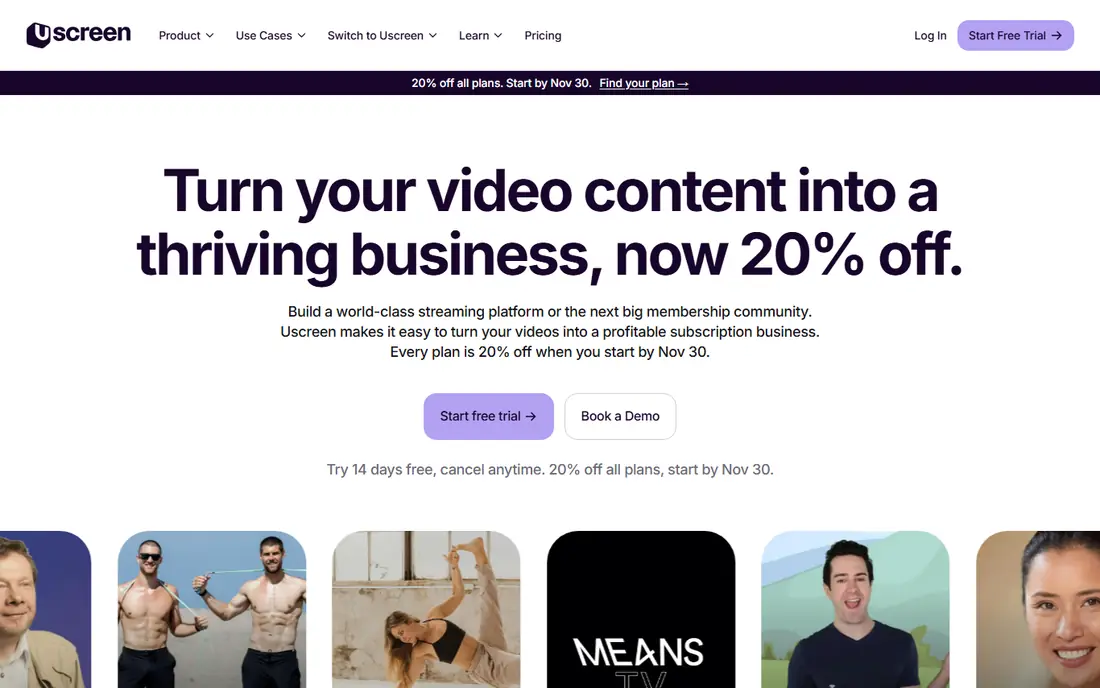
Uscreen is built for fitness instructors, educators and independent media owners who sell recurring access to a video library. Subscriptions, rentals, community features and marketing tools sit together, so a small team can run the whole membership without stitching several tools together. The catalogue layout feels familiar to viewers used to streaming apps.
The main cost warning is the per-subscriber fee on growth plans, which grows with your audience. Branded TV apps also sit on higher tiers. If you already have a paying audience, that cost is manageable. If you are still testing demand, start small and watch the fee math.
- Membership and community tools in one place
- Marketing automations
- Branded apps on higher plans
- Per-subscriber fees add up as you grow
- TV apps need a higher tier
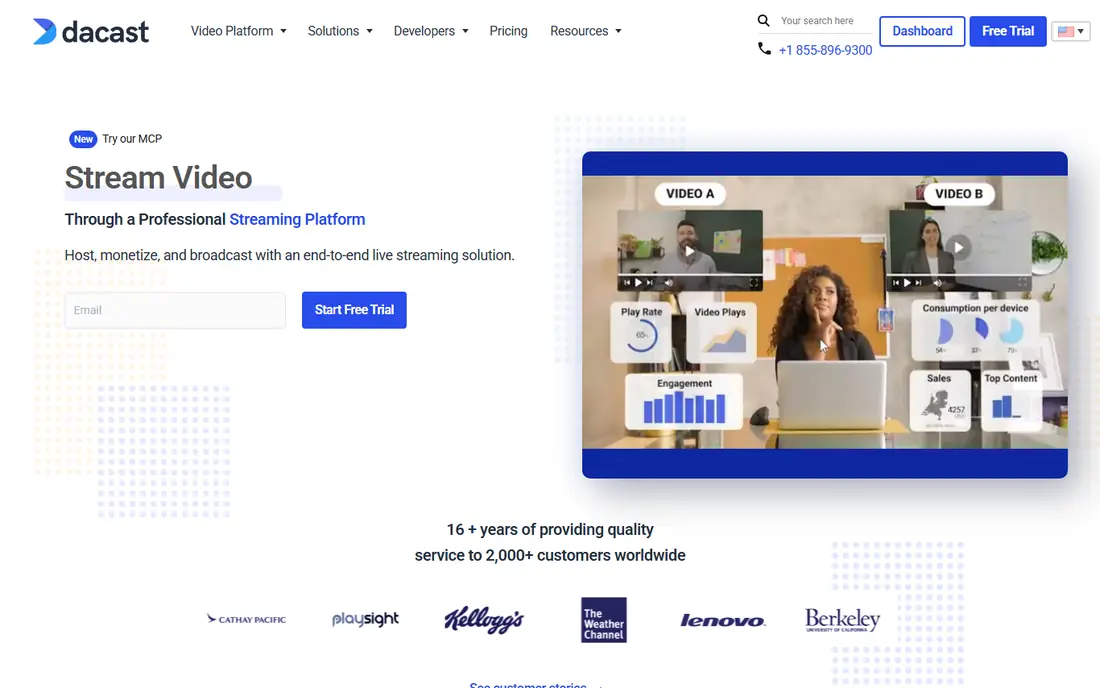
Dacast suits broadcasters, event organisers and businesses that need both live streams and a library behind a paywall. The starting plan is accessible, and higher plans add storage, bandwidth and viewer capacity. Monetisation options include subscriptions, rentals and ads, which gives a team room to test models.
It is less of a full white-label TV app suite than Muvi or Brightcove, so check app needs early. For web-first delivery and live events, Dacast offers strong value and a clear upgrade path.
- Affordable starting plan
- Live plus VOD in one account
- Paywall and ad options
- TV app coverage is less complete than enterprise OTT suites
- Storage limits vary by plan
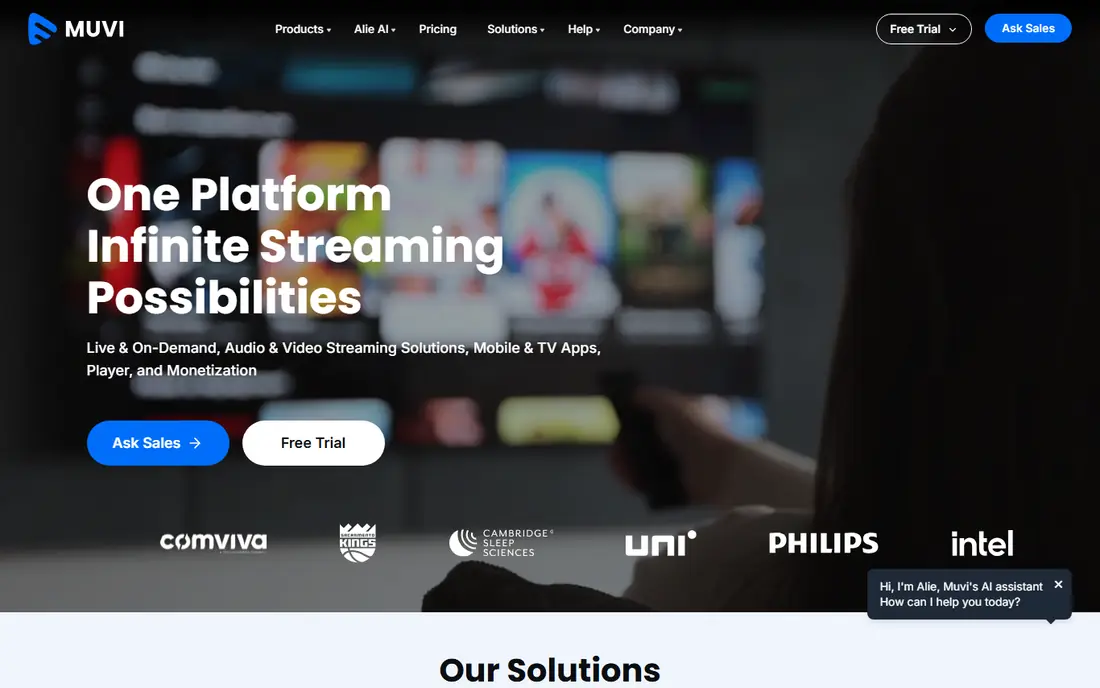
Muvi lets a media company launch a branded streaming service without building apps from scratch. Web, mobile and TV apps, monetisation and analytics come as a package, which shortens the path from content library to paying subscribers. It supports subscription, rental, pay-per-view and ad-funded models in one system.
The starting price puts it beyond a hobby creator budget, and the most complete feature set needs a higher plan. For a mid-sized media brand that wants its own Netflix-style service, Muvi is a practical middle ground between a simple host and a custom build.
- White-label apps across web, mobile and TV
- Subscription, rental and ad models
- No-code launch
- Higher starting price
- Some advanced features sit on enterprise tiers
Vimeo Streaming, formerly Vimeo OTT, helps creators and small studios run a branded channel with subscriptions and rentals. The player quality and app options suit film makers, fitness brands and niche channels that care about presentation. Analytics help a team see which titles hold viewers.
Pricing depends on subscriber counts and plan details, so get a current quote for your expected audience before committing. For a creator-led channel that values a clean viewing experience, Vimeo Streaming remains a strong, familiar choice.
- Polished player and apps
- Subscription and rental options
- Trusted video brand
- Per-subscriber pricing on some plans
- Migration of existing subscriber data can take work
Kaltura serves universities, large companies and media organisations that need video across learning, internal communications and public streaming. Its platform handles live events, on-demand libraries and virtual classrooms, and it integrates with learning systems and enterprise tools. That breadth is useful when one platform must serve several departments.
Small creators will likely find the setup and pricing heavier than they need. For an institution or enterprise with complex video needs, Kaltura offers depth that simpler hosts cannot match.
- Flexible video platform for education and enterprise
- Live and VOD support
- Broad integration options
- Quote-based pricing
- Setup can be complex for small teams
Brightcove is an enterprise video platform used by large media companies and brands that need reliable global delivery. It combines hosting, player technology, advertising support and analytics, with options for subscription and live services through its wider product range. Performance and support reflect its enterprise focus.
Pricing is custom, and the platform is not aimed at solo creators. If your audience is large, your ad or subscription revenue matters, and you need proven scale, Brightcove belongs on the shortlist.
- Enterprise-grade delivery and analytics
- Ad and subscription support
- Global scale
- Quote-based pricing
- Best suited to larger teams and budgets
Wowza suits teams that want to build a custom streaming workflow rather than use a fixed template. Its streaming engine and cloud service handle live and on-demand delivery, and developers can shape ingestion, transcoding and playback to their needs. That flexibility helps broadcasters and product teams with unusual requirements.
The trade-off is technical effort. A non-technical creator will move faster on Uscreen or Muvi, while a development team will value the control Wowza gives them.
- Flexible streaming engine and cloud options
- Developer-friendly
- Live and VOD support
- Needs more technical skill than no-code OTT tools
- Pricing varies by product
JW Player is best known as a video player, but its platform also covers hosting, advertising and analytics for publishers. Media sites that earn from video ads can use its player and ad tools to monetise a library without building a full subscription service. The player is familiar to many viewers and works across devices.
Teams that want memberships, community and TV apps will need other tools alongside it. As a publisher-focused player and ad platform, JW Player is a strong specialist rather than an all-in-one OTT suite.
- Widely used video player
- Advertising tools
- Analytics for publishers
- Less of a complete membership platform
- Pricing is custom for larger use
Wistia fits businesses that use video to explain, sell and support a product. Hosting, a clean player, lead capture and analytics help marketing teams see which videos drive action. The free tier lets a small team test hosting before paying, and paid plans add capacity and features.
It is not the right tool for a large subscription streaming service with TV apps. For a business library of product, training and marketing videos, Wistia is polished, easy to manage and focused on results rather than just playback.
- Clean player and branding
- Marketing integrations
- Viewer analytics
- Not built for large subscription OTT services
- Higher plans are custom priced
How we picked these
We compared official feature and pricing pages for VOD and OTT platforms, and we favoured services that are still offered, support real monetisation models and cover web, mobile or TV viewing. We checked starting prices, trial options and app coverage where vendors publish them, and we used See website where pricing is quoted or varies by plan. Our comparison rests on vendor documentation and public product descriptions, not on claimed hands-on testing.
How to choose the right VOD model
Start with how viewers will pay. Subscriptions suit a growing library that people return to often, rentals suit single titles and events, and ads suit a large free audience. A platform that forces the wrong model will limit revenue even if its player looks good.
Apps, rights and growth costs
List the devices your audience actually uses, and check app availability on each plan, not just on the marketing page. Ask about content protection, geo controls and download options if rights matter to you. Then model costs at three audience sizes, including per-subscriber and transaction fees, so growth does not surprise you.
Migration and content prep
Check how your existing videos, titles, descriptions and subscriber data move across, and how long encoding takes for your library. A platform with a smooth import and clear analytics will save weeks of manual work. Test playback on a slow connection too, because most viewers will not wait for a perfect stream on a weak signal.
Frequently asked questions
What is the difference between VOD and OTT?
VOD means video on demand, where viewers choose what to watch and when. OTT means over-the-top delivery over the internet, without cable or satellite. Many OTT services include VOD libraries, live channels and apps together.
Can I sell both subscriptions and rentals?
Yes, several platforms on this list support subscriptions, rentals, pay-per-view and ads in one account. Check the exact mix on your chosen plan, because some monetisation options sit on higher tiers.
Do I need TV apps to start?
No. Many creators start on web and mobile, then add TV apps once the audience and revenue justify the cost. If your viewers mainly watch on TV, though, app coverage should be a first filter, not an afterthought.
How much video can I host?
It depends on the plan. Some plans limit hours or storage, while others charge by usage or offer custom limits. Estimate your current library plus a year of new content before you compare plans.
What happens if I want to leave a platform?
Ask about exporting videos, metadata and subscriber lists before you sign up. Some platforms make export simple, while others need manual work or a migration service. Keep your own copies of source files regardless of platform.
Sources
See where you really rank - block by block
ProMapRanker scans Google Maps across a grid of your service area. Simple monthly plans from $19, white-label on every plan.
Start freeKeep reading
 zoro.to alternatives
Best Zoro.to Alternatives in 2026
We compare the best zoro.to alternatives in 2026, listing only legal licensed anime streaming services, from Crunchyroll to free options for fans today.
Read → zip alternatives
Best Zip Alternatives in 2026
We compare the best zip alternatives for buy now, pay later in 2026, covering pay-in-4 plans, fees, spending limits, and credit reporting options today.
Read → yesware alternatives
Best Yesware Alternatives in 2026
Compare the best yesware alternatives for sales email tracking, templates, and sequences, with current pricing and honest tradeoffs for small sales teams.
Read →