 ProMapRanker
Best Video Making App in 2026

Key takeaways
- CapCut is the fastest route from phone footage to a finished short video, with a strong free tier.
- VN Video Editor is our pick for a free editor with pro-style controls and no watermark.
- DaVinci Resolve is the best free desktop editor for serious projects, if your computer can handle it.
- Filmora suits YouTubers who want a friendly desktop timeline without a steep learning curve.
- Always check watermark and export limits before you invest hours learning an editor.
Quick comparison
| Pick | Great for | Pricing starts at | Free tier | |
|---|---|---|---|---|
 CapCut | Short social videos | Free | Yes | Visit |
 Filmora | Friendly desktop editing | Free | Yes | Visit |
 VN Video Editor | Free pro-style mobile editing | Free | Yes | Visit |
 InShot | Quick mobile edits | Free | Yes | Visit |
 KineMaster | Layered mobile projects | Free | Yes | Visit |
 PowerDirector | All-around mobile and desktop editing | Free | Yes | Visit |
 DaVinci Resolve | Free pro desktop editing | Free | Yes | Visit |
 Clipchamp | Browser and Windows editing | Free | Yes | Visit |
The best video making apps
These eight apps cover short social clips, YouTube videos and family projects on phones and desktops. We checked current pricing and free-tier limits, since watermarks and export caps decide whether a free editor is truly usable.
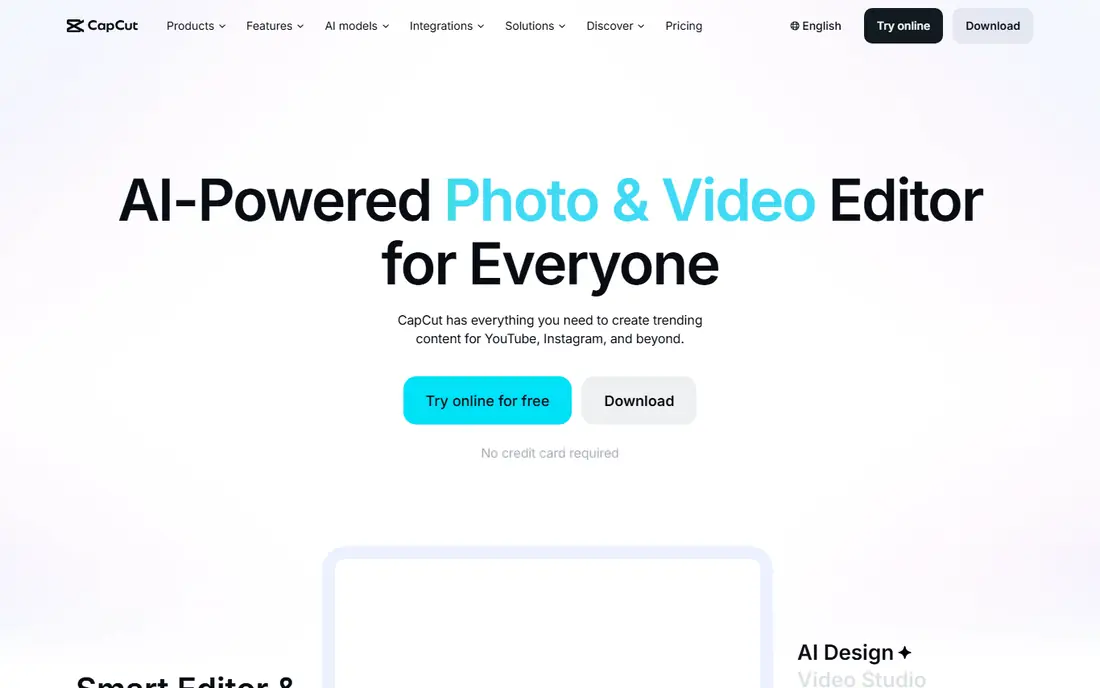
CapCut is the default video app for short-form creators, and its speed explains why. Templates, trending effects and auto-captions take a raw clip to a finished Reel or Short in minutes, and the free tier covers the full editor with largely watermark-free exports at 1080p.
The paid tiers change the math. Standard costs $9.99 per month on mobile only, while Pro costs $19.99 per month or $179.99 per year across platforms and adds 4K export and a larger AI allowance. If you only post short clips, the free tier may be all you need.
We rate CapCut first for social video. For longer YouTube projects or client work, a desktop editor such as Filmora or DaVinci Resolve will feel more controlled.
- Fast templates and auto-captions
- Works on mobile, desktop and web
- Largely watermark-free free exports
- Pro costs $19.99 per month
- 4K export needs Pro
- AI features are metered on paid plans
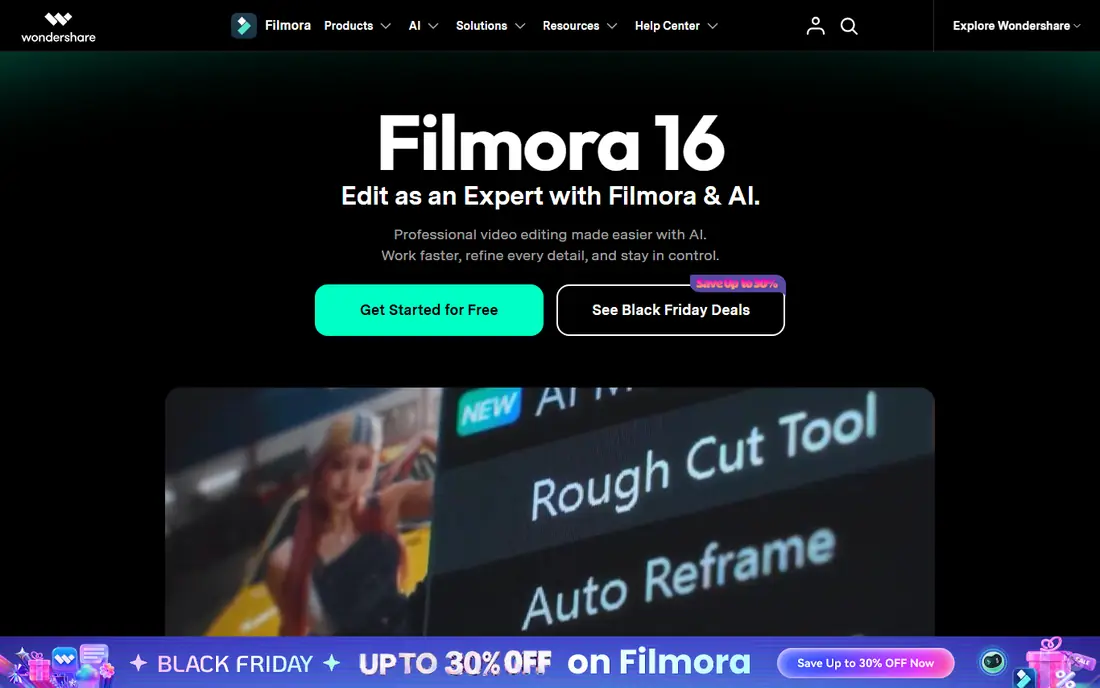
Filmora sits between phone apps and pro desktop tools. Its timeline is easy to read, its effects library is broad, and it handles ten-minute YouTube videos without the clutter of a phone-first editor. GPU-accelerated exports and bitrate control help when quality matters.
Pricing starts free with a watermark, then Basic at $49.99 per year, Advanced at $59.99 per year and Premium at $99.99 per year, with a perpetual license for the current version at $79.99. That one-time option appeals to editors who dislike subscriptions, though it covers only the current major version.
Choose Filmora if you edit on a desktop and want a friendly tool that can grow with you. If your budget is zero, VN or DaVinci Resolve will serve you better.
- Readable multi-track timeline
- Perpetual license option at $79.99
- Clear asset licensing for client work
- Free exports carry a watermark
- AI credits are limited on lower tiers
- Annual plans add up over time
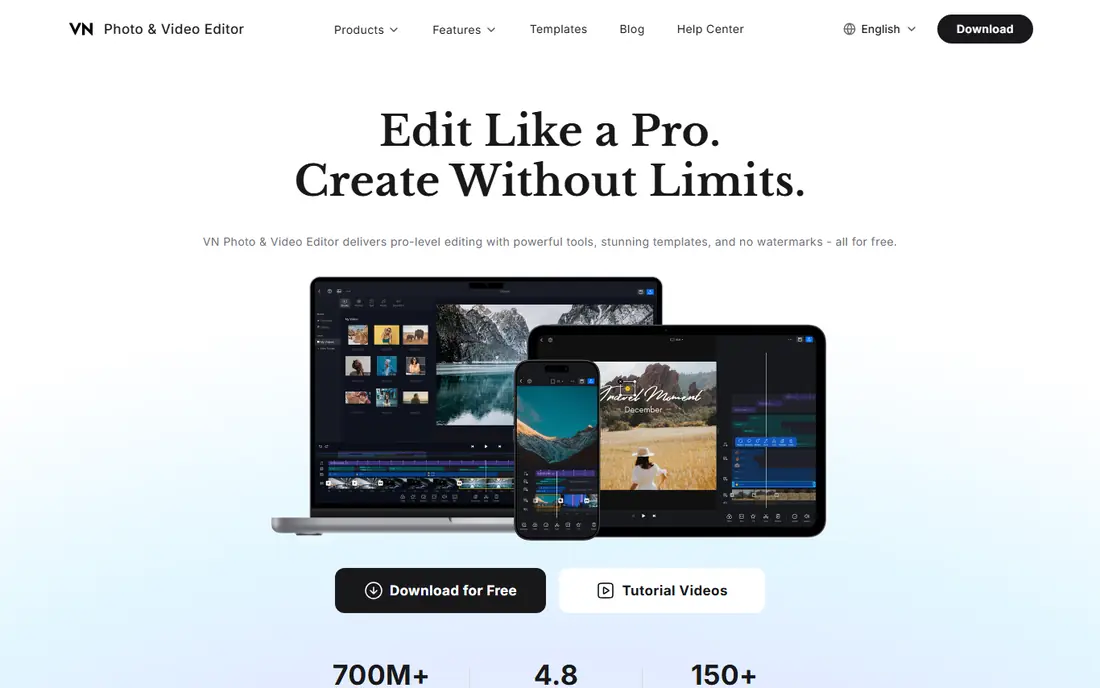
VN Video Editor is the thinking creator's pick on mobile. It offers multi-track timelines, keyframe animation, speed curves, chroma key and color grading on your phone, with no watermark and no subscription in the listings we checked. Exports reach 4K, which many free rivals restrict.
The trade-off is a smaller tutorial community and fewer ready-made social templates than CapCut. You will learn the tool from its own guides and from general editing knowledge rather than from a flood of trend videos.
We recommend VN to anyone who wants pro control on a phone for free. Pair it with CapCut if you also want fast templates, since the two cover different strengths.
- No watermark on free exports
- Multi-track timeline with keyframes
- 4K export free
- Smaller tutorial community than CapCut
- Fewer templates for social trends
- Desktop version is newer than mobile
InShot is the closest match to CapCut for simple mobile social editing. Its timeline, text overlays and filters feel familiar, and its resizing tools make it easy to post the same video to several platforms in different aspect ratios. For a quick edit, it rarely gets in your way.
The free version adds a watermark, and Pro costs $3.99 per month on Android and $4.99 per month on iOS in the listings we checked. That watermark is the main reason to pay, or to choose VN or CapCut free instead.
Pick InShot if you post the same clip to many platforms each week and value its resize presets. For deeper editing, VN gives you more control for free.
- Easy resizing for different platforms
- Simple trim, text and filter tools
- Pro is cheap on Android
- Free exports carry a watermark
- Fewer pro controls than VN
- IOS Pro costs more than Android
KineMaster has been a mobile editing staple for years, and its layered approach still appeals to creators who build complex phone projects. You can stack video, images, stickers, text and handwriting layers, adjust blending modes, and add keyframe animation without moving to a desktop.
The free tier adds a watermark to exports, and Premium costs $7.99 per month or $51.99 per year to remove it and add more assets. That price is higher than InShot Pro, so it only makes sense if you use the layering tools often.
Choose KineMaster for layered mobile work with a long track record. If you want the same control without a watermark for free, VN is the better starting point.
- Layered editing with blending modes
- Keyframes and chroma key
- 4K export on compatible devices
- Free exports carry a watermark
- Premium costs $7.99 per month
- Asset store tempts extra spending
PowerDirector is a solid all-rounder from CyberLink, with versions for phones and desktops that share a similar approach. Multi-track editing, keyframing, AI tools and a broad effects library cover most creator needs, from social clips to longer videos.
The free tier works for trying the tool, while the mobile annual plan is listed at $34.99 before promotions. Desktop pricing varies by plan, so check the current CyberLink page for the version you need. The interface can feel busy at first, but it rewards a short learning period.
We suggest PowerDirector when you want one brand across phone and desktop. If you only edit on a phone, VN or CapCut will feel simpler.
- Available on mobile and desktop
- AI tools and keyframing
- Premium cloud projects
- Free tier limits some exports
- Mobile annual plan costs $34.99
- Interface can feel busy
DaVinci Resolve is the best free desktop editor for serious projects, full stop. Its free version includes professional editing, color grading, audio mixing and effects tools that rival paid software, with no watermark on exports. It is used on real film and television work, which shows in its depth.
That depth comes with demands. You need a modern computer with enough memory and graphics power, and the interface takes longer to learn than Filmora or CapCut. The paid Studio version adds more effects and collaboration tools, but most creators will not need it at first.
Pick DaVinci Resolve if you edit on a desktop and want a tool that will not limit you as your skills grow. On a weak laptop or a phone, choose VN or Filmora instead.
- Full pro editing and color tools free
- No watermark
- Strong audio and effects pages
- Needs a capable computer
- Learning curve is steep
- Studio upgrade costs extra
Clipchamp is the easiest desktop starting point for Windows users. It runs in the browser as well as a Windows app, offers a simple timeline, templates and stock media, and fits tutorials, school projects and workplace videos without an install battle.
The free tier covers core editing, while paid plans add premium stock, brand kits and other extras. Browser editing depends on a steady connection, and its color tools are simpler than DaVinci Resolve, so it is not the pick for film-style grading.
Choose Clipchamp when you want a quick, no-install editor on Windows. For pro work, DaVinci Resolve remains the stronger free desktop choice.
- Runs in the browser and on Windows
- Simple timeline for tutorials and school projects
- Microsoft integration
- Some stock assets and features need a paid plan
- Browser editing depends on your connection
- Fewer pro color tools
How we picked these
We compared official listings, vendor pricing pages and current free-tier limits for each editor, favoring tools that exist and work in October 2026, export real video, and state their watermark and price limits plainly. We did not test these editors hands-on, and we did not invent features, prices or export limits.
How to choose the right video editor
Start with your device. On a phone, try CapCut for speed and VN for control. On a Mac, iMovie is also worth a look, though it is outside this list. On Windows with no install patience, open Clipchamp. On a capable desktop, DaVinci Resolve gives you the most room to grow.
Next, match the editor to the project. Twenty-minute YouTube videos suit Filmora or DaVinci Resolve, while short social clips suit CapCut, InShot or VN. Check the free-tier limits before you commit: need 4K exports, or no watermark, or both, and pick the editor that gives you those free.
Finally, be honest about your hardware and your time. DaVinci Resolve wants a modern computer, while VN and Clipchamp run on lighter setups. A tool you open every day beats a powerful tool you avoid, so pick the editor whose workflow feels natural and stick with it for a few projects.
Frequently asked questions
What is the best app to make videos on a phone?
CapCut is the fastest phone app for social videos, while VN Video Editor is our pick for free pro-style control with no watermark. InShot suits quick edits across several platforms.
What is the best free video maker app?
VN Video Editor and CapCut free are the strongest free phone options, since both export without a watermark. On desktop, DaVinci Resolve free is the best free editor for serious projects.
What is the best video and photo editing app?
CapCut, InShot and PowerDirector all handle video with photo and text layers, though they are video-first tools. If photo editing is equally important, pair your video editor with a dedicated photo app rather than expecting one tool to do both equally well.
Is there good video editing software free for beginners?
Yes. Clipchamp and Filmora free are friendly starting points on desktop, and VN free is friendly on mobile once you learn its timeline. Start free, and pay only when a watermark or export limit blocks your actual work.
Which video editor has no watermark for free?
CapCut free and VN Video Editor both export without a watermark in the listings we checked. DaVinci Resolve free and Clipchamp free also export without a watermark for core editing.
What is the best video editing app for YouTube?
Filmora suits YouTubers who want a friendly desktop timeline, while DaVinci Resolve suits those who want pro tools free. CapCut works well for Shorts, and PowerDirector covers both mobile and desktop workflows.
Sources
See where you really rank - block by block
ProMapRanker scans Google Maps across a grid of your service area. Simple monthly plans from $19, white-label on every plan.
Start freeKeep reading
 zoho inventory alternatives
6 Alternatives to Zoho Inventory, Compared on Price and Fit
Zoho Inventory alternatives: 6 tools compared on price, free plans and fit. Katana leads the list for manufacturers. Fit and flaws are laid out for each entry.
Read → zoho crm alternatives
Best Zoho CRM Alternatives (2026)
Need Zoho CRM alternatives? We compare 7 tools on cost, free access and who each suits. Every pick gets a straight assessment. Built for quick decisions.
Read → zelle alternatives
Best Zelle Alternatives in 2026
Compare the best Zelle alternatives for sending money to friends, paying sellers and moving funds abroad, with honest notes on fees, speed and safety in 2026.
Read →