 ProMapRanker
Best Video Hosting Platforms in 2026

Key takeaways
- YouTube suits reach and discovery, while Vimeo and Wistia suit branded embeds and marketing measurement.
- Privacy, access control and bandwidth limits matter more than storage alone, especially for courses and internal video.
- Usage-based hosts such as Bunny Stream suit technically comfortable teams, while Brightcove suits large media operations.
- Test the player on your own site and check mobile playback before you move a full library to a new host.
Quick comparison
| Pick | Great for | Pricing starts at | Free tier | |
|---|---|---|---|---|
 YouTube | Public reach and discovery | Free | Yes | Visit |
 Vimeo | Ad-free branded embeds | $12 per month | Yes | Visit |
 Wistia | Marketing video and lead capture | $79 per month | Yes | Visit |
 Vidyard | Sales and one-to-one video | See website | Yes | Visit |
 Brightcove | Large media and OTT operations | See website | No | Visit |
 Dailymotion | Ad-supported public distribution | Free | Yes | Visit |
 Bunny Stream | Low-cost usage-based delivery | $1 per month | Free trial | Visit |
 SproutVideo | Private and secure business video | See website | Free trial | Visit |
The best video hosting platforms
We compared video hosting platforms by player quality, privacy controls, analytics, bandwidth rules and price. The right host depends on whether your video needs reach, a branded embed, lead capture, private access or large-scale delivery.
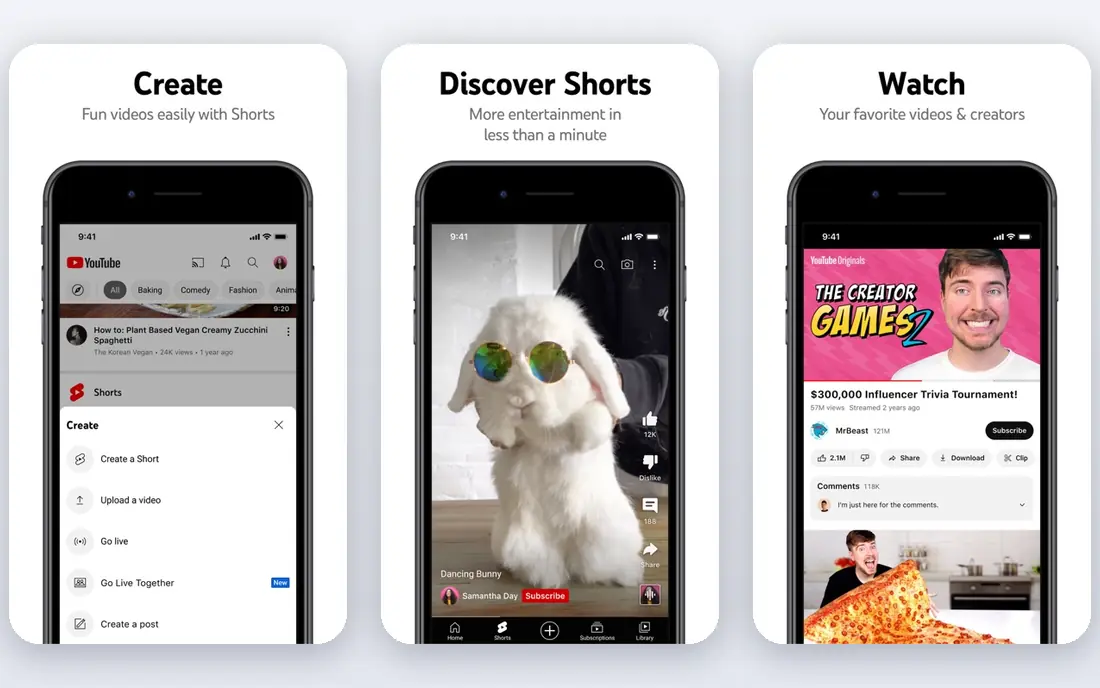
YouTube remains the obvious choice when reach matters more than control. Uploads are free, search and recommendations can bring in viewers you would never reach on your own site, and live streaming is built in. For creators, educators with free content and brands building an audience, that distribution is hard to match.
The trade-off is control. Viewers see ads unless they pay for a premium service, recommendations can pull them away from your site, and unlisted or private settings are not a real access system for paid courses. If your video is public and meant to be found, YouTube wins. If it is paid or private, a dedicated host is safer.
- Huge audience and search discovery
- Free unlimited public hosting
- Live streaming included
- Ads and recommendations on your videos
- Limited access control
- YouTube branding on the player
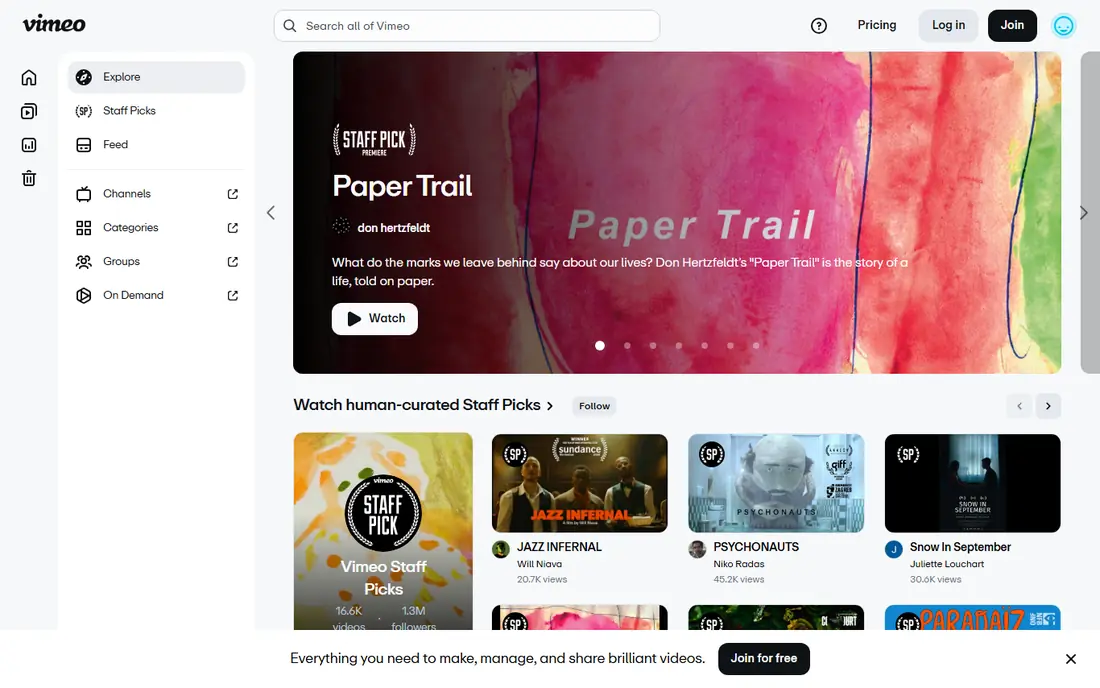
Vimeo is the usual step up from YouTube for professional embeds. The player is ad-free, customizable and clean on a client site, and Starter plans add password protection and privacy controls that YouTube does not offer in the same way. Creators, agencies and small course teams often use Vimeo as their main host for that reason.
Bandwidth is the limit to watch. Self-serve plans share a monthly bandwidth cap, and upgrading for more storage does not always raise that cap, so a popular course can hit the limit. Check the current plan details before you publish a large library, and consider a usage-based host if your viewing volume is high and unpredictable.
- Clean ad-free player
- Password and domain privacy controls
- Strong video quality and customization
- Bandwidth limits apply on self-serve plans
- Paid plans needed for larger libraries
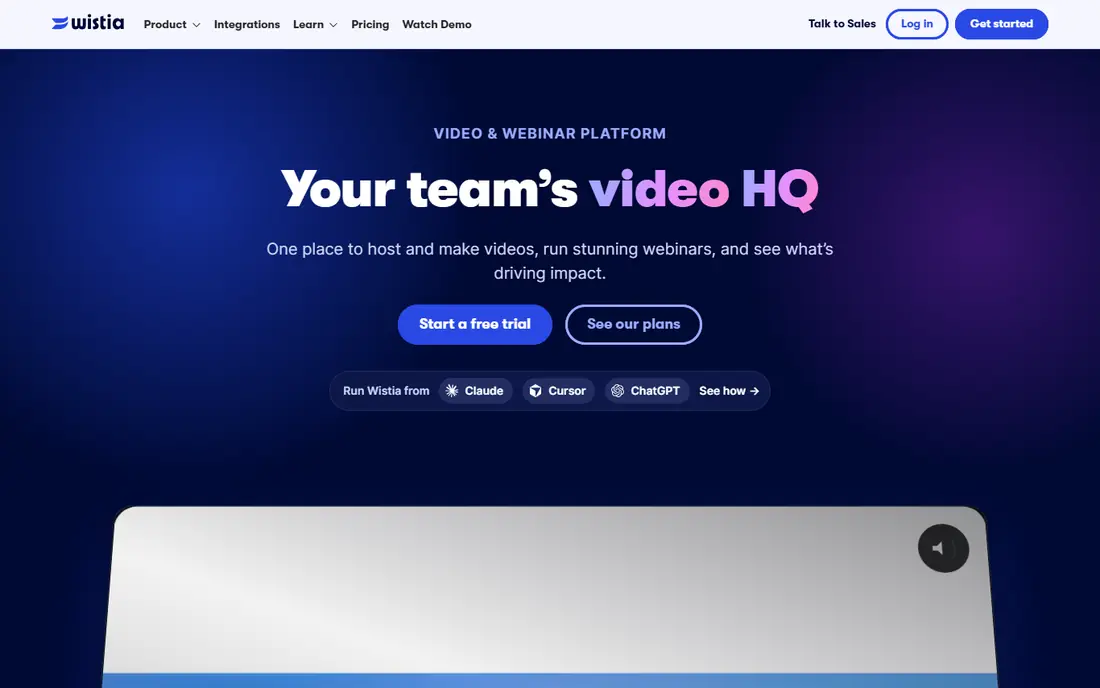
Wistia is built for marketing teams that need to know what viewers do, not just how many watched. Engagement graphs show where viewers drop off, lead capture forms collect emails inside the video, and calls to action link to the next step. Integrations with marketing tools make it easier to follow up with engaged viewers.
That measurement comes at a higher price than a basic host. The free plan covers a small library, while the Business plan suits teams that run video as a regular marketing channel. Bandwidth also needs attention on larger campaigns. If your main goal is simply to embed a video, Vimeo may be cheaper. If you need to turn viewers into leads, Wistia earns its place.
- Engagement graphs and viewer analytics
- Lead capture forms and calls to action
- Marketing integrations
- Business plan price is higher than basic hosts
- Bandwidth limits on lower plans
Vidyard focuses on personal video for sales and customer communication. A rep can record a short video for one prospect, share it by email, and see when it is watched and for how long. That feedback helps sales teams follow up at the right moment, and CRM links keep the activity tied to the deal record.
It is not the best host for a large public video library or a paid course catalog. Its strength is one-to-one and small-group video, not bulk delivery. Teams that already use video for outreach will find it useful, while creators who need a polished public player may prefer Vimeo or YouTube.
- Personal video recording for sales outreach
- Viewer tracking and CRM links
- Easy sharing by email
- Less suited to large public libraries
- Paid features needed for team use
Brightcove serves publishers, broadcasters and large companies that run video as a core business. It handles large libraries, live streaming, monetization and distribution across apps and websites, with analytics and integrations to match. For media operations that need reliability at scale, it is a serious enterprise option.
Small teams will find it more than they need. Pricing is quote-led, setup is heavier than a self-serve host, and the feature set assumes a dedicated video operation. If you publish a handful of videos a month, a simpler host will be faster and cheaper. If video drives your revenue, Brightcove is worth a quoted comparison.
- Enterprise streaming at scale
- Monetization and live options
- Strong analytics and integrations
- Quote-led pricing
- Overkill for small creators and simple embeds
Dailymotion is a free, ad-supported video platform that works as a second distribution channel. Publishers can reach an audience, especially in Europe, without paying for hosting, and monetization comes from ads served around the video. For news, entertainment and niche publishers, it adds reach beyond YouTube.
It does not replace a paid host for branded or private video. The player carries ads and platform branding, audience size in the United States is smaller than YouTube, and access controls are basic. Use Dailymotion for public distribution and discovery, and use a paid host when you need a clean embed or restricted access.
- Free public hosting
- Ad-supported monetization for publishers
- Strong presence in Europe
- Smaller audience than YouTube in the United States
- Ads on the player
- Less control than paid hosts
Bunny Stream, from Bunny.net, is a usage-based video host that charges for storage and delivery rather than a large flat plan. That model suits course creators, developers and teams with variable viewing, since a quiet month costs little and a busy month scales with use. Signed URLs and CDN delivery give it a practical level of access control and speed.
The catch is effort. Bunny Stream is closer to a delivery service than a finished marketing platform, so you need to handle the player, uploads and access logic yourself or through your site tools. Technically comfortable teams will like the price and flexibility. Teams that want lead capture, analytics and a ready-made dashboard should choose Wistia or Vimeo instead.
- Very low pay-per-use delivery cost
- Global CDN delivery
- Signed URLs for access control
- More setup than a simple host
- No built-in marketing tools
- You assemble the player and workflow
SproutVideo is built for businesses that need video to stay private. It offers login protection, domain and IP controls, password options and viewer-level tracking, which suits training, internal communication and client video. The player is clean and brandable, so it works well on a company site or portal.
It is not a discovery platform. You will not get a YouTube-style audience from SproutVideo, and its pricing reflects its security focus rather than bulk public delivery. For companies where the wrong person seeing a video is a real problem, that trade is worth it. For public marketing video, a cheaper or more public host will serve you better.
- Strong privacy controls including login and IP rules
- Viewer-level tracking
- Clean branded player
- Higher price than basic hosts for large libraries
- Less public discovery than YouTube
How we picked these
We compared official pricing pages, player features, privacy controls and recent hosting guides, favoring platforms that are actively sold in 2026 and that fit a distinct job, from public reach to private business video. Where pricing depended on usage, storage or a quote, we wrote See website rather than publishing a figure we could not confirm.
How to choose the best video hosting platform
Start with who should see the video and what they should do next. Public video needs reach, marketing video needs lead capture and measurement, course video needs access control, and internal video needs privacy. That single decision will rule out half the options in this list, and it matters more than storage size or a long feature list.
Next, check the limits that cause trouble later. Look at bandwidth or view caps, storage, player branding, download controls and whether viewers can share a link freely. A host that looks cheap on storage can turn expensive on bandwidth, and a host that looks polished can leak paid content through a shareable link. Test the player on mobile, on a slow connection and inside your own site before you commit.
Finally, plan for growth and migration. Confirm that you can export videos and data, change domains, and upgrade plans without re-uploading a whole library. If you run courses or client work, keep a backup of source files outside the host. The best video hosting platform is the one that still fits when your library doubles, not just the one that looks good for your first ten videos.
Frequently asked questions
What is the best video hosting platform?
The best video hosting platform depends on the job. YouTube suits public reach, Vimeo suits branded embeds, Wistia suits marketing and lead capture, and SproutVideo suits private business video. Match the host to audience, privacy and measurement needs before comparing price.
What is the best video sharing platform for businesses?
Vimeo, Wistia and SproutVideo are strong business options, since all offer branded players and privacy controls that YouTube does not. Wistia adds lead capture, SproutVideo adds stronger access controls, and Vimeo offers a simpler, lower-cost middle ground.
What is the best video hosting software for online courses?
Vimeo and Bunny Stream both suit courses, with Vimeo offering a simpler setup and Bunny Stream offering lower usage-based delivery costs. For paid courses, check access controls, bandwidth caps and whether a shareable link can bypass your checkout.
Is YouTube the best video sharing tool for creators?
YouTube is the best video sharing tool for reach and discovery, since it is free and its search and recommendations can bring in new viewers. It is less suited to paid, private or heavily branded video, where a paid host gives you more control over ads, branding and access.
What should I check before choosing a video hosting platform?
Check bandwidth and storage limits, privacy and download controls, player branding, analytics depth and total cost at your expected viewing volume. Test playback on mobile and on your own site, and confirm you can export your library if you later switch hosts.
Sources
See where you really rank - block by block
ProMapRanker scans Google Maps across a grid of your service area. Simple monthly plans from $19, white-label on every plan.
Start freeKeep reading
 zoom alternatives for webinars
Best Zoom Alternatives for Webinars in 2026
Discover zoom alternatives for webinars in 2026, from browser-based rooms to sales-focused platforms, with pricing, audience limits and honest trade-offs.
Read → tipalti alternatives
Best Tipalti Alternatives in 2026
Compare the best tipalti alternatives for accounts payable, global payouts and bill pay, with pricing and free plans for small teams in 2026 for US teams.
Read → mixpanel alternatives
Best Mixpanel Alternatives in 2026
Compare the best mixpanel alternatives for product analytics, funnels and retention, with free tiers and current pricing for growing teams in 2026 for US teams.
Read →