 ProMapRanker
Best Video Downloader App in 2026


Official YouTube offline viewing · Pricing starts at: See website
Key takeaways
- This article covers legal use only: your own videos, public-domain and Creative Commons content, and downloads where the platform or creator permits them.
- YouTube Premium is the safest first choice for YouTube, since offline viewing is an official feature that pays rights holders.
- Google Takeout is the best route for downloading your own YouTube uploads in bulk, without a third-party tool.
- Desktop tools such as 4K Video Downloader Plus, ClipGrab, and JDownloader suit creators who need files for editing, but only for content they have rights to use.
- Never use a downloader to copy paid, copyrighted, or private content, to bypass platform protections, or to re-upload someone else's work.
Quick comparison
| Pick | Great for | Pricing starts at | Free tier | |
|---|---|---|---|---|
| YouTube Premium | Official YouTube offline viewing | See website | No | Visit |
 Google Takeout | Your own YouTube uploads | Free | Yes | Visit |
 Vimeo | Creator-permitted downloads | Free | Yes | Visit |
 Internet Archive | Public-domain video | Free | Yes | Visit |
 4K Video Downloader Plus | Playlists and channels you own | See website | Yes | Visit |
 ClipGrab | Simple free downloads | Free | Yes | Visit |
 JDownloader | Large batch downloads | Free | Yes | Visit |
 VideoProc Converter AI | Download plus conversion | See website | No | Visit |
The best video downloader app
Video downloaders are useful tools with a clear legal boundary, and this list stays on the legal side of it. Every tool below is framed for content you own, content in the public domain, Creative Commons content with the right license, or downloads that the platform itself offers. If a video does not fit one of those cases, do not download it with these tools.
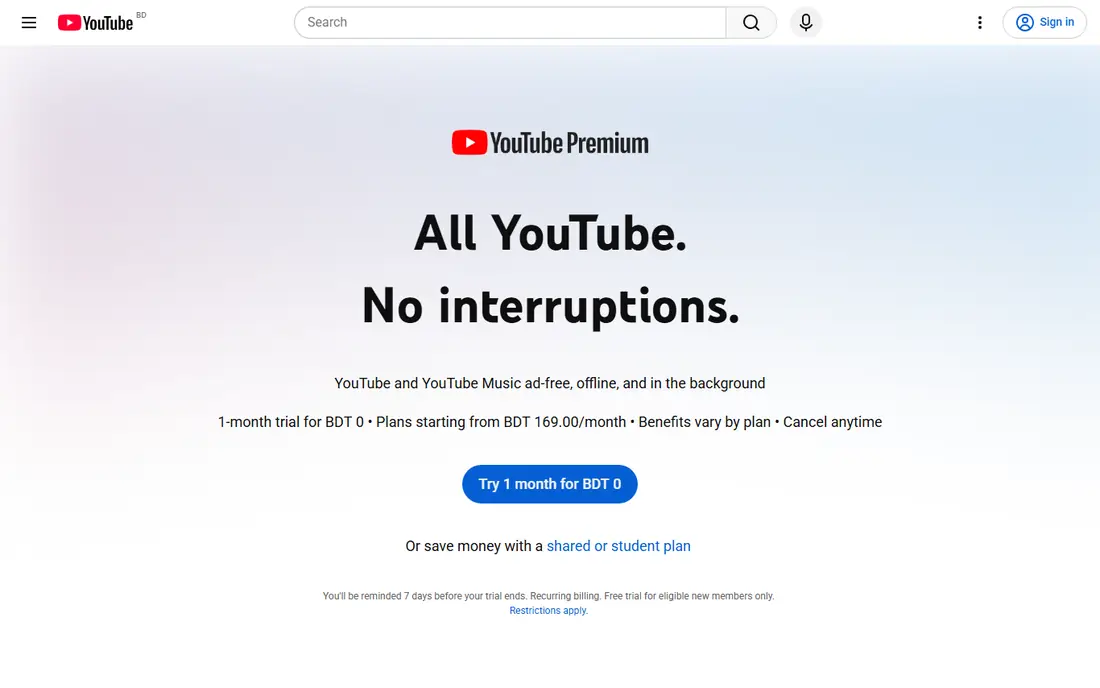
YouTube Premium is the first pick for most YouTube viewers because it is the official route to offline viewing. You download a video in the YouTube app, watch it without an internet connection, and the creator is paid through the subscription system. That keeps you inside YouTube terms while solving the core need: watching on a plane, on a commute, or where data is limited.
The limit is format. Premium downloads are for viewing in the app, not for editing, re-uploading, or moving to another device as a file. If you need an editable file of your own video, use Google Takeout instead, and keep Premium for watching.
- Official offline downloads inside the YouTube app
- Ad-free viewing and background play
- Creators and rights holders are paid through the service
- Downloads stay inside the app and expire if your membership lapses
- No standalone video file for editing
Google Takeout is the cleanest tool for creators who want their own videos back. Sign in to the Google account that owns the channel, select YouTube content for export, and Google prepares an archive you can download. That route avoids any question about rights, since the videos are yours, and it handles bulk exports better than downloading one video at a time.
The main drawback is waiting time. Large channels can take hours or longer for Google to prepare, and the archive format needs unpacking before editing. For a backup of your own channel, though, Takeout is the tool to use first, before any desktop downloader.
- Official Google export for your own channel content
- Bulk download without third-party software
- Original files where available
- Only works for your own uploads and Google content
- Exports can take hours for large channels
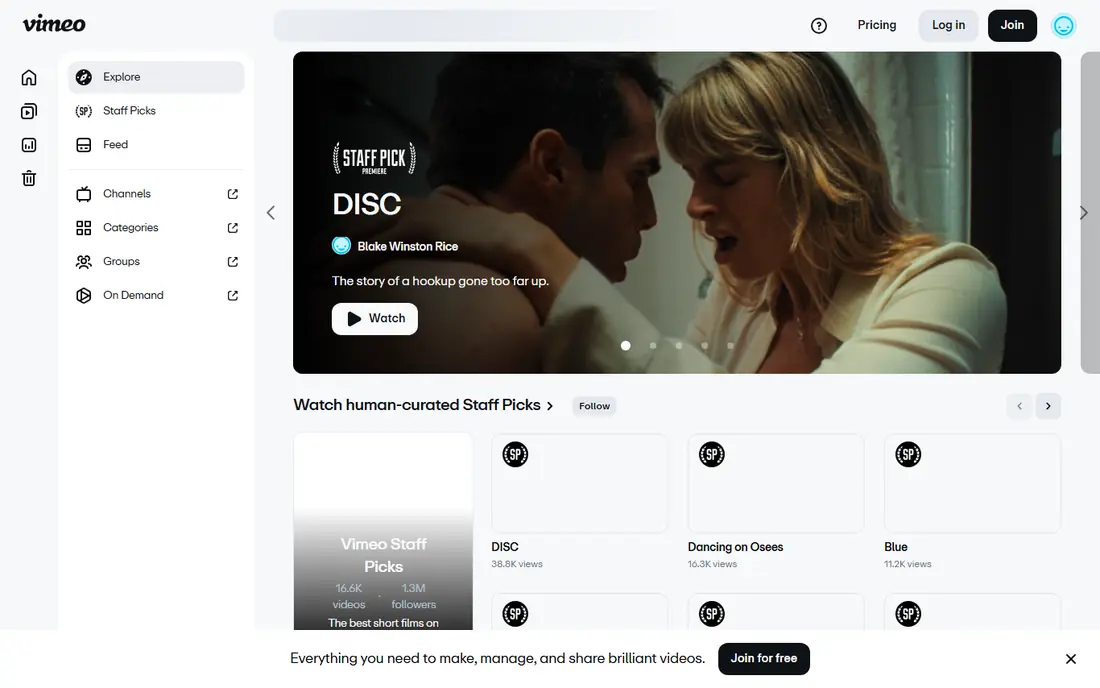
Vimeo earns its place because download permission is built into the platform itself. When a creator enables downloads, viewers see a download button and can save the file in the quality the creator chose. That makes Vimeo a good source for stock footage, client review files, and creator-shared work where permission is explicit.
If no download button appears, that is your answer: the creator has not permitted downloads for that video. Do not work around that choice with another tool. For your own Vimeo uploads, enabling downloads gives clients and collaborators a simple, official way to save your work.
- Creators can enable a download button on their own videos
- High-quality source files where the creator allows it
- Clear creator controls
- Download availability depends on each creator's settings
- Not a general downloader for videos without permission
Internet Archive is the best legal source for older and public-domain video, from classic films whose copyright has expired to Creative Commons lectures and historical footage. Item pages offer download options in several formats, so you can save a file for classroom use, research, or editing without any rights question, provided you check the license shown on that item.
Quality varies, since many items come from old prints or community uploads, and the catalog does not include current commercial releases. For teachers, students, and editors who need legal historical footage, Internet Archive is a strong, free starting point.
- Large collection of public-domain and Creative Commons video
- Official download options on item pages
- Useful for education and research
- Video quality and metadata vary by item
- Not a source for current commercial films or shows
4K Video Downloader Plus is a desktop app for Windows, Mac, and Linux that handles playlists, channels, and subtitles in one place. Creators use it to archive their own channel, save Creative Commons footage for a project, or extract audio from their own videos for editing. Smart mode can apply the same format and quality settings to each download, which saves time on large archives.
The responsibility sits with the user, and this article stresses it plainly: use this app only for videos you own, videos in the public domain, Creative Commons videos under a suitable license, or videos where the creator or platform permits downloading. Do not use it to copy copyrighted shows, music videos, or paid content.
- Playlist and channel downloads for content you have rights to use
- Subtitle and audio extraction
- High-resolution options up to 8K where the source allows
- Free plan has download limits
- Must only be used for your own, public-domain, or Creative Commons content, or where download is permitted
ClipGrab suits beginners who need a simple, free tool for a small number of legal downloads. Paste a link, choose a format and quality, and download the file, with MP3 extraction for audio from your own or permitted videos. The interface has no command line and no complex settings, which makes it easy to learn.
ClipGrab is less useful for large archives, since it lacks the batch and playlist tools of 4K Video Downloader Plus or JDownloader. It also needs regular updates when video sites change, so keep it current and download only from the official site. Used for permitted content, it covers the basic job well.
- Free and open source
- Simple paste-a-link workflow
- Built-in conversion to common formats
- No batch playlist management
- Site changes can break downloads until an update arrives
- Installer may show optional offers, so read each screen
JDownloader is a download manager first, and that makes it useful for creators archiving many permitted files at once. Paste a list of links, review what LinkGrabber finds, and queue the files you actually have rights to use. Pause and resume controls help with large files on slower connections, and the tool works on Windows, Mac, and Linux.
The interface is busier than ClipGrab, and beginners may need time to learn the LinkGrabber workflow. JDownloader also does not edit or convert video, so pair it with an editor or converter when you need that step. For bulk legal archives, its batch control is the main advantage.
- Free and open source
- LinkGrabber handles many links at once
- Pause, resume, and speed controls for large jobs
- Interface takes time to learn
- No built-in video editing or conversion
- Must only be used for content you have rights to download
VideoProc Converter AI suits creators who need to download a permitted video and convert it for editing in the same workflow. You can change format, resolution, and codec, trim a clip from your own footage, and prepare files for different devices without switching apps. That combination saves time when you work with your own channel content or Creative Commons footage.
The trial limits features, and full access requires a paid license, so check the current price before buying. The legal rule is the same as for every tool here: use VideoProc only for content you own, content in the public domain, Creative Commons content under a suitable license, or downloads the platform permits.
- Download, conversion, and basic editing in one desktop app
- Batch processing for permitted files
- Hardware acceleration on supported systems
- Paid software with a limited trial
- Must only be used for your own, public-domain, or permitted content
How we picked these
We compared official product pages and recent downloader guides, and we kept only tools that are maintained in 2026 and that can be used lawfully for the cases in this article. We excluded web tools marketed for ripping paid or copyrighted content, tools that promise to bypass platform protections, and any tool whose main appeal is downloading content without permission. We used See website where pricing was not consistent across sources, and we framed every desktop tool for legal use only.
How to download video legally and safely
Start by asking who owns the video and whether downloading is permitted. Your own uploads are clear, public-domain works are clear, and Creative Commons works are clear only under the license shown, which may require attribution or bar commercial use. Platform downloads, such as YouTube Premium offline viewing or a Vimeo download button, are clear because the platform offers them.
Check the license before you save
For Creative Commons video, read the license type on the source page and follow its terms, including attribution where required. For public-domain video, confirm the work is actually in the public domain in your country, since dates and rules differ. When in doubt, ask the creator for written permission, and keep that permission with your project files.
Download only from official sources
Get desktop tools only from their official websites, and avoid copycat sites that bundle extra software with a familiar name. Read installer screens carefully, decline optional offers you do not want, and keep the tool updated, since video sites change often. If a tool suddenly offers to download paid or private content, treat that as a warning sign, not a feature.
Keep downloaded files for personal or permitted use only
Do not re-upload, sell, or share downloaded videos unless you own them or the license clearly allows it. Even for Creative Commons content, re-uploading without following the license terms can breach copyright. Store legal downloads in a dedicated folder with a note on the source and license, so you can prove permission later if a project is questioned.
Frequently asked questions
What is the best video downloader app?
YouTube Premium is the best and safest option for YouTube offline viewing, while Google Takeout is best for your own YouTube uploads. For desktop files from permitted content, 4K Video Downloader Plus suits playlists, ClipGrab suits simple jobs, and JDownloader suits large batches.
What are the best video downloader apps for legal use?
The best legal options are official tools first, such as YouTube Premium, Google Takeout, Vimeo downloads, and Internet Archive, followed by desktop tools used only for permitted content. Avoid any tool marketed to bypass protections or to copy paid content, since those uses breach platform terms and copyright law.
What is the best video downloader software for creators?
4K Video Downloader Plus and VideoProc Converter AI suit creators who archive their own channels or work with Creative Commons footage, since both handle playlists and conversion. Google Takeout remains the best bulk backup for your own YouTube channel, regardless of which desktop tool you use for editing.
Can I download YouTube videos legally?
You can download your own YouTube videos through YouTube Studio or Google Takeout, watch other videos offline through YouTube Premium, and download Creative Commons or public-domain videos where the license and platform terms permit it. Downloading copyrighted videos without permission, or to re-upload them, is not legal use.
Is it legal to download public-domain videos?
Yes, public-domain videos can generally be downloaded and used, since their copyright has expired or never applied, but you should still check the item page for the correct status. Some versions, such as a restored edition or a new soundtrack, may carry separate rights, so confirm the exact file you plan to use.
Do free video downloaders work on phones as well as computers?
Some downloaders offer mobile apps, but official platform downloads are usually the safest mobile route, such as YouTube Premium offline viewing in the YouTube app. Desktop tools on this list run on Windows, Mac, and Linux, and they suit editing workflows better than phone-only downloaders.
Sources
- https://www.youtube.com/premium
- https://takeout.google.com
- https://vimeo.com
- https://archive.org
- https://www.4kdownload.com
- https://clipgrab.org
- https://jdownloader.org
- https://www.videoproc.com
- https://notelm.ai/blog/youtube-downloader-guide-2026
- https://copyprogramming.com/howto/how-to-download-all-videos-from-youtube-channel
See where you really rank - block by block
ProMapRanker scans Google Maps across a grid of your service area. Simple monthly plans from $19, white-label on every plan.
Start freeKeep reading
 zscaler alternatives
Best Zscaler Alternatives in 2026
Looking for zscaler alternatives? We compare 9 SASE and zero trust platforms on architecture, data protection, pricing, and fit for your network and team.
Read → zapier alternatives free
Best Zapier Alternatives Free in 2026
Nine automation tools for zapier alternatives free in 2026, all with genuinely free tiers, plus free plan limits, starting prices and upgrade paths explained.
Read → which platform is best for online reputation
Which Platform Is Best for Online Reputation in 2026
Wondering which platform is best for online reputation? We compare 8 review, listing, and response tools for small and multi-location businesses and agencies.
Read →