 ProMapRanker
Best Video Cropper Tool in 2026

Key takeaways
- Microsoft Clipchamp and Adobe Express offer the cleanest free cropping for short clips, with watermark-free exports on their free tiers in the cases we checked.
- Kapwing and VEED suit teams that also need captions, resizing and collaboration, but their free exports carry watermarks.
- Check aspect ratio presets before choosing, since a cropper without a preset for your platform will slow down every export.
- For a single quick crop, a simple online tool beats a full editor, while regular reframing work justifies a paid plan.
Quick comparison
| Pick | Great for | Pricing starts at | Free tier | |
|---|---|---|---|---|
 Kapwing | Team reframing and captions | $16 per month | Yes | Visit |
 VEED | Browser cropping and subtitles | $12 per month | Yes | Visit |
 Adobe Express | Free quick crop for social clips | $9.99 per month | Yes | Visit |
 Microsoft Clipchamp | Free watermark-free 1080p crops | Free | Yes | Visit |
 CapCut | Mobile and web short-form crops | $19.99 per month | Yes | Visit |
 Clideo | Simple one-off online crops | $9 per month | Yes | Visit |
 Flixier | Fast browser cropping and clips | $19 per month | Yes | Visit |
 Canva | Cropping inside brand designs | Free | Yes | Visit |
 123apps Online Video Cutter | No-sign-up quick crops | See website | Yes | Visit |
The best video cropper tool options
We compared official pricing pages, feature pages and public documentation, and we focused on how each tool handles the actual crop: custom dimensions, aspect ratio presets, export quality and free-plan limits.
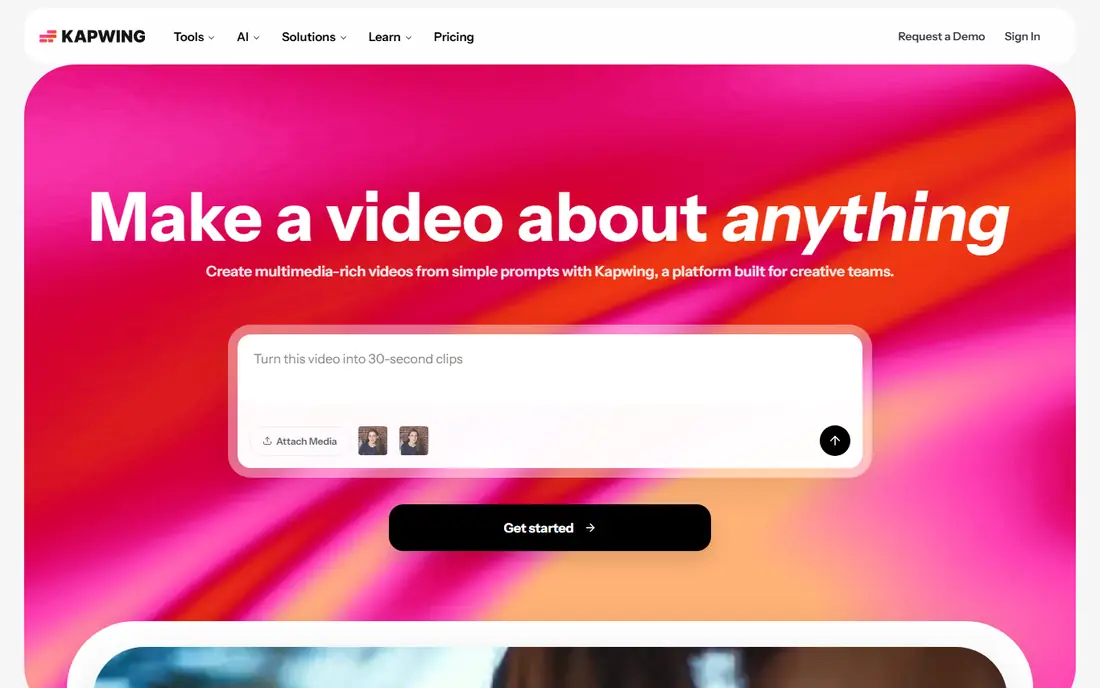
Kapwing is a good pick when cropping is one step in a larger short-form workflow. You can crop a clip, resize it for vertical or square feeds, add captions, and share the project with a team, all in a browser. That breadth makes it popular with podcast and webinar teams turning long recordings into clips.
The free plan is a trial in practice. Exports are watermarked, capped in length and resolution, and limited per month, so a finished clip for publication will usually need Pro. If you crop regularly and need captions too, Pro is reasonable value. If you only need one clean crop, a free tool below will do it cheaper.
- Browser editor with crop, resize and caption tools
- Collaboration for teams
- Handles long episodes on paid plans
- Free exports carry a watermark and cap length and resolution
- Paid plan needed for 4K and long exports
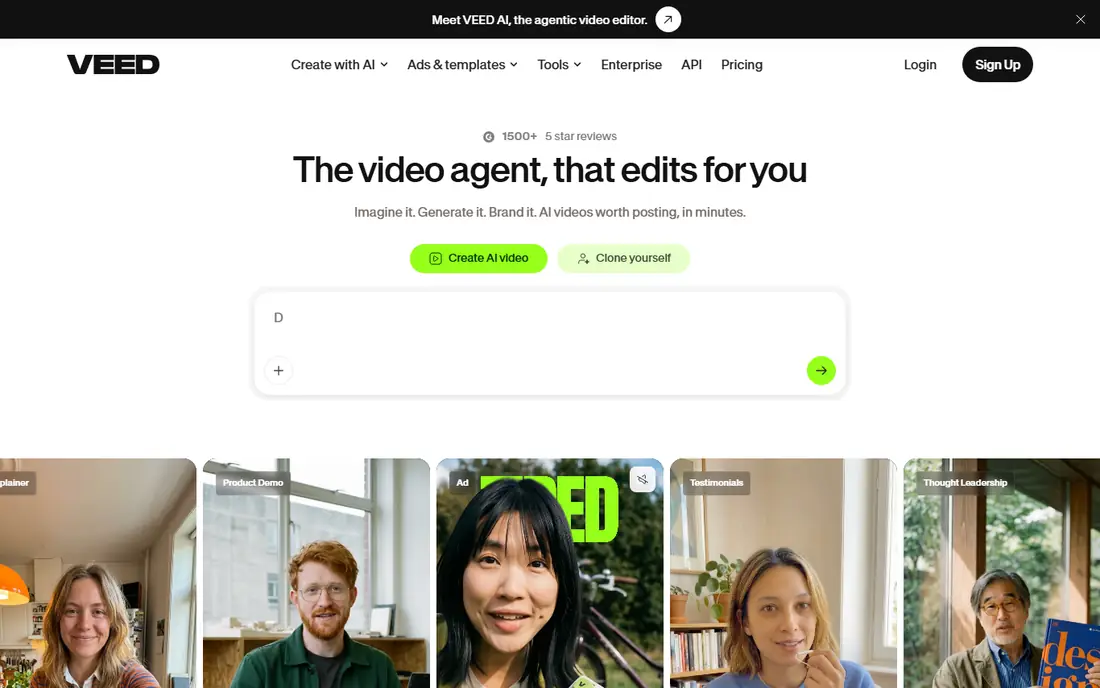
VEED suits marketers who need a short product demo cropped for social, with subtitles added in the same session. The crop tool itself is direct: upload, drag the crop frame or pick an aspect ratio, export. Subtitles, translation and brand tools sit beside it on paid plans, which keeps a small marketing workflow in one place.
Free exports are watermarked and limited to 720p and shorter clips, so test the crop on the free plan and pay only when the output will be published. VEED's paid entry point is lower than Kapwing's, which makes it a sensible pick for occasional paid use.
- Simple browser crop and resize workflow
- Strong auto-subtitles and translation on paid plans
- No install needed
- Free exports carry a watermark and cap at 720p
- AI features run on credits on paid plans
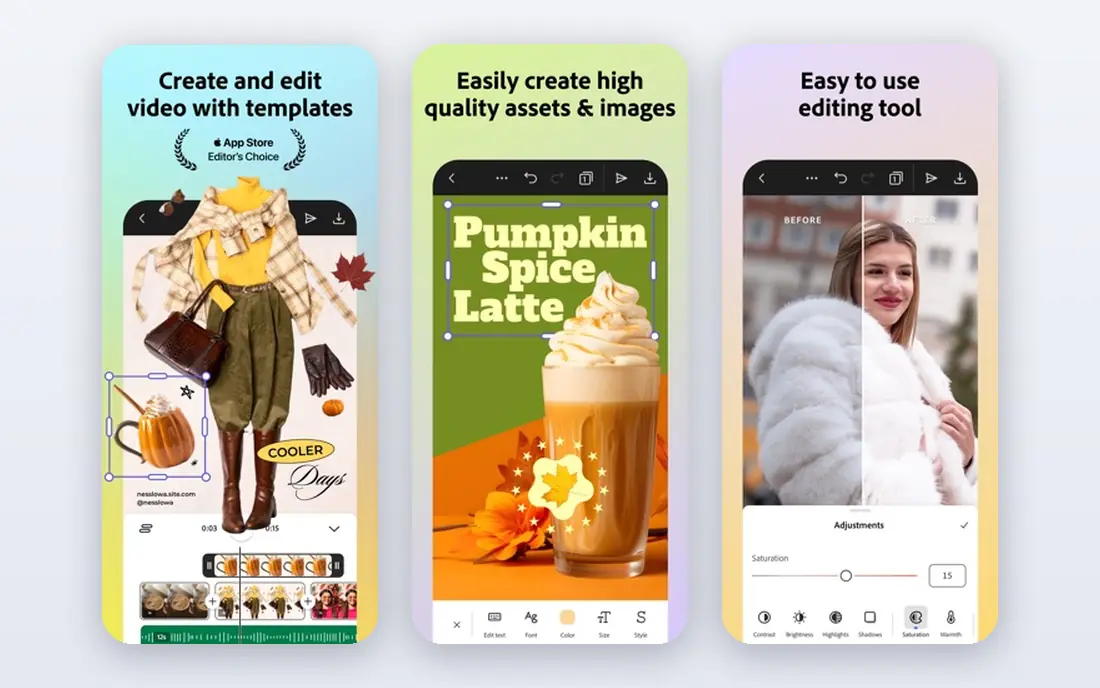
Adobe Express is the simplest free crop in this list for a one-off job. Its Crop video quick action lets you choose custom dimensions, rather than only preset ratios, and documented cases cover clips up to an hour with a file size limit. For a social manager reframing a webinar or demo, that single-step flow is hard to beat.
Check the file before you rely on it. The quick action has a file size cap and does not support every codec, so a very large or unusual file may need a desktop editor. For standard MP4 clips, though, Express is the free pick we would try first.
- Free Crop video quick action for clips up to an hour in the cases documented
- Custom dimensions for social formats
- No install for web use
- File size limit applies to the quick action
- Some codecs are not supported
- Full premium features need a paid plan
Clipchamp is the strongest free cropper for Windows and browser users who want a clean export. The free plan allows unlimited exports at up to 1080p without a watermark, which is more generous than most rivals here. Cropping sits inside a full, simple editor, so you can also trim, add text and export for social in the same project.
The limits are platform-based. Clipchamp works best in Chrome or Edge, needs a Microsoft account, and has no current mobile app. If you edit on a Windows PC or in a supported browser, those limits rarely matter, and the free export terms make it the value pick in this list.
- Free plan exports at up to 1080p without a watermark
- Browser-based with templates
- Fits Microsoft 365 workflows
- Works best in Chrome or Edge on desktop
- No mobile app at present
- 4K and premium stock need a paid plan
CapCut suits creators who move between phone and computer. A clip cropped on a phone can be finished on the web, and the template library helps short-form creators produce vertical videos quickly. In default editing, free exports avoid a blanket watermark, which is a real advantage over several browser rivals.
Watch for Pro-marked templates and effects, which can add branding to an export. Stick to standard tools for a clean free crop, and treat Pro as a paid upgrade for 4K, premium effects and larger asset libraries rather than a requirement for basic cropping.
- Works across web, desktop and mobile
- Strong short-form templates and effects
- Free 1080p export in default editing
- Pro templates and effects can add a watermark or logo
- Paid plan needed for 4K and premium assets
Clideo is the tool for a single crop when you do not want to learn an editor. Upload a file, drag the crop area or enter dimensions, choose a format, and download. That simplicity is its whole appeal, and for a one-off job it is faster than opening a full video editor.
The free limits matter. Files are capped in size and exports carry a watermark, so a publish-ready clip needs a paid plan. Use Clideo to test a crop or to prepare a draft, and use Clipchamp or Adobe Express when you need a clean free export.
- Very simple online crop workflow with no install
- Supports common formats
- No account needed to start
- Free exports carry a watermark and cap file size
- Fewer editing features than full editors
Flixier is built for speed in a browser. It renders quickly, handles cropping and resizing beside tools for clips, captions and translation, and suits teams that need a short clip turned around the same day. The interface is direct enough for a non-editor to crop a clip without training.
Free use is limited by monthly minutes, resolution and a watermark, so regular publishing needs a paid plan. Flixier's paid monthly price is higher than VEED or Clideo, so it earns its place for speed and breadth rather than for being the cheapest paid cropper.
- Fast browser rendering for quick turnarounds
- Crop and resize beside clip and subtitle tools
- No install needed
- Free plan caps monthly export minutes and resolution and adds a watermark
- Paid monthly price is higher than some rivals
Canva is a sensible cropper when the video is part of a larger brand asset. A clip cropped in Canva can sit beside graphics, text and brand colours in the same project, and the result can be exported for social without switching tools. For a small business that already designs in Canva, that convenience is worth a lot.
It is not a dedicated video editor, so long-form cutting, detailed audio work and advanced colour tools are thinner than in Kapwing or VEED. Use Canva for short, branded crops, and move to a dedicated editor when the video itself is the main work.
- Video cropping inside a design workspace you may already use
- Brand kit and templates on paid plans
- Free exports without a watermark on free elements
- Video editing is less deep than a dedicated editor
- Pro elements can add a watermark on free plans
123apps Online Video Cutter, part of the 123apps suite, is the lowest-friction option here. Open the tool, upload a file, crop it, and download, with no account step in the way. That makes it useful for a quick job on a shared computer or a device where you do not want to install software.
The trade is depth. It lacks the caption, collaboration and brand tools of paid editors, and free use is ad-supported. For a single clean crop, though, simplicity often beats features, and 123apps is a solid last resort when other tools add sign-up or watermark friction.
- No account needed to start
- Simple crop, trim and rotate tools
- Handles large files in the free tier cases documented
- Ad-supported free use
- Fewer collaboration and caption features than full editors
How we picked these
We compared official pricing and feature pages for tools that crop video to custom dimensions or platform aspect ratios, and we checked free-plan export terms, watermarks and resolution caps where vendors publish them. We favoured tools that are current in October 2026, work in a browser or on common devices, and suit ordinary users rather than professional colourists.
What to check before you crop
Start with the destination format. A vertical clip for Reels, a square clip for a feed post and a wide clip for YouTube need different crops, and a tool without the right preset will cost you time on every export. Check that your subject stays in frame after the crop, especially for talking-head clips where a tight crop can cut off hands or captions.
Next, check the free export terms before you invest time in an edit. A watermark, a resolution cap or a monthly minute limit can turn a finished project into a paid surprise. Finally, keep a copy of the original file. A crop is destructive in the exported file, and you will want the full frame if the platform changes its format later.
Frequently asked questions
What is the best free video cropper?
Microsoft Clipchamp and Adobe Express are the strongest free picks in the cases we checked. Clipchamp offers watermark-free 1080p exports on its free plan, while Adobe Express offers a free quick crop for standard clips. The best choice depends on your browser and file size.
Can I crop a video without a watermark for free?
Yes, with the right tool and plan. Clipchamp's free plan and Canva's free elements export without a watermark, while Kapwing, VEED, Clideo and Flixier add watermarks to free exports. Always check the current free terms before publishing.
How do I crop a video to a custom size?
Choose a tool with custom dimensions, such as Adobe Express, rather than only preset ratios. Enter your target width and height or drag the crop frame, preview the result to check the subject stays in frame, then export at the resolution your platform needs.
Will cropping reduce video quality?
Cropping removes pixels, so a tight crop from a low-resolution source will look softer than the original. Start with the highest resolution source you have, export at the highest resolution your plan allows, and avoid cropping the same clip twice.
Which cropper is best for vertical social videos?
CapCut, Kapwing and VEED all handle vertical reframing well, with presets for common social formats. CapCut suits mobile-first creators, while Kapwing and VEED suit browser teams that also need captions. For a single free vertical crop, Clipchamp is also a strong pick.
Sources
See where you really rank - block by block
ProMapRanker scans Google Maps across a grid of your service area. Simple monthly plans from $19, white-label on every plan.
Start freeKeep reading
 zscaler alternatives
Best Zscaler Alternatives in 2026
Looking for zscaler alternatives? We compare 9 SASE and zero trust platforms on architecture, data protection, pricing, and fit for your network and team.
Read → zapier alternatives free
Best Zapier Alternatives Free in 2026
Nine automation tools for zapier alternatives free in 2026, all with genuinely free tiers, plus free plan limits, starting prices and upgrade paths explained.
Read → which platform is best for online reputation
Which Platform Is Best for Online Reputation in 2026
Wondering which platform is best for online reputation? We compare 8 review, listing, and response tools for small and multi-location businesses and agencies.
Read →