 ProMapRanker
Best Video Conferencing App for Small Business in 2026


Meeting-first small teams · Pricing starts at: $14.16 per user per month
Key takeaways
- A free plan often covers short internal calls, but paid plans matter once meetings run long or need recording.
- The best value usually comes from the suite a team already pays for, rather than adding a separate meeting tool.
- Guest joining, calendar links, and mobile quality matter more day to day than a long feature list.
- Check participant limits and recording rules before paying, since those limits shape how a small team actually meets.
Quick comparison
| Pick | Great for | Pricing starts at | Free tier | |
|---|---|---|---|---|
| Zoom Workplace | Meeting-first small teams | $14.16 per user per month | Yes | Visit |
 Google Meet | Google Workspace teams | See website | Yes | Visit |
 Microsoft Teams | Microsoft 365 teams | $4 per user per month | Yes | Visit |
 Webex | Secure client meetings | See website | Yes | Visit |
 GoTo Meeting | Simple hosted meetings | See website | No | Visit |
 Zoho Meeting | Budget-conscious teams | See website | Yes | Visit |
 Whereby | Browser-based client calls | See website | Yes | Visit |
 Jitsi Meet | No-account quick calls | Free | Yes | Visit |
 RingCentral Video | Phone plus video in one place | See website | Yes | Visit |
The best video conferencing apps for small business
Small teams need calls that start fast, sound clear, and do not eat the budget. The nine options below cover that range, from free browser calls to full suites with chat, recording, and admin controls.
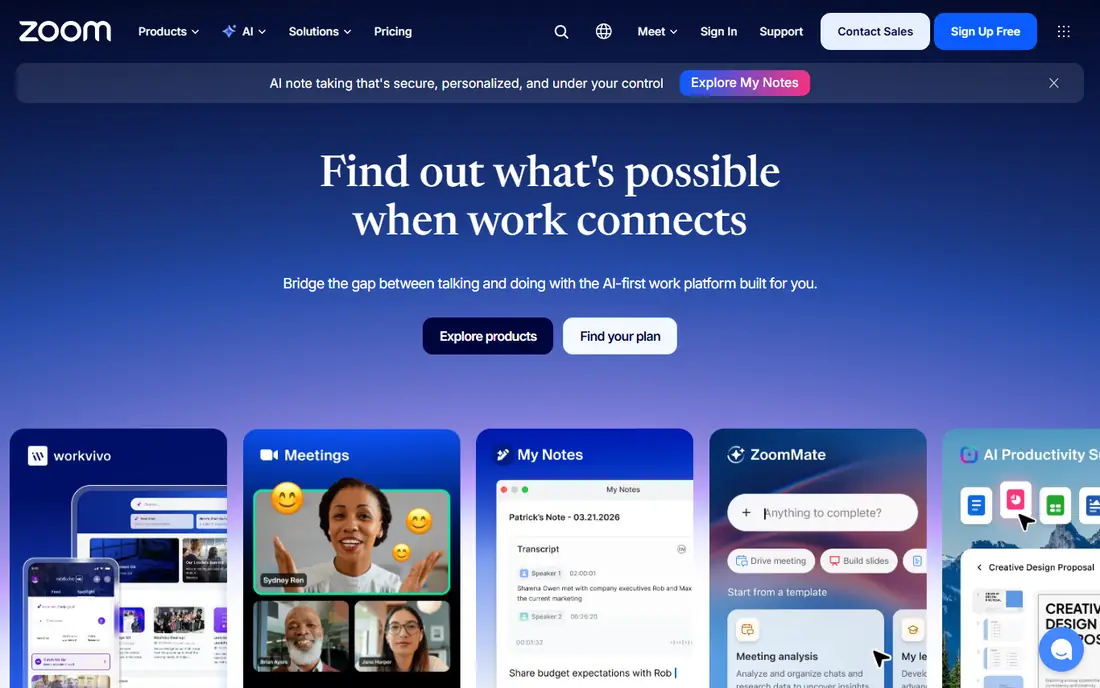
Zoom remains the safe default when clients and contractors already know the join flow. Guests can join from a link without a long setup, and hosts get screen sharing, chat, whiteboards, and recording in one place. For a team that runs sales calls, training sessions, and regular check-ins, that familiarity saves time every week.
The catch is price creep. The free plan works for short calls, but a business that needs longer meetings and cloud recording will need a paid plan. Add-ons for webinars, phone service, and larger meetings can push the bill up, so we suggest pricing the full setup before committing.
- Widely familiar to clients
- Strong screen sharing and breakout rooms
- Large range of add-ons
- Costs rise with add-ons
- Free group meetings end after 40 minutes
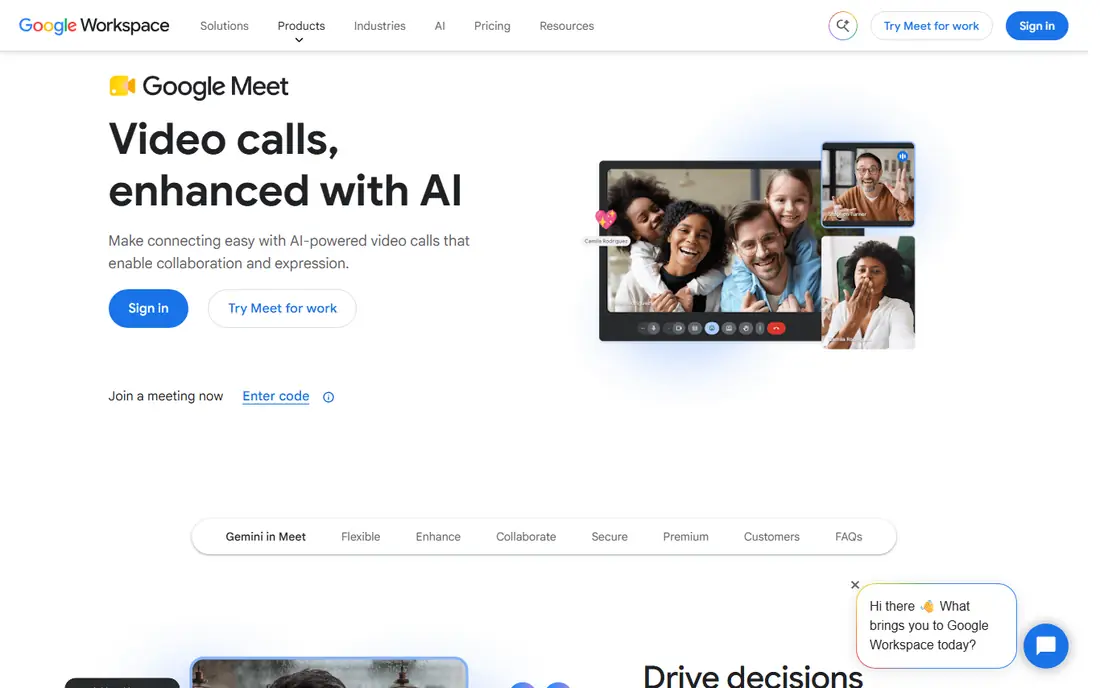
Google Meet suits a team that already lives in Gmail, Calendar, and Drive. A meeting link can sit inside a calendar invite, and guests can join from a browser without installing an app. That low friction helps when clients use different devices or have limited time to prepare.
The trade-off is depth. Meet covers everyday meetings well, but a business that runs paid webinars or large public events may want a more event-focused tool. Check the Workspace plan carefully, since meeting size and recording options change by tier.
- Runs in the browser with no download for guests
- Ties closely to Gmail and Calendar
- Simple controls
- Fewer webinar and large-event tools than meeting-first rivals
- Paid features sit inside Workspace plans
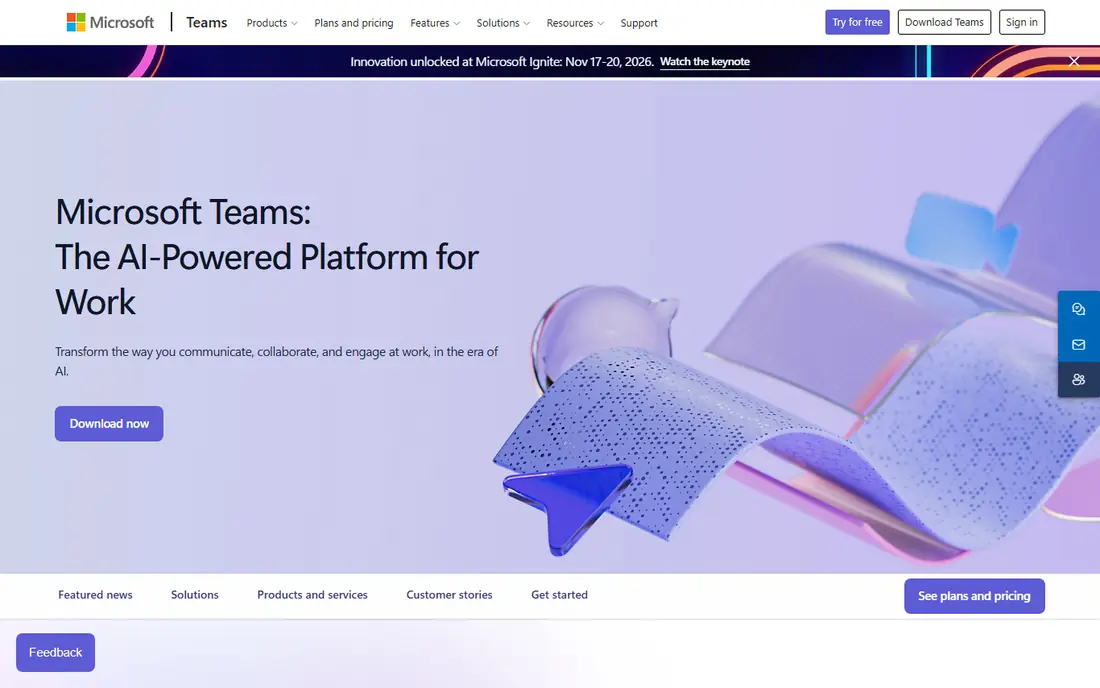
Teams makes sense when a business already uses Outlook, Word, and OneDrive. Meetings, chat threads, and shared files stay in one workspace, which cuts down on switching between apps. The entry plan keeps the starting cost low for a team that mainly needs reliable calls and chat.
The downside is clutter. Teams packs a lot into one window, and a two-person business may find it heavier than a simple meeting app. Spend a short trial period setting up only the channels and tabs the team will actually use.
- Chat, files, and meetings in one workspace
- Strong Outlook integration
- Entry plan is low cost
- Interface can feel busy for very small teams
- Some settings take time to learn
Webex fits a small business that talks to clients in regulated or security-conscious fields. It offers meetings, messaging, whiteboards, and recording, with admin controls that help a small owner manage who can join and share. The free plan gives a useful way to test call quality before paying.
The main drawback is shopping friction. Pricing and some plan details are harder to compare at a glance than with simpler rivals, so get a clear quote before deciding. For casual internal chats, Webex may also feel more formal than needed.
- Long record in business meetings
- Meeting, messaging, and whiteboard tools
- Strong admin controls
- Paid pricing is less transparent on the public site
- Interface can feel formal for casual teams
GoTo Meeting keeps the focus on the meeting itself. Hosts can schedule, share a screen, and draw attention to details without asking guests to learn a wider workspace. That simplicity helps for client reviews, training calls, and recurring team meetings where the agenda matters more than extra apps.
The cost is the catch. Without a free plan, a business pays from the start, so it suits teams that meet often enough to justify a subscription. A team that only meets a few times a month may do better with a free-first option.
- Straightforward scheduling and joining
- Screen sharing and drawing tools
- Reliable for recurring calls
- No free plan for ongoing use
- Fewer chat and workspace extras than suite rivals
Zoho Meeting appeals to a small business that wants a capable meeting tool without a large monthly bill. It covers video, screen sharing, recording, and scheduling, and it pairs naturally with other Zoho apps for mail, CRM, and projects. The free plan is enough to test basic calls.
The limit is breadth. Integrations and add-ons are not as wide as those from the largest platforms, so a team with unusual tools should check compatibility first. Webinar and higher-capacity features also require a step up in plan.
- Low-cost paid tiers in the wider Zoho range
- Webinar option on higher plans
- Simple scheduling
- Smaller third-party ecosystem than the largest suites
- Some advanced features sit on higher tiers
Whereby stands out for client-facing calls. A business can share a branded room link, and guests join from a browser without downloads or accounts. That ease helps for consultations, interviews, and support calls where the client should not need tech help first.
The scope is narrower than full suites. Whereby works best for small rooms and one-to-one or small-group calls, not for large webinars with complex registration. A team that needs both should pair it with a separate event tool or choose a suite instead.
- Guests join from a browser link
- Custom room links look professional
- Light setup for clients
- Fewer large-meeting and webinar features
- Best for small rooms rather than big events
Jitsi Meet is the quickest way to start a call. A host creates a room link, shares it, and guests join from a browser. There is no subscription for the public service, which makes it useful for a startup, a community group, or a team testing video calls before spending money.
The honest limit is scale and support. Very large calls can strain the free service, and there is no vendor support desk in the same way paid tools offer. For everyday small meetings, though, it is a practical and honest free option.
- Free to use with no account needed for basic calls
- Browser-based joining
- Open source project
- Performance can vary on very large calls
- Fewer admin and support options than paid suites
RingCentral Video suits a business that already needs a phone system. Instead of paying for separate phone and video tools, the team can handle calls, video meetings, and messages in one account. That consolidation helps front-desk staff, sales teams, and service businesses that answer calls all day.
The drawback is bundling. A team that only needs video may pay for phone features it never uses, so compare the total bundle cost with a meeting-only plan. Check which video features sit on each tier before signing up.
- Combines phone, video, and messaging
- Useful for customer-facing teams
- Meeting tools included
- Pricing depends on the wider phone bundle
- Can be more than a meeting-only app
How we picked these
We compared official feature pages, pricing pages, app store listings, and public reviews for tools that small businesses actually use in 2026. We favored tools with a free plan or low entry price, browser or mobile joining for guests, screen sharing, and recording options. We left out tools that have been retired or that no longer sell a standalone meeting product, and we marked prices as See website where the vendor does not publish a simple starting price.
What to check before you pay
Start with how your team meets in a normal week. Count the longest meeting, the largest group, and how often clients join from outside the business. Those three numbers rule out several options at once, since free plans often cap duration or group size.
Next, test the guest experience. Join a test call from a phone, a laptop, and a browser tab, and note how long it takes a new guest to get in. A tool that feels fine to staff can still frustrate clients if it demands a download or an account. Also check recording, captions, and chat history, since those features decide whether a meeting stays useful after it ends.
Finally, look at the total cost for a year, not just the monthly headline. Add any webinar, phone, storage, or large-meeting extras your team will need, and check whether the plan charges per host or per user. A slightly higher plan that covers everyone can cost less than a cheap plan plus three add-ons.
Frequently asked questions
What is the best video conferencing app for small business overall?
There is no single winner for every team. Zoom suits meeting-heavy teams, Google Meet suits Workspace users, and Teams suits Microsoft 365 users. Pick the option that matches the tools and clients your team already uses, then test it with real guests before paying for a year.
Can a small business use a free video conferencing app?
Yes, for short and small meetings. Free plans usually limit group meeting length or participant numbers, and they may limit recording and storage. A business that runs long client calls or needs reliable recordings should budget for a paid plan.
How many people can join a small business video call?
It depends on the plan. Free plans often support around 100 people for short meetings, while paid plans raise that limit and add longer durations. Check the current plan page for the exact limit, since it changes by tier and vendor.
Do guests need an account to join?
Not always. Several tools let guests join from a browser link without an account, while others work best when guests install an app. Browser joining is a real advantage for client calls, so test it with a guest who has never used the tool before.
Is a phone system needed alongside video meetings?
Not for every business. A meeting app covers internal and client video calls, but a business that takes many inbound phone calls may save money by combining phone and video in one bundle. Compare the bundle cost with separate tools before deciding.
Sources
See where you really rank - block by block
ProMapRanker scans Google Maps across a grid of your service area. Simple monthly plans from $19, white-label on every plan.
Start freeKeep reading
 worlds best local seo company
8 Worlds Best Local SEO Companies for Map Pack Growth in 2026
Compare the worlds best local seo company options for Google Business Profile work, citations, reviews, and multi-location rankings and reporting in 2026.
Read → world's best web hosting company
World's Best Web Hosting Company in 2026
Searching for the world's best web hosting company? We compared 10 hosts on price, renewal rates, speed, and support to help you choose well today in 2026.
Read → who's got the best nanny tax services
Who's Got the Best Nanny Tax Services in 2026
We answer who's got the best nanny tax services, comparing full filing, back taxes, software, and pricing so families can handle nanny taxes correctly.
Read →