 ProMapRanker
Video Collaboration Software


No-frills reliability for client calls · Pricing starts at: $12 per organizer/month (Professional, billed annually)
Direct answer
This list puts GoTo Meeting first for no-frills reliability for client calls. If your case is different, Zoho Meeting suits budget buyers and Zoho users and Microsoft Teams suits firms already on Microsoft 365. All 6 tools are compared below on price, free plan and limits.
Key takeaways
- Top of the list is GoTo Meeting, which targets no-frills reliability for client calls.
- Zoho Meeting comes with a trade-off: Meeting quality can lag behind the leaders.
- Only 5 of the 6 tools have a free plan (Zoho Meeting, Microsoft Teams, Cisco Webex, Jitsi Meet, Zoom), so check the caps.
- Zoom suits teams that want the most dependable meeting engine.
Quick comparison
| Pick | Great for | Pricing starts at | Free tier | |
|---|---|---|---|---|
| GoTo Meeting | No-frills reliability for client calls | $12 per organizer/month (Professional, billed annually) | Free trial | Visit |
 Zoho Meeting | Budget buyers and Zoho users | $1 per host/month (Standard, billed yearly) | Yes | Visit |
 Microsoft Teams | Firms already on Microsoft 365 | $4 per user/month (Teams Essentials) | Yes | Visit |
 Cisco Webex | Regulated industries and large enterprises | $13.50 per user/month (Meet plan) | Yes | Visit |
 Jitsi Meet | Privacy-first teams that can self-host | Free (open source) | Yes | Visit |
 Zoom | Teams that want the most steady meeting engine | $14.16 per user/month (Pro, billed annually) | Yes | Visit |
The full video collaboration software list
Short on time? The summary and table above give the quick view of 6 tools for video collaboration software, and the profiles that follow give the detail behind each entry.
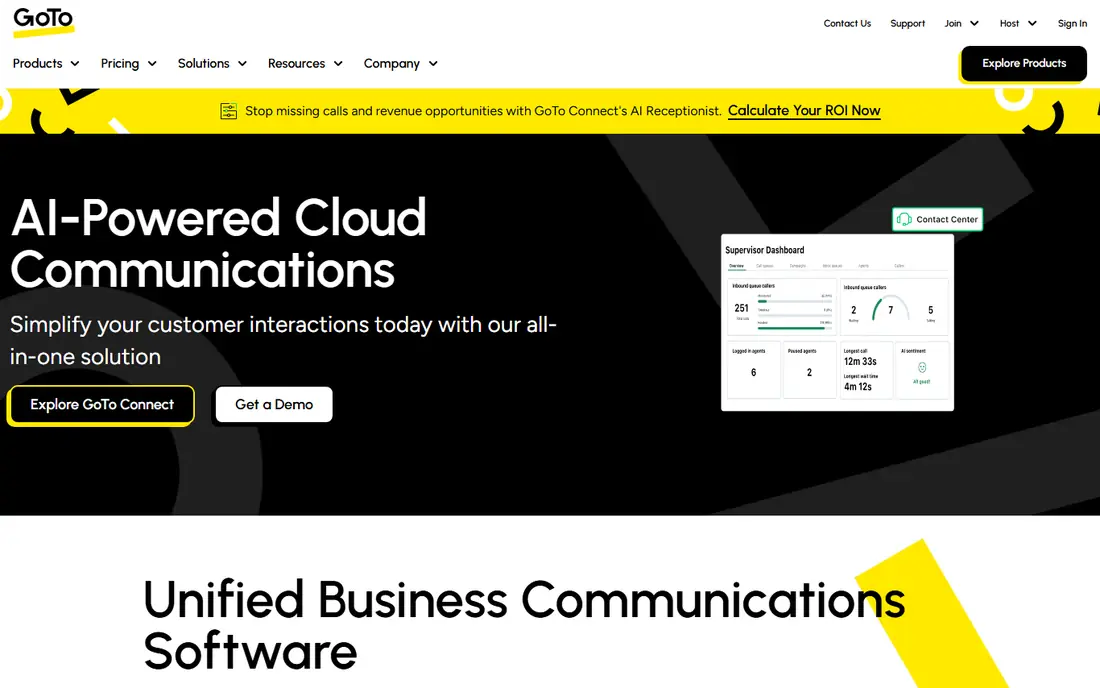
GoTo Meeting targets no-frills reliability for client calls. Only the people who host meetings need a license, so a 40-person company with five hosts pays for five.
In practice, the feature set also stays deliberately narrow: this is a meeting tool, not a collaboration system, so do not expect persistent chat workspaces or deep document co-editing. The starting price for GoTo Meeting: $12 per organizer/month. Free access: Free trial.
Where it falls short: Fewer modern collaboration extras than rivals.
- No meeting time limits on premium plans
- Not per user
- No free level
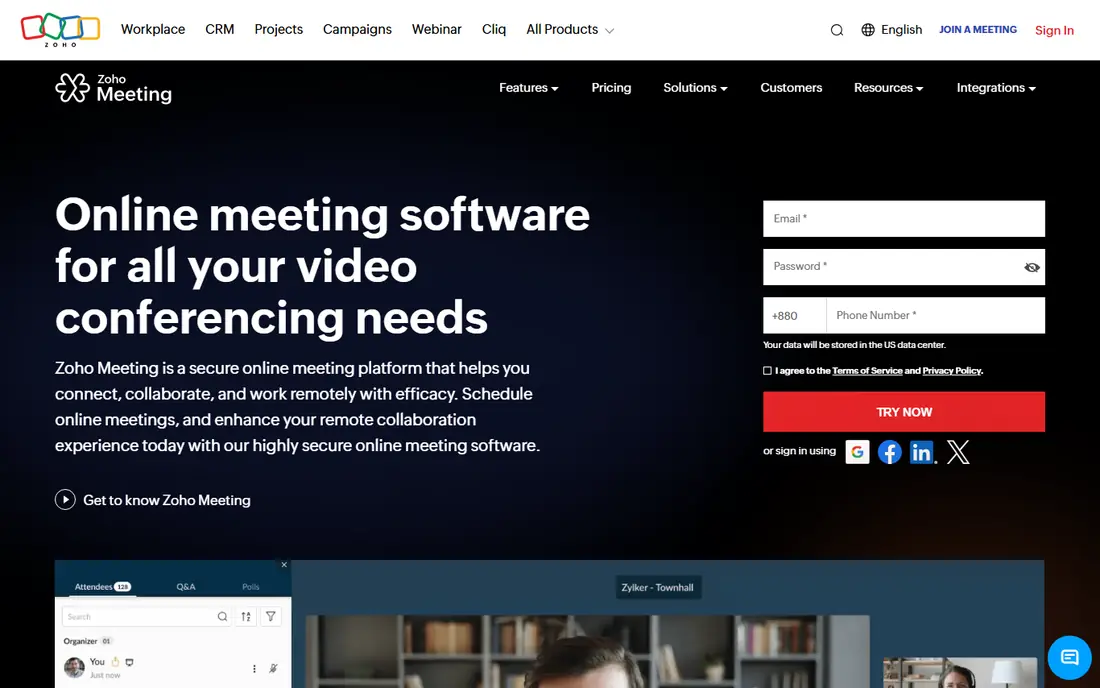
In short, Zoho Meeting is for budget buyers and Zoho users. The Standard plan at $1 per host a month on annual billing and the Pro plan at $3 include the basics well, and the webinar features on upper levels deal with registration pages, polls, and reports without a separate product. Beyond that, for startups already using Zoho CRM or Zoho Projects, the integration is the real draw.
the main limit is polish. Audio and video quality are fine on decent connections but less forgiving than Zoom or Meet on bad ones, and guests outside the Zoho world may not recognize the brand. Still, when the budget is the deciding factor, Zoho Meeting provides the core meeting experience at a price nobody else touches. What you pay to start with Zoho Meeting: $1 per host/month. Zoho Meeting offers a free plan.
Honest limits: Brand recognition is lower with external guests.
- Solid webinar features on higher levels
- Connects with the Zoho suite
- Meeting quality can lag behind the leaders
Where Microsoft Teams fits: companies already on Microsoft 365. Teams also makes the most sense when your calendar and documents already live at Microsoft. On top of that, joining from a browser works.
But the desktop app can feel sluggish on older machines, and external guests occasionally hit friction with lobby and permission settings. The trade-off is the meeting experience itself. If your company already pays for Microsoft 365, this decision may already be made. The starting price for Microsoft Teams: $4 per user/month. You can start on Microsoft Teams without paying.
Where it falls short: Best experience assumes the Microsoft ecosystem. Where Microsoft Teams stands out: Solid admin and compliance controls.
- Cheapest serious standalone plan at $4
- Deep chat, file
- Meetings feel heavier than Zoom or Meet
Cisco Webex was built for regulated industries and large enterprises. Webex is the tool IT departments reach for when compliance is non-negotiable. As for the details, the honest weakness is the product feel.
In daily use, Webex earns its place when your security review is the deciding factor. In daily use, smaller teams without compliance pressure will find Zoom or Meet simpler to adopt. Cisco Webex cost at the entry level: $13.50 per user/month. Free access exists with Cisco Webex.
Drawbacks to consider: Pricing levels can confuse first-time buyers.
- Enterprise-grade security and compliance
- Solid calling and webinar choices
- Interface feels dated next to newer rivals
Jitsi Meet is a good fit for privacy-first teams that can self-host. The software is open source and free to self-host, which means your meeting data never passes through a vendor's servers if you run it yourself. For privacy-conscious organizations, nonprofits, and technical teams, that control is the whole point.
Drawbacks to consider: You manage hosting, scaling, support.
In practice, the public meet.jit.si service is convenient but caps meetings at 95 minutes as of late 2026. In daily use, you provision the server, you scale it, and you troubleshoot when calls drop. On cost, Jitsi Meet starts like this: Free. A free plan is available with Jitsi Meet.
- No accounts needed
- Fully free and open source
- The public meet.jit.si service caps meetings at 95 minutes
Pick Zoom if this describes you: teams that want the most dependable meeting engine. Meetings start from a link, the audio recovery on bad connections is still better than most competitors, and almost everyone your team invites has already used it a minimum of once. Admins should also budget a little time for the settings panel, which has grown large enough that new hosts miss features like waiting rooms and polls.
Downsides: Pricing layers on up quick for large teams.
In daily use, the Pro plan at $14.16 per user a month on annual billing ($16.99 month to month) raises the group meeting limit to 30 hours, brings 5 GB of cloud recording, and contains the AI Companion for summaries. Worth adding: for sales and customer-facing teams, that familiarity is worth real money since nobody wastes the first five minutes learning the interface. Zoom starts at: $14.16 per user/month. You can start on Zoom without paying.
- AI Companion included on premium plans
- Webinar and event extras scale up
- The free level's 40-minute cap forces premium upgrades
How these tools were picked
Each tool was reviewed on what its vendor publishes: price, plan limits, core features and stated drawbacks. We did not run hands-on tests. Seat minimums, billing terms and add-ons can move the real cost, so the starting prices here are a guide and not a quote. The ranking is editorial: typical fit first, then clear pricing, then free access. If your needs are unusual, read the profiles rather than relying on position.
What to confirm before you sign up
- Check the vendor page for the current price: Zoho Meeting starts at $1 per host/month here, and seats or billing terms can move it.
- Check what the free option really includes: Zoho Meeting, Microsoft Teams, Cisco Webex and others offer a free plan, and usage caps differ.
- Use real work to test the free trial from GoTo Meeting, rather than a demo project.
- Before choosing GoTo Meeting, weigh its main limit: no free level.
- Price Zoom for your actual team size; headline prices rarely include add-ons or overage.
- Get the contract term, renewal terms and any onboarding fees from Microsoft Teams in writing.
Frequently asked questions
Can I try these options before paying?
Often, yes. Zoho Meeting, Microsoft Teams, Cisco Webex and others have a free plan and GoTo Meeting offers a free trial. Use your own data and a real task during the test, and check what the free tier or trial limits before you rely on it.
What is the difference between per-user and per-organizer pricing?
If ten people host and forty just attend, GoTo or Zoho can cost far less than Zoom or Webex for the same team.
What is the cheapest option for video collaboration software in this list?
On published monthly entry prices, Zoho Meeting is the lowest here at $1 per host/month. Entry price is only part of the cost, because seats, add-ons and billing terms can change the total.
Do I need a full unified communications suite or just meetings?
Most small teams need just meetings plus the chat tool they already use.
How are the tools for video collaboration software ordered?
GoTo Meeting sits first and Zoom last because the order follows typical fit for video collaboration software, then price clarity and free access. It is a judgement call, so read each profile for fit and limits.
Is GoTo Meeting the right pick for everyone comparing video collaboration software?
No single tool suits every team. GoTo Meeting comes first because it fits no-frills reliability for client calls, while Zoho Meeting suits budget buyers and Zoho users and Microsoft Teams suits companies already on Microsoft 365. Match the tool to your own size, budget and workflow before deciding.
Sources
See where you really rank - block by block
ProMapRanker scans Google Maps across a grid of your service area. Simple monthly plans from $19, white-label on every plan.
Start freeKeep reading
 zoho inventory alternatives
6 Alternatives to Zoho Inventory, Compared on Price and Fit
Zoho Inventory alternatives: 6 tools compared on price, free plans and fit. Katana leads the list for manufacturers. Fit and flaws are laid out for each entry.
Read → zoho crm alternatives
Best Zoho CRM Alternatives (2026)
Need Zoho CRM alternatives? We compare 7 tools on cost, free access and who each suits. Every pick gets a straight assessment. Built for quick decisions.
Read → zelle alternatives
Best Zelle Alternatives in 2026
Compare the best Zelle alternatives for sending money to friends, paying sellers and moving funds abroad, with honest notes on fees, speed and safety in 2026.
Read →