 ProMapRanker
Best Video Chat Apps in 2026: 8 Apps Compared

Key takeaways
- Google Meet and Microsoft Teams offer the most generous free group meetings for work, with 60-minute limits for larger groups.
- Zoom remains the easiest choice for meetings with people outside your company, since guests can join from a link.
- WhatsApp, FaceTime and Signal are best for personal video calls, with different trade-offs on platform, privacy and group size.
- Free video calling is widely available, so pay only when you need longer meetings, larger groups, recording or admin controls.
Quick comparison
| Pick | Great for | Pricing starts at | Free tier | |
|---|---|---|---|---|
 Zoom Zoom | Meetings with outside guests | $14.16 per user per month | Yes | Visit |
 Google Meet Google Meet | Free group calls inside Google accounts | $7 per user per month | Yes | Visit |
 Microsoft Teams Microsoft Teams | Work chat and meetings in Microsoft 365 | $4 per user per month | Yes | Visit |
 FaceTime FaceTime | Video calls between Apple devices | Free | Yes | Visit |
 WhatsApp WhatsApp | Everyday video calls with contacts | Free | Yes | Visit |
 Signal Signal | Private video calls with strong encryption | Free | Yes | Visit |
 Telegram Telegram | Large group video chats and channels | Free | Yes | Visit |
 Discord Discord | Community video, voice and screen sharing | Free | Yes | Visit |
The best video chat apps
We compared video chat apps on call quality, group limits, free plan limits, ease of joining, privacy and extra features such as screen sharing and recording. The list covers personal calls, family chats and work meetings, since the best app for one job is rarely the best for another.
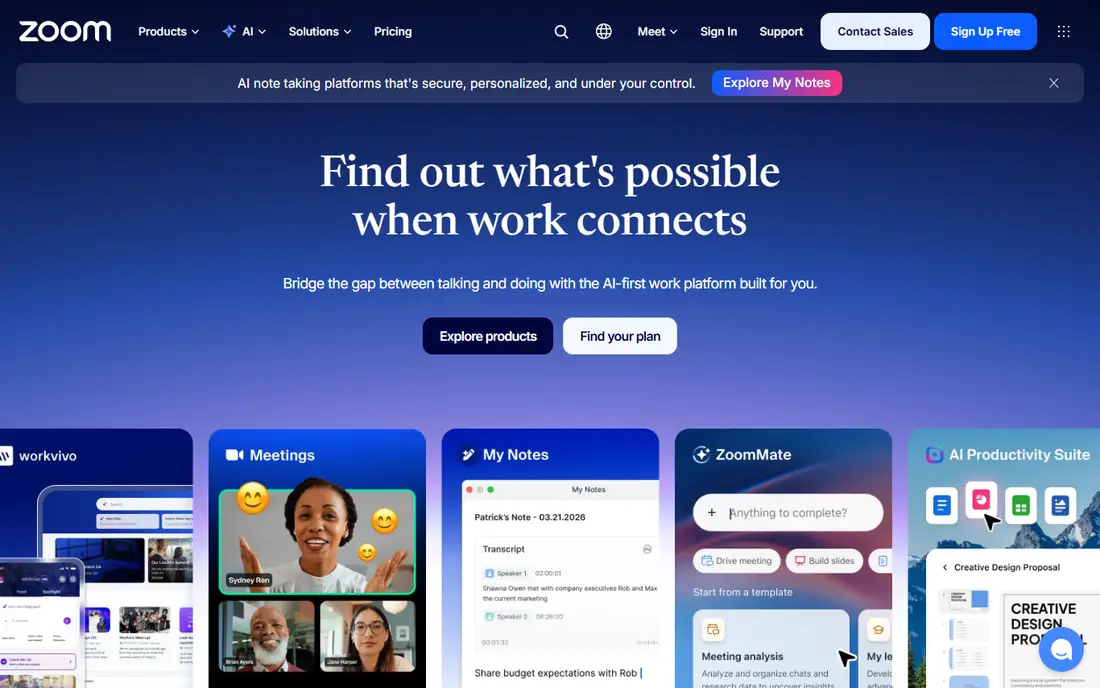
Zoom is the meeting app most people already know how to join. A host sends a link, guests click it, and the call starts without a long signup flow. That low friction matters for sales calls, interviews and client meetings, where asking a guest to create an account can lose the meeting before it starts.
The free plan allows group meetings up to 40 minutes for up to 100 people, which is enough for a quick catch-up but not for a long workshop. Paid Pro is listed at $14.16 per user per month on annual billing, with longer meetings and cloud recording. If your meetings are mostly internal and you already pay for Google Workspace or Microsoft 365, Meet or Teams may be better value.
- Guests join from a link without an account in many cases
- Dependable video and screen sharing
- Breakout rooms and recording on paid plans
- Free group meetings are limited to 40 minutes
- Paid plans cost more than bundled Meet or Teams plans

Google Meet is the simplest free video call option for anyone with a Google account. You can start a meeting from Gmail or Calendar, share a link, and join from a browser without installing an app. Group calls on the free plan run up to 60 minutes, which is more generous than Zoom free for the same job.
Paid Workspace plans start at $7 per user per month for Business Starter and add longer meetings, larger groups and recording, depending on the tier. Meet is less of a webinar platform than Zoom, so large public events may need a different tool. For family calls, classes and small team meetings, Meet is hard to beat on simplicity and price.
- Free group meetings up to 60 minutes for up to 100 people
- No install needed in a browser
- Ties to Gmail and Google Calendar
- Webinar and large event features are limited compared with Zoom
- Advanced meeting controls need a Workspace plan
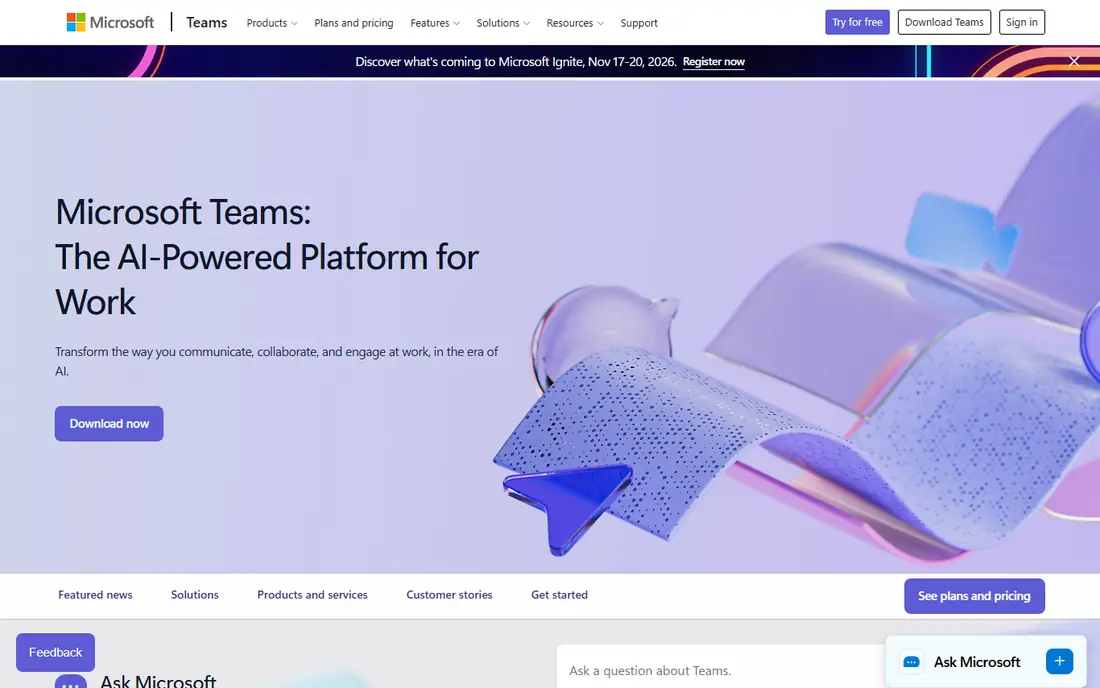
Microsoft Teams combines chat, file sharing and video meetings in one workspace. A team can discuss a project in a channel, share a document, then jump into a video call without switching apps. The free plan covers group meetings up to 60 minutes, with unlimited chat history, which suits small teams that need a persistent home for work.
The drawback is weight. Teams is a full collaboration suite, not a light call app, so a quick family video chat feels clumsy in it. Teams Essentials is listed at $4 per user per month, and Microsoft 365 Business Basic at $7 per user per month on annual billing adds Office apps and more storage. Choose Teams when work already lives in Microsoft apps, not when you only need a call button.
- Free group meetings up to 60 minutes for up to 100 people
- Chat, files and meetings in one app
- Strong Office integration
- Can feel heavy for a simple video call
- Best value requires a Microsoft 365 setup
FaceTime is the default video call for Apple households because it needs no setup. You tap a contact, tap video, and the call starts, with good quality on Wi-Fi and mobile data. Group FaceTime, SharePlay and screen sharing cover family calls, remote movie nights and quick help sessions for a parent or grandparent.
The limit is obvious: everyone on the call needs an Apple device, or must join through a web link created on an Apple device, which is less smooth than a native app. FaceTime is free and has no ads or subscription, which makes it the right pick for an all-Apple family. Mixed-device families should use WhatsApp, Google Meet or Zoom instead.
- Built into iPhone, iPad and Mac
- Easy one-tap calls from Contacts
- SharePlay for watching and listening together
- No native Android or Windows app
- Group calls work best inside the Apple system
WhatsApp is the video chat app most people already have installed, which is its main strength. If a contact is in your phone, you can video call them without asking what app they use or sending a meeting link. Group video calls, voice messages and chat sit in the same thread, so a family group can move from text to video in one tap.
Privacy is a mixed picture. Calls and messages are end-to-end encrypted, but WhatsApp is owned by Meta and tied to your phone number, which some users prefer to avoid for work calls. WhatsApp is free, with no paid tier for personal calls. For everyday personal video chat, it is the path of least resistance.
- Free video calls to anyone in your contacts
- Group video calls
- End-to-end encryption for calls and messages
- Needs a phone number and the app
- Desktop calling is less complete than the mobile experience
Signal is the pick for people who care most about privacy. Calls and messages are end-to-end encrypted, the app is run by a nonprofit, and there are no ads or ad tracking. Group video calls, disappearing messages and a simple interface cover the core job without extra noise.
The trade-off is reach. Many contacts will not have Signal installed, so you may need to ask them to install it before a first call. Signal is free and funded by donations, not by advertising or data sales. For sensitive conversations, family calls where privacy matters, and journalists or activists, Signal is the strongest choice on this list.
- End-to-end encryption by default for calls and messages
- Run by a nonprofit
- No ads and no tracking for advertising
- Smaller user base, so contacts may need to install it first
- Fewer fun filters and effects than mainstream apps
Telegram suits communities and large groups that need video alongside chat, channels and file sharing. Group video chats can include many participants, and the app works smoothly on phone, desktop and web without a meeting link. For clubs, classes and creator communities, Telegram combines a chat home with live video in one place.
Privacy needs care here. Telegram video calls are encrypted, but default one-to-one chats are cloud chats, which are not end-to-end encrypted in the same way as Signal or WhatsApp. Users who want end-to-end encrypted messages must use secret chats. Telegram is free, with an optional Premium tier for extra features, but core video calling does not require payment.
- Free with large group chats and channels
- Video calls and group video chats
- Works across phone, desktop and web
- Default chats are cloud chats, not end-to-end encrypted
- Secret chats are needed for end-to-end encryption on messages
Discord started for gaming communities and now hosts study groups, clubs, creator communities and work teams. Voice and video channels stay open, so members can drop in and out without a scheduled meeting link, and screen sharing makes it useful for tutoring, gaming and collaborative work. The free plan covers the core video and voice features most communities need.
The interface is the catch. Servers, channels, roles and permissions take time to learn, and a newcomer may feel lost on a busy server. Moderation quality varies by server, so check who runs a community before joining. Discord also offers a paid Nitro tier for higher quality video and extra features, but most groups will be fine on the free plan.
- Free voice and video channels for communities
- Screen sharing and Go Live
- Works on phone, desktop and web
- Interface can confuse newcomers
- Privacy and moderation depend on server settings
How we picked these
We compared official pricing pages, feature pages and app store listings for video chat apps available in October 2026, and we checked free plan limits for group size and duration, since those limits decide whether a free app is usable for real calls. We included personal, family and work tools, and we noted privacy differences plainly rather than treating every encrypted claim as equal. We did not claim hands-on testing.
What to check before you choose
Start with who you call. If you call people outside your company, pick an app guests can join from a link, such as Zoom or Google Meet. If you call family, pick the app they already have, even if another app is technically better. Check group size and time limits on the free plan, and check whether the app works in a browser, since a browser join helps guests who cannot install software.
For work, check recording, captions, breakout rooms and admin controls, and check where recordings are stored. For personal calls, check whether calls are end-to-end encrypted and whether the app needs a phone number. Test a real call on your usual connection, with video on, before you rely on any app for an interview, class or important family event.
Call quality tips that actually help
Use a wired connection or sit near your router for important calls, close large downloads, and plug in a headset if the room echoes. Good light in front of your face matters more than a new camera for most people. If video freezes, turning off your own video for a few minutes often stabilises the call without ending it.
Frequently asked questions
What is the best free video chat app?
Google Meet and Microsoft Teams offer the most generous free group meetings, with 60 minutes for up to 100 people on their free plans. Zoom free is also strong, but group meetings are limited to 40 minutes. For personal calls, WhatsApp and FaceTime are free and already on most phones, so the best free app is often the one your contacts already use.
What is the best video call app for family?
WhatsApp is the easiest family pick for mixed iPhone and Android households, while FaceTime is easiest for all-Apple families. Google Meet works well for larger family calls and for relatives who can join from a browser. Signal is the best family pick when privacy is the top concern and everyone is willing to install it.
Which video chat app is best for work meetings?
Zoom is best for meetings with outside guests, Google Meet is best inside Google Workspace, and Microsoft Teams is best inside Microsoft 365. The right work app usually follows the office suite you already pay for, since that keeps calendars, files and chat in one place. Buy Zoom separately only if you need its webinar, breakout or large meeting features.
Is Zoom free for video calls?
Yes, Zoom has a free Basic plan. One-to-one calls can run longer, while group meetings on the free plan are limited to 40 minutes for up to 100 participants. Paid plans remove that limit and add cloud recording and larger meetings. Check the current Zoom pricing page, since plan prices and limits change.
Are video chat apps private?
Privacy varies. Signal encrypts calls and messages end-to-end by default and is run by a nonprofit. WhatsApp encrypts calls and messages end-to-end, but ties accounts to phone numbers. Telegram encrypts video calls, but default chats are cloud chats, not end-to-end encrypted. For sensitive calls, Signal is the safest choice on this list.
Can I video chat without downloading an app?
Yes, in many cases. Google Meet and Zoom allow guests to join from a browser link, and FaceTime links can be opened in a browser on non-Apple devices. WhatsApp, Signal and Telegram usually need the app installed for the best experience, though Telegram also has a web version. Browser joining is the key feature to check when you call people who cannot install software.
Sources
See where you really rank - block by block
ProMapRanker scans Google Maps across a grid of your service area. Simple monthly plans from $19, white-label on every plan.
Start freeKeep reading
 zendesk alternatives
Best Zendesk Alternatives in 2026
Compare the best Zendesk alternatives in 2026, from budget help desks to AI-first support tools, with current pricing, free plans, and honest trade-offs.
Read → wordpress alternatives
Best WordPress Alternatives in 2026
Looking for the best WordPress alternatives? We compare 8 free and paid options for blogs, business sites, stores, and developer-led projects in 2026.
Read → which real estate company has the best training
Best Real Estate Company Training in 2026
Compare which real estate company has the best training, from Keller Williams and eXp to Compass and Coldwell Banker, by program, mentor, and fit in 2026.
Read →