 ProMapRanker
Best Version Control Software for DevSecOps Teams in 2026


Broad ecosystem and open source collaboration · Pricing starts at: $4 per user per month
Key takeaways
- For most DevSecOps teams, the version control host is also the security gate, so scanning, approvals, and audit logs matter as much as branching.
- GitHub and GitLab lead on ecosystem breadth, while Bitbucket and Azure DevOps win when a team already lives in Atlassian or Microsoft tooling.
- Self-hosted options like Gitea and Gerrit suit teams with strict data control needs, but they shift maintenance work onto your own engineers.
- Price comparisons should include security add-ons, build minutes, and storage, not only the base seat price.
Quick comparison
| Pick | Great for | Pricing starts at | Free tier | |
|---|---|---|---|---|
| GitHub | Broad ecosystem and open source collaboration | $4 per user per month | Yes | Visit |
 GitLab | All-in-one DevSecOps platform | $29 per user per month | Yes | Visit |
 Bitbucket | Atlassian shops needing Jira integration | $3.65 per user per month | Yes | Visit |
 Azure DevOps Repos | Microsoft-centric enterprises | $6 per user per month | Yes | Visit |
 Perforce Helix Core | Large binaries and game development | $39 per user per month | Yes | Visit |
 AWS CodeCommit | AWS-native teams | See website | Free trial | Visit |
 Gitea | Lightweight self-hosting | Free | Yes | Visit |
 Gerrit | Strict change-based code review | Free | Yes | Visit |
The best version control software for DevSecOps teams
We compared these tools on repository hosting, branching and review workflows, built-in security checks, access control, and how much operational work each one adds. A DevSecOps team needs more than a place to store code. It needs protected branches, required reviews, secret scanning, dependency checks, and a clear audit trail from commit to release.
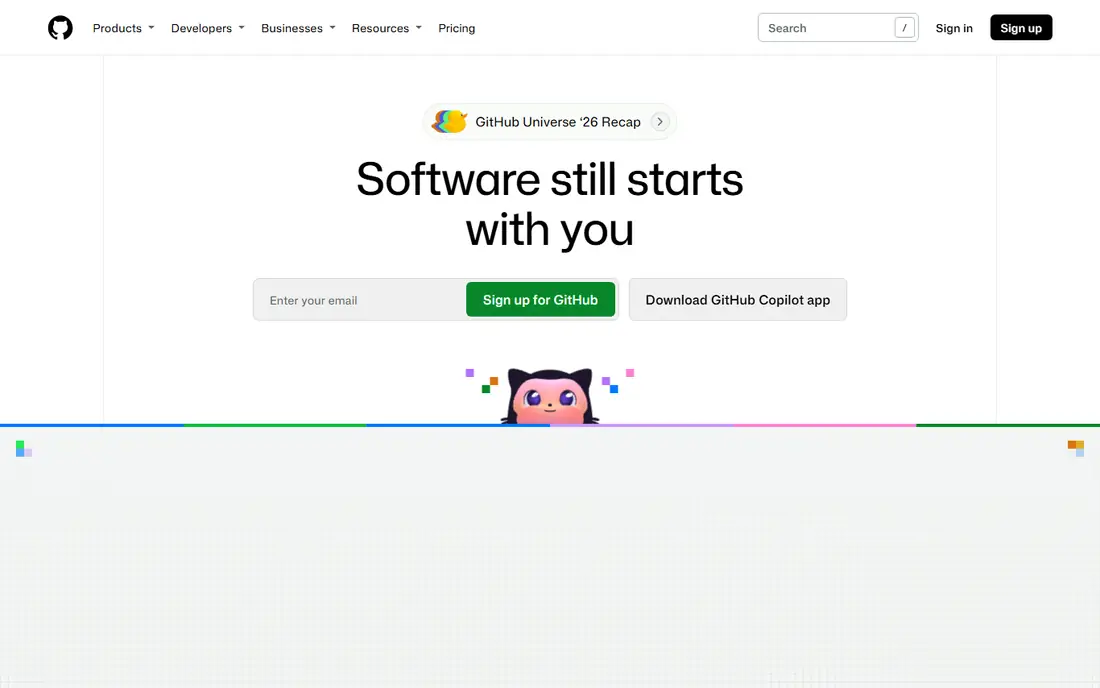
GitHub is the default choice for many teams because developers already know it, and because so many tools integrate with it first. Pull requests, code review, branch protection, and GitHub Actions give a team a complete path from a proposed change to a tested build. For DevSecOps work, secret scanning, dependency alerts, and code scanning help catch common problems before they reach production, though the strongest security features sit in the Advanced Security add-on.
The main watch-out is cost layering. The base Team price is low, but Enterprise seats and security add-ons add up across a large engineering group. GitHub also works best when a team sets clear rules for repository ownership, branch protection, and review requirements early. Without those rules, its flexibility can turn into inconsistent practice across repos. For most teams, that trade is worth it, given the hiring familiarity and tool support.
- Huge integration ecosystem
- GitHub Actions for automation
- Advanced Security add-on for scanning
- Advanced security costs extra on top of Enterprise
- Large organisations need careful permission planning
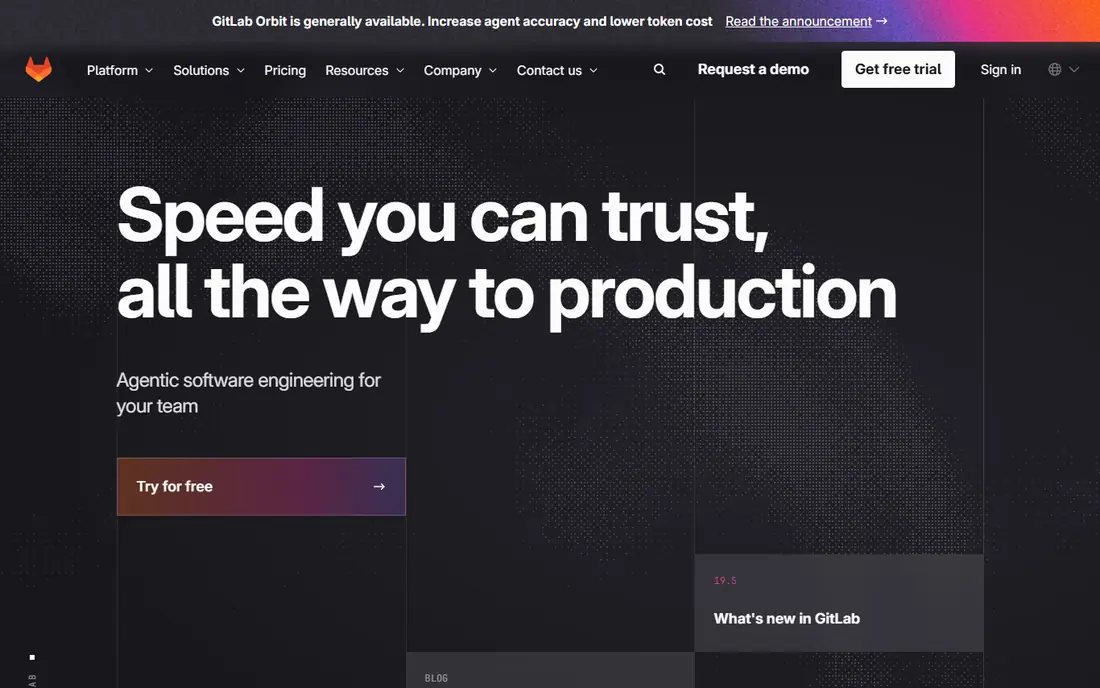
GitLab takes the opposite approach to a collection of separate tools. It bundles repositories, pipelines, security scanning, container registry, and compliance controls in one application, which appeals to teams that want one audit trail and one permission model. Premium adds stronger security and compliance features, while Ultimate adds the fullest set for regulated or large-scale use. A team can also self-host GitLab when data control rules require it.
That breadth comes with a learning curve. New users can find the settings and pipeline options dense, and the paid starting price is higher than GitHub Team or Bitbucket Standard. GitLab makes most sense for platform teams that want to standardise on one system and are willing to invest in that standard. For a small team that only needs hosting and pull requests, the extra surface area may be more than needed.
- Integrated CI, security scanning, and compliance tools
- Self-hosted option
- Single application for the full lifecycle
- Higher starting paid price
- Interface can feel dense for new users
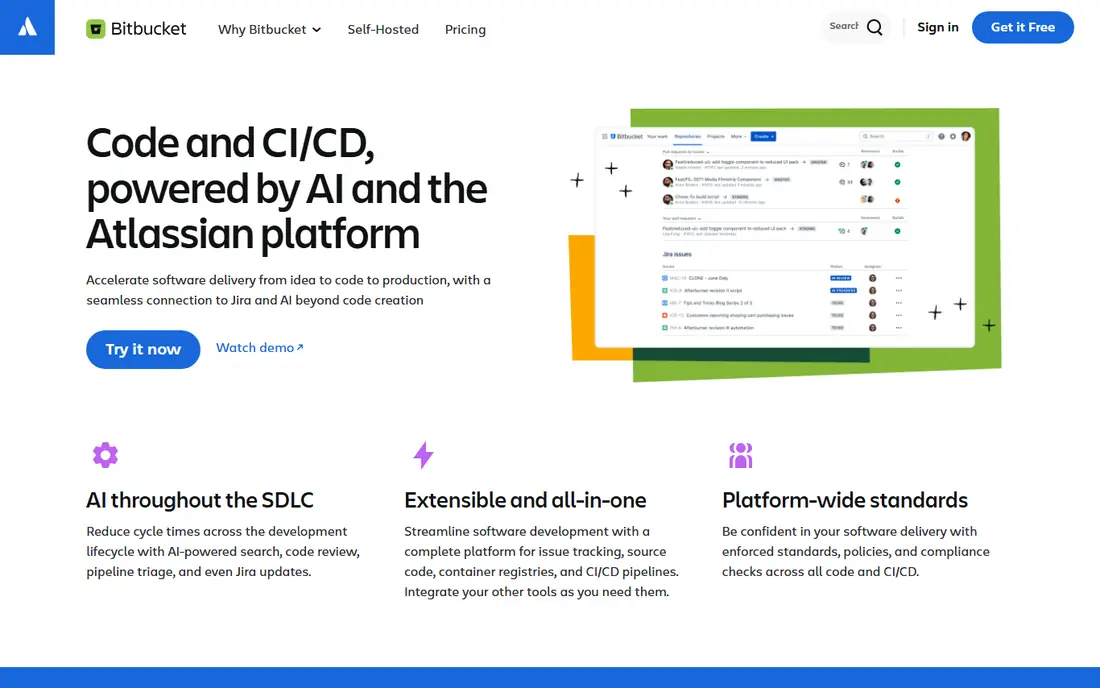
Bitbucket is the natural pick for teams already running Jira, because issues, branches, and pull requests link together without extra glue work. A developer can see which Jira ticket a branch belongs to, and a manager can trace a release back to its tickets and reviews. Premium adds secret detection, dependency insights, and policy controls that matter for DevSecOps teams, at a price that compares well with separate security add-ons elsewhere.
The ecosystem is smaller than GitHub, so teams that rely on a wide range of community actions and integrations may need more custom work. Build minutes and Git LFS storage also deserve a check against your actual usage. If your workflow already centres on Atlassian tools, though, Bitbucket keeps daily work in one place and keeps the security story simple.
- Deep Jira and Confluence integration
- Competitive Premium security features
- Simple pricing tiers
- Smaller third-party ecosystem than GitHub
- Pipelines minutes and storage need watching
Azure DevOps Repos suits organisations that already use Azure, Microsoft Entra ID, and related Microsoft services. It supports both Git and the older TFVC model, which helps teams migrating legacy code without a forced rewrite of history. Azure Pipelines, Boards, and Test Plans sit alongside Repos, so a team can run the full delivery workflow without leaving the Microsoft environment. Identity controls and audit support fit enterprise governance needs.
Outside a Microsoft stack, the appeal drops. Teams using other cloud providers or issue trackers will find less native integration, and the interface can feel heavier than newer Git hosts. Pricing is straightforward, with free users for stakeholders and a modest per-user price for Basic access. For Microsoft shops, it is a practical, well-supported choice rather than a flashy one.
- Git and TFVC support
- Azure Pipelines integration
- Enterprise identity and permission controls
- Interface feels dated to some teams
- Best value only inside a Microsoft stack
Perforce Helix Core, often called P4, is built for work that Git handles poorly, such as huge binary assets, game art, and hardware design files. It tracks large files efficiently, supports fine-grained permissions, and scales to very large repositories and teams. Game studios and semiconductor teams have used it for years for exactly those reasons, and its cloud option gives smaller teams a hosted path without running their own servers.
The price and the workflow are the trade-offs. Helix Core costs more per user than mainstream Git hosts, and teams used to pure Git branching may need training and adjusted habits. It also fits less neatly with the Git-centric tooling many DevSecOps pipelines expect, though Git integrations exist. Choose it when asset size or scale is the deciding factor, not when a standard Git host would do.
- Handles very large files and binary assets well
- Strong access control
- Proven in game and chip design work
- Higher per-user cloud price
- Git workflows need adaptation for some teams
AWS CodeCommit gives AWS teams a managed Git service that fits naturally with IAM roles, CloudTrail logging, and other AWS services. There are no servers to patch, access follows AWS identity rules, and usage is billed on a pay-as-you-go basis rather than a flat per-seat plan. For a team already building and deploying on AWS, that fit reduces separate accounts and separate permission systems.
CodeCommit is narrower as a collaboration tool than GitHub or GitLab. It lacks the same breadth of built-in CI, issue tracking, and community features, so teams usually pair it with CodePipeline, CodeBuild, and an external tracker. If your delivery pipeline already lives on AWS and you value identity control over social coding features, CodeCommit is a clean fit. If you need a full DevOps platform in one place, look elsewhere.
- Tight AWS identity and IAM control
- No separate server to manage
- Pay-as-you-go model
- Smaller collaboration feature set
- Less useful outside AWS
Gitea is a lightweight, open source Git service that a small team can run on modest hardware. It covers repositories, issues, pull requests, and basic CI hooks without the weight of a full DevOps platform. That simplicity is the appeal for teams that want control over their code, their data, and their costs, and that do not want to depend on a hosted provider for every repository.
Self-hosting is also the cost. Your team owns upgrades, backups, security patching, and availability, and the built-in security scanning is thinner than on paid platforms. Gitea Cloud offers a hosted path for teams that want less maintenance, with its own pricing. Gitea suits internal tools, personal projects, and small teams with solid operations habits. Larger DevSecOps programmes usually need the stronger scanning and compliance tooling of a paid platform.
- Free and open source to self-host
- Very light resource use
- Familiar Git hosting and pull request workflow
- Self-hosting means you own upgrades and backups
- Smaller security feature set out of the box
Gerrit, developed from Google's code review practice, treats every change as a reviewable unit with its own approvals, revisions, and submit rules. That model suits large projects and regulated teams where no change should merge without explicit, recorded approval. Access controls are detailed, and the history of a change, including who approved each version, stays clear and auditable.
Most developers arrive with pull request habits, so Gerrit can feel unfamiliar at first. Setting it up and tuning its review rules also takes more effort than signing up for a hosted Git service. Gerrit is a specialist choice, not a general default. Pick it when strict review gates and change-level control are core requirements, and when your team is willing to learn its workflow to get that control.
- Change-based review model with strict gates
- Fine-grained access control
- Proven on very large projects
- Steeper learning curve
- Review workflow differs from pull request habits
How we picked these
We compared official pricing pages, product documentation, and public feature descriptions for repository hosting, review workflows, security scanning, and access control. We kept only tools that are live and maintained in October 2026, and we favoured tools with a clear DevSecOps story, such as branch protection, scanning, and audit support, over plain Git hosting alone. Where pricing was quote-based or usage-based, we wrote See website rather than inventing a figure.
What to check before you buy
Start with your security gates, not your hosting preference. Decide which checks must block a merge, such as secret scanning, dependency review, and required approvals, and confirm each candidate enforces them rather than merely reporting them. Check how branch protection, code ownership, and audit logs work in practice, and who can override a rule in an emergency.
Then test the total cost on your real usage. Count seats, build minutes, storage, and any security add-ons, and compare that total across vendors. Finally, run a pilot with one real service, including its pipeline, its review rules, and its incident path when a scan fails. A version control tool shapes daily developer habits, so a short pilot tells you more than a feature table ever will.
Frequently asked questions
What is version control software for DevSecOps?
It is software that tracks code changes, manages branches and reviews, and adds security checks into that workflow. DevSecOps teams use it to make sure changes are reviewed, scanned, and approved before they reach production, with a record of who did what.
Is Git itself a DevSecOps tool?
Git is the underlying version control system, but it is not a hosted platform on its own. Tools like GitHub, GitLab, and Bitbucket add hosting, pull requests, pipelines, scanning, and access control around Git, and those added layers carry most of the DevSecOps value.
Should a small team self-host or use a cloud host?
A cloud host is usually faster to start and easier to maintain, since the vendor handles uptime, backups, and patching. Self-hosting suits teams with strict data rules or very low budgets, provided someone owns maintenance, upgrades, and security patching.
How important is secret scanning?
It is essential. Secrets committed to a repository can be copied quickly, even after deletion, so scanning on push and on pull requests helps catch keys, tokens, and passwords before they spread. Pair scanning with rotation procedures, since detection alone does not remove an exposed secret.
Can we mix version control tools?
Yes, but it adds complexity. Some organisations keep a main Git host for most work and a specialist tool for large assets or strict review projects. If you mix tools, keep one clear rule for which system is the source of truth for each repository, and keep audit logs in one place.
Sources
See where you really rank - block by block
ProMapRanker scans Google Maps across a grid of your service area. Simple monthly plans from $19, white-label on every plan.
Start freeKeep reading
 zscaler alternatives
Best Zscaler Alternatives in 2026
Looking for zscaler alternatives? We compare 9 SASE and zero trust platforms on architecture, data protection, pricing, and fit for your network and team.
Read → zapier alternatives free
Best Zapier Alternatives Free in 2026
Nine automation tools for zapier alternatives free in 2026, all with genuinely free tiers, plus free plan limits, starting prices and upgrade paths explained.
Read → which platform is best for online reputation
Which Platform Is Best for Online Reputation in 2026
Wondering which platform is best for online reputation? We compare 8 review, listing, and response tools for small and multi-location businesses and agencies.
Read →