 ProMapRanker
Best Vendor Risk Management Software in 2026


Enterprises that combine privacy and vendor risk · Pricing starts at: See website
Key takeaways
- OneTrust, ServiceNow, Archer, and LogicGate are broad governance platforms, best for teams that already run a formal risk program.
- Prevalent, ProcessUnity, Panorays, and Venminder focus on the vendor lifecycle itself, from intake to offboarding.
- BitSight and SecurityScorecard give outside-in security ratings, which complement but do not replace questionnaires and contract review.
- UpGuard is the clearest on published pricing, at $1,750 per month for its Standard plan, while most rivals are quote-based.
Quick comparison
| Pick | Great for | Pricing starts at | Free tier | |
|---|---|---|---|---|
| OneTrust | Enterprises that combine privacy and vendor risk | See website | No | Visit |
 LogicGate Risk Cloud | Teams that want configurable risk workflows | See website | No | Visit |
 ServiceNow Third-Party Risk Management | Organizations already running ServiceNow | See website | No | Visit |
 Archer | Large enterprises with broad governance needs | See website | No | Visit |
 ProcessUnity | Teams that want full vendor lifecycle automation | See website | No | Visit |
 Venminder | Regulated teams that want managed risk services | See website | No | Visit |
 Prevalent | Mature third-party risk programs | See website | No | Visit |
 BitSight | Continuous security monitoring of vendors | See website | No | Visit |
 SecurityScorecard | Ratings with free self-monitoring | See website | Yes | Visit |
 UpGuard | Teams that want published pricing and ratings | $1,750 per month | Yes | Visit |
The best vendor risk management software
We compared vendor risk tools on onboarding, questionnaires, continuous monitoring, remediation, and whether they cover the full vendor lifecycle or only one part of it.
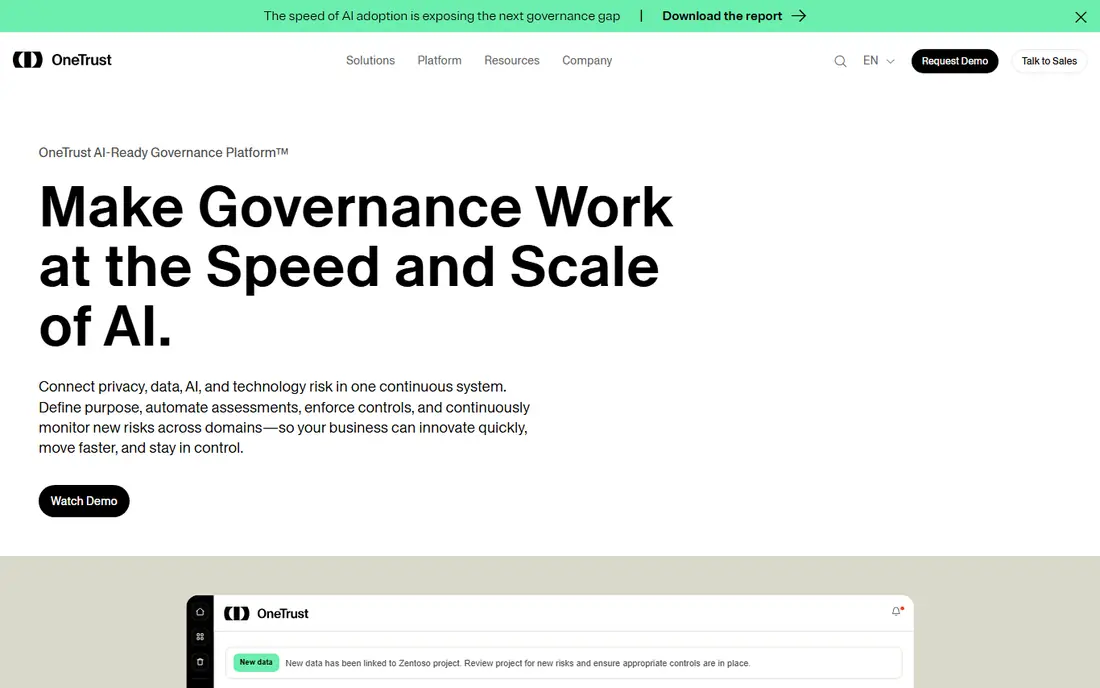
OneTrust fits enterprises that want privacy, data governance, and third-party risk in one platform. Its third-party risk tools cover vendor inventory, assessments, and risk scoring, with privacy and compliance tools available alongside. For a team comparing options on enterprises that combine privacy and vendor risk, that combination is worth testing with real data, since feature pages alone do not show how daily work feels.
The catch is scope and cost. Pricing is quoted and setup takes planning, so it suits teams with dedicated risk staff rather than a first-time buyer. Before you commit, check the current pricing page for your team size and confirm trial terms, since prices and limits change. If the tool passes that check, it earns a place on a shortlist of two or three for a proper trial.
- Broad trust and risk platform
- Vendor inventory and assessments
- Privacy tools in the same system
- Quote-based pricing
- Implementation can be long
- Smaller teams may find it oversized
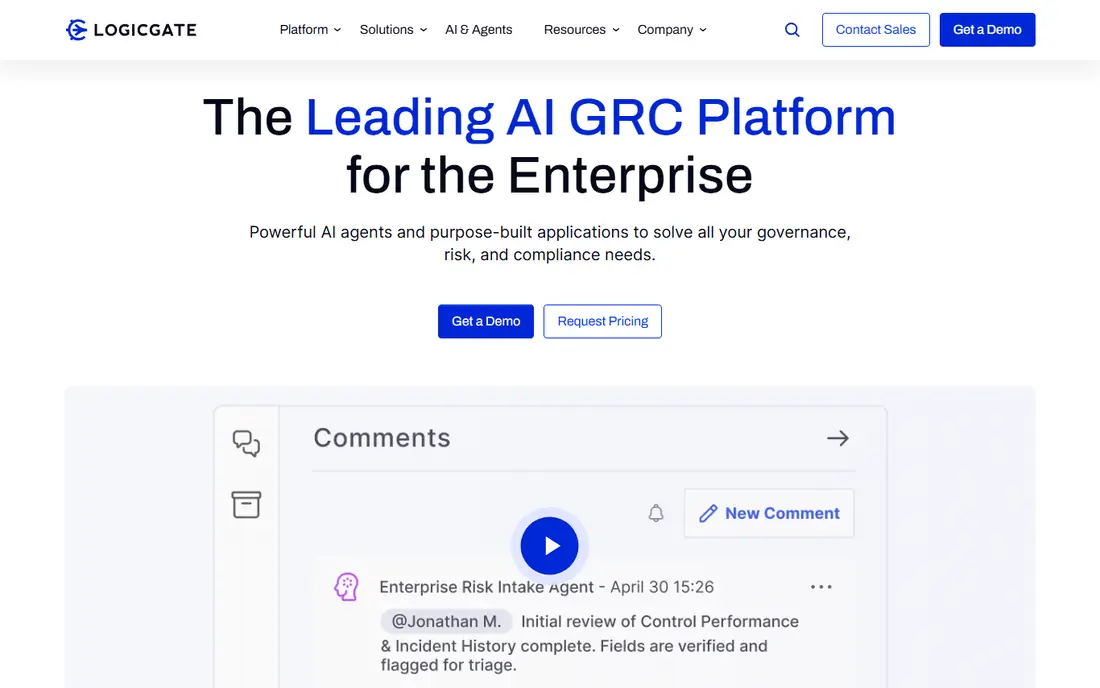
LogicGate Risk Cloud fits risk teams that want to shape workflows without heavy coding. Its drag-and-drop builder lets business users create questionnaires, assessments, and approval flows, with prebuilt apps for third-party risk. For a team comparing options on teams that want configurable risk workflows, that combination is worth testing with real data, since feature pages alone do not show how daily work feels.
The catch is reporting depth. Some teams find standalone reporting lighter than enterprise suites, so test your board and audit reports during the demo. Before you commit, check the current pricing page for your team size and confirm trial terms, since prices and limits change. If the tool passes that check, it earns a place on a shortlist of two or three for a proper trial.
- No-code workflow builder
- Prebuilt risk and third-party apps
- Flexible reporting
- Reporting can feel thin for complex needs
- Pricing is quoted
- Setup still needs process design
ServiceNow Third-Party Risk Management
Great for: Organizations already running ServiceNow
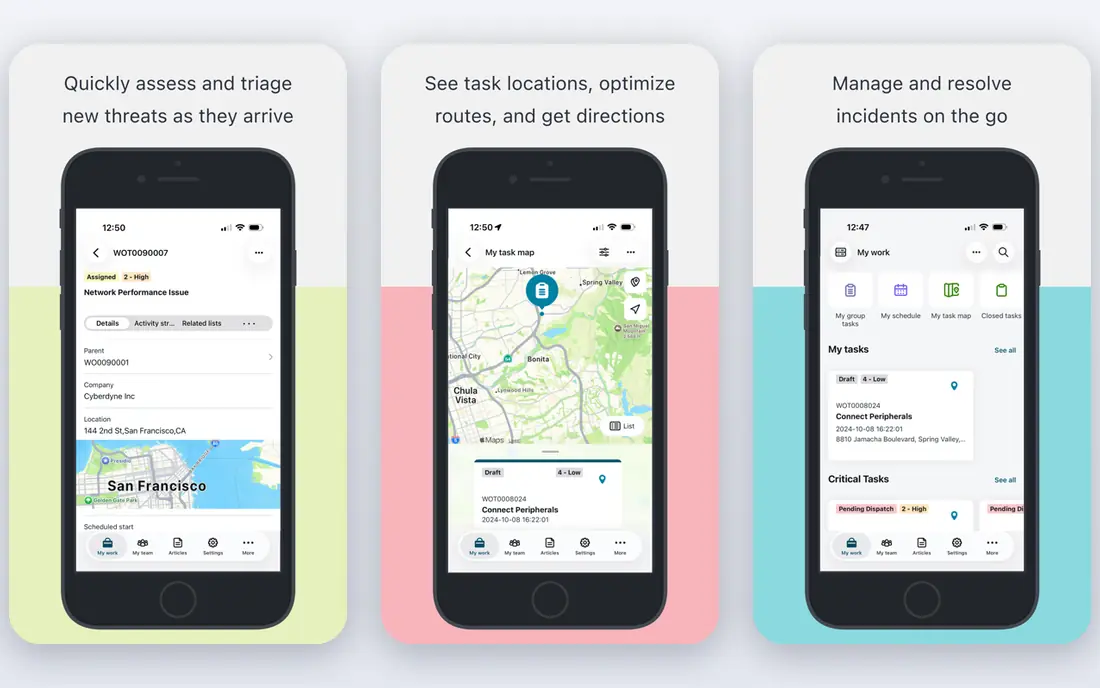
ServiceNow Third-Party Risk Management fits organizations that already run ServiceNow for IT, service, or operations. Vendor risk sits inside the same workflow system as incidents, requests, and approvals, which can reduce duplicate data entry. For a team comparing options on organizations already running servicenow, that combination is worth testing with real data, since feature pages alone do not show how daily work feels.
The catch is the base platform. If you do not already use ServiceNow, the total cost and setup are much larger than a standalone vendor risk tool. Before you commit, check the current pricing page for your team size and confirm trial terms, since prices and limits change. If the tool passes that check, it earns a place on a shortlist of two or three for a proper trial.
- Vendor risk inside a broad workflow platform
- Strong automation
- Enterprise integrations
- Needs a ServiceNow base
- Quote-based pricing
- Implementation scope can grow
Archer fits large enterprises that run governance, risk, and compliance as a formal, integrated program. Its breadth covers risk registers, third-party risk, audit, and compliance in one configurable suite. For a team comparing options on large enterprises with broad governance needs, that combination is worth testing with real data, since feature pages alone do not show how daily work feels.
The catch is effort. Implementation is a project, not a quick setup, and the platform needs staff who own it day to day. Before you commit, check the current pricing page for your team size and confirm trial terms, since prices and limits change. If the tool passes that check, it earns a place on a shortlist of two or three for a proper trial.
- Deep governance, risk, and compliance breadth
- Configurable risk programs
- Strong reporting
- Quote-based pricing
- Long implementation
- Needs dedicated administrators
ProcessUnity fits teams that manage vendors from intake through renewal and offboarding. Its lifecycle workflows cover onboarding, assessments, remediation, and contract tracking, with a shared exchange that can reduce duplicate questionnaires. For a team comparing options on teams that want full vendor lifecycle automation, that combination is worth testing with real data, since feature pages alone do not show how daily work feels.
The catch is data readiness. You still need clean vendor records and clear tiering rules, or automation will move messy data faster rather than fixing it. Before you commit, check the current pricing page for your team size and confirm trial terms, since prices and limits change. If the tool passes that check, it earns a place on a shortlist of two or three for a proper trial.
- End-to-end vendor lifecycle
- Shared risk exchange
- Configurable workflows
- Quote-based pricing
- Smaller teams may find it broad
- Setup needs vendor data cleanup
Venminder fits regulated organizations, especially in finance, that want both software and human help with vendor risk. It combines lifecycle software with managed assessment services, which can help teams that lack in-house risk analysts. For a team comparing options on regulated teams that want managed risk services, that combination is worth testing with real data, since feature pages alone do not show how daily work feels.
The catch is package scope. Managed services vary by tier, so confirm exactly which assessments and follow-ups are included in your quote. Before you commit, check the current pricing page for your team size and confirm trial terms, since prices and limits change. If the tool passes that check, it earns a place on a shortlist of two or three for a proper trial.
- Vendor lifecycle tools plus managed services
- Assessment support
- Remediation tracking
- Quote-based pricing
- Service scope varies by package
- Less suited to very small vendor lists
Prevalent fits organizations with a mature third-party program that needs depth in assessments and remediation. It covers intake, questionnaires, evidence review, and remediation tracking with strong workflow control. For a team comparing options on mature third-party risk programs, that combination is worth testing with real data, since feature pages alone do not show how daily work feels.
The catch is depth versus speed. Mature teams benefit most, while teams buying their first tool may prefer a faster, simpler start. Before you commit, check the current pricing page for your team size and confirm trial terms, since prices and limits change. If the tool passes that check, it earns a place on a shortlist of two or three for a proper trial.
- Full lifecycle assessment depth
- Remediation workflows
- Vendor risk intelligence
- Quote-based pricing
- Setup takes time
- Smaller teams may find it deep
BitSight fits security teams that need continuous visibility into vendor security posture. Its ratings and monitoring surface exposures, vulnerabilities, and security changes between formal assessments. For a team comparing options on continuous security monitoring of vendors, that combination is worth testing with real data, since feature pages alone do not show how daily work feels.
The catch is scope. A rating is an outside view, not proof of internal controls, so pair it with questionnaires and contract review for critical vendors. Before you commit, check the current pricing page for your team size and confirm trial terms, since prices and limits change. If the tool passes that check, it earns a place on a shortlist of two or three for a proper trial.
- Continuous outside-in security ratings
- Portfolio monitoring
- Breach and exposure signals
- Ratings do not replace questionnaires
- Pricing is quoted
- Context needs analyst review
SecurityScorecard fits teams that want a quick, rated view of vendor security risk. Its scorecards rate vendors across security factors and alert teams to changes, with a free self-scorecard for your own company. For a team comparing options on ratings with free self-monitoring, that combination is worth testing with real data, since feature pages alone do not show how daily work feels.
The catch is completeness. Ratings help you prioritize, but they do not collect questionnaires, track remediation, or manage contracts on their own. Before you commit, check the current pricing page for your team size and confirm trial terms, since prices and limits change. If the tool passes that check, it earns a place on a shortlist of two or three for a proper trial.
- Security ratings for vendors
- Free company scorecard
- Monitoring and alerts
- Full vendor monitoring is quoted
- Ratings need context
- Not a full lifecycle platform alone
UpGuard fits teams that want security ratings, questionnaires, and monitoring with a clear published price. Its Standard plan at $1,750 per month billed annually combines vendor ratings with assessment workflows, and Trust Exchange offers a free starting point. For a team comparing options on teams that want published pricing and ratings, that combination is worth testing with real data, since feature pages alone do not show how daily work feels.
The catch is the entry price. It is clear, but it is not cheap for a small team, so compare it with quote-based rivals at your real vendor count. Before you commit, check the current pricing page for your team size and confirm trial terms, since prices and limits change. If the tool passes that check, it earns a place on a shortlist of two or three for a proper trial.
- Published Standard pricing
- Security ratings plus assessments
- Free Trust Exchange plan
- Standard price is high for small teams
- Deeper governance features are limited versus suites
- Ratings need analyst context
How we picked these
We compared official feature pages, pricing pages, and app store listings, along with public user reviews, for each product in this list. We kept only products that exist and work today and that truly fit the topic, and we left prices as See website where a vendor quotes rather than publishes a price.
We also weighed who each product serves best, since the right pick for a large team is rarely the right pick for a solo owner. That focus on fit, price, and honest limits shaped the order and the trade-offs in every product section above.
How to choose vendor risk software
Start by naming the risk you must manage. A security rating tells you how a vendor looks from outside, while a questionnaire and evidence review tell you how it handles data, access, and incidents inside. Most mature programs need both, but your first purchase should match your most urgent gap.
Count your vendors by tier, not just by total. A tool that works for 20 critical vendors may be slow and costly for 500 low-risk suppliers. Ask how tiering, auto-approval, and renewal reminders work for each tier before you sign.
Check evidence handling and reporting. Ask who chases late questionnaires, how remediation tasks are tracked, and what reports your auditors and board actually receive. A tool that collects answers but cannot show overdue risks clearly will not survive an audit.
Frequently asked questions
What is the best vendor risk management tool for a small team?
Small teams often start with UpGuard or Panorays, since they offer faster setup and clearer pricing than broad governance suites. Teams with very few vendors may manage with questionnaires and ratings before buying a full lifecycle platform.
What are the best vendor risk management platforms for enterprises?
Enterprises often shortlist OneTrust, ServiceNow, Archer, and LogicGate for breadth, workflow control, and reporting. The right pick depends on whether risk already lives in ServiceNow, a governance suite, or a standalone program.
What is the best software for vendor risk management monitoring?
BitSight and SecurityScorecard lead on continuous outside-in monitoring, while UpGuard and Panorays combine ratings with assessments. Monitoring alone does not prove compliance, so pair it with evidence review for critical vendors.
Do vendor risk tools include questionnaires?
Most lifecycle tools include questionnaire libraries and automated chasing, while pure ratings tools do not. Confirm which frameworks and question sets are included, and whether custom questions are easy to add.
How much does vendor risk management software cost?
Most enterprise tools are quote-based and priced by vendor count, modules, and implementation scope. UpGuard publishes a Standard price, but for other tools you should get at least two written quotes at your real vendor count.
Sources
See where you really rank - block by block
ProMapRanker scans Google Maps across a grid of your service area. Simple monthly plans from $19, white-label on every plan.
Start freeKeep reading
 zoho inventory alternatives
6 Alternatives to Zoho Inventory, Compared on Price and Fit
Zoho Inventory alternatives: 6 tools compared on price, free plans and fit. Katana leads the list for manufacturers. Fit and flaws are laid out for each entry.
Read → zoho crm alternatives
Best Zoho CRM Alternatives (2026)
Need Zoho CRM alternatives? We compare 7 tools on cost, free access and who each suits. Every pick gets a straight assessment. Built for quick decisions.
Read → zelle alternatives
Best Zelle Alternatives in 2026
Compare the best Zelle alternatives for sending money to friends, paying sellers and moving funds abroad, with honest notes on fees, speed and safety in 2026.
Read →