 ProMapRanker
Best Vector Database Software (2026)


Organizations already on Elastic that require vector search added · Pricing starts at: Free tier; premium plans available
Direct answer
This list puts Elasticsearch first for organizations already on Elastic that require vector search added. For a different need, Chroma covers developers prototyping RAG and AI features rapidly and pgvector covers teams that want vector search without adding new infrastructure. The full list of 6 tools follows, with prices and free plan facts.
Key takeaways
- Elasticsearch is the opening pick, best for organizations already on Elastic that require vector search added.
- The main caution on Chroma: not designed for massive scale.
- Pinecone is the one to check for teams that want production vector search with zero infrastructure to handle.
- Free access is easy to find: 6 of the 6 tools have a free plan, for example Elasticsearch, Chroma, pgvector and Qdrant.
Quick comparison
| Pick | Great for | Pricing starts at | Free tier | |
|---|---|---|---|---|
| Elasticsearch | Organizations already on Elastic that require vector search added | Free tier; premium plans available | Yes | Visit |
 Chroma | Developers prototyping RAG and AI features rapidly | Free, open source | Yes | Visit |
 pgvector | Teams that want vector search without adding new infrastructure | Free, open source | Yes | Visit |
 Qdrant | Performance-critical applications with complicated payload filtering | Free tier; premium plans available | Yes | Visit |
 Weaviate | Open-source teams that require vector plus keyword hybrid search | Free tier; premium plans available | Yes | Visit |
 Pinecone | Teams that want production vector search with zero infrastructure to run | Free tier; premium plans available | Yes | Visit |
Vector Database Software compared in detail
This ProMapRanker guide covers 6 options for vector database software. Each profile lists a starting price, free plan details, strengths and drawbacks, so you can drop poor fits quickly.
Elasticsearch
Great for: Organizations already on Elastic that require vector search added
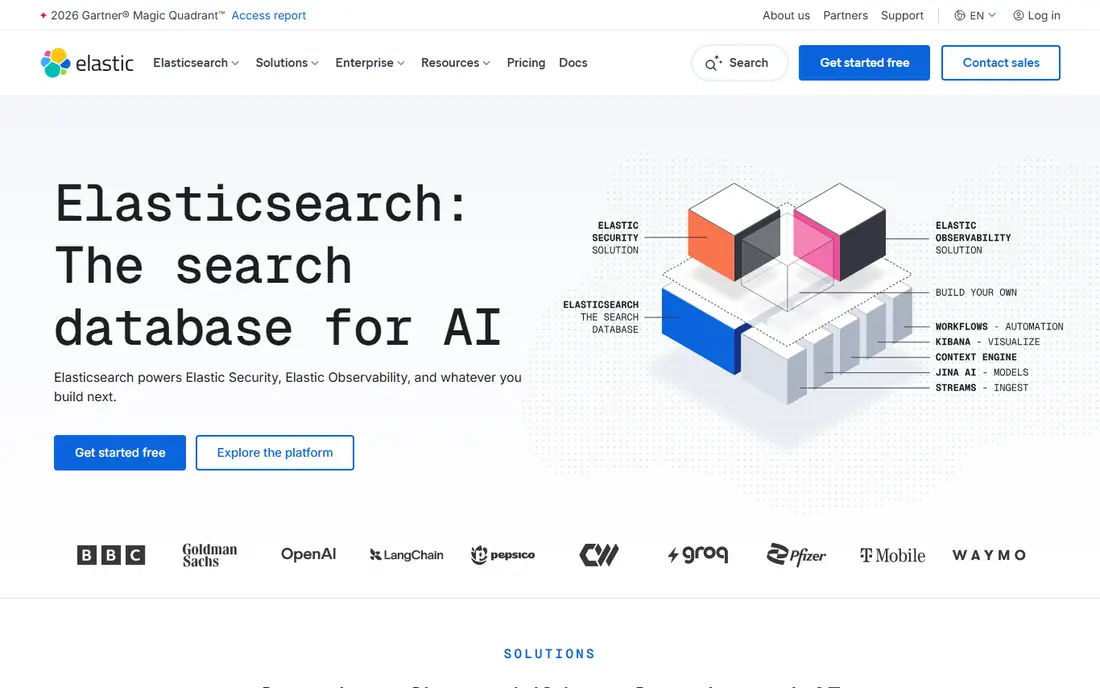
Elasticsearch works best for organizations already on Elastic that require vector search added. Elasticsearch added dense vector search and hybrid retrieval to the stack millions already run.
Best features of Elasticsearch: Massive ecosystem.
Beyond that, for organizations with Elastic infrastructure, RAG and semantic search arrive as a feature, not a new system, with the query DSL, security model, and observability tooling teams already know. As for the details, pure vector workloads run leaner on dedicated engines, and Elastic's licensing has its complexities. Elasticsearch pricing: Free tier. Elasticsearch has a free plan.
Where it is weaker: Resource-heavy for pure vector workloads.
- Vector search inside the familiar Elastic Stack
- Managed Elastic Cloud
- Not vector-first

Chroma targets developers prototyping RAG and AI features rapidly. Chroma is the vector database you reach for on day one of a project. Numerous production systems started as Chroma prototypes, which speaks to how well the API maps to real developer workflows.
Strengths: Open source.
Install the Python package, produce a collection, add documents, and query, all in a handful of lines. It is not made for billion-vector production, and the enterprise feature set is thin. But as the fastest route from idea to working RAG demo, Chroma has earned its place in countless AI prototypes. What you pay to start with Chroma: Free, open source. Chroma has a free plan. Trade-offs to know: Fewer enterprise features.
- Dead straightforward to start
- Python-first API
- Smaller company behind it
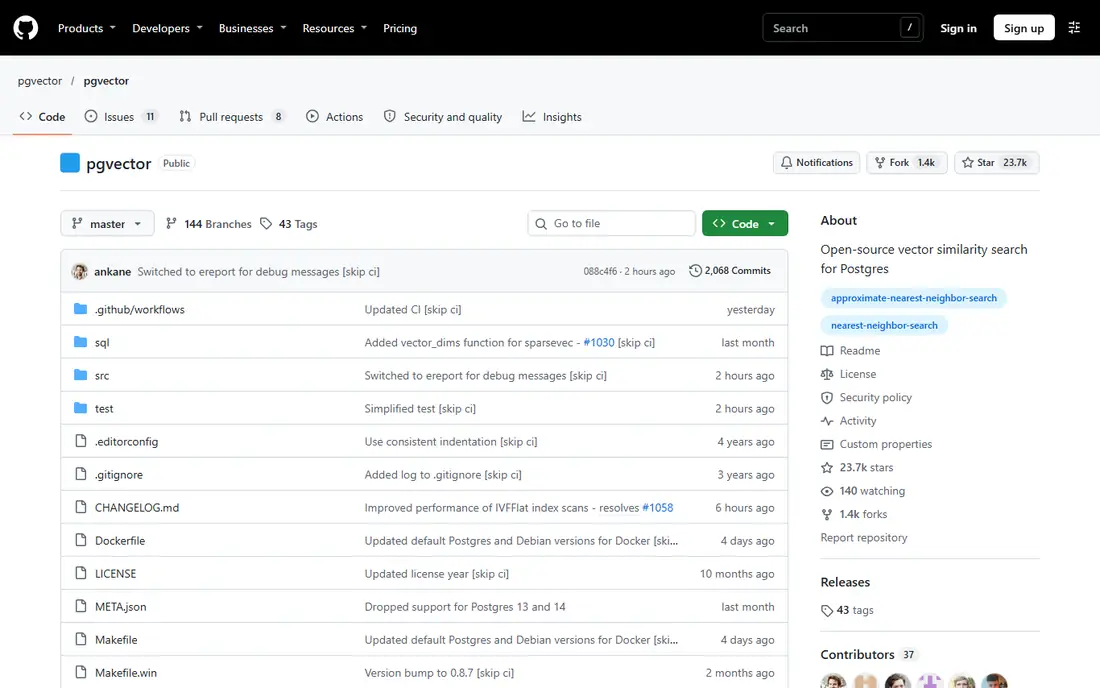
Choose pgvector for teams that want vector search without adding new infrastructure. Backup, monitoring, and access control all come free with the Postgres operational knowledge your team already has. In practice, pgvector is a Postgres extension, and that is its superpower.
Highlights: Runs inside PostgreSQL you already operate.
But for the enormous middle of applications where vectors are one data type among plenty of, pgvector's simplicity is decisive. It is the most pragmatic vector database most teams will ever need. On cost, pgvector starts like this: Free, open source. You can start on pgvector without paying. Honest limits: Not as quick as dedicated engines at scale.
- Transactional consistency
- Zero new infrastructure
- Fewer vector-specific features
Qdrant
Great for: Performance-critical applications with complicated payload filtering
Qdrant is aimed squarely at performance-critical applications with complicated payload filtering. The ecosystem is smaller than Weaviate's or Pinecone's, but expanding quick.
Points against: Advanced features need tuning.
For applications where query latency and filtering power decide the architecture, Qdrant deserves the first look. Price to start with Qdrant: Free tier. A free plan is available with Qdrant.
- Very good performance benchmarks
- Quantization for memory efficiency
- Managed cloud newer
Weaviate
Great for: Open-source teams that require vector plus keyword hybrid search
Choose Weaviate for open-source teams that require vector plus keyword hybrid search. Weaviate is the open-source vector database that thinks like a search engine. Its hybrid search fuses dense vector similarity with classic keyword ranking, which consistently beats pure vector search on real-world queries.
Highlights: Managed cloud available.
The main drawbacks: Resource-hungry at scale.
From a buyer's view, the baked-in vectorizer modules also ease ingestion: raw text goes in, embeddings come out, without managing a separate embedding pipeline. The modular design supports replication, multi-tenancy, and backup strategies that production deployments need. Weaviate starts at: Free tier. Weaviate includes a free tier.
- GraphQL and REST APIs
- Hybrid search combining vector and BM25
- Ramp-up time for advanced configuration
Pinecone
Great for: Teams that want production vector search with zero infrastructure to run
Choose Pinecone for teams that want production vector search with zero infrastructure to handle. Pinecone pioneered vector database as a service, and the serverless model remains its pitch: build an index, upsert vectors, query by similarity, and never think about shards, replicas, or scaling.
The main drawbacks: Costs scale with usage.
Metadata filtering merges with vector search so queries like "similar products under $50 in stock" run in one call. The serverless architecture also deals with spiky workloads gracefully, scaling to zero when idle and up immediately when traffic arrives. Starting cost for Pinecone: Free tier. Pinecone offers a free plan.
- Straightforward API
- Proven at large production scale
- Less configurable than open-source engines
More on vector database software
Traditional databases answer exact questions: find the row where the price equals 49. Vector databases exist for that second kind of query. They store high-dimensional embeddings, vectors that capture semantic meaning, and retrieve the nearest neighbors quick, at scales from thousands to billions.
Embeddings come from models that turn text, images, or audio into vectors where meaning becomes geometry: similar meanings sit close together in vector space.
Selection criteria
ProMapRanker looked at what each vendor publishes: pricing, plan limits, feature coverage for vector database software and stated drawbacks. No hands-on testing is claimed. Plan names, prices and limits change often. Treat the figures here as a starting point and verify them with the vendor. The order reflects how well each tool fits the most common buying scenario for vector database software, then price clarity, then free plan access. It is a starting point, not a verdict.
Questions to settle before buying
- Check the current price for Elasticsearch, Pinecone and the rest on each vendor page, since seats and billing terms change the total.
- Read the fine print on the free plans from Elasticsearch, Chroma, pgvector and others; seat, project and feature caps differ.
- Read the limits listed for Elasticsearch first: not vector-first.
- Look at the help docs and support options for Qdrant before you commit.
- Look at which plan of Chroma unlocks the features you need; entry tiers are often cut down.
Frequently asked questions
Which options for vector database software have a free plan?
On this list, 6 of 6 tools include a free plan, among them Elasticsearch, Chroma, pgvector and Qdrant. Caps on seats, usage or features are common, so test the free plan against your real workload.
Can I try these options before paying?
Often, yes. Elasticsearch, Chroma, pgvector and others have a free plan. Use your own data and a real task during the test, and check what the free tier or trial limits before you rely on it.
How are the tools for vector database software ordered?
Elasticsearch sits first and Pinecone last because the order follows typical fit for vector database software, then price clarity and free access. It is a judgement call, so read each profile for fit and limits.
Is Elasticsearch the right pick for everyone comparing vector database software?
No single tool suits every team. Elasticsearch comes first because it fits organizations already on Elastic that need vector search added, while Chroma suits developers prototyping RAG and AI features quickly and pgvector suits teams that want vector search without adding new infrastructure. Match the tool to your own size, budget and workflow before deciding.
Sources
See where you really rank - block by block
ProMapRanker scans Google Maps across a grid of your service area. Simple monthly plans from $19, white-label on every plan.
Start freeKeep reading
 zoho inventory alternatives
6 Alternatives to Zoho Inventory, Compared on Price and Fit
Zoho Inventory alternatives: 6 tools compared on price, free plans and fit. Katana leads the list for manufacturers. Fit and flaws are laid out for each entry.
Read → zoho crm alternatives
Best Zoho CRM Alternatives (2026)
Need Zoho CRM alternatives? We compare 7 tools on cost, free access and who each suits. Every pick gets a straight assessment. Built for quick decisions.
Read → zelle alternatives
Best Zelle Alternatives in 2026
Compare the best Zelle alternatives for sending money to friends, paying sellers and moving funds abroad, with honest notes on fees, speed and safety in 2026.
Read →